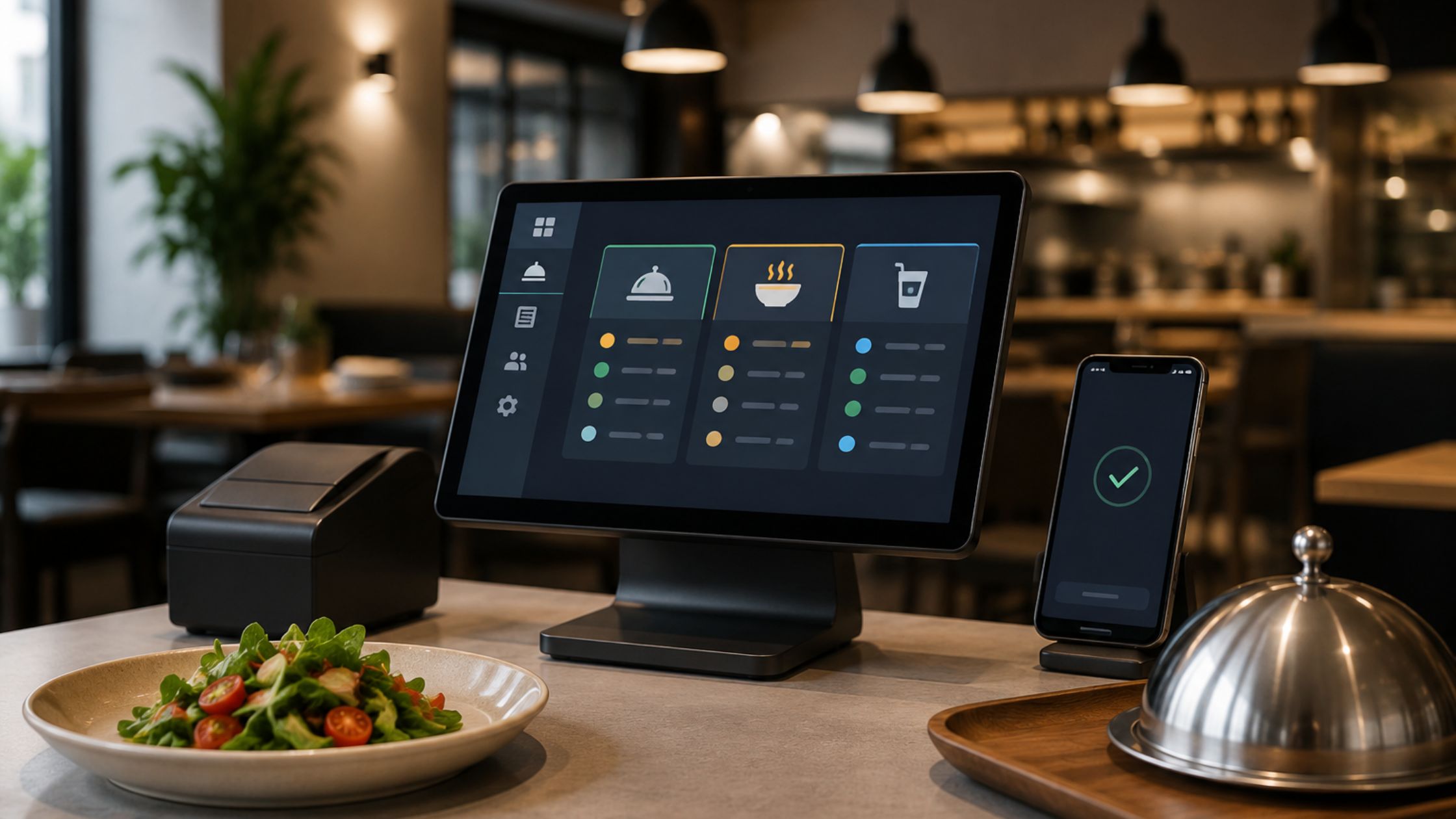
A customizable POS system is a point-of-sale platform that lets businesses modify workflows, features, and integrations to match their specific operations. Customization ranges from adjusting the interface and enabling modular add-ons to commissioning fully custom-built software — each tier differing in cost, flexibility, and implementation time.
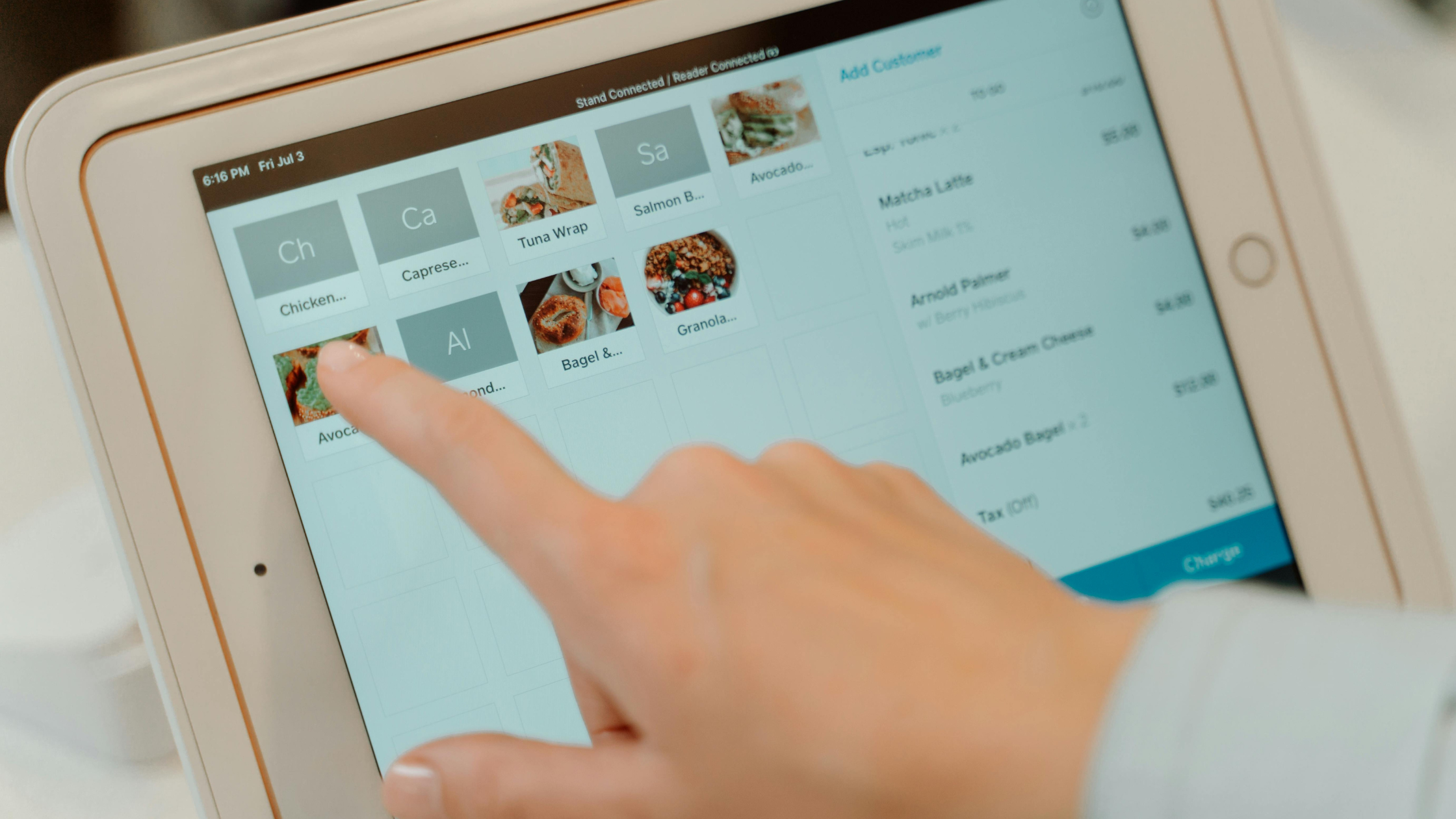
What Customizable POS Systems Actually Mean
Most vendors use “customizable” to mean very different things. Understanding the three distinct tiers helps prevent costly mismatches between what a system promises and what your business needs.
The Three Main Customization Tiers
- Tier 1 — UI and workflow configuration covers surface-level changes: reordering menu buttons, setting tax rules, creating custom receipts, or adjusting checkout flows. Most cloud-based POS software supports this out of the box at no extra cost.
- Tier 2 — Modular add-ons let you activate or purchase discrete features — loyalty programs, advanced reporting, table management, or ecommerce sync — without altering the core platform. You build the system you need from a vendor-approved library.
- Tier 3 — Custom-built POS development means commissioning software engineered from the ground up (or heavily forked from an existing codebase) to meet requirements that no off-the-shelf product supports. This tier involves developers, longer timelines, and significantly higher budgets.
However, many buyers mix up these tiers. As a result, they choose a system that does not fit their real needs. For example, a retailer who needs custom inventory logic and a café owner who wants a different button layout have very different customization needs. Because of this, they should evaluate different products before choosing a POS system.
The 5 Operational Needs That Drive Customizable POS Systems
Before comparing any platforms, map your business against five variables: industry vertical, average daily transaction volume, hardware constraints, your existing integration stack, and your team’s training capacity. These factors determine which customization tier is realistic — and which is overkill.
High transaction volume operations (500+ transactions per day) require systems that can handle the load without lag, which often rules out entry-level configurable platforms. Hardware constraints — whether you’re locked into existing terminals or need mobile flexibility — directly affect which software is even compatible. Staff training capacity matters because a highly customized interface that requires two weeks of onboarding creates more friction than it solves.
Customizable POS Systems Compared: Configurable vs. Modular vs. Custom-Built
Retail POS systems prioritize barcode scanning, variant management (size, color, SKU), and returns processing. A clothing boutique needs a system that can track 500 SKUs across three locations — configuration options like multi-location inventory sync are non-negotiable.
Restaurant POS systems, by contrast, center on table mapping, course sequencing, modifier stacks (e.g., “no onions, add bacon”), and kitchen display system (KDS) integration. Toast POS, for example, is built specifically for food service and includes these features natively. Forcing a generic retail POS into a restaurant context typically requires expensive workarounds. For a deeper look at food service options, see our guide to POS systems for restaurants.
Service businesses — salons, auto shops, fitness studios — need appointment scheduling, deposit handling, and staff commission tracking. These requirements rarely fit cleanly into either retail or restaurant platforms, making Tier 2 modular add-ons or a purpose-built vertical solution the best path.
Integration Depth: Inventory, CRM, and Accounting Compatibility
Also, your POS must connect with your existing tools. Otherwise, your team may spend hours fixing data by hand each week. Prioritize platforms with verified integrations for your specific inventory management software, CRM, and accounting platform — not just a generic “integrations available” claim.
Open API access is the key differentiator here. Platforms that publish well-documented APIs let your team (or a developer) build direct connections to tools like QuickBooks, Xero, Salesforce, or custom warehouse systems. Platforms that restrict API access lock you into their approved partner list. For a full breakdown of how these connections work in practice, see our guide on POS and inventory management integration.
Customer relationship management (CRM) integration is especially valuable for businesses running loyalty programs or email campaigns — your POS data should feed customer purchase history directly into your CRM without manual exports.
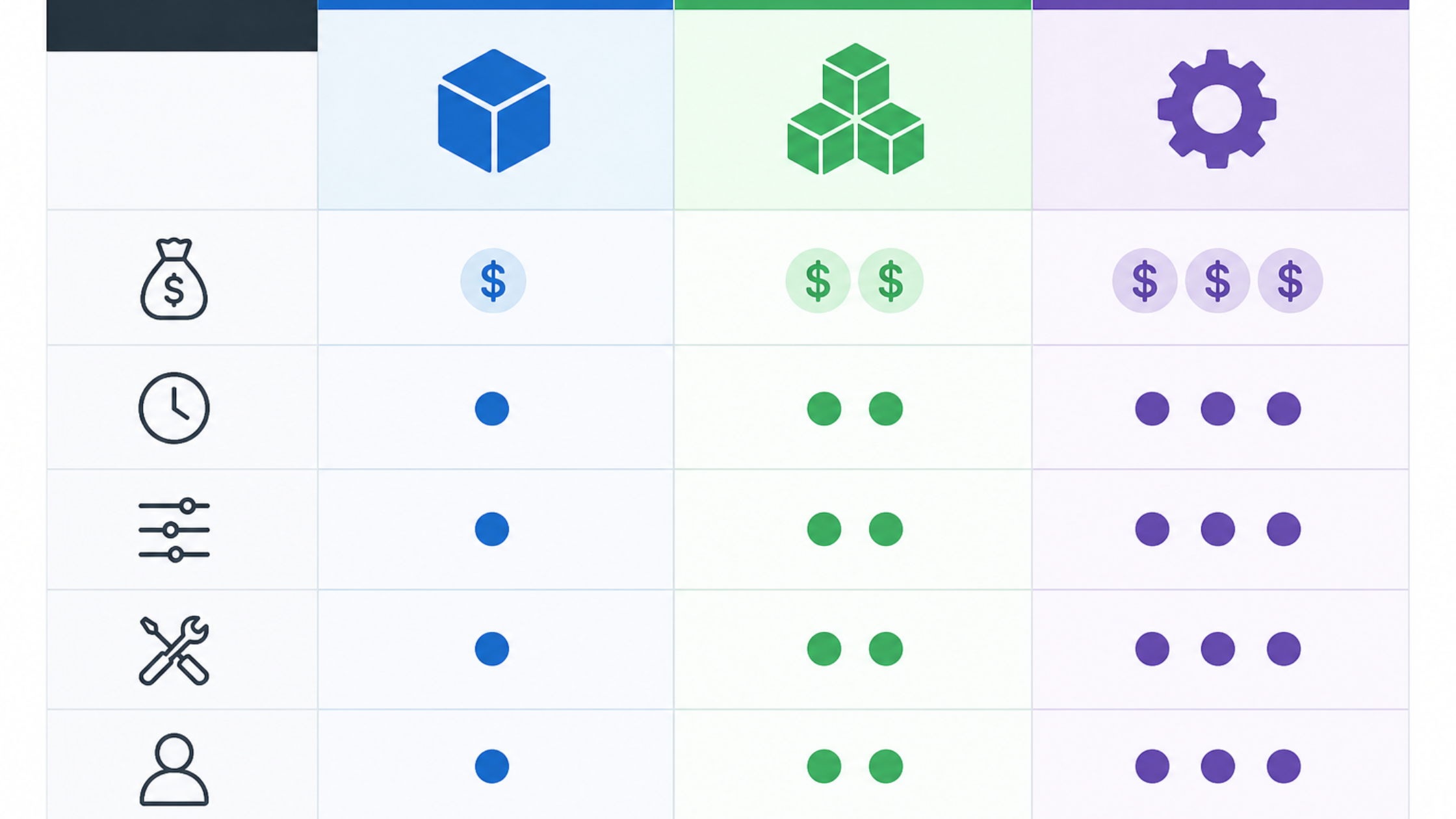
Configurable Off-the-Shelf vs. Modular vs. Custom-Built: A Side-by-Side Comparison
| Factors | Configurable (Tier 1) | Modular (Tier 2) | Custom-Built (Tier 3) |
|---|---|---|---|
| Upfront cost | $0–$100/month | $50–$300/month | $10,000–$100,000+ |
| Implementation time | Hours to days | Days to weeks | 3–12 months |
| Flexibility ceiling | Low | Medium | High |
| Maintenance burden | Vendor-managed | Shared | Owner-managed |
| Best for | SMBs with standard workflows | Growing businesses with specific gaps | Enterprises with unique requirements |
This framework is vendor-neutral by design. The right tier depends entirely on your operational complexity — not on which platform has the best marketing.
When to Choose a Configurable Platform (Square, Toast, Lightspeed)
Choose a configurable platform when your workflows are close to industry-standard and your primary need is reliability at low cost. Square POS suits small retailers and service businesses with straightforward payment processing needs — its free tier covers the basics, and paid plans start at $60/month. Lightspeed is a stronger fit for mid-sized retailers managing complex inventory across multiple locations, with deeper reporting and supplier management tools. Toast POS is the default starting point for most independent restaurants, offering native KDS integration, menu modifiers, and online ordering in one ecosystem.
For small business owners still comparing baseline options, our roundup of the best POS systems for small business covers entry-level platforms in detail. If budget is a primary constraint, explore free POS systems for small business before committing to a paid platform.
When a Custom-Built POS Is Worth the Investment
Custom POS development makes financial sense when your operational requirements are genuinely unique and the cost of workarounds in an off-the-shelf system exceeds the development cost over three years. According to Itransition, custom POS projects typically range from $10,000 to over $100,000 depending on feature scope, with ongoing maintenance adding 15–20% of the build cost annually.
The honest threshold: if you’re processing under $2M in annual revenue, a custom-built POS is almost never the right first move. The maintenance burden alone — security patches, hardware compatibility updates, payment processing compliance — requires dedicated technical resources that most SMBs don’t have. Custom builds are best suited for enterprise retailers, franchise operators with proprietary workflows, or businesses in regulated industries where off-the-shelf compliance is insufficient.
Key Features to Demand in Any Customizable POS System
Regardless of which tier you choose, these features are non-negotiable for any system claiming to be truly customizable:
Essential Features for Long-Term Flexibility
- Open API — Without it, you’re locked into the vendor’s integration ecosystem permanently.
- Role-based user permissions — Staff should only access what their role requires. This protects revenue and simplifies compliance.
- Hardware agnosticism — The software should run on your existing terminals, tablets, or printers — not force a proprietary hardware purchase.
- Offline mode — Payment processing and order capture must function when internet connectivity drops. Any system without offline functionality is a liability in high-volume environments.
- Modular POS add-ons — The ability to activate features incrementally means you pay for what you use now and scale without switching platforms.
- Payment processing flexibility — Avoid systems that mandate a single payment processor. Processor-agnostic platforms give you rate negotiation leverage.
Therefore, the best customizable POS systems should give you control, flexibility, and room to grow without creating new operational limits.
Total Cost of Customization: What Vendors Don’t Advertise
At first, the monthly price may look low. However, the full cost often becomes much higher after customization. Per-module pricing adds up fast — a platform advertised for $79/month often reaches $250/month once you activate inventory management, loyalty, and advanced reporting modules.
Custom development fees for API integrations with non-partner tools typically run $1,500–$8,000 per integration depending on complexity. Hardware costs — terminals, receipt printers, barcode scanners, card readers — add $500–$2,500 per station upfront. Ongoing maintenance for custom-built systems averages 15–20% of the original build cost per year, according to data from Hashmap.
Build a three-year total cost of ownership (TCO) model before signing any contract. Includes: monthly subscription × 36, hardware, integration development, staff training time, and estimated downtime cost during implementation. This number — not the advertised monthly rate — is the real comparison point between platforms.
How to Evaluate and Select Your Customizable POS: A 4-Step Process
Before choosing, follow a clear process so you compare each system by real needs, not only features, pricing, or vendor promises.
Steps to Choose the Right POS System
These steps help you compare each POS option clearly, test real business needs, and avoid choosing a system based only on sales promises.
- Step 1 — Audit your operational requirements. Document every workflow your POS must support: transaction types, inventory rules, staff roles, integration needs, and hardware already in use. Be specific. “Needs inventory management” is not a requirement; “needs real-time multi-location inventory sync with QuickBooks Online” is.
- Step 2 — Shortlist by tier. Use the comparison table above to eliminate tiers that don’t fit your budget or complexity. Then narrow to three platforms within the appropriate tier based on vertical fit and verified integrations.
- Step 3 — Pilot test with real transactions. Every serious vendor offers a trial period or demo environment. Run your actual workflows — don’t just click through a demo. Test the offline mode, process a real payment, and attempt the integration your business depends on.
- Step 4 — Negotiate the contract before signing. Lock in pricing for the modules you need today and clarify the cost structure for adding features later. Confirm API access terms, data portability rights (you must be able to export your data if you leave), and uptime SLA commitments in writing.
The right customizable POS system isn’t the one with the longest feature list — it’s the one that fits your current operations, scales with your growth, and doesn’t create a switching cost so high you’re trapped.
FAQs
1. What is the difference between a customizable POS system and a custom-built POS system?
A customizable POS system is an existing platform that you configure or extend using built-in settings and modular add-ons. A custom-built POS is software developed from scratch (or heavily modified) by developers to meet requirements that no standard platform supports. Customizable platforms cost $0–$300/month; custom-built systems typically start at $10,000 and require ongoing technical maintenance.
2. Which POS systems offer the most customization for small businesses?
Square POS offers the broadest entry-level configurability at a low cost, making it the most accessible starting point for small businesses. Lightspeed provides deeper customization for retail operations with complex inventory needs. Toast POS leads for restaurant customization. All three support third-party integrations via open APIs, which is the primary driver of long-term flexibility.
3. How much does it cost to customize a POS system?
Costs vary by tier. Configuring an off-the-shelf platform costs $0–$100/month beyond the base subscription. Activating modular add-ons typically adds $50–$200/month. Custom API integrations run $1,500–$8,000 per connection. Fully custom-built POS development ranges from $10,000 to $100,000+, plus 15–20% annually for maintenance.
4. Can I integrate a customizable POS with my existing inventory and accounting software?
Yes, provided the platform offers an open API or a verified native integration with your specific tools. Most major platforms (Square, Lightspeed, Toast) support integrations with QuickBooks, Xero, and common inventory management systems. Always confirm that the integration exists for your exact software version before purchasing — “integrations available” claims vary widely in depth and reliability.
5. What POS features are most important for retail versus restaurant businesses?
Retail POS systems should prioritize multi-location inventory management, barcode scanning, variant tracking (size/color/SKU), and returns processing. Restaurant POS systems need table mapping, menu modifier stacks, kitchen display system integration, and course sequencing. Service businesses require appointment scheduling, deposit handling, and staff commission tracking — a category that fits neither retail nor restaurant platforms cleanly.
6. Is it better to build a custom POS or configure an existing platform?
For the vast majority of businesses, configuring an existing platform is faster, cheaper, and lower-risk. Custom-built POS development is justified only when your workflows are genuinely unique, your annual revenue exceeds $2M, and you have dedicated technical resources for ongoing maintenance. The three-year total cost of ownership almost always favors configurable platforms for SMBs.
7. What should I look for when evaluating a customizable POS system?
Prioritize open API access, role-based user permissions, hardware agnosticism, offline mode functionality, and modular add-on availability. Beyond features, evaluate the vendor’s data portability policy, uptime SLA, and per-module pricing structure. Build a three-year TCO model — including hardware, integrations, training, and maintenance — before comparing platforms on monthly price alone.