Last updated: October 28, 2026
Free coffee shop POS software: the short answer
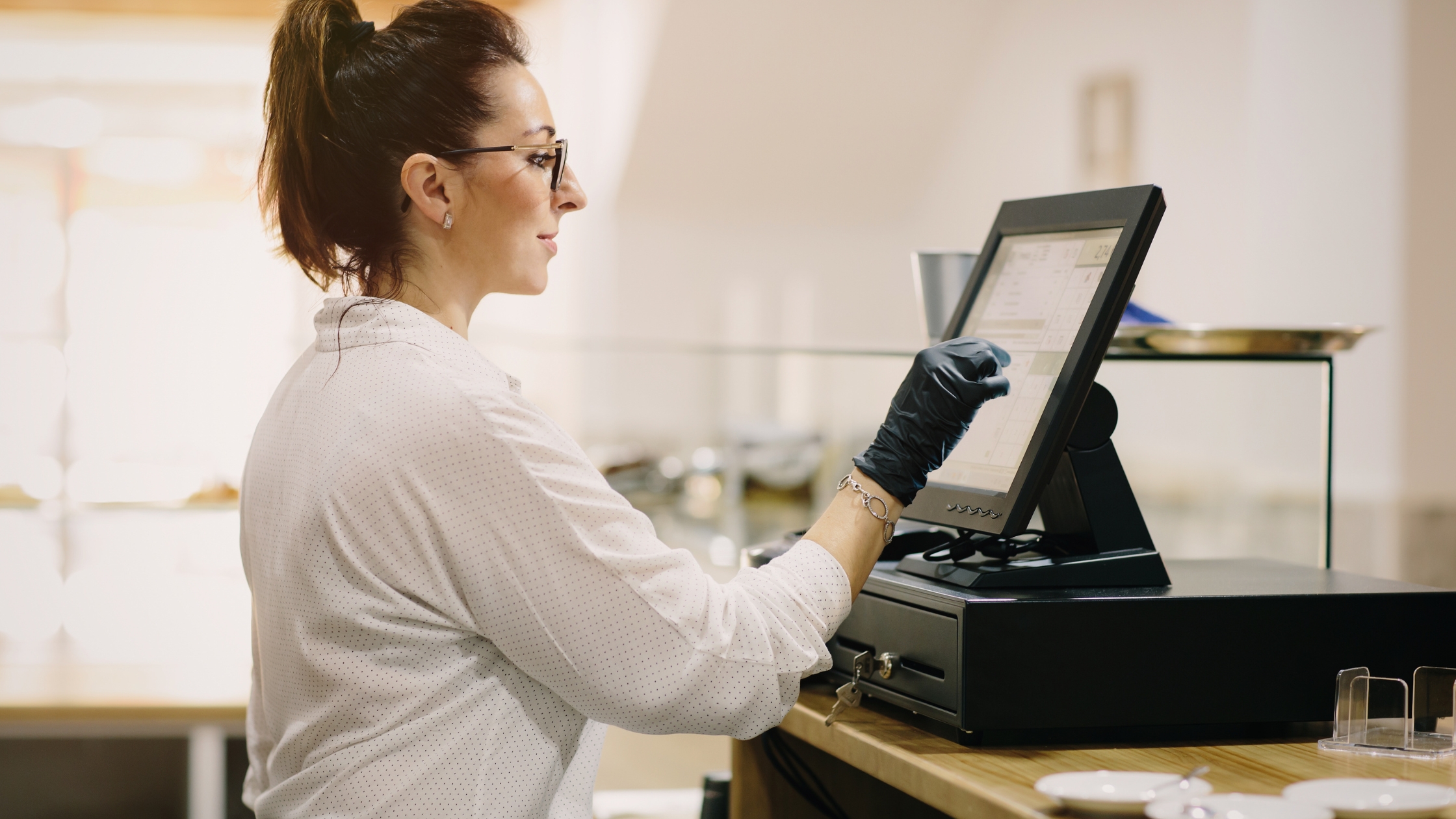
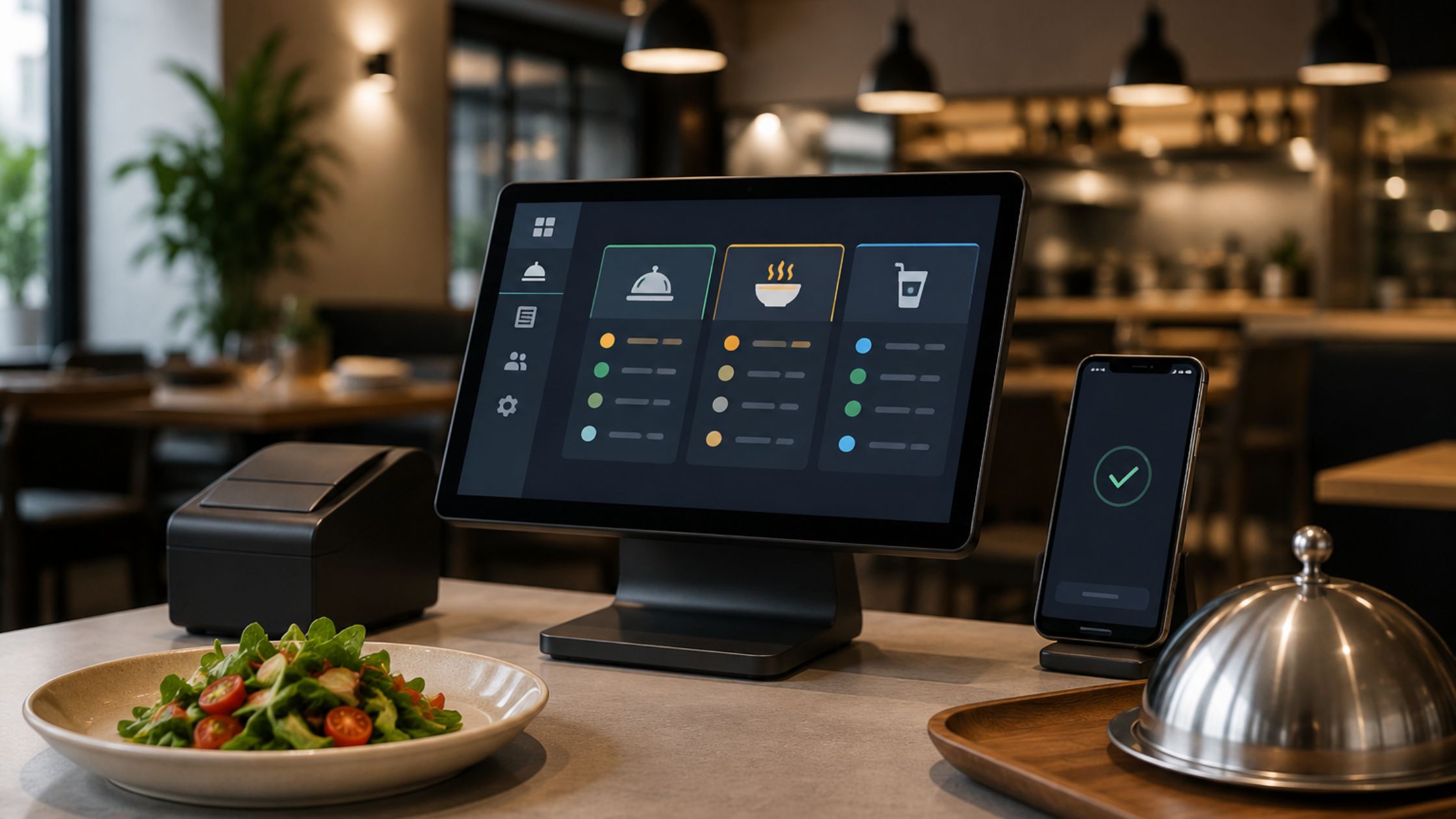
Floreant POS is free, open-source POS software that a coffee shop or café can run with no license fee. It takes counter and take-out orders, lets staff add item options and kitchen instructions, prints tickets to a kitchen printer and reports sales at the end of the day. You supply the computer, receipt printer and cash drawer, and card processing is a separate cost.

What a coffee shop needs from a POS
- Fast counter ordering on a touch screen
- Item options and notes on each drink or food item
- Take-out orders
- Tickets printed to a kitchen printer
- Cash drawer support
- A daily sales report
- Card payments through a card processor
How Floreant POS handles each need
| Need | Floreant POS feature | Read more |
|---|---|---|
| Counter ordering | Touch-screen order screen | Touch screen UI |
| Take-out orders | Take-out order type | Take-out feature |
| Item options and notes | Item modifiers and kitchen instructions sent to the kitchen printer | Menu programming |
| Kitchen tickets | Kitchen printer support | Back office and printer setup |
| Cash handling | Cash drawer support and end-of-day report | Configuration and deployment |
| Card payments | Credit card payment (processing fees apply) | Credit card payment |
Set up a cafe menu
You add your drinks and food in the back office, group them into categories and attach options such as modifiers. The step-by-step guides are menu programming 1 and menu programming 2. The 90-second installation guide shows how to get the software running first.
Hardware for a coffee shop or cafeteria counter
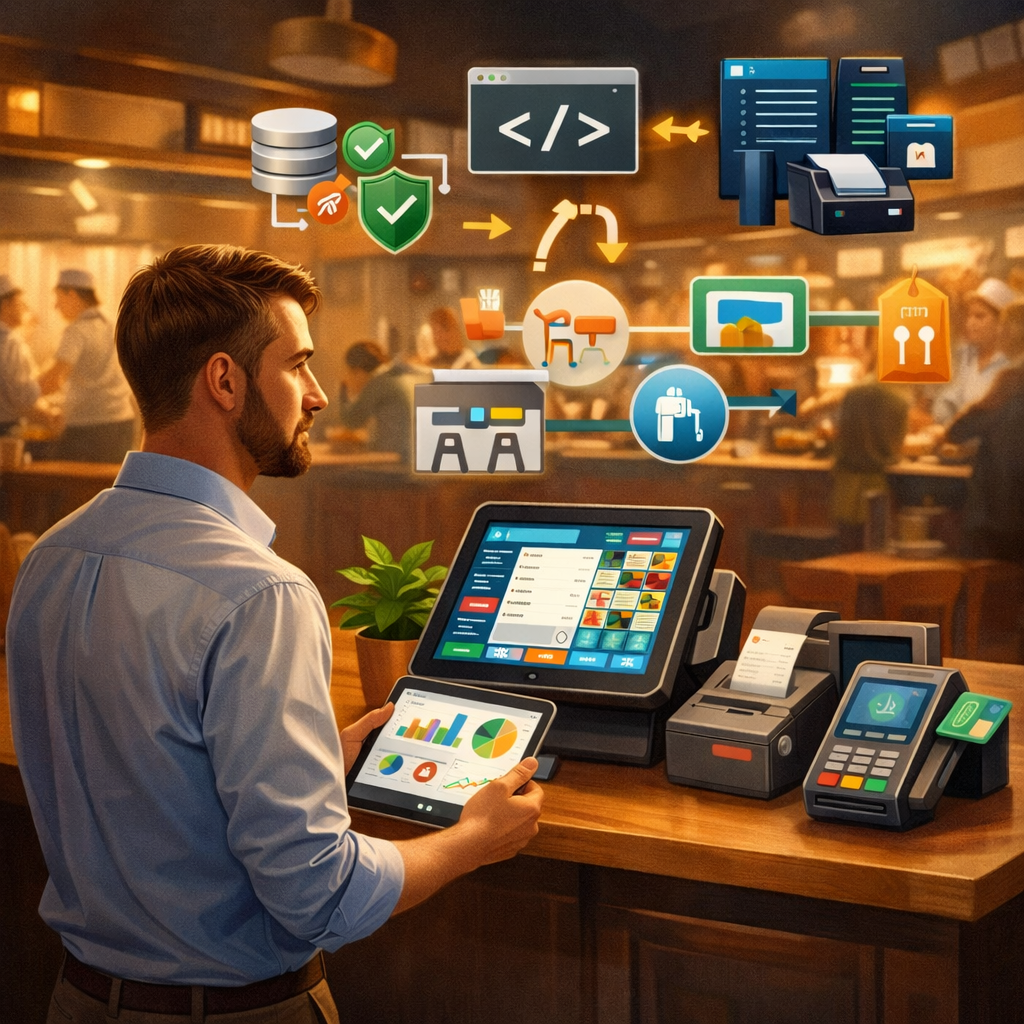
Floreant POS runs on Windows, Mac and Linux and supports touch-screen terminals, receipt and kitchen printers, cash drawers and barcode scanners. You choose the hardware that fits your counter. It works without an internet connection because it uses an embedded database.
What is free and what costs extra
The software and its source code are free. Hardware, card processing and optional paid plugins such as inventory, floor plan and delivery cost extra. Read the full breakdown in our guide to free POS software.
Frequently asked questions
What is a good free POS for a coffee shop?
Floreant POS is a free, open-source option with counter and take-out ordering, item modifiers, kitchen printing and daily reports. It needs some technical comfort to install, so read the installation guide first.
Can a cafe run on a free POS?
Yes. A cafe can use Floreant POS with no license fee. You pay for your own computer, printer, cash drawer and any card processing.
What hardware does a cafe need?
A computer or touch-screen terminal, a receipt printer and a cash drawer. A kitchen printer and a barcode scanner are optional.
Does it work for a cafeteria or food counter?
Yes for counter service: it handles counter and take-out orders. Large cafeterias with special workflows may need optional plugins.
Can customers pay by card?
Yes, through a card payment setup. Card processing fees are charged by the processor. See the credit card payment page for details.
Sources
- Floreant POS project information: technical specifications and supported hardware
- Floreant POS: Point of Sale for Restaurants, LinuxLinks (November 2023)
- Top 7 Free and Open Source POS Software Tools, GoodFirms
Download Floreant POS or visit support for help. See also free restaurant management software.