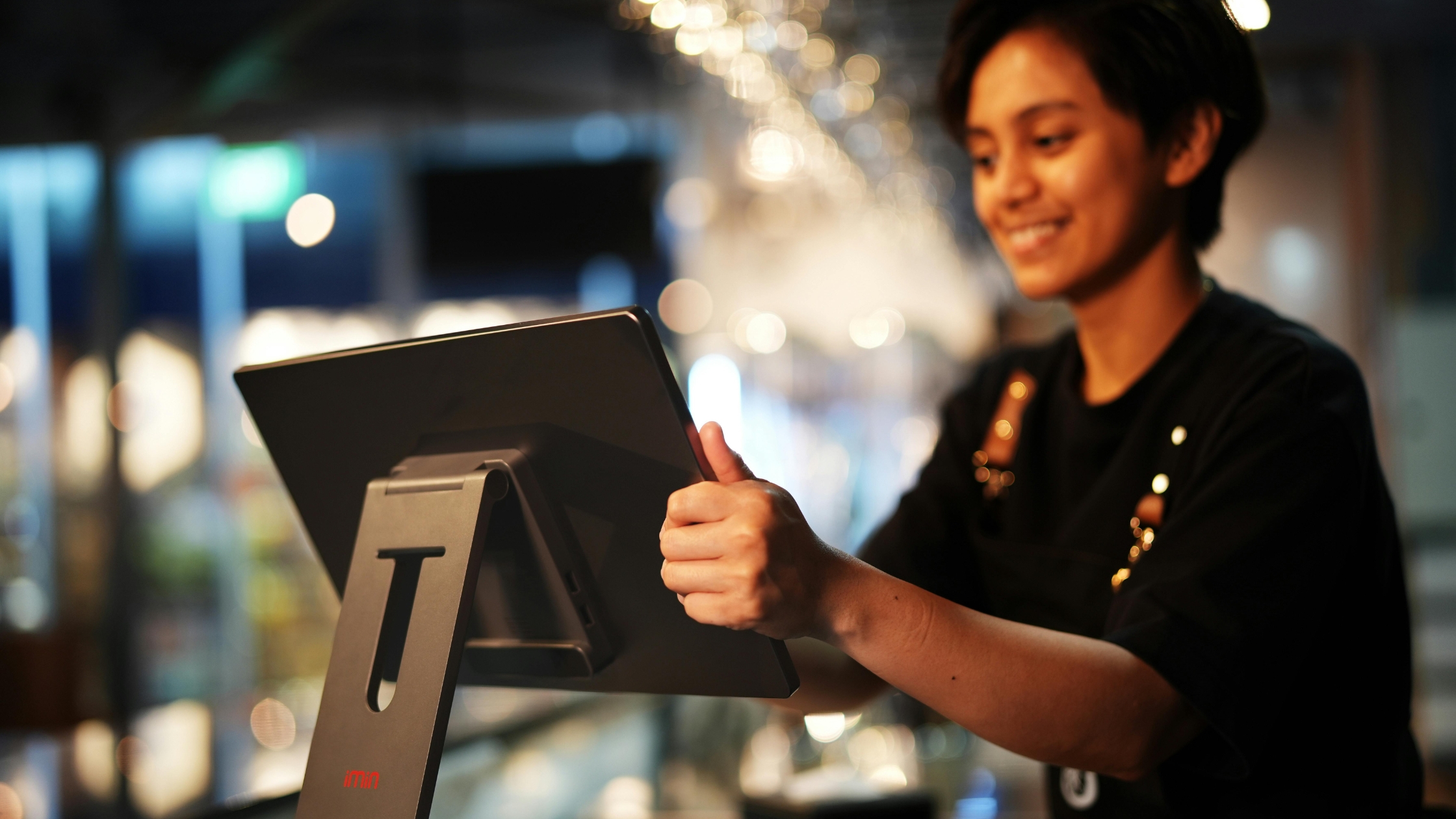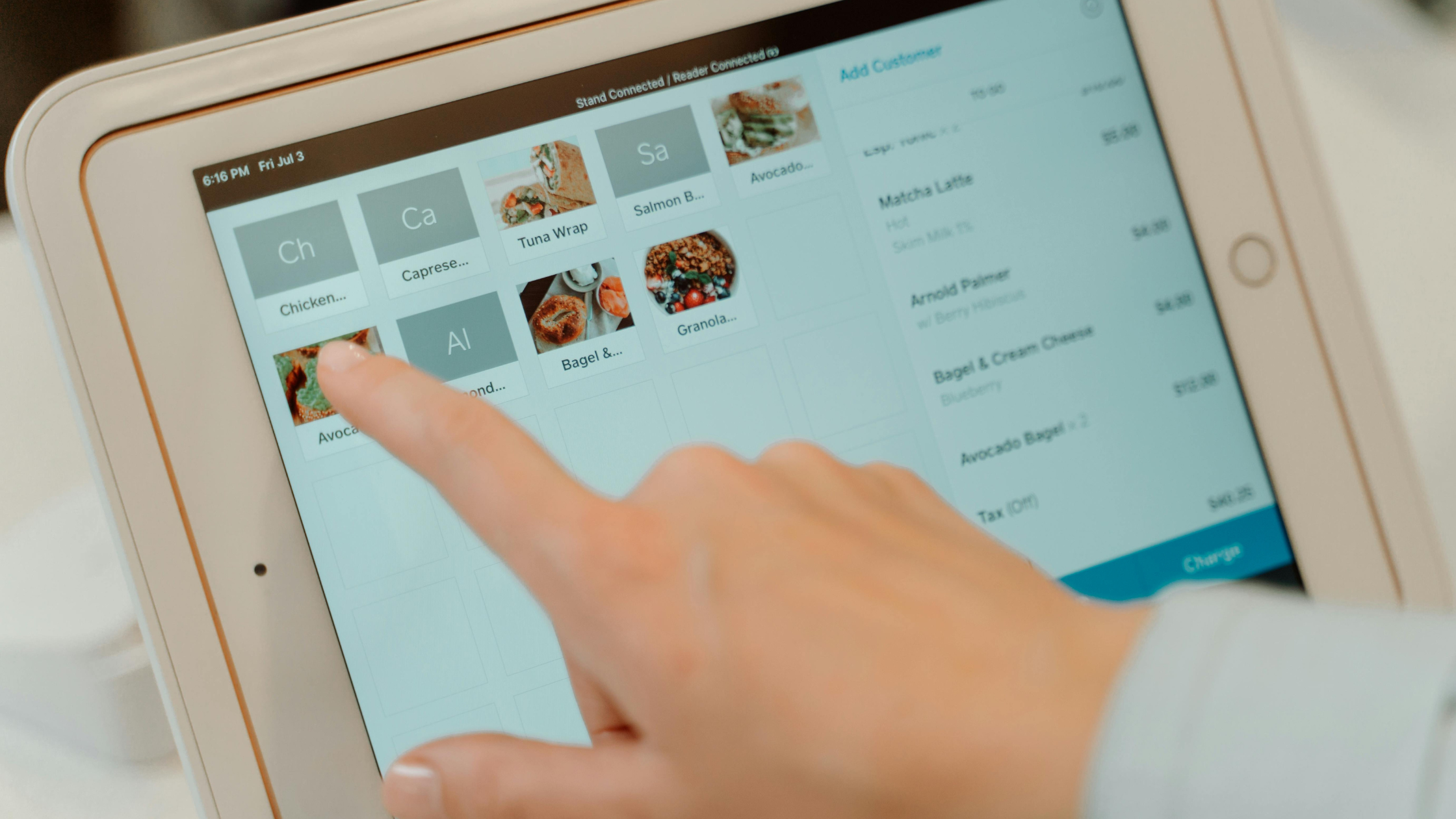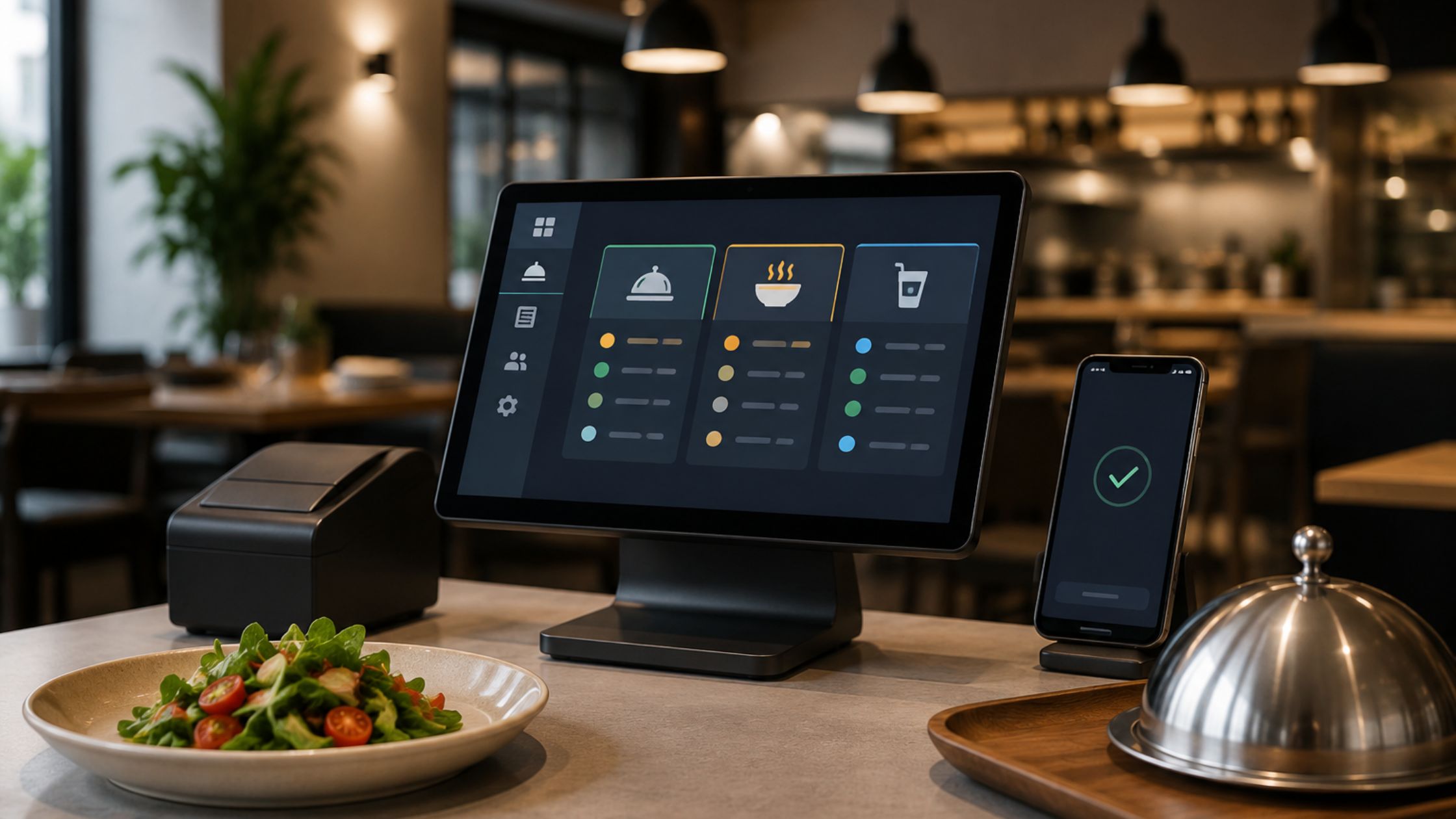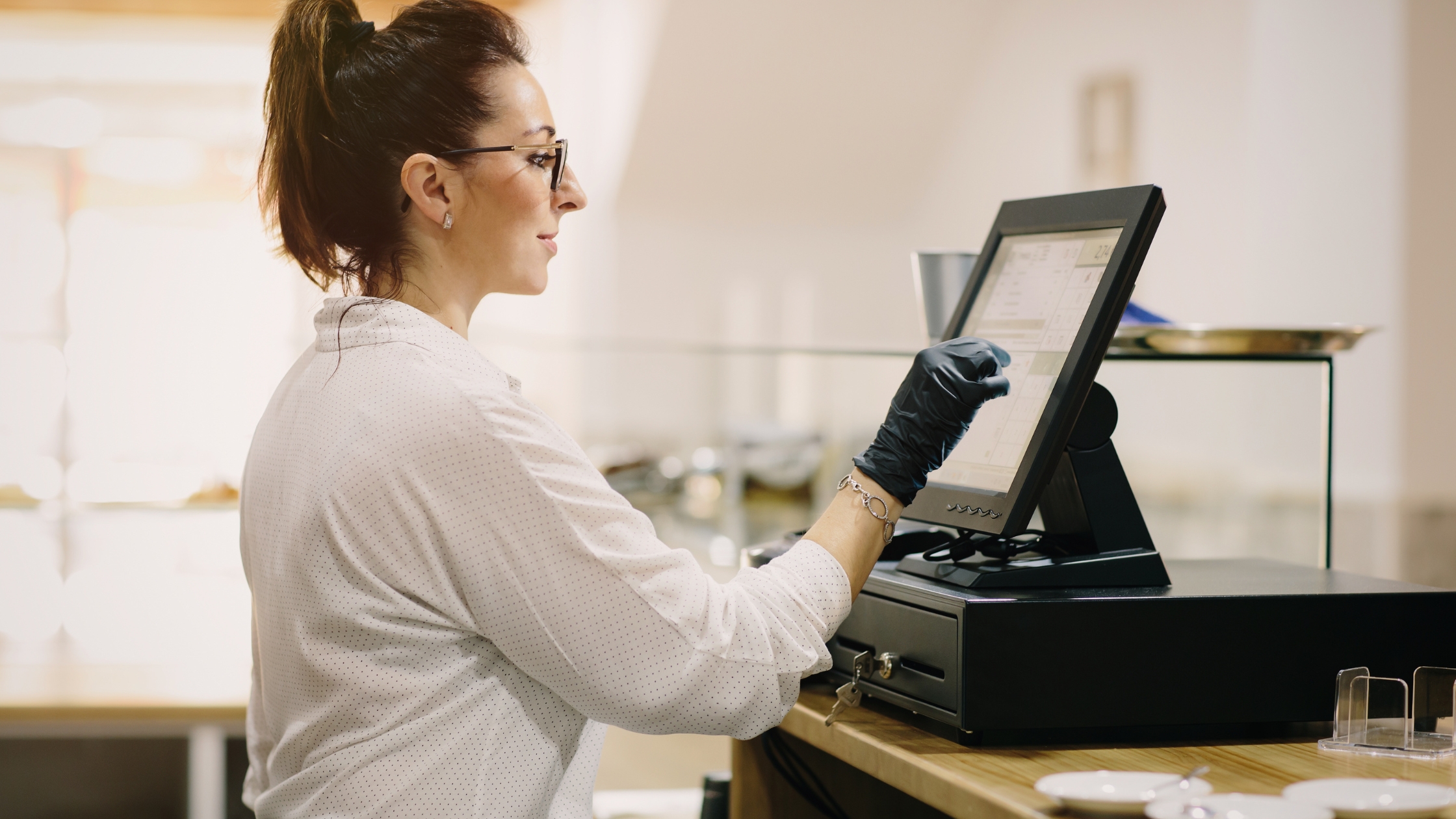
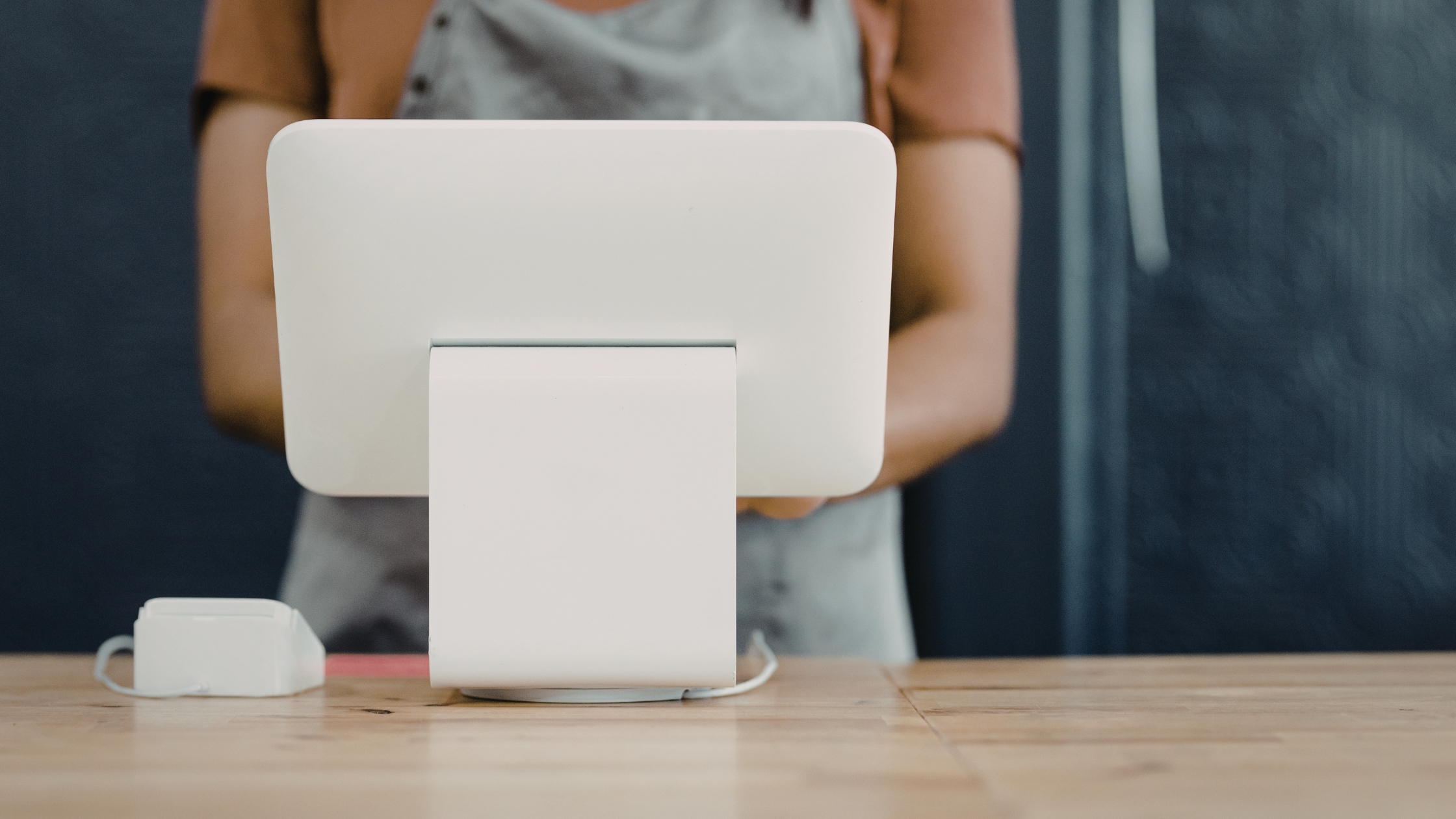
A point of sale (POS) system is the combination of hardware and software a business uses to process transactions, track inventory, and manage customer data. Every small business that accepts payments — whether in a retail store, café, or service van — needs one. Modern POS systems replace the basic cash register with real-time sales analytics, integrated payment processing, and tools that save hours of manual work each week.
What Is a Point of Sale System and Why Do Small Businesses Need One
A point of sale system is where a sale is completed — the moment a customer pays and the business records that transaction. Today’s POS systems go far beyond a cash drawer. They connect payment processing, inventory tracking, staff management, and customer loyalty programs in one platform.
Small businesses that still rely on manual tracking lose money through inventory errors, slow checkouts, and missed sales data. According to the U.S. Chamber of Commerce, integrated POS systems help small businesses reduce human error and identify their top-selling products faster than spreadsheet-based tracking. A modern POS also lets you accept credit cards, contactless payments, and mobile wallets — all of which customers increasingly expect. Stripe notes that barcode scanning and real-time inventory updates alone can cut stock discrepancies by a significant margin for small retailers.
How Much Does a POS System Cost for a Small Business?
A small business POS system typically costs $0–$100/month for software, $0–$1,000 for hardware (tablet, card reader, receipt printer), and 2.5%–2.9% per transaction in processing fees. Free plans from Square and Shopify cover basics; full-featured plans with inventory and analytics run $29–$100/month.
Here is a realistic cost breakdown:
| Cost Category | Low End | High End | Notes |
|---|---|---|---|
| Software (monthly) | $0 | $100 | Free tiers available from Square, Shopify |
| Card reader hardware | $0 | $49 | Square gives first readers free |
| Full hardware kit (tablet, stand, printer, drawer) | $300 | $1,000+ | Clover Station starts at around $599 |
| Transaction fees | 2.5% | 2.9% + $0.10 | Varies by plan and provider |
| Setup / installation | $0 | $500 | Most cloud POS systems are self-install |
Transaction fees are the hidden cost most owners underestimate. On $20,000 in monthly sales, a 2.6% fee equals $520 per month — more than most software subscriptions. Understanding payment processing fees explained before you sign up can save thousands annually.
Free POS Plans vs. Paid Plans: What You Actually Get
Yes, genuinely free POS plans exist, but they come with real limitations. Square POS offers a free plan that includes unlimited products, basic inventory tracking, and a free card reader — making it one of the most capable free options on the market. Shopify Starter ($5/month) covers social and mobile selling but lacks a full retail POS dashboard. Clover’s entry-tier hardware requires a monthly software fee starting at $14.95, so it is not truly free.
Free plans typically exclude advanced inventory management, detailed sales analytics, employee permissions, and loyalty program tools. If your business processes more than $10,000/month or manages more than 100 SKUs, a paid plan at $29–$60/month will pay for itself quickly through better reporting and fewer stockouts.
Matching the Right POS to Your Business Type
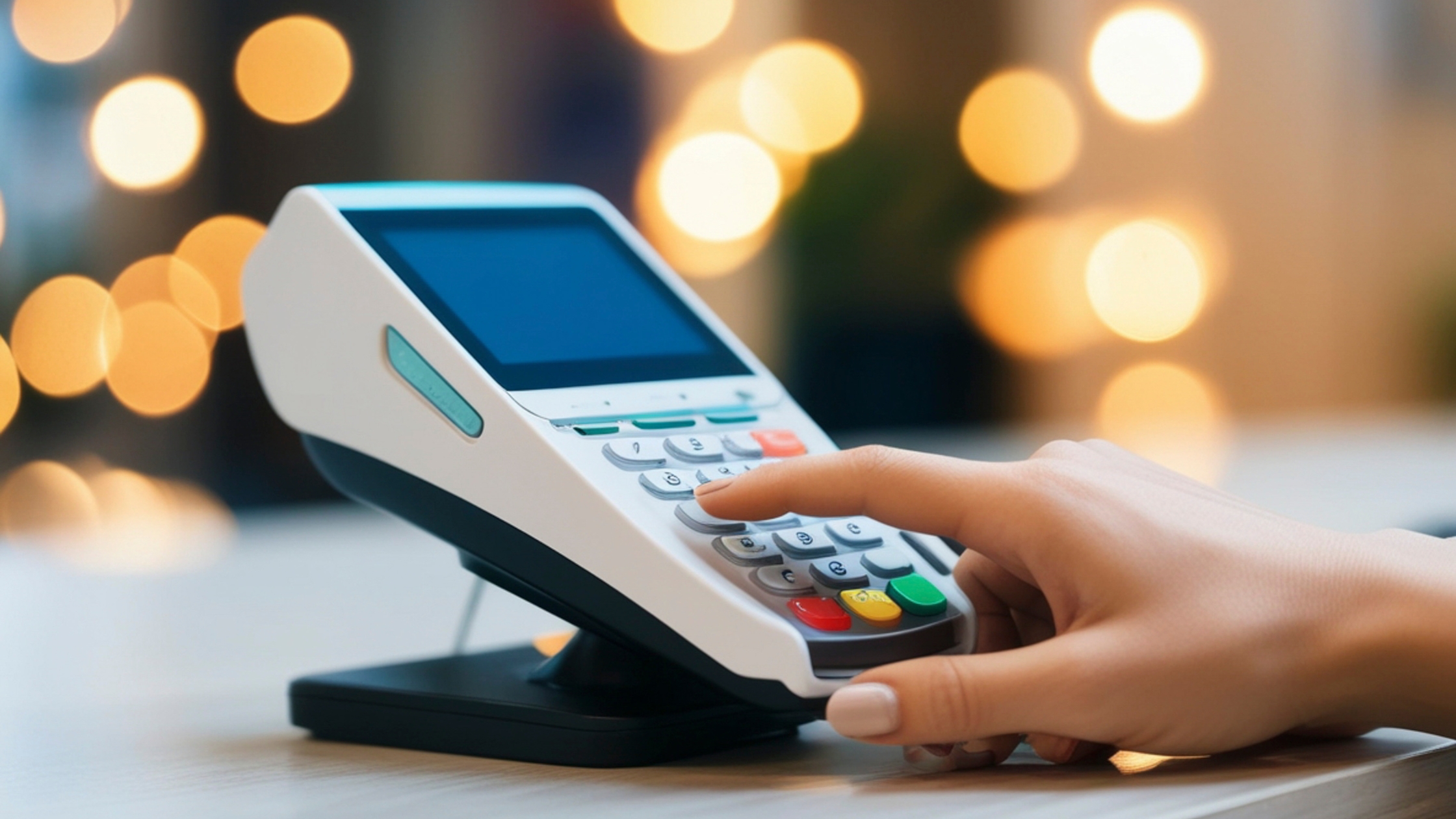
Not every POS system fits every business. A café needs table management and kitchen display system integration. A boutique retail store needs barcode scanning and product variant tracking. A mobile dog groomer needs a card reader and invoicing. Choosing by business type — not just price — is the fastest path to the right system.
Best POS for Small Retail Stores
Lightspeed Retail and Shopify POS are the strongest choices for small retail stores. Lightspeed Retail offers advanced inventory tracking, purchase order management, and built-in barcode scanning across multiple locations. Shopify POS excels when you sell both in-store and online, syncing your inventory and online store integration in real time.
NerdWallet, which reviewed 25+ systems, ranks both highly for retail use cases. Key features to prioritize include product variant management (size, color, style), low-stock alerts, and supplier tracking. Retailers with more than 200 SKUs should also evaluate inventory management software for small businesses that integrates directly with their POS.
Best POS for Cafés and Restaurants
Toast POS and Square for Restaurants dominate this category. Toast POS is purpose-built for food service, offering table management, menu modifiers, split checks, and kitchen display system integration out of the box. Small business owners on Reddit’s r/smallbusiness consistently recommend Toast for its reliability during high-volume rushes, though its hardware lock-in is a common complaint.
Square for Restaurants offers a free plan that covers basic café needs — order management, modifiers, and sales reporting — making it a strong starting point for new coffee shops. Toast’s paid plans start at $69/month and include more robust kitchen workflow tools for busier operations.
Best POS for Service-Based Small Businesses
Service businesses — plumbers, personal trainers, mobile estheticians — need a POS that travels with them. Square POS and Clover Go both offer compact card reader hardware that pairs with a smartphone. Square also includes invoicing, appointment scheduling via Square Appointments, and tipping prompts at no extra cost on the base plan.
Clover Go starts at $49 for the card reader and charges 2.6% + $0.10 per tap or swipe. For service providers who bill clients after the job, the ability to send digital invoices and collect payments remotely is more valuable than a full countertop terminal. Learning how to accept credit card payments on a mobile device takes under 10 minutes with either platform.
How to Set Up a Point of Sale System: Step-by-Step
Setting up a point of sale system for a small business from scratch takes most owners less than a single business day. Follow these steps:
- Choose your POS software based on your business type and budget (see the comparison table below).
- Create an account on the provider’s website and select your plan.
- Order or activate hardware — card reader, tablet, receipt printer, or cash drawers as needed.
- Build your product or service catalog by entering items, prices, and SKUs (import via CSV for large catalogs).
- Connect to your payment processor — most POS platforms have a built-in processor; confirm transaction fees before going live.
- Train your staff using the provider’s free onboarding videos and test transactions.
- Run a test sale to confirm receipts, inventory deductions, and reporting all work correctly.
- Integrate with accounting software — connect to QuickBooks or Xero via native integrations to automate bookkeeping. See the accounting software that integrates with your POS for setup guides.
Cloud-based systems like Square and Shopify POS require no on-site server. You can be processing real transactions the same day you sign up.
Key Features to Demand from Any Small Business POS
Every small business POS system should include these core capabilities before you commit:
- Inventory tracking — real-time stock counts that update automatically with every sale
- Integrated payment processing — accepts credit cards, debit, contactless, and mobile wallets
- Sales analytics — daily, weekly, and product-level reports accessible from any device
- Barcode scanning — speeds up checkout and reduces manual entry errors
- Customer loyalty programs — built-in or third-party tools to reward repeat buyers
- Online store integration — unified inventory across physical and digital storefronts
- Staff management — individual logins, permissions, and time tracking
- Receipt options — email, SMS, or printed receipts based on customer preference
The U.S. Chamber of Commerce identifies integrated payment processing and real-time inventory as the two features with the highest ROI for small business owners. Loyalty programs, while often overlooked, can increase repeat purchase rates by 20–30% according to industry benchmarks.
Top POS Systems for Small Businesses Compared
| POS System | Monthly Software Cost | Hardware Cost | Transaction Fee | Best For |
|---|---|---|---|---|
| Square POS | $0–$60 | $0–$799 | 2.6% + $0.10 | General small business and free plan users |
| Shopify POS | $5–$89 | $49–$459 | 2.4%–2.9% | Retail + online store integration |
| Lightspeed Retail | $89–$149 | $0 (BYOD) | 2.6% + $0.10 | Inventory-heavy retail stores |
| Clover | $14.95–$84.95 | $49–$1,699 | 2.3%–2.6% | Full-service retail and restaurants |
| Toast POS | $0–$165 | $627–$1,024 | 2.49% + $0.15 | Cafés and restaurants |
Forbes’ advisor team, using a 4.7star rating methodology across dozens of criteria, recognizes Square and Toast as top performers in their respective categories. NerdWallet’s review of 25+ systems places Lightspeed Retail as the leading choice for product-heavy small retailers needing deep inventory control.
Square is the most versatile starting point for most new small businesses due to its $0 entry cost, free card reader hardware, and no monthly commitment. Businesses with complex inventory or food service workflows should invest in Lightspeed or Toast respectively from the start — migrating POS systems later is time-consuming and disruptive.
FAQs
1. What is the best point of sale system for a small business in 2026?
Square POS is the best all-around point of sale system for most small businesses in 2026 due to its free plan, no monthly contract, and broad feature set covering retail, food service, and service businesses. Lightspeed Retail leads for inventory-heavy stores, and Toast POS is the top choice for cafés and restaurants.
2. Is there a genuinely free POS system for small businesses, and what are its limitations?
Yes. Square POS offers a genuinely free plan with unlimited products, basic inventory tracking, and a free card reader. Limitations include no advanced reporting, no team management features, no loyalty program tools, and no dedicated customer support beyond online resources. Businesses processing high volumes or managing large catalogs will outgrow the free plan.
3. How much does a complete POS system cost for a small business including hardware and fees?
A complete small business POS system costs $0–$100/month for software, $0–$1,000 for hardware, and 2.5%–2.9% per transaction. A realistic first-year cost for a small retail store using a mid-tier plan, a tablet kit, and $15,000/month in sales is approximately $3,000–$5,000 when all fees are included.
4. How do you set up a point of sale system for a small business from scratch?
Choose your POS software, create an account, order hardware, build your product catalog, connect your payment processor, train staff, and run a test transaction. Most cloud-based systems like Square and Shopify POS can be fully operational within one business day with no technical expertise required.
5. What POS system works best for a small retail store with inventory management needs?
Lightspeed Retail is the best POS for small retail stores with serious inventory management needs. It supports barcode scanning, purchase orders, product variants, and multi-location stock tracking. Shopify POS is the better choice if you also sell online and want a single unified inventory system.
6. Can a small business use a POS system to manage both in-store and online sales?
Yes. Shopify POS and Square POS both offer online store integration that syncs inventory, orders, and customer data across physical and digital channels in real time. When a product sells in-store, the online stock count updates automatically — eliminating overselling and manual reconciliation.