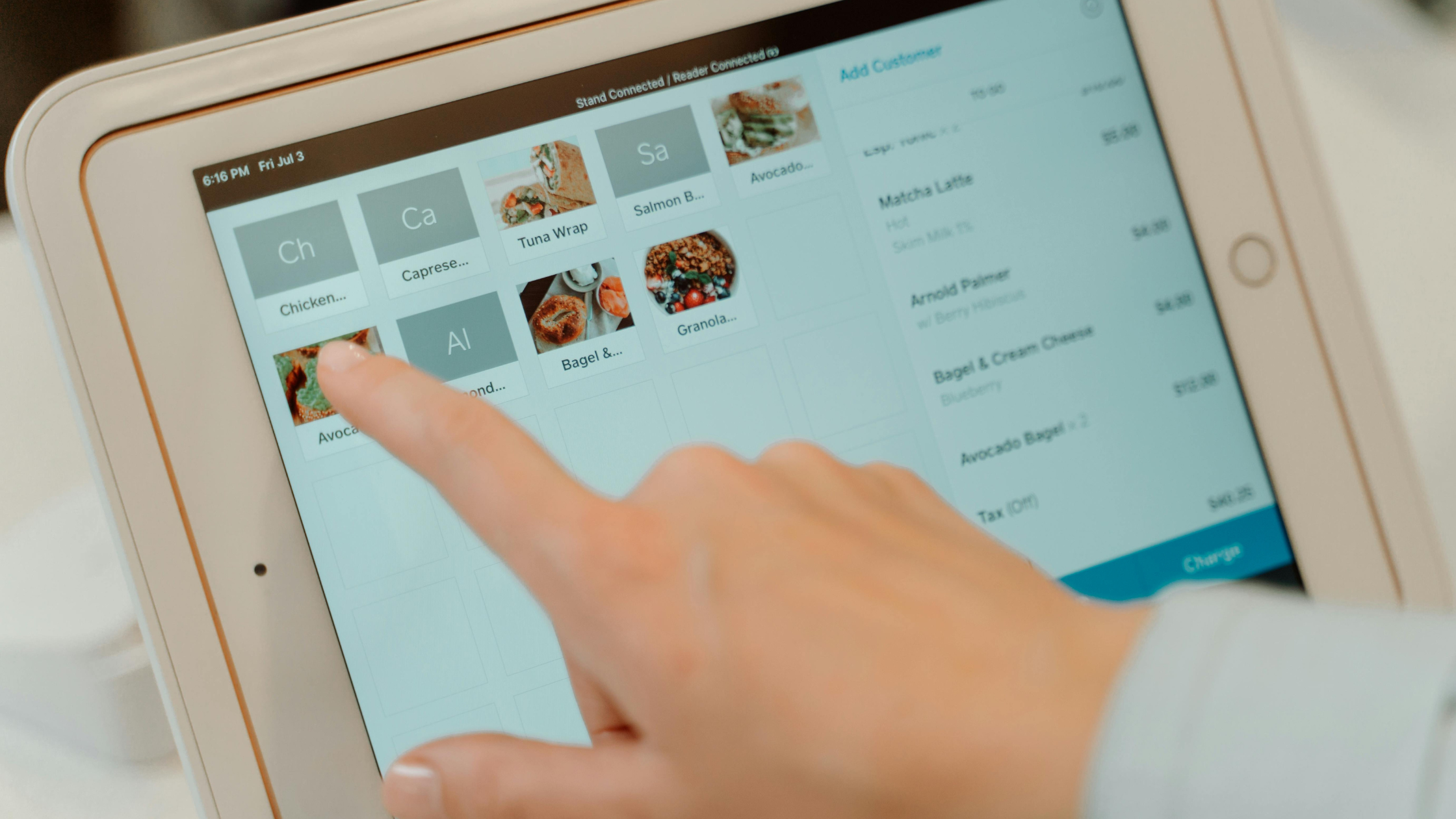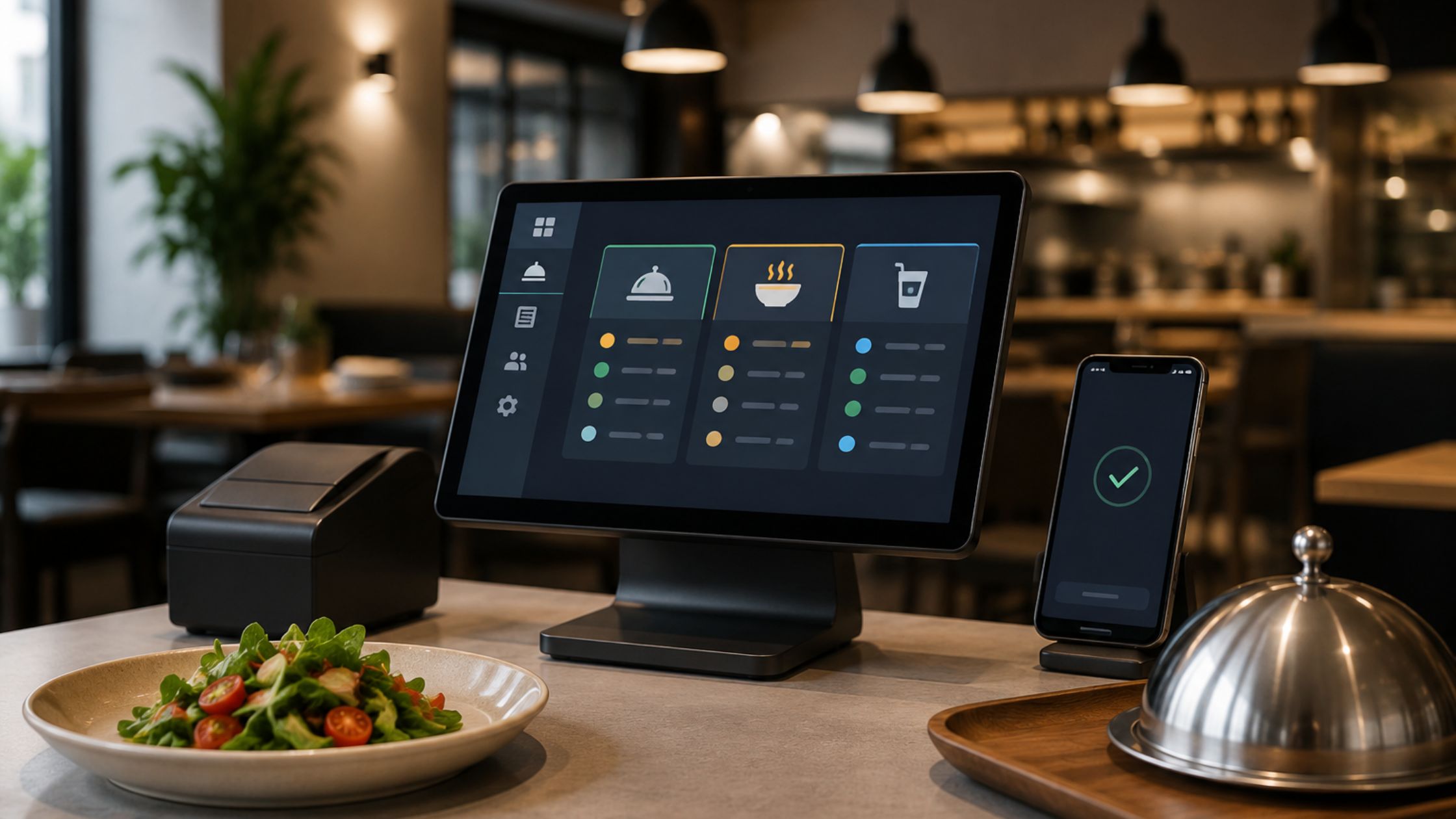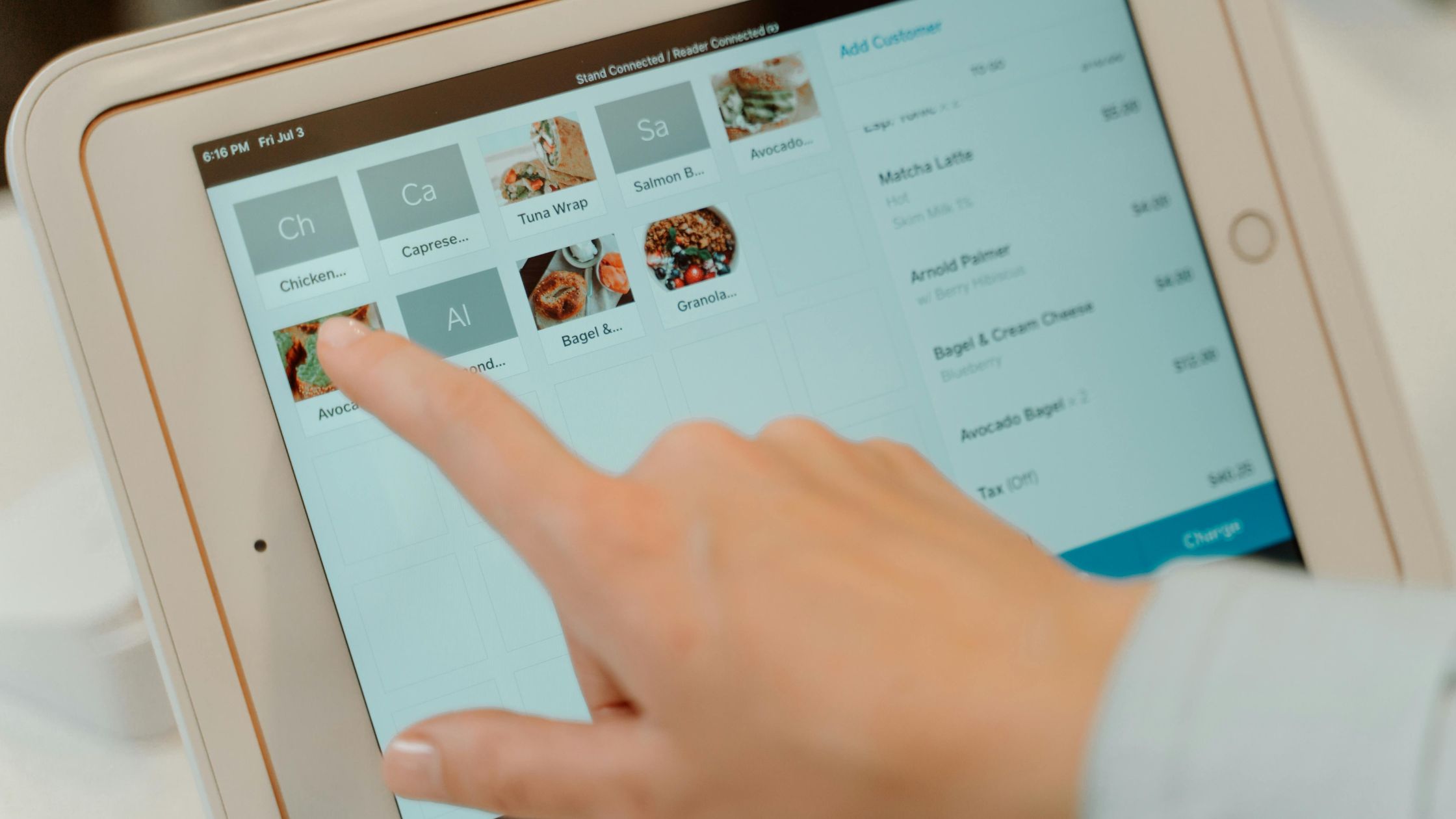
A restaurant management POS system is hardware and software that processes orders, accepts payments, tracks inventory, and manages operations across front-of-house and back-of-house. Unlike retail POS systems, restaurant POS platforms include table mapping, kitchen display routing, menu modifier management, and real-time food cost reporting. If you run any kind of food-service operation, this technology sits at the center of every transaction and shift.
Restaurant owners today face a crowded market. More than 30 vendors compete for your business, each claiming to be the best fit for every restaurant type. The reality is that the right system depends on your service model, volume, number of locations, and integration stack — not on which vendor spends the most on ads.
This guide is for owners and managers actively evaluating POS systems. It covers what to look for, how much things should cost, which vendors fit which formats, and what contract traps to avoid before you sign anything.
Table of Contents
- What Is a Restaurant Management POS System?
- Core Features Every Restaurant POS Must Have in 2026
- Front-of-House vs. Back-of-House POS Capabilities
- Must-Have Integrations: Accounting, Payroll, and Delivery Platforms
- How to Choose a POS System Based on Your Restaurant Type
- Restaurant POS System Pricing: What You’ll Actually Pay
- Free and Low-Cost POS Options: Are They Worth It?
- Top Restaurant POS Systems Compared: 2026 Breakdown
- What Real Restaurant Operators Say: Community Insights
- Red Flags to Watch Before Signing a POS Contract
- Implementation Checklist: Rolling Out a New POS System
- Frequently Asked Questions About Restaurant POS Systems
What Is a Restaurant Management POS System?
A restaurant management POS system is a combined hardware and software platform that handles every transaction and operational workflow in a food-service business. At its core, it records orders, routes them to the kitchen, processes payments, and stores transaction data for reporting. Modern systems extend well beyond the cash register.
What separates a restaurant POS from a generic retail POS is the operational complexity it must handle. A clothing store sells fixed SKUs. The restaurant sells items that are customized in real time — extra sauce, no onions, fry it in 10 minutes. Restaurant POS platforms are built around that reality. They include table mapping (a visual layout of your dining room), kitchen display system (KDS) integration (so orders appear on a screen in the kitchen without a printed ticket), menu modifier management (so servers can capture every customization), and course-by-course firing (so appetizers don’t arrive with entrees).
Lightspeed defines a restaurant POS as “a combination of software and hardware that allows restaurant operators to manage their business from a single platform.” That definition is accurate but understates the depth. A well-configured system also handles split checks, void and comp workflows, loyalty programs, labor scheduling, and real-time food cost tracking. The difference between a system that does all of this and one that only processes payments is the difference between a management tool and a cash register.
Core Features Every Restaurant POS Must Have in 2026
Before you evaluate a single vendor, establish your criteria. The market is full of systems that excel in one area and fail in another. The following features are non-negotiable for any serious food-service operation in 2026.
Order management is the foundation. The system must handle dine-in, takeout, and delivery orders from a single interface. Switching between order types mid-shift creates errors and slows service.
Payment processing must support EMV chip, contactless (Apple Pay, Google Pay), and QR code payments. Customers expect all three. A system that can’t handle tap-to-pay in 2026 is already behind.
Inventory tracking should be updated in real-time as items are sold. The best systems track ingredients down to the unit — ounces of protein, slices of bread — not just finished menu items. This is how you catch waste and theft before they compound.
Online ordering integration is no longer optional. According to the National Restaurant Association, more than 60% of U.S. adults order delivery or takeout at least once a week. Your POS must connect to your website ordering system and third-party platforms without requiring manual re-entry.
Reporting and analytics should give you daily sales by category, labor costs as a percentage of revenue, and item-level profitability — ideally from a mobile dashboard so you can check numbers without being on-site.
Offline mode is critical. Cloud-based POS systems are excellent until the internet goes down on a Saturday night. Any system you consider must be able to process orders and payments locally, then sync when connectivity returns.
Front-of-House vs. Back-of-House POS Capabilities
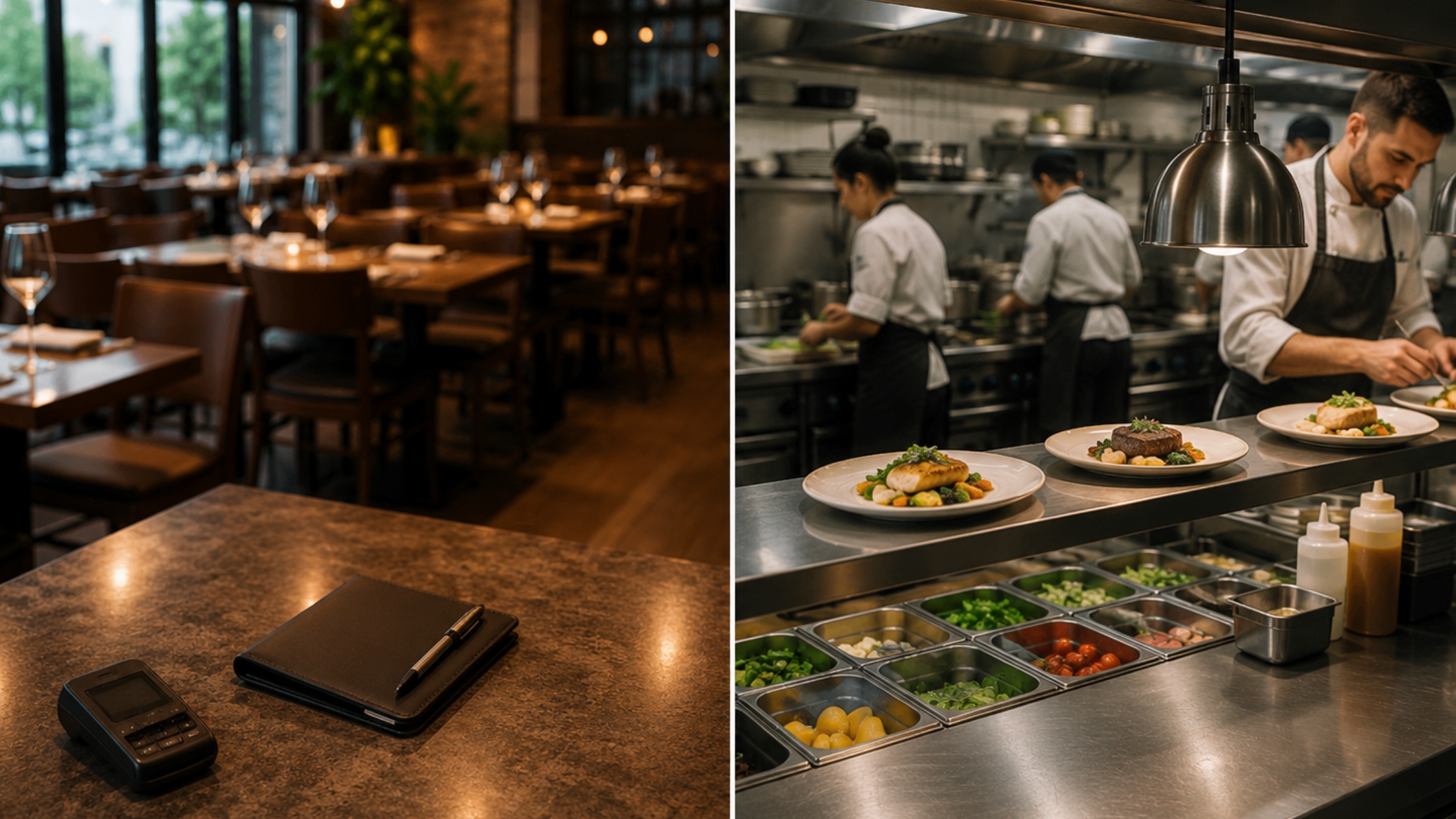
A restaurant POS operates in two distinct environments. Understanding both helps you ask the right questions during vendor demos.
Front-of-house (FOH) capabilities include:
- Table management software — visual floor maps, table status (open, seated, waiting on check), and server section assignments.
- Server workflows — order entry, modifier selection, course firing, and check splitting.
- Customer-facing displays — screens that show the customer their order total and allow for tip selection.
- Loyalty and gift card management — integrated programs that don’t require a separate app.
Back-of-house (BOH) capabilities include:
- Kitchen Display System (KDS) — digital order screens that replace paper tickets, with color-coding for ticket age and priority routing by station.
- Food cost tracking — real-time calculation of cost-of-goods-sold as orders are placed, compared against your theoretical food cost.
- Prep routing — the ability to split a single order across multiple kitchen stations (grill, sauté, cold prep) simultaneously.
- Recipe management — ingredient-level build cards that tie directly to inventory depletion.
Ask each vendor to demo both environments separately. Many systems have strong FOH tools but weak BOH reporting, or vice versa.
Must-Have Integrations: Accounting, Payroll, and Delivery Platforms
A POS that doesn’t talk to your other software creates double-entry work and reporting gaps. Demand native integrations — not CSV exports — for the following categories:
Accounting: QuickBooks and Restaurant 365 are the two most common platforms for independent and multi-unit restaurants. Restaurant 365 is purpose-built for food service and integrates directly with POS data to automate food cost accounting and period-end close. Toast, Square, and Lightspeed all offer QuickBooks sync. Restaurant365 integrates with Toast, Aloha POS, and several others natively.
Payroll: Looking for integrations with ADP, Gusto, or 7shifts. Labor costs are typically 30–35% of restaurant revenue. A POS that exports clock-in/clock-out data directly to your payroll platform eliminates manual timesheet entry and reduces payroll errors.
Delivery platforms: DoorDash, Uber Eats, and Grubhub should integrate directly into your POS order queue — not through a separate tablet. Middleware solutions like Otter or ItsaCheckmate can bridge gaps if your POS lacks native delivery integrations, but native is always cleaner.
How to Choose a POS System Based on Your Restaurant Type
There is no single best restaurant POS system. The right choice depends on your service format, volume, and operational complexity. Here is how to self-select.
Quick-service restaurants (QSR) need speed above everything else. Look for systems with fast order entry, customer-facing kiosks, and integrated digital menu boards. Square for Restaurants and Toast are both strong here. Toast’s Kiosk product is purpose-built for QSR workflows.
Fast-casual restaurants need a hybrid of QSR speed and full-service inventory depth. TouchBistro and Lightspeed Restaurant both handle this format well. Online ordering integration and loyalty programs matter more here than table management.
Full-service restaurants require robust table management software, course-by-course firing, and split-check capabilities. Toast, TouchBistro, and Revel Systems are the strongest options. Oracle MICROS is the enterprise choice for high-volume, full-service operations.
Bars and nightclubs have unique needs: tab management, pre-authorization of credit cards, and fast drink-order entry. SpotOn has built specific features for bar operations, including tab pre-auth and bar-tab transfers between servers. Clover POS is also widely used in bar environments.
Multi-location operators need centralized menu management, consolidated reporting across locations, and the ability to push menu updates from a single dashboard. Oracle MICROS and Revel Systems are the two most capable platforms at scale. Toast has improved its multi-location tools significantly and is now competitive for groups of 5–50 locations.
Restaurant POS System Pricing: What You’ll Actually Pay
POS vendors advertise starting prices that rarely reflect what an operating restaurant pays. Here is an honest breakdown of every cost category.
Software subscription: Most cloud-based systems charge a monthly fee per terminal or per location. Expect $69–$165/month for entry-level plans and $250–$400/month for full-featured plans at a single location. Toast’s Point of Sale plan starts at $69/month. Lightspeed Restaurant starts at $189/month. Oracle MICROS pricing is custom and typically starts above $300/month per location.
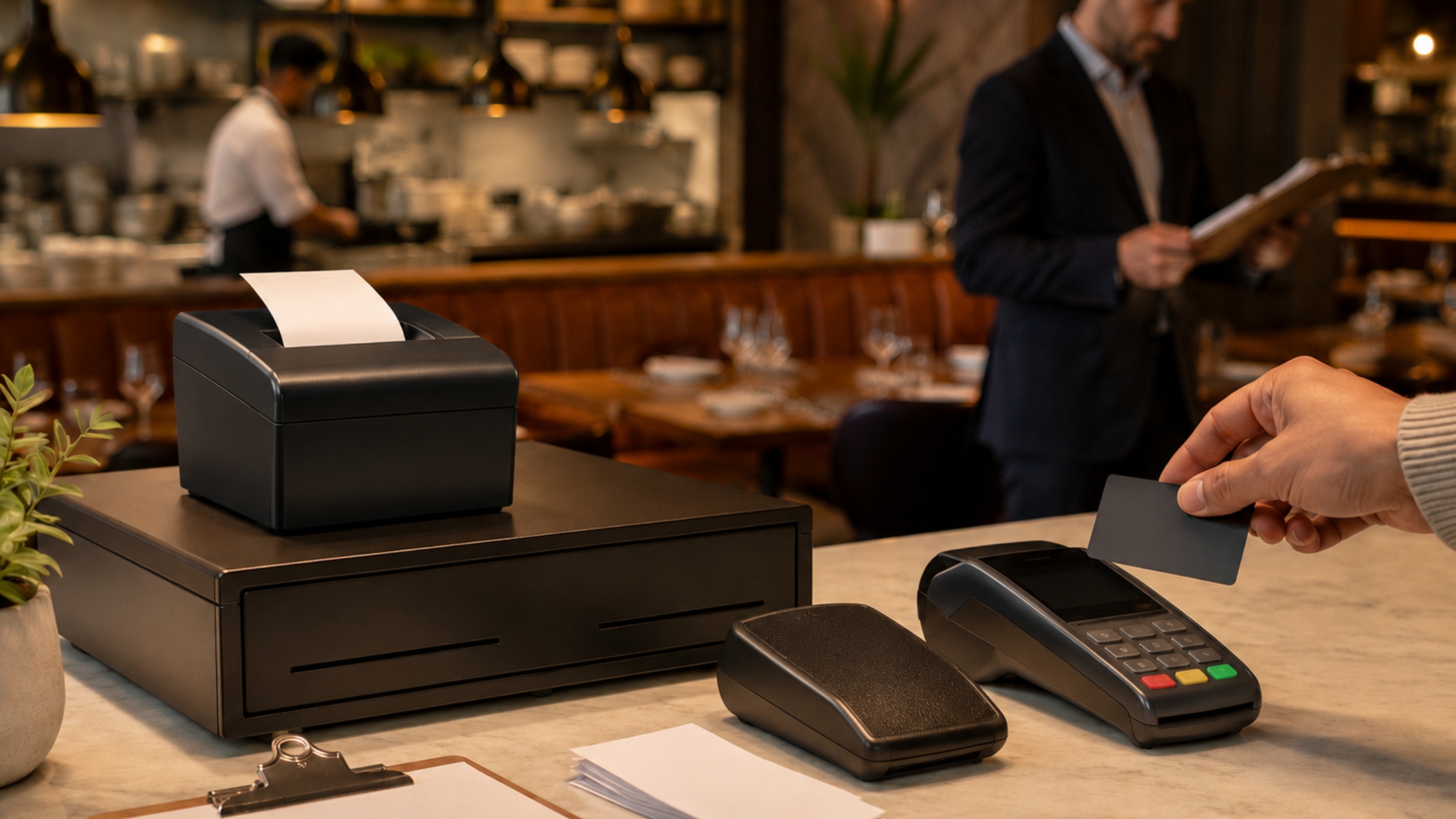
Hardware: A basic setup — one terminal, a receipt printer, and a cash drawer — runs $600–$1,200. A full restaurant setup with two terminals, a KDS, a customer-facing display, and a handheld ordering device can cost $3,000–$8,000 upfront. Some vendors (Toast, SpotOn) offer $0 hardware deals in exchange for higher payment processing rates.
Payment processing: This is where the real cost lives. Most integrated processors charge 2.49%–3.5% per transaction. On $1 million in annual revenue, a 0.5% difference in processing rate equals $5,000 per year. Toast charges 2.49% + $0.15 per transaction on its standard plans. Square charges 2.6% + $0.10. Some systems (Revel, Lightspeed) allow third-party processors, which can lower your effective rate.
Hidden fees to watch: Onboarding and installation fees ($500–$2,000), PCI compliance fees ($99–$299/year), software update fees for legacy systems, and per-location charges for features that seem included in the base plan.
Free and Low-Cost POS Options: Are They Worth It?
Square for Restaurants offers a free plan with no monthly software fee. You only pay processing fees (2.6% + $0.10 per transaction). This is a legitimate option for new restaurants under $500K in annual revenue or operators who want to test the system before committing.
The trade-offs are real. Square’s free tier limits you to one location, basic reporting, and no advanced inventory tracking. You can’t use a third-party payment processor — Square’s processing exclusivity is the price of the free software. At higher revenue volumes, that processing rate premium can cost more than a paid subscription with a lower rate.
Lavu offers a Starter plan at $59/month, which is one of the lowest paid entry points in the market. It covers basic order management and reporting but lacks advanced KDS routing and multi-location tools.
Open-source options like Unicenta exist but require technical setup and ongoing maintenance, and carry no vendor support. For most restaurant operators, the time and cost of managing open-source software outweighs the licensing savings.
The honest answer: free POS systems work for small, simple operations. As soon as you have multiple revenue streams, a full-service dining room, or more than 3 employees per shift, a paid system pays for itself in efficiency and data quality.
Top Restaurant POS Systems Compared: 2026 Breakdown
| System | Best For | Starting Price | Key Weakness |
|---|---|---|---|
| Toast POS | Full-service & QSR | $69/month | Processing Exclusivity |
| Square for Restaurants | New/small restaurants | $0/month | Limited at scale |
| Lightspeed Restaurant | Fast casual, multi-concept | $189/month | Steeper learning curve |
| TouchBistro | Full-service independents | $69/month | Weaker online ordering |
| Clover POS | Bars and cafes | $14.95/month | Reseller quality varies |
| Revel Systems | Enterprise, multi-location | Custom pricing | High upfront cost |
| SpotOn | Full-service & bars | Custom pricing | Less name recognition |
| Oracle MICROS | Large chains, hotels | Custom pricing | Complex implementation |
| Aloha POS (NCR) | Established full-service | Custom pricing | Aging interface |
Toast POS is the most widely adopted cloud-based restaurant POS in the U.S. Its strength is a complete ecosystem: online ordering, KDS, payroll, and loyalty are all native. Its weakness is payment processing exclusivity — you must use Toast Payments, and early termination fees apply if you leave.
Square for Restaurants is the easiest system to set up and has the lowest barrier to entry. It works well for counter-service and food trucks. It struggles with complex table management and high-volume full-service environments.
Lightspeed Restaurant is strong for operators who need detailed inventory management and multi-concept reporting. The interface takes longer to learn than Toast or Square.
TouchBistro is built specifically for restaurants and runs on iPad. It has one of the most intuitive table management interfaces on the market. Its online ordering module is less developed than Toast’s.
Revel Systems is the strongest choice for multi-location operators who want to own their payment processing relationship. It supports third-party processors, which gives you negotiating leverage on rates.
Oracle MICROS is the dominant system in hotel restaurants, large chains, and stadiums. It handles extreme transaction volumes and complex menu structures. Implementation takes months and requires professional services.
Aloha POS by NCR has been in the market for 30+ years and is deeply embedded in full-service chain restaurants. Its interface feels dated, but its reliability record and integrations are extensive.
SpotOn is growing fast in the independent full-service and bar segment. It offers transparent pricing, strong customer support, and no long-term contracts — a meaningful differentiator.
What Real Restaurant Operators Say: Community Insights
In a widely referenced thread on Reddit’s r/Restaurant_Managers, operators were asked: “What’s the best POS system you’ve used?” The responses reveal patterns that vendor websites won’t show you.
Toast received the most mentions, but not without criticism. Multiple operators flagged the contract lock-in and high early termination fees as frustrating. One operator wrote that switching from Toast mid-contract cost them over $2,000 in fees.
Square is praised for simplicity but consistently described as “outgrown” once restaurants scale past a certain volume. Several operators noted that Square’s support response times during peak hours were inadequate.
SpotOn draws consistently positive reviews for customer support quality, with multiple operators citing fast response times and dedicated account managers — something larger vendors rarely offer at comparable price points.
System reliability during peak hours was the most common pain point across all vendors. Operators in high-volume environments emphasized the importance of offline mode and local data storage. Cloud-only systems that require constant internet connectivity were flagged as a liability.
Community consensus: the best POS system is the one your staff can use under pressure. A system with 50 features that slows down order entry during a dinner rush is worse than a simpler system that keeps tickets moving.

Red Flags to Watch Before Signing a POS Contract
Vendor sales processes are designed to move fast. Slow down and look for these specific warning signs before you commit.
Long-term contracts without performance guarantees. Some vendors require 2–3 year contracts with no service-level commitments. If the system goes down during Friday dinner service and the vendor takes 4 hours to respond, you have no recourse. Demand a defined uptime SLA (99.9% is standard) and a clear escalation process in writing.
Proprietary hardware lock-in. Toast and some Clover configurations use hardware that only works with their software. If you switch vendors, your hardware becomes worthless. Ask explicitly: “Can I use this hardware with another POS if I cancel?” If the answer is no, factor the full hardware replacement cost into your switching cost.
High early termination fees (ETFs). ETFs of $500–$2,000+ are common. Some are calculated as the remaining months of the contract multiplied by the monthly fee. Read the cancellation clause before signing — not after.
Payment processing exclusivity clauses. Systems that require you to use their payment processor (Toast Payments, Square Payments) remove your ability to negotiate rates. At $2M in annual card volume, even a 0.3% rate difference is $6,000 per year. Revel Systems and Lightspeed both allow third-party processors — a significant advantage for high-volume operators.
Vague onboarding fees. “Implementation support” line items in contracts can range from $0 to $5,000. Get a written scope of what onboarding includes: data migration, hardware setup, staff training hours, and go-live support.
Implementation Checklist: Rolling Out a New POS System
Switching POS systems is one of the highest-risk operational changes a restaurant can make. Follow this checklist to reduce the chance of a failed go-live.
- Audit your current system. Export all menu items, modifiers, pricing, and customer data before your contract ends. Confirm if the new vendor can import it.
- Map out your floor plan. Build your table layout in the new system before training begins. Staff should recognize the digital floor map on day one.
- Build and prove your full menu. Enter each item, modifier group, and price point. Have your chef or kitchen manager verify every building card against your actual recipes.
- Configure your KDS routing. Define which stations receive which ticket types. Test routing with dummy orders before going live.
- Set up integrations first. Connect accounting, payroll, and delivery platforms before training staff. Integration failures discovered post-launch can cause data gaps that are hard to recover.
- Train in waves. Train managers first (full system), then lead servers, then all staff. Use your actual menu and floor plan during training — not demo data.
- Run a parallel period. If possible, run your old and new systems simultaneously for 3–5 shifts. Compare transaction totals at the end of shift to catch discrepancies.
- Test offline mode. Deliberately disconnect your internet during a low-volume period and process 5–10 transactions. Confirm they sync correctly when connectivity returns.
- Define your go-live shift. Choose a Tuesday or Wednesday lunch — not a Friday dinner. Give your team the lowest-stakes environment for their first live shift.
FAQs
1. What POS system do most restaurants use?
Toast POS is the most widely used cloud-based restaurant POS system in the United States as of 2026. It serves more than 120,000 restaurant locations across QSR, fast casual, and full-service formats. Aloha POS (NCR) and Oracle MICROS hold dominant positions in the legacy enterprise and chain-restaurant market. Square for Restaurants is the most common system among independent restaurants with under $1M in annual revenue.
2. How much does a restaurant POS system cost in 2026?
A restaurant POS system costs between $0 and $400+ per month in software fees, plus $600–$8,000 in hardware, plus payment processing fees of 2.49%–3.5% per transaction. A single-location full-service restaurant using Toast’s standard plan with two terminals and a KDS should budget approximately $300–$500/month in software and hardware amortization, plus processing fees. Enterprise systems like Oracle MICROS and Revel Systems are priced on custom quotes and typically cost more.
3. What is the 30/30/30 rule for restaurants, and does it relate to POS data?
The 30/30/30 rule is a restaurant profitability benchmark that targets food costs at 30% of revenue, labor costs at 30% of revenue, and overhead at 30% of revenue — leaving a 10% net profit margin. This relates directly to POS data because a properly configured POS system tracks all three inputs in real time. Food cost is calculated from inventory depletion tied to sales. Labor costs are tracked through integrated time-clock and scheduling data. A POS with strong reporting gives you daily visibility into whether you’re hitting 30/30/30 or drifting out of range.
4. What are the top 5 POS systems for restaurants?
The top 5 restaurant POS systems in 2026, based on market adoption, feature depth, and operator reviews, are: 1. Toast POS (best overall for most restaurant types), 2. Square for Restaurants (best for new and small operations), 3. Lightspeed Restaurant (best for inventory-heavy and multi-concept operators), 4. TouchBistro (best for independent full-service restaurants), and 5. Revel Systems (best for multi-location operators who want payment processing flexibility). Oracle MICROS and Aloha POS are the leading enterprise options for large chains.
5. What is the difference between a restaurant POS and a retail POS?
A restaurant POS includes table management, kitchen display system routing, menu modifier management, course-by-course order firing, and food cost tracking — features that retail POS systems do not offer. A retail POS is built around fixed SKUs, barcode scanning, and inventory replenishment. Restaurant operations require real-time customization at the item level, multi-station kitchen routing, and time-sensitive order sequencing that retail software is not designed to handle.
6. Can I use a free POS system for my restaurant?
Yes. Square for Restaurants offers a free plan with no monthly software fee, covering basic order management and payment processing. It is a viable option for new restaurants, food trucks, and counter-service operations under $500K in annual revenue. The trade-off is payment processing exclusivity at 2.6% + $0.10 per transaction and limited features for inventory tracking, table management, and multi-location reporting. As your volume grows, a paid system with a lower processing rate will typically cost less in total.
7. What integrations should a restaurant POS system have?
A restaurant POS system should integrate natively with accounting software (QuickBooks or Restaurant 365), payroll platforms (ADP, Gusto, or 7shifts), delivery marketplaces (DoorDash, Uber Eats, Grubhub), online ordering systems, and loyalty programs. Secondary integrations worth evaluating include reservation platforms (OpenTable, Resy), gift card processors, and labor scheduling tools. Native integrations are always preferable to CSV exports or third-party middleware, which introduce sync delays and data errors.
Glossary
Kitchen Display System (KDS): A digital screen in the kitchen that displays incoming orders by station, replacing paper tickets. KDS systems reduce ticket errors, track prep times, and allow managers to monitor kitchen throughput in real time.
Table management software: A digital floor map within a POS system that shows table status (open, seated, check presented), server assignments, and turn times. Used by hosts and managers to optimize seating and reduce wait times.
Menu modifier: A customization option attached to a menu item (e.g., “no onions,” “add avocado,” “well done”). A restaurant POS must capture modifiers accurately and route them to the correct kitchen station.
Payment processing fee: The per-transaction cost charged by a payment processor for handling card transactions. Typically expressed as a percentage plus a flat cent amount (e.g., 2.6% + $0.10). This fee is separate from POS software subscription costs.
Food cost percentage: The ratio of ingredient cost to menu item selling price, expressed as a percentage. The 30/30/30 rule targets food cost at 30% of revenue. POS systems with inventory integration calculate this in real time.
Offline mode: A POS feature that allows the system to continue processing orders and payments without an active internet connection, storing data locally and syncing to the cloud when connectivity is restored.
Early termination fee (ETF): A penalty charged by a POS vendor when a customer cancels a contract before the agreed term ends. ETFs can range from a flat fee ($500–$2,000) to the full value of remaining contract months.
Back-of-house (BOH): The operational area of a restaurant that guests do not see, including the kitchen, prep stations, and storage. BOH POS features focus on order routing, food cost tracking, and kitchen display management.
Front-of-house (FOH): The guest-facing area of a restaurant, including the dining room, bar, and host stand. FOH POS features include table management, server order entry, and customer-facing payment displays.
PCI compliance: Payment Card Industry Data Security Standard compliance, required for any business that processes card payments. Some POS vendors charge an annual PCI compliance fee ($99–$299) to cover their compliance infrastructure.