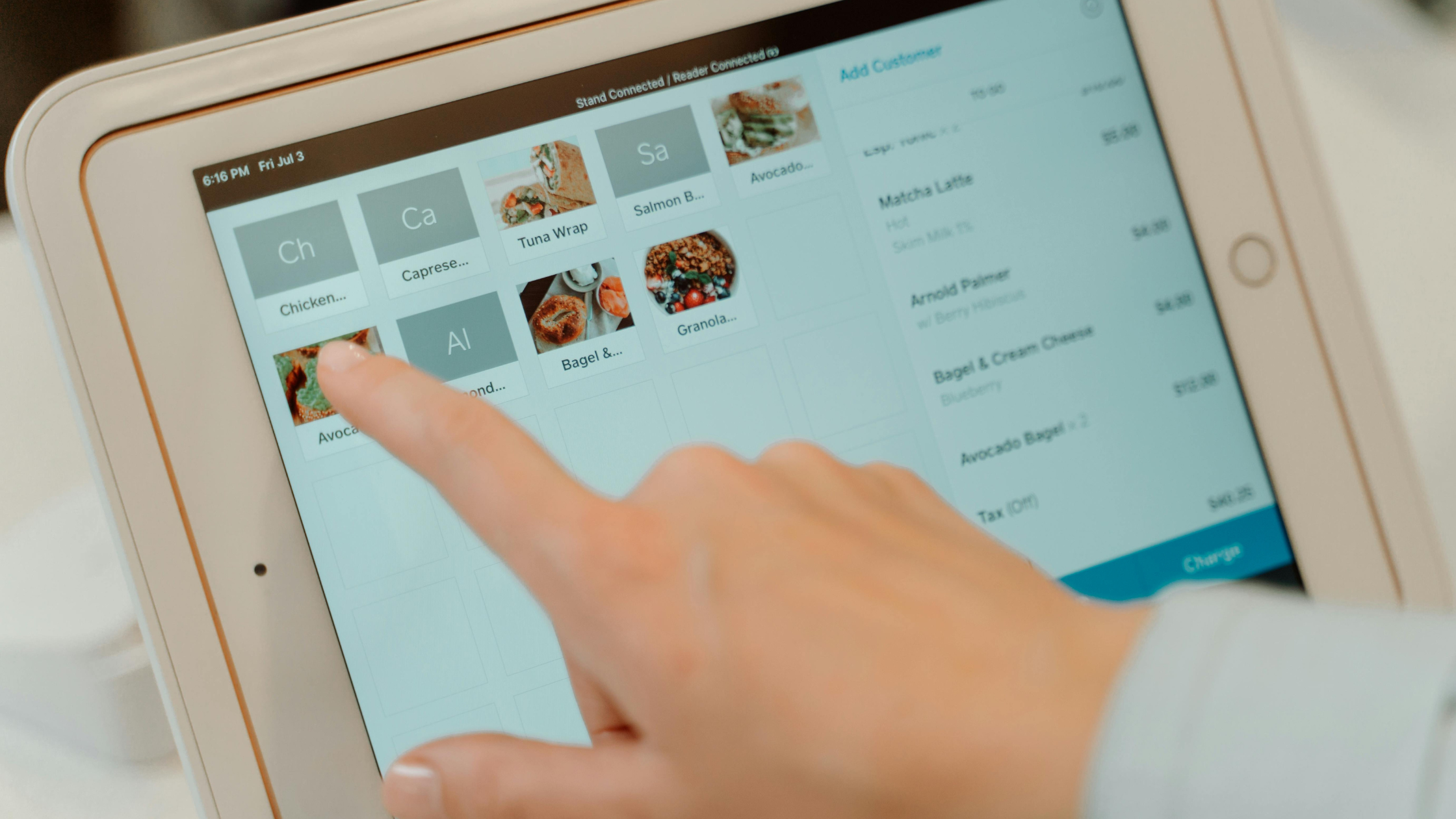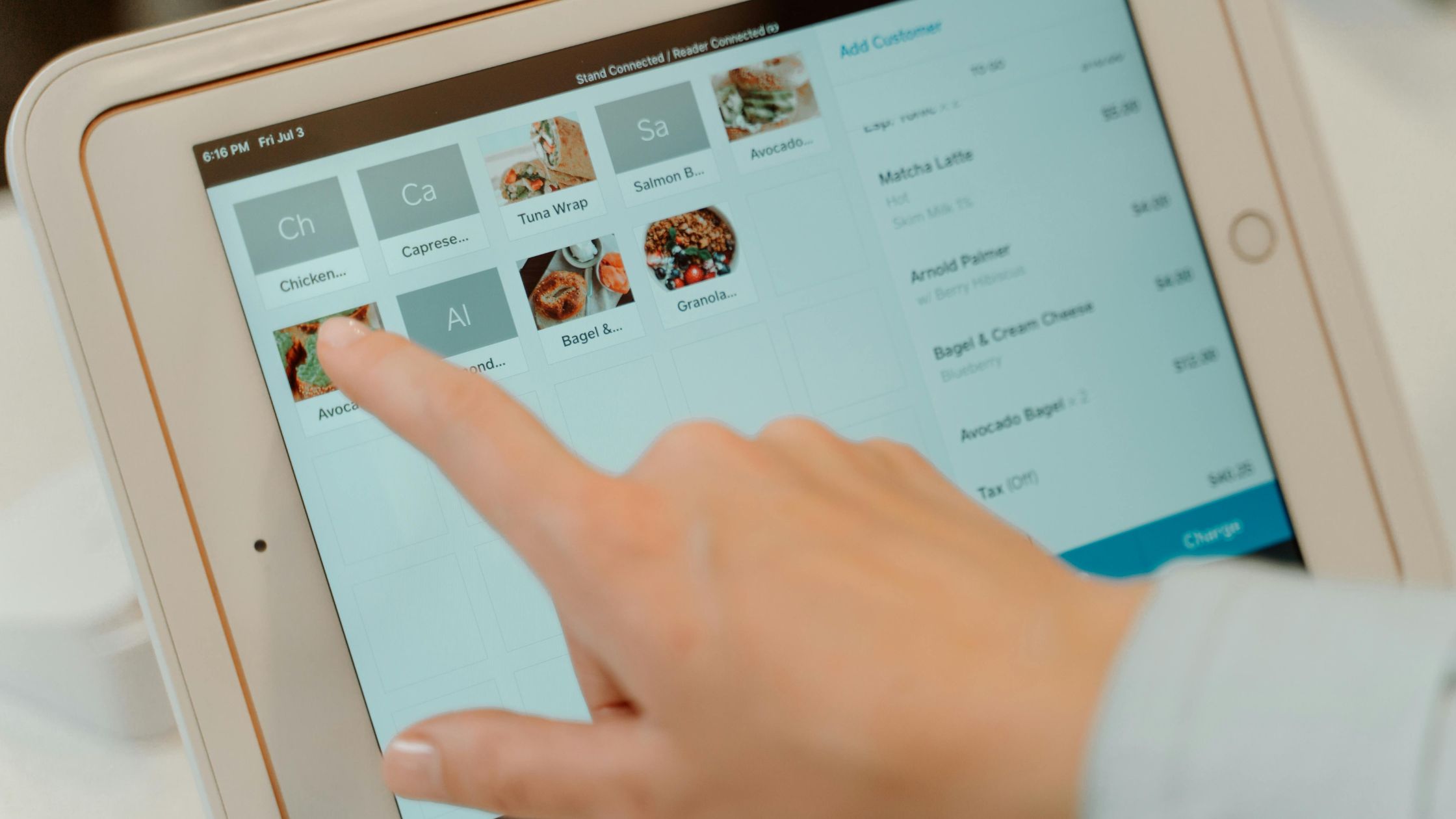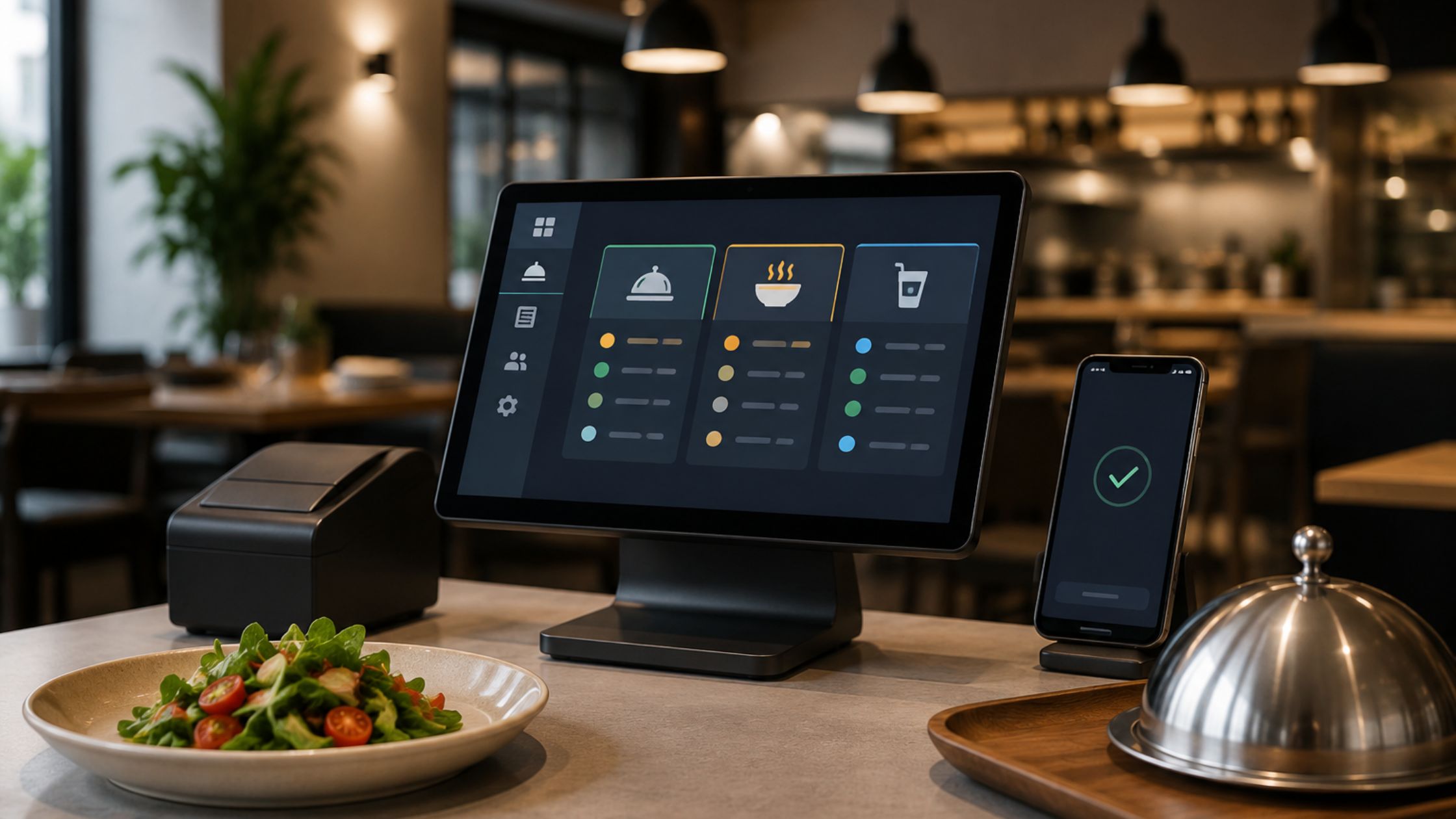
Restaurants lose guest trust when the order flow feels slow, confusing, or inconsistent. That is why modern businesses now depend on Restaurant Order Management (ROM) systems to improve accuracy, speed, and coordination. A strong system connects servers, kitchen staff, and managers through one smooth digital workflow that keeps daily operations running efficiently.
By integrating Kitchen Display System setups and precise POS Menu Modifiers, restaurants eliminate manual errors and miscommunication. Advanced features like ticket-time tracking and strategic table turnover management allow operators to identify real-time bottlenecks. Ultimately, these innovations empower staff to serve faster, boost profit margins, and provide an exceptional dining experience.

Why Smart Order Management Is Important
Restaurant Order Management helps restaurants deliver better service, reduce mistakes, and increase revenue. A clear digital order flow creates smoother dining experience and helps teams perform better during busy hours.
Key Benefits of Digital Order Systems:
- Improves communication between servers and kitchen staff.
- Reduces order errors and delays.
- Speeds up service during peak hours.
- Supports better inventory and cost control.
- Improves online, dine-in, and delivery order handling.
- Builds stronger guest satisfaction through accuracy.
- Makes complex menu customization easier.
A well-managed order system also improves how guests see the restaurant’s overall professionalism.
Effective Order System Essentials
An effective restaurant order system combines speed, accuracy, and smooth communication. It connects servers, kitchen staff, and management through a reliable digital workflow. Features like organized menu layouts, fast ticket routing, and real-time updates help reduce mistakes, improve service efficiency, and create a better dining experience across every customer touchpoint.
Smart POS Menu Modifiers for Better Accuracy
Today’s diners expect flexibility. POS Menu Modifiers help restaurants manage custom orders, dietary preferences, and upsells with ease. Structured digital prompts give kitchen staff clear instructions, reducing errors, speeding service, and improving the guest experience.
1. Tailored Guest Orders
When guests personalize meals, they feel valued. Structured modifiers help servers guide kitchen staff accurately. This reduces errors, builds trust, improves satisfaction, and increases revenue through add-ons and upgrades.
2. Strategic Modifier Efficiency
Modifiers across POS terminals, kiosks, and online platforms create a unified ordering experience. They support seasonal menus, dietary filters, and loyalty rewards while guiding choices, speeding service, reducing friction, and boosting profitability.
3. Clear Staff Training
Consistent modifier layouts help new and existing staff follow the same ordering process with greater confidence. This reduces confusion, improves speed, and makes daily service easier during busy restaurant hours.
4. Consistent Menu Channels
POS Menu Modifiers keep dine-in, kiosk, delivery, and online menus aligned across every customer touchpoint. This helps restaurants avoid pricing mistakes, missing options, and inconsistent guest experiences.
5. Smarter Guest Insights
Modifier data helps managers understand popular add-ons, dietary choices, high-value upgrades, and changing guest preferences. These insights support better menu planning, stronger upselling, and improved profitability.
Smart POS Menu Modifiers help restaurants serve more accurately, personalize every order, and improve overall efficiency across every ordering channel. Learn more about POS Menu Modifiers.
Kitchen Display System Setup for Faster Service
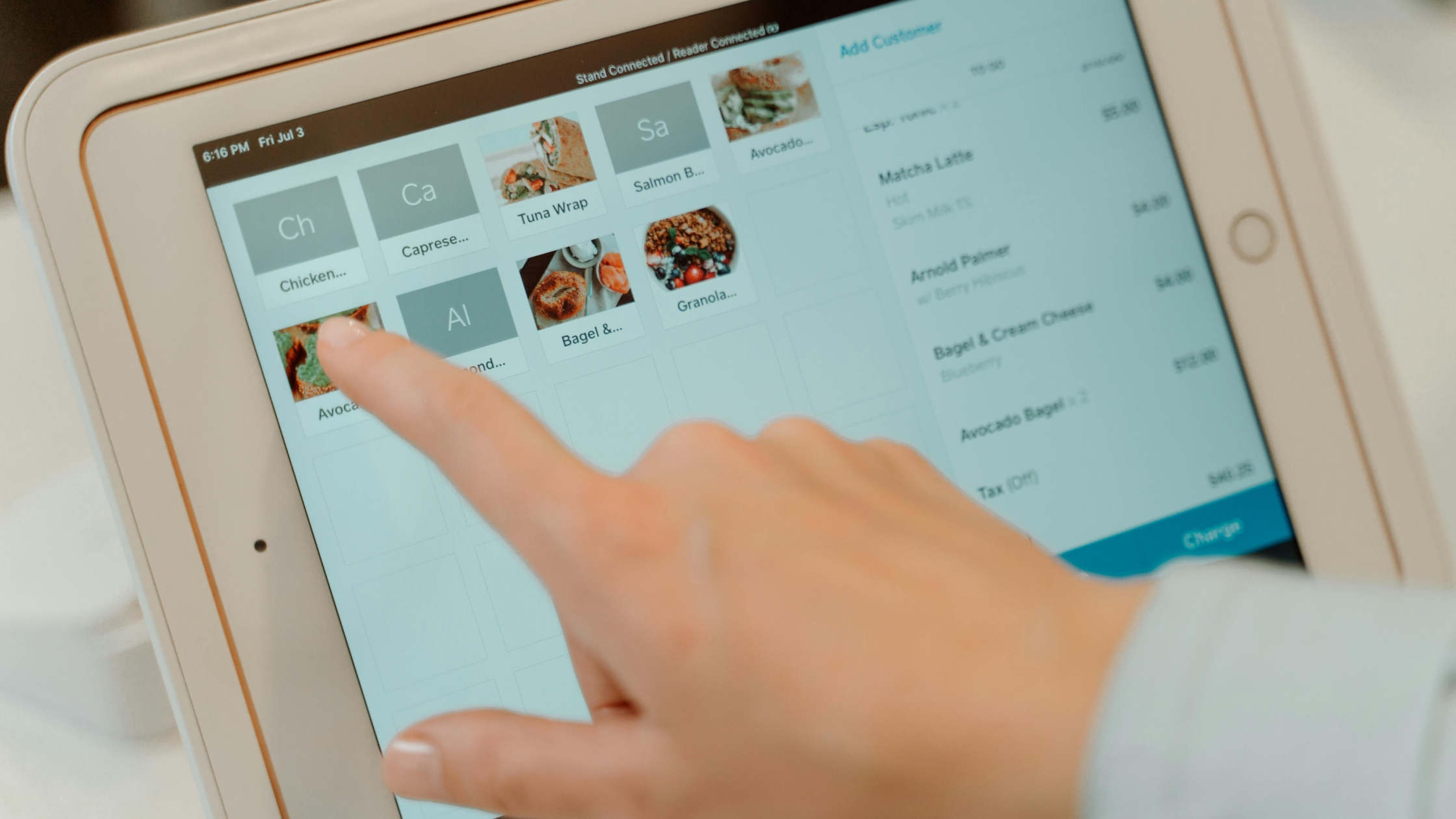
A Kitchen Display System setup improves back-of-house operations by replacing paper tickets with real-time digital screens. It helps teams track orders, reduce confusion, monitor preparation time, and improve communication across every kitchen station.
Key Workflow Benefits:
- Delay Detection: Identifies major kitchen delays clearly and helps managers fix bottlenecks faster.
- Order Tracking: Tracks preparation time and order progress for better speed, accuracy, and control.
- Fast Communication: Uses digital screens for faster communication between kitchen stations and service teams.
- Smart Hardware Placement: Places reliable hardware at the right stations for smoother kitchen coordination.
- Clear Staff Workflow: Builds staff confidence with clearer workflows, reducing confusion during peak hours.
With proper KDS setup, restaurants can improve kitchen coordination, speed up service, and maintain better performance during busy hours. Learn more about Kitchen Display System Setup.
Managing Restaurant Ticket Times During Busy Hours
Restaurant Ticket Times strongly affect guest satisfaction. When orders take too long, guests notice quickly. As a result, trust and service quality may decline. However, restaurants can track ticket times to find delays faster. This process helps managers improve kitchen workflow, reduce wait times, and maintain consistent service during busy hours.
Transforming Performance Data into Results
Accurate ticket tracking helps restaurants make smarter decisions. For example, managers can quickly identify slow menu items and busy kitchen stations. In addition, they can improve staffing and service flow using real-time data. Therefore, restaurants can improve speed, reduce delays, and support long-term business growth.
Empowering Staff Through Performance Metrics
Transparent timing data fosters a focused, high-performing environment. When teams visualize real-time goals, accountability increases and confusion vanishes. These metrics serve as objective training tools, allowing managers to offer constructive feedback and alleviate stress during peak hours. Ultimately, shared data aligns the front and back of house, creating a seamless, supportive service culture that prioritizes excellence.
Main Parts of Ticket-Time Management:
- Track each preparation stage clearly.
- Maintain clean and accurate time reports.
- Give managers quick service performance data.
- Improve training with real operational insights.
- Support faster decisions during peak hours.
Effective ticket-time management helps restaurants reduce delays, improve team coordination, and deliver faster, more consistent service during busy hours. Learn more about Restaurant Ticket Times.
Restaurant Table Turnover for Better Floor Capacity
Efficient table turnover helps restaurants serve more guests without reducing hospitality. When the floor team, kitchen, and POS system work together, seating, ordering, payment, and table resets become smoother and faster.
Key Areas to Check Before Implementation:
- Service Quality: Check service quality across all shifts to maintain consistent guest satisfaction daily.
- Floor Movement: Ensure staff understand table flow and guest movement for smoother seating coordination.
- POS Efficiency: Review POS speed and payment efficiency to reduce delays after dining and improve checkout flow.
- Kitchen Readiness: Confirm kitchen readiness during peak demand to support faster order completion.
- Team Communication: Improve communication between hosts, servers, and managers for better service timing.
A well-managed table turnover system improves floor capacity, protects guest comfort, and helps restaurants increase revenue during busy hours. Learn more about Restaurant Table Turnover.
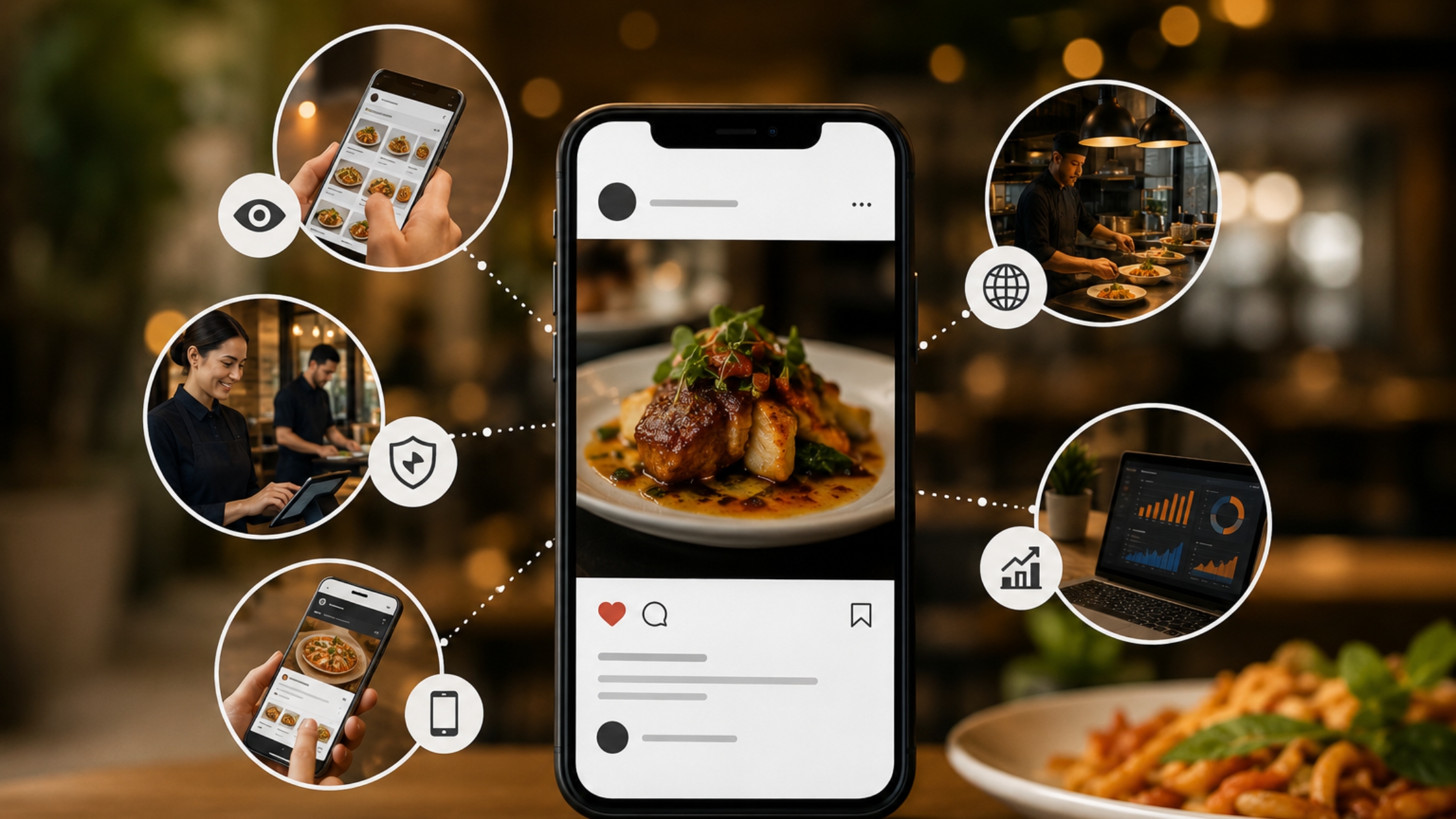
Social Media Order Management Campaign Success
Modern restaurants can also use order management stories to strengthen social media visibility. Showing smooth service, fast ordering, clean kitchen flow, and digital systems builds trust with potential customers.
A. Capturing Immediate Attention
Short ordering videos demonstrate operational fluidity. By showcasing seamless menu flow and kitchen speed in an engaging format, restaurants simplify the customer journey and capture interest within seconds of viewing.
B. Building Brand Authority
Professional content highlighting organized service and confident staff establishes credibility. Showing real-time systems in action proves reliability, assuring potential guests that the restaurant is both customer-focused and expertly managed.
C. Optimizing Mobile Engagement
Mobile-optimized systems allow guests to browse and customize orders effortlessly. These fast, intuitive digital experiences reduce friction and minimize cart abandonment, ensuring a high-quality interaction for every on-the-go customer.
D. Unified Multi-Platform Strategy
Cross-platform content ensures branding remains consistent from Instagram to YouTube. Reusing order-management highlights helps a broader audience recognize your service quality, reinforcing your restaurant’s reputation across all digital touchpoints.
E. Data-Driven Marketing Results
Leveraging order data and behavioral insights allows for hyper-targeted campaigns. These smart strategies improve engagement and drive repeat business, fostering long-term relationships by delivering exactly what your customers crave.
By combining smooth operations with smart marketing, restaurants can turn daily service quality into stronger digital visibility.
Choosing the Right Restaurant Order Management System
The right Restaurant Order Management system should match daily restaurant needs without complicating operations. Operators should choose a system with easy staff adoption, flexible menu control, reliable kitchen flow, strong reporting access, and scalable business support so restaurants can manage orders confidently, improve service speed, support long-term growth, and deliver better guest experiences every day.
It should also support smooth communication between servers, kitchen staff, and managers. When every team member follows the same digital workflow, restaurants can reduce delays, avoid confusion, and deliver a more consistent guest experience during both regular service and peak dining hours.
Conclusion
Restaurant Order Management gives hospitality businesses the control they need to deliver faster, cleaner, and more accurate service. From POS Menu Modifiers and Kitchen Display Systems to time-tracking and table turnover, every feature supports better guest experiences and stronger business performance.
As restaurants continue to grow in a competitive market, the right software becomes a major advantage. For businesses looking for a flexible, open-source, and professional solution, Floreant POS provides reliable restaurant order management tools built for modern dining operations.
FAQs
1. What is Restaurant Order Management?
It is a digital system that manages orders from table to kitchen and checkout while keeping service organized, faster, and more accurate.
2. How does a Kitchen Display System help?
It replaces paper tickets with real-time digital screens for better kitchen accuracy, faster communication, smoother workflow, and fewer order mistakes.
3. Why are POS Menu Modifiers important?
They help restaurants manage custom orders, add-ons, and upsells smoothly while improving accuracy, guest satisfaction, and service speed.
4. How does Floreant POS support order management?
Floreant POS simplifies complex restaurant workflows with flexible open-source POS features that improve speed, control, accuracy, and daily operational efficiency.