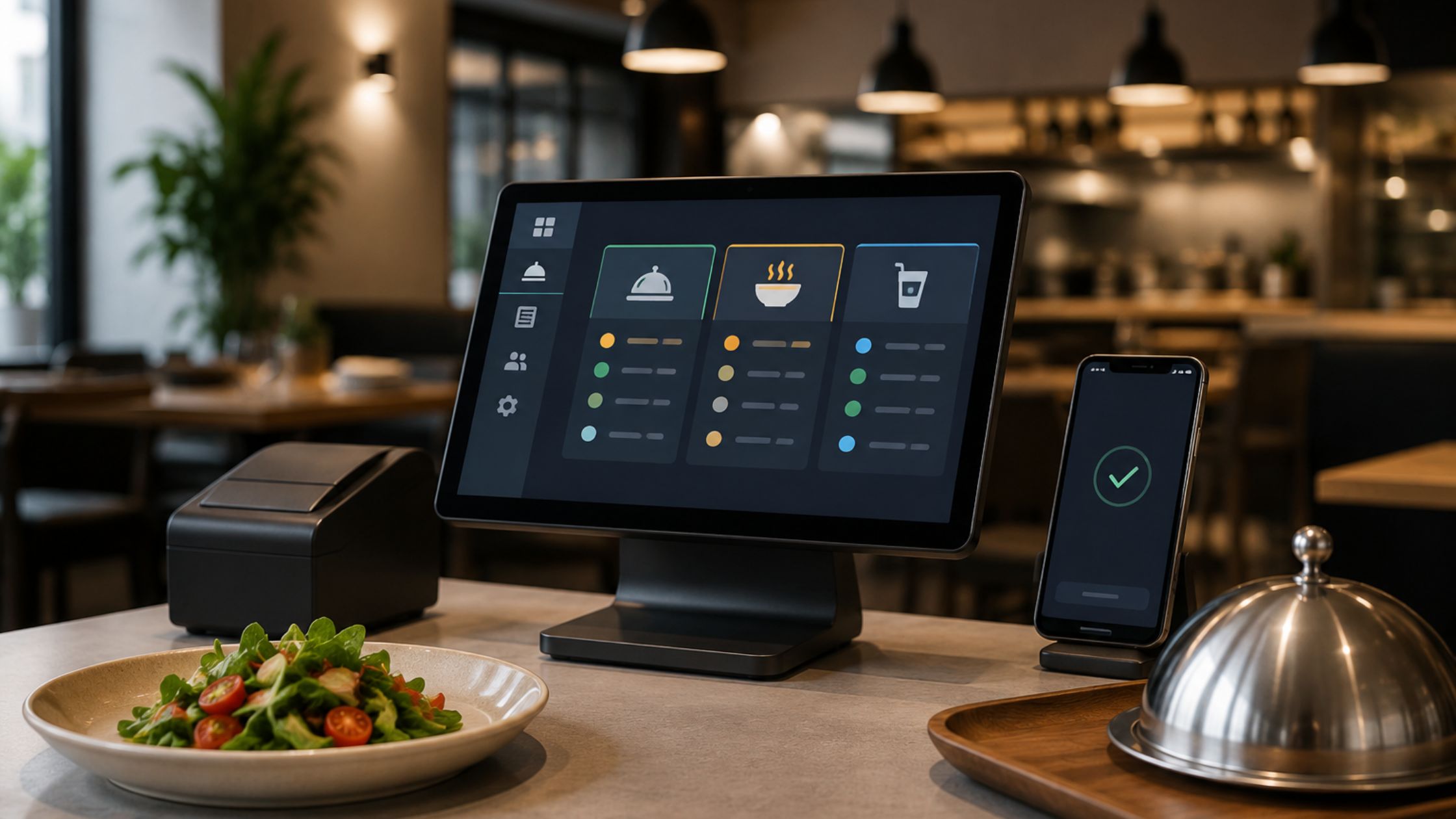
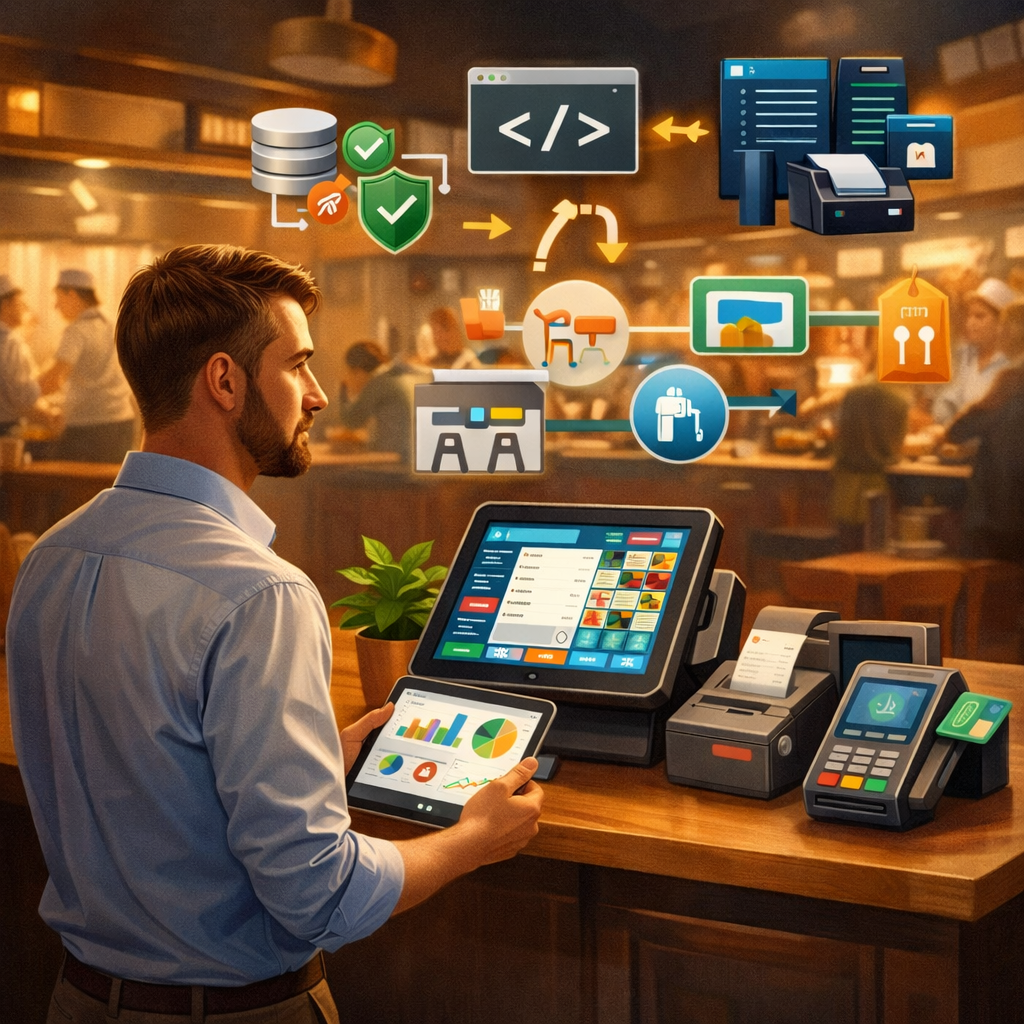
Kitchen delays, frustratingly missed orders, and persistent communication gaps can quietly damage the reputation and profitability of any modern food business. Implementing a strategic kitchen display system setup directly solves these critical problems by replacing outdated manual processes with a streamlined, real-time digital workflow. As a result, busy restaurants significantly improve ticket speed, reduce costly human errors, and enhance overall operational efficiency across the board. In this comprehensive guide, you will learn exactly how to implement a reliable system, optimize hardware performance, and build a fully paperless kitchen that ensures long-term consistency and total accuracy for every single guest.
Understanding the Role and Importance of a Kitchen Display System Setup
A Kitchen Display System (KDS) setup is a digital, screen-based solution designed to replace traditional paper tickets and manual tracking in modern restaurants. Instead of relying on physical slips that can be lost or misread, this system displays incoming orders on high-visibility screens in real time. This digital shift allows back-of-house staff to instantly view new tickets, prioritize complex tasks, and manage food preparation with far greater precision.
Integrating a KDS is essential because restaurants face constant pressure to maintain speed without sacrificing quality. While manual systems often buckle under the weight of high-volume peak hours, a digital setup provides a scalable foundation for success.
Key Benefits of Transitioning to a KDS:
- Improved Order Accuracy: Digital tickets eliminate the risk of illegible handwriting or lost paper slips, significantly reducing human error.
- Faster Preparation Times: Orders transmit instantly from the POS to the kitchen, cutting out the lag time associated with printing and “hanging” tickets.
- Optimized Workflow Management: Kitchen managers can monitor station loads and re-prioritize tasks on the fly to keep the line moving.
- Seamless Team Communication: By linking the front-of-house and the kitchen through a single source of truth, teams stay aligned, reducing friction and noise.
Ultimately, adopting a KDS setup transforms the kitchen into a high-efficiency environment, leading to shorter wait times, happier customers, and a more sustainable operational model.
Master the Rush: Optimizing Your Speed of Service with Smart Digital Routing
Digital order routing sends each menu item to the correct kitchen station automatically. Therefore, grill, prep, beverage, and dessert teams receive only the orders they need.
Moreover, this process reduces confusion, saves staff time, and keeps every section focused during busy service hours.
Key Advantages of Digital Order Routing:
- Faster task assignment across kitchen stations.
- Clearer communication between prep teams.
- Reduced crowding around one order screen.
- Better control over cooking priorities.
Consequently, restaurants improve kitchen speed while maintaining smoother service during peak hours. Learn more about Restaurant POS with Kitchen Display.
Building a Paperless Kitchen for Efficiency
A paperless kitchen removes the need for printed order slips. Instead, it relies entirely on digital systems to manage operations.
Why Go Paperless?
Firstly, paper-based systems create clutter and confusion. Secondly, they slow down communication. However, a digital approach eliminates these issues.
Benefits of a Paperless Kitchen:
- Reduced operational costs.
- Cleaner and more organized workspace.
- Faster access to order details.
- Better environmental sustainability.
Therefore, adopting a paperless kitchen improves both efficiency and sustainability.
From Chaos to Control: Your Step-by-Step Roadmap to a High-Performance Kitchen
A planned setup helps restaurants avoid confusion, reduce delays, and build a smoother kitchen workflow from the beginning.
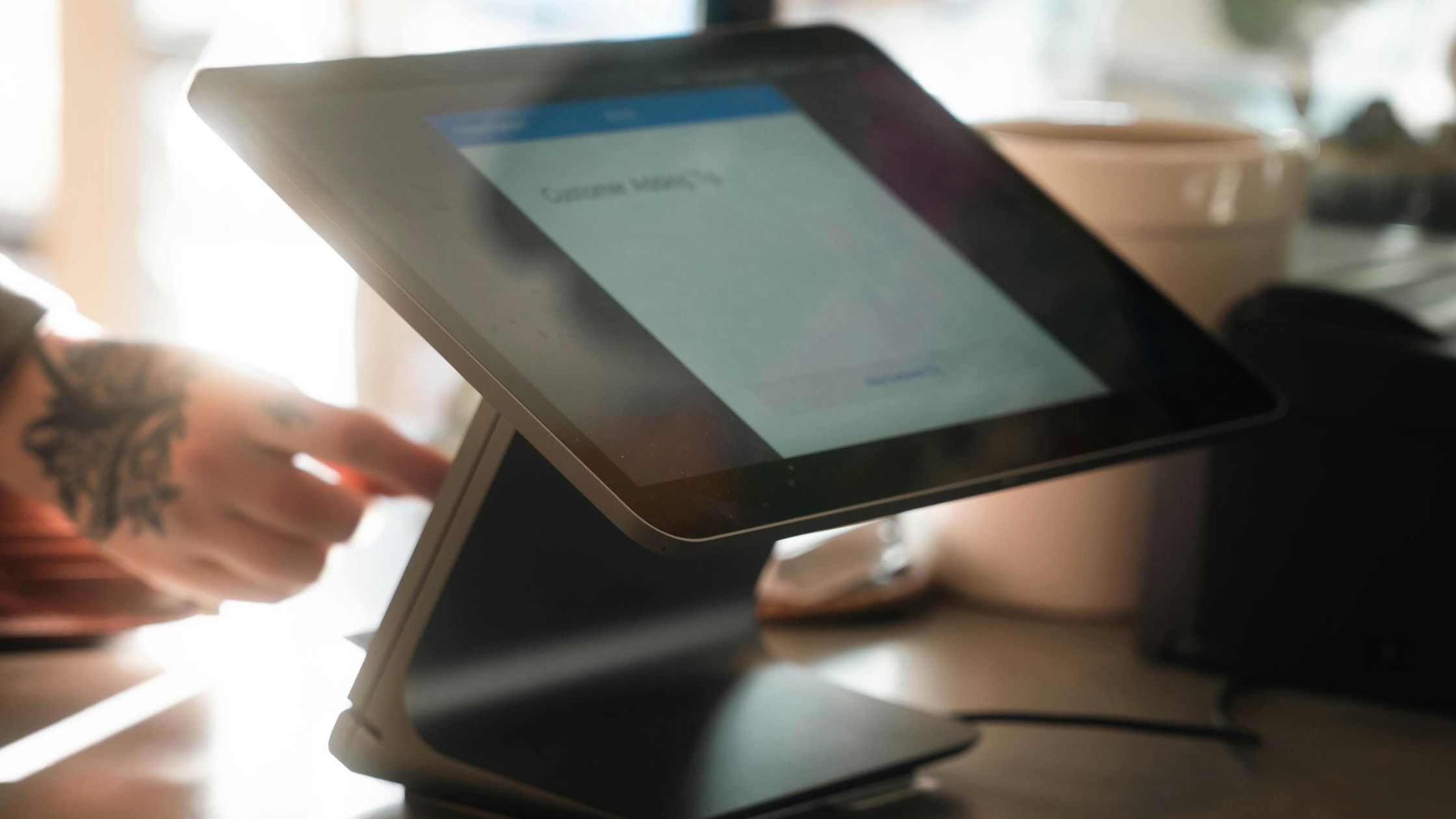
1. Choose the Right Hardware
Select durable, easy-to-read display screens that can handle heat, humidity, grease, and busy kitchen conditions. Additionally, choose devices that support quick staff interaction, clear visibility, and reliable performance during fast-moving service hours.
2. Install Compatible Software
Choose software that supports KDS integration with your POS system, so every order moves smoothly from the counter to the correct kitchen station. Moreover, compatible software reduces manual work, delays, and communication gaps.
3. Configure Workflow Settings
Set order routing based on kitchen stations, allowing grill, fryer, prep, beverage, and dessert teams to receive only their relevant tasks. As a result, staff work faster, stay focused, and reduce unnecessary confusion.
4. Train Your Staff
Teach staff how to read orders, update statuses, manage delays, prioritize tickets, and use the system confidently. Furthermore, proper training helps teams adapt quickly during both slow periods and peak service hours.
5. Test Before Full Deployment
Run a trial phase before launch, identify technical issues, fix workflow gaps, and review staff response. Consequently, you can ensure the system performs smoothly during real operations without disrupting daily kitchen service.
A careful setup process improves speed, supports order accuracy, and helps teams manage daily kitchen operations with confidence.
Enhancing Order Accuracy with Digital Systems
Order accuracy plays a critical role in customer satisfaction. Even minor errors can lead to complaints and lost revenue.
How Digital Systems Improve Order Accuracy:
- Eliminate handwriting misinterpretation.
- Provide clear and structured order details.
- Enable real-time updates and modifications.
- Reduce communication gaps between teams.
Therefore, a well-configured kitchen display system setup significantly improves accuracy.
Best Practices for Optimizing Kitchen Display System Setup
Strong optimization helps kitchens work faster, reduce confusion, and maintain consistent service during rush hours.
- Maintain Clear Screen Layouts: Keep orders simple, readable, and easy for kitchen staff to follow.
- Use Color Coding: Highlight urgent orders clearly so staff can prioritize tasks quickly and confidently.
- Monitor Performance Metrics: Track preparation times to improve workflow and service speed.
- Regular System Updates: Update software regularly to maintain security, stability, and performance.
- Backup and Support: Keep backup support ready to prevent serious kitchen disruptions.
These practices create a smoother system, improve team coordination, and support better order accuracy.
Implementation Errors That Disrupt Kitchen Workflow
Many businesses make avoidable mistakes during implementation.
- Ignoring staff training.
- Choosing incompatible systems.
- Overcomplicating workflows.
- Skipping testing phases.
However, addressing these issues early ensures a smooth setup process.
Conclusion
A well-planned kitchen display system setup improves efficiency, enhances order accuracy, and builds a truly paperless kitchen. Moreover, strong KDS integration ensures smooth communication across all operations.
Therefore, restaurants that adopt this system gain a competitive advantage through speed, precision, and reliability.For businesses looking to implement a powerful and flexible solution, Floreant POS offers a robust platform designed to streamline restaurant operations and support long-term growth.