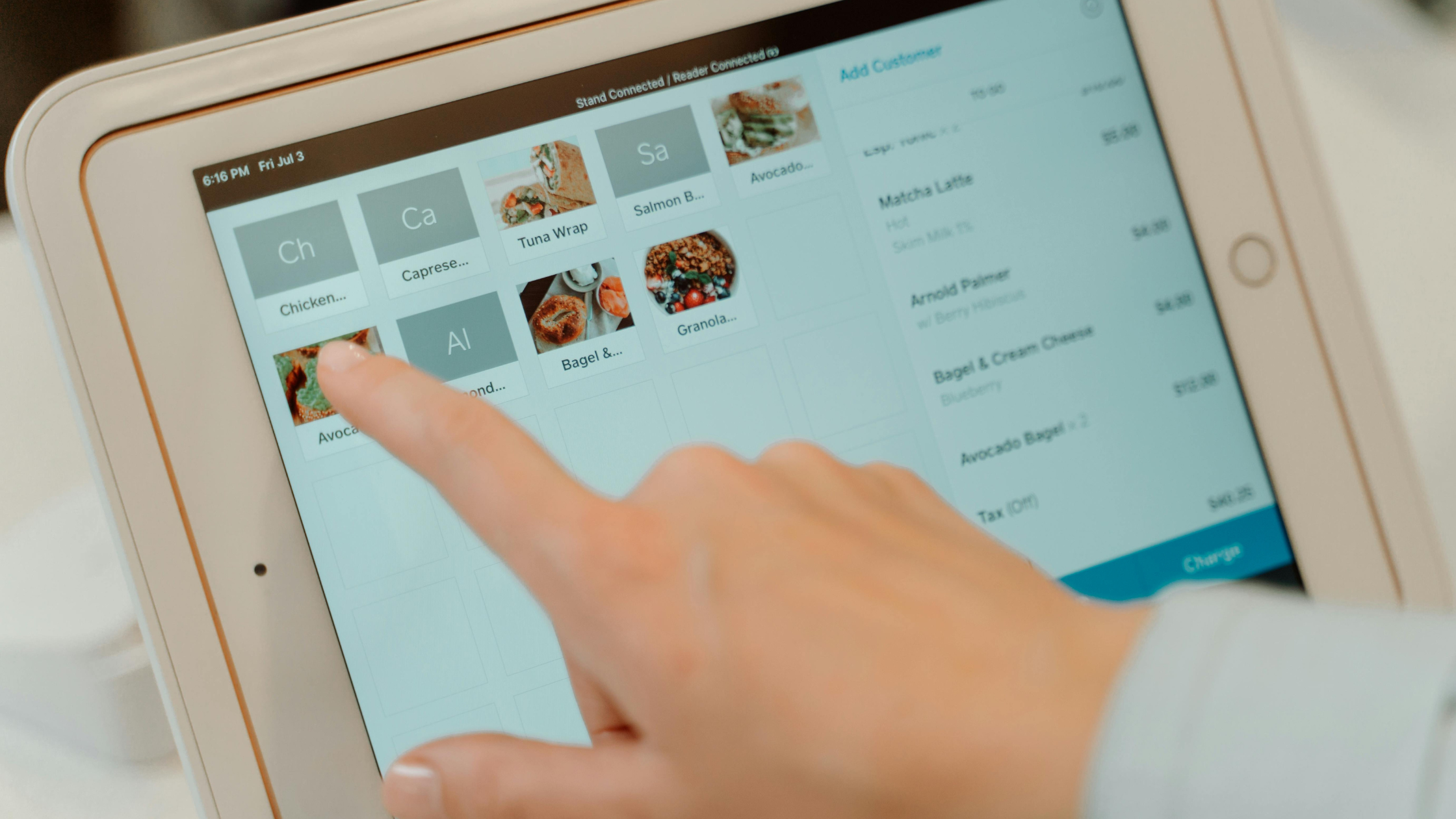
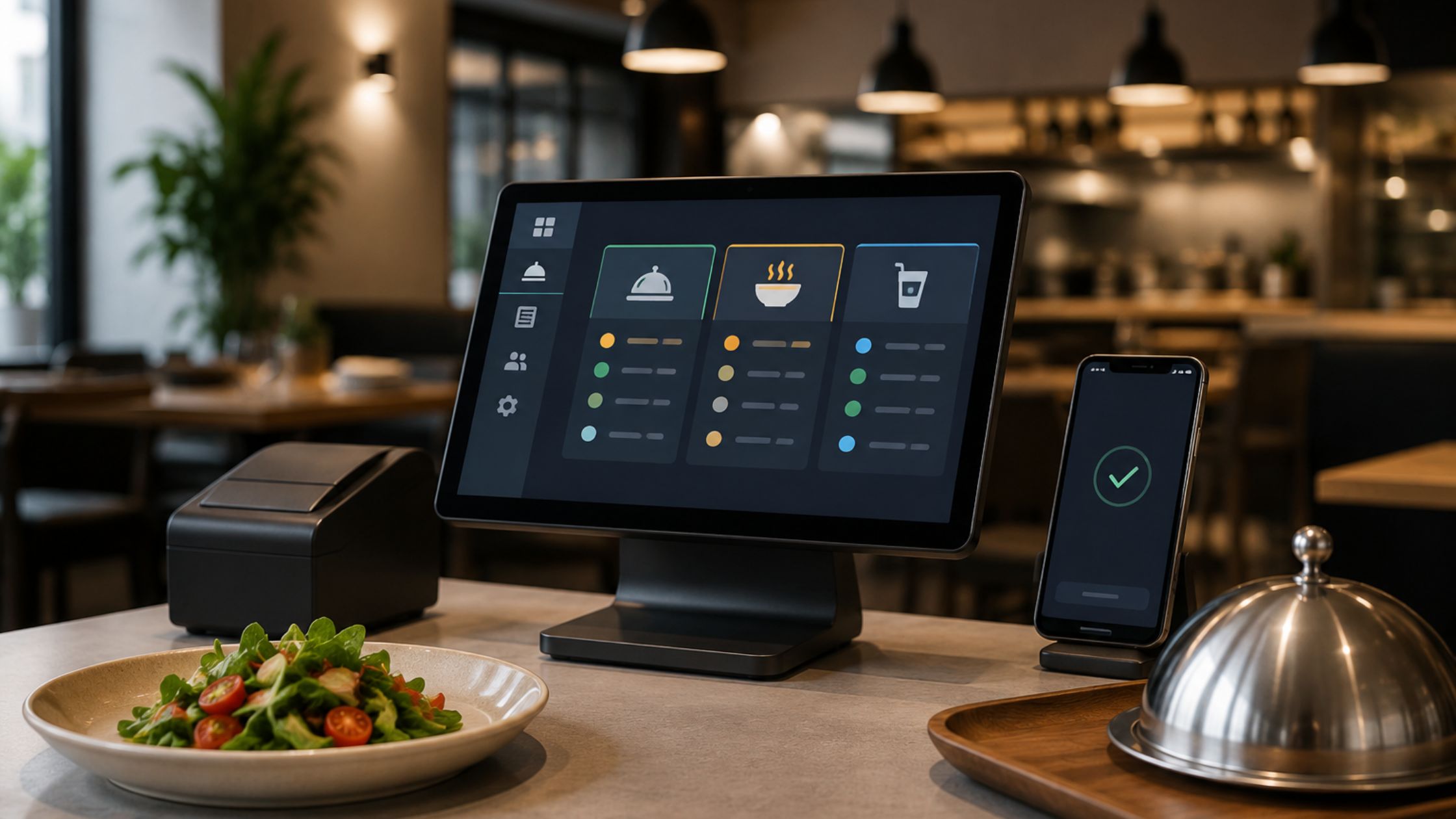
Restaurant inventory moves quickly every single day. Ingredients arrive, shift into storage, move to prep, and finally land on plates. Staff sell items at the counter, send tickets to the kitchen, and close bills. Because everything moves so fast, you need a clear and simple way to track supplies. When you connect sales and stock inside one system, you turn a messy process into a manageable routine. A well-designed POS platform can sit at the center of this routine. It records every order, routes information to the kitchen, and stores data for managers.

Why Smart Supply Control Matters in Every Restaurant
Every restaurant depends on the right supplies at the right time. When you order too much, you waste food, use extra storage, and lock cash inside your stock room that you could use elsewhere. When you order too little, you run out of popular dishes, lose sales during peak hours, and disappoint guests who expected their favorites. Because margins stay tight in this industry, you must manage supplies with care and treat inventory as a strategic part of the business, not just a back-of-house task.
A modern POS helps you do that with less effort and more accuracy. It follows every sale, tracks each ticket, and connects menu items to the ingredients that they use behind the scenes. Therefore, you see how much stock each product consumes over a shift, a day, or a week, instead of guessing. You can spot fast-moving items, identify slow sellers, and understand which dishes push your food cost the hardest. Over time, this approach reduces waste, improves ordering decisions, and supports more stable profits across seasons and changing demand. Learn more about A Professional Guide to Self-Hosted Restaurant POS Software.
How a POS System Simplifies Everyday Inventory Tasks
A POS system for supply control takes the pressure off manual tracking. It handles updates in the background, so your team can focus on serving guests instead of counting stock.
1. Real-time Stock Impact
The system should update inventory as soon as staff close tickets. Each order changes stock levels immediately, not days later. Because you see live data, you spot low-stock risks before they turn into stockouts. You also notice unusual usage early and can investigate quickly.
2. Recipe-Based Tracking
A strong POS lets you define recipes for menu items. You assign ingredient quantities to each dish and each size. When guests place orders, the system reduces those ingredients automatically.
3. Modifier and Combo Handling
Modern menus often use modifiers, extras, and combo deals. A capable POS connects these choices to inventory as well. If a guest upgrades a side or adds an extra topping, the system tracks the extra usage in the background.
4. Backoffice Configuration and Reports
Behind the front-of-house screens, you need a clear back-of-house area. In that space, you organize menus, set prices, define tax rules, and review reports. Because inventory sits on the same data, you can compare sales, usage, and profit in one view.
5. Multi-Terminal and Multi-Area Support
Many operations use multiple terminals across bars, dining rooms, pickup counters, and kitchen displays. A well-structured POS handles all of these terminals while keeping one central record of inventory. This structure reduces confusion and keeps every section of the business aligned.
With these features working together, everyday inventory tasks become faster, clearer, and far less stressful for everyone on the team.
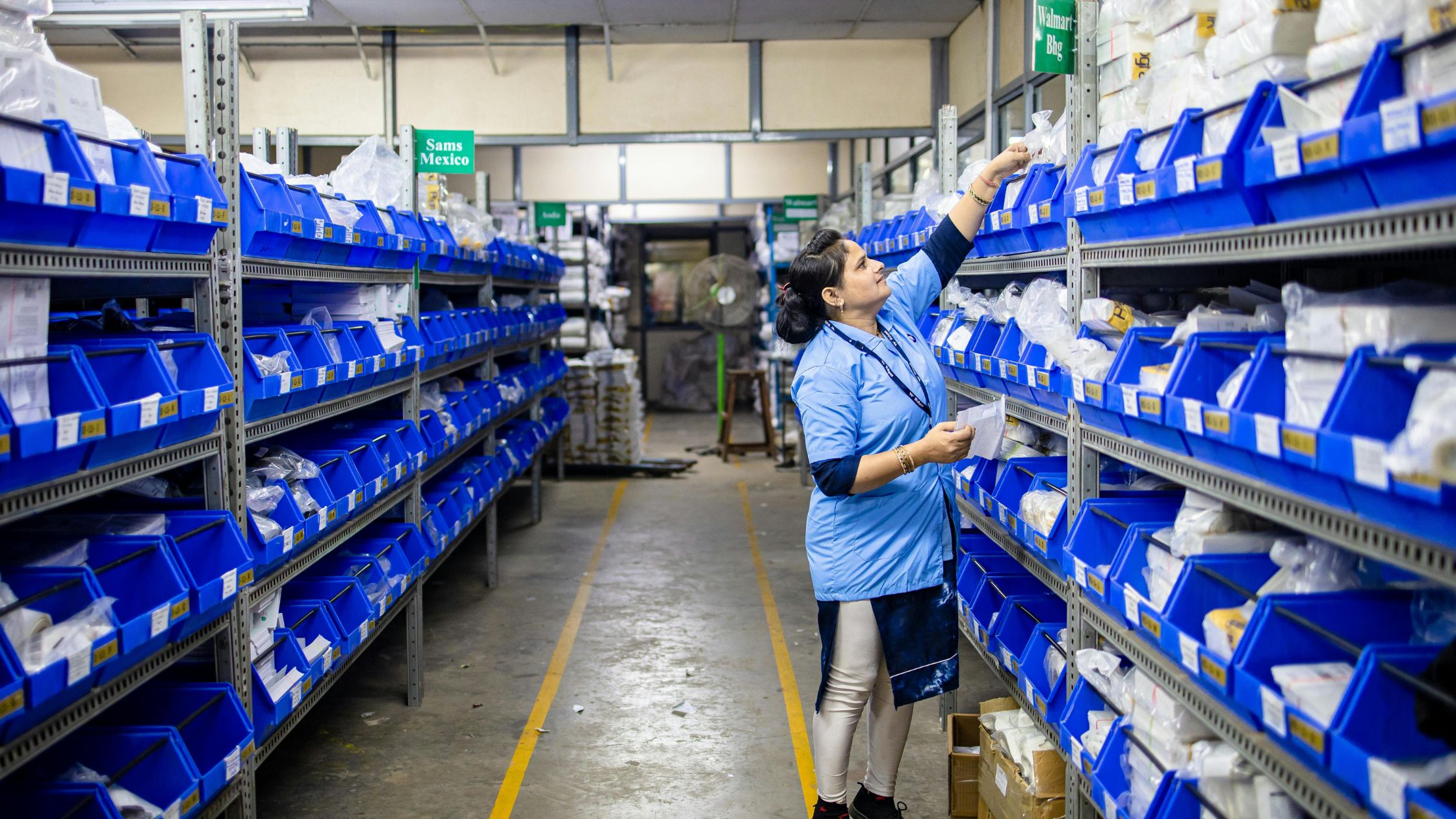
Practical Steps to Set up Supply Control in Your POS
You can approach this change in simple phases instead of trying to fix everything at once.
a) Clean your item list: Remove duplicate items, correct names, and make sure staff understand which buttons to use.
b) Define basic recipes for top sellers: Start with your most popular dishes. Add ingredients and approximate quantities.
c) Group inventory into clear categories: Organize ingredients into groups such as meat, dairy, produce, dry goods, and beverages.
d) Set simple par levels and adjust over time: Choose reasonable starting par levels for key items.
e) Schedule regular report reviews: Set a fixed time to review sales and usage reports to decide on changes in ordering, menu design, or prep routines.
These small steps gradually turn your POS into the central tool for supply control. You keep improving the setup as you gain experience, and you see benefits grow with each cycle.
Conclusion
Inventory does not have to feel chaotic or overwhelming. When you use a POS system for supply control, you connect sales, recipes, and supplies in a single, reliable system. The POS records what you sell, shows what you use, and helps you order what you truly need. Over time, you reduce waste, prevent stockouts, and make purchasing decisions with greater confidence. Floreant POS supports businesses that want to build this kind of POS-driven supply workflow, so owners can manage inventory more clearly and focus their energy on service and growth.

FAQs
1. What does a POS system for supply control actually do?
A POS system for supply control records each sale and links it to ingredient usage. It reduces stock levels based on recipes and item settings, so you always see how service affects your supplies.
2. How does a POS help reduce food and stock waste?
The POS shows which items move quickly and which barely sell. It also reveals how often staff void tickets or adjust orders. With this information, you can adjust prep amounts, change portion sizes, or remove weak items from the menu.
3. Can an offline POS still manage inventory effectively?
An offline POS effectively manages inventory by running on local devices. It records orders and updates stock without internet access, ensuring service continuity and capturing essential data for inventory reviews.
4. What reports should managers check for better supply control?
Managers should check sales by item, ingredient usage, and variance between expected and actual counts. They should also look at peak-hour sales and category performance.