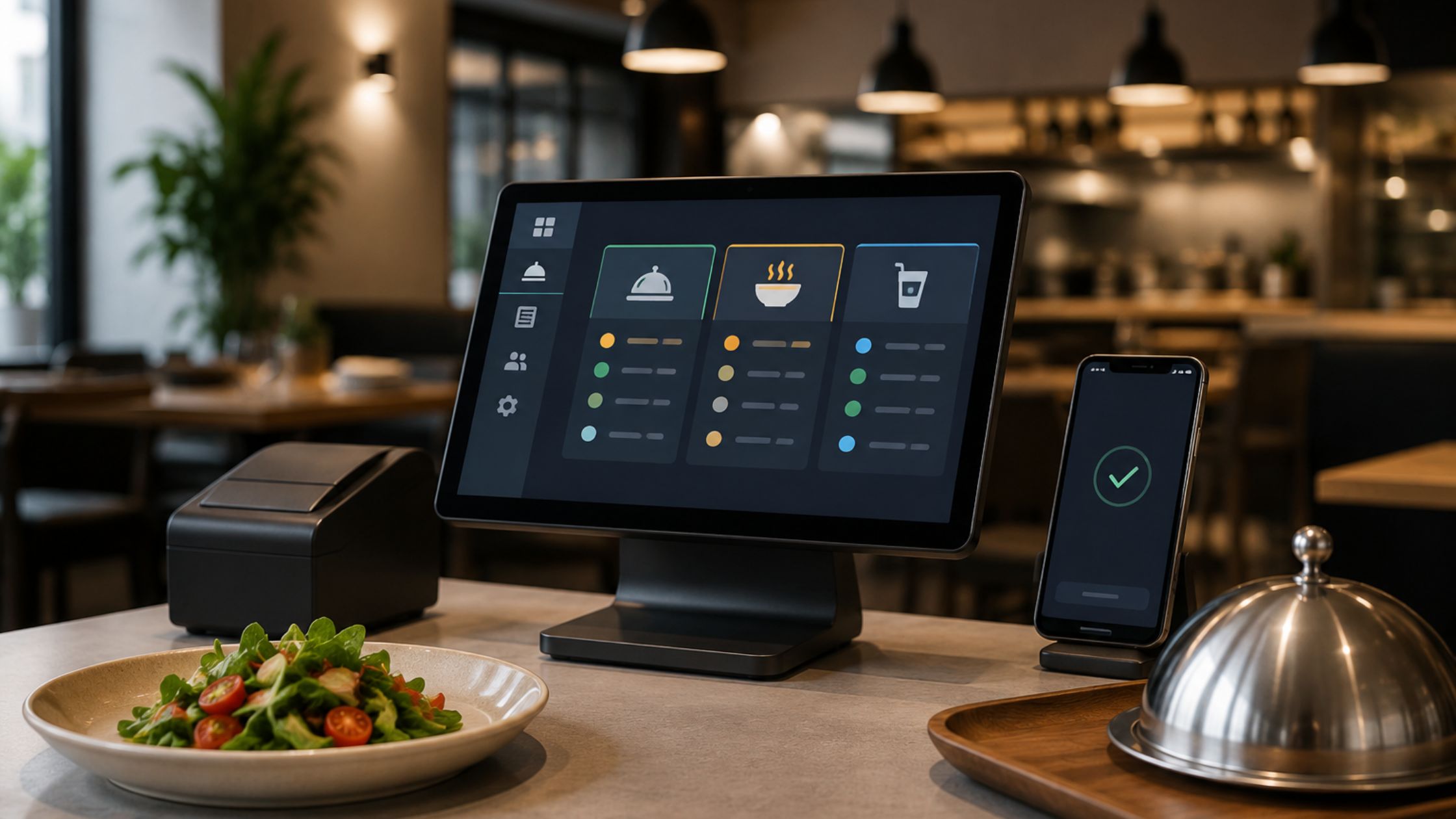
Managers often ask: Restaurant POS Training & Tutorials: How Long Does It Really Take to Learn a POS? You can answer it clearly when you treat “learning” as simple, trackable milestones. That’s why this article shares a realistic training timeline, setup tips that cut mistakes, and a role-based training plan you can repeat with every new hire. Moreover, most staff reach basic order entry and payment confidence within a few shifts when the POS layout stays consistent. However, full proficiency—covering modifiers, voids, reports, and troubleshooting—usually develops over one to two weeks with guided practice.
What “Learning a POS” Means
Staff don’t just learn buttons—they learn quick decisions. First, they should log in, clock in, and log out smoothly on shared terminals so the next person doesn’t end up on the wrong ticket. Since some POS systems even require a proper clock-out at the end of the shift, you should teach this habit from day one.
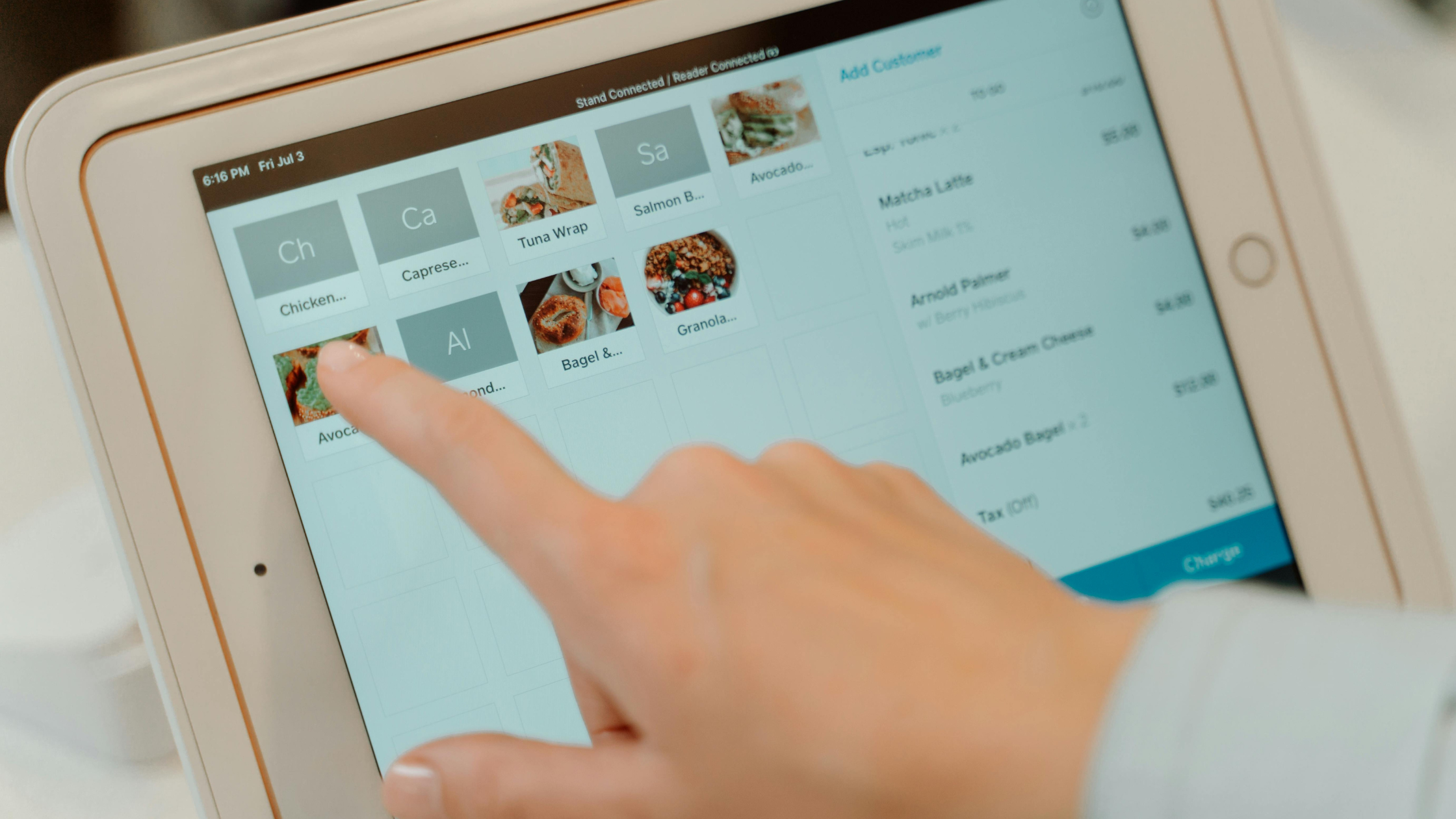
Next, staff choose the correct order type, pick the right table or pickup option, add items with modifiers, and send the ticket to the kitchen. Then, they handle changes calmly when a guest updates the order. Finally, they close the check and record tips quickly, so service stays fast.
Three Variables That Change Training Time
Before you set a training timeline, you need to understand what actually affects how quickly staff learn the POS.
- Role complexity: A host mainly learns table flow, while a manager must learn system setup, permissions, and control tools.
- Menu complexity: More modifiers, add-ons, and combos slow people down at first, so you should train using real menu situations your team handles every day.
- Workflow complexity: Dine-in and delivery setups add complexity, impacting how quickly staff learn the POS.
These three factors decide how fast your team pos training for restaurant staff, so when you simplify the setup and train with real shifts and real menu situations, onboarding becomes quicker and far more consistent.
A Realistic Learning Timeline
When teams ask for a clear timeline, they usually want practical expectations they can share with new hires and managers. Use these simple phrases to set training goals and keep everyone aligned:
I. Phase 1: 60–90 minutes (Learn the screen layout)
Run a quick workshop on logging in, taking orders, and sending tickets to the kitchen.
II. Phase 2: 1 supervised shift (Cover the basics)
Train during one guided shift (often around four hours), and add shadowing for confidence.
III. Phase 3: 3–5 shifts (Build speed and accuracy)
Practice real-life order scenarios with kitchen tickets until steps feel automatic.
IV. Phase 4: 2–4 weeks (Become fully confident)
Staff handle rush changes, split checks, and tricky requests smoothly without panic.
This phased timeline sets clear expectations, so your team learns in steps, builds real speed on live shifts, and reaches confident POS use without stress.
Configure the POS
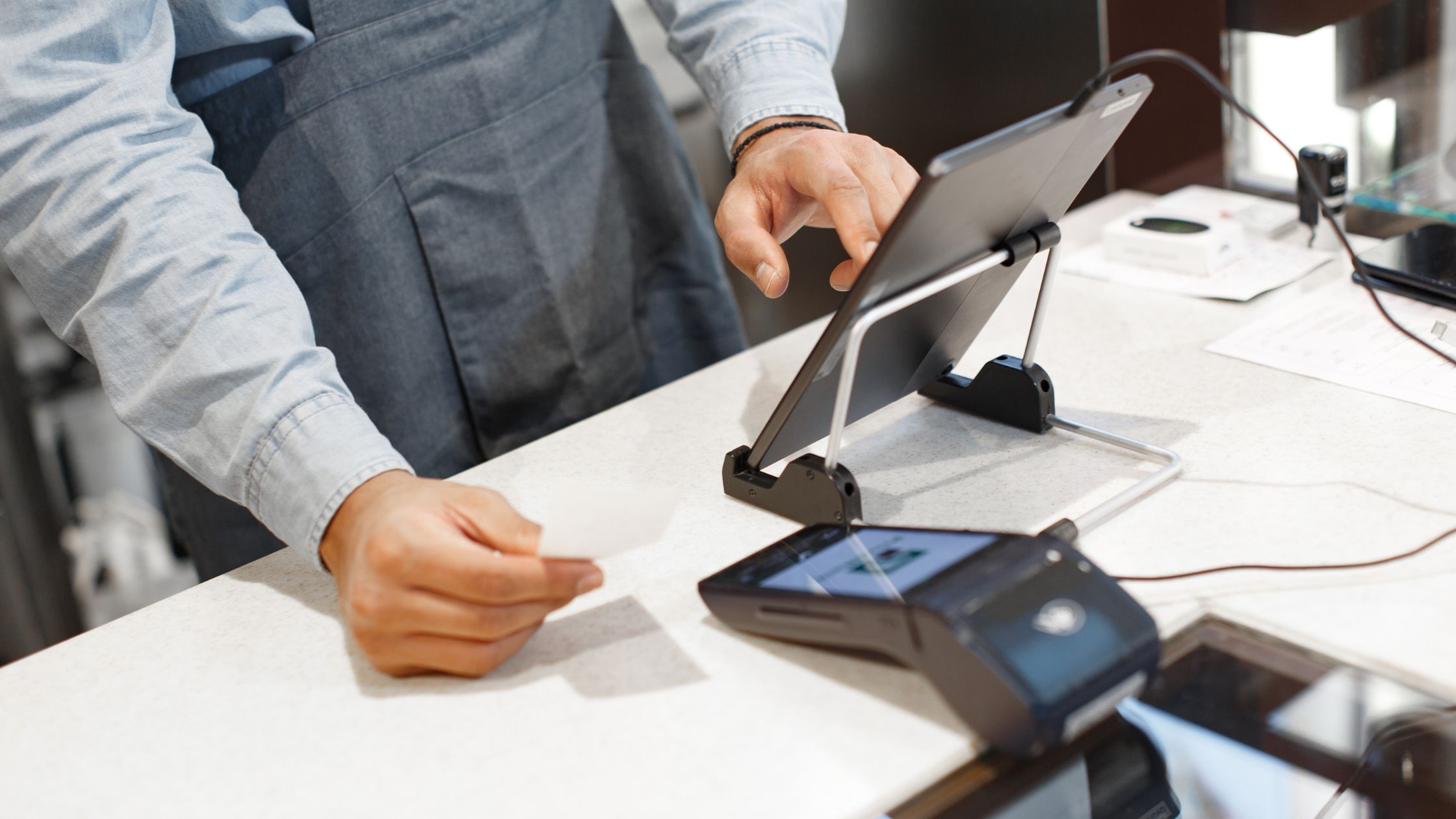
Training gets easier when your POS setup matches your daily workflow. First, lock in terminal settings early, because many systems assign a terminal number and perform best when it stays consistent. Next, simplify order types by enabling only what you use, and show table or guest/seat selection only for roles that need it. Then, keep kitchen printing consistent by mapping printer groups once and documenting each station for managers. Finally, train staff on order statuses—open, paid, and closed—so they always know what stage an order is in. Moreover, when you standardize these settings across shifts, new hires learn faster, and mistakes drop immediately. Leaen more about A Guide on Restaurant POS Software With Full Data Control.
Role-Based POS Training
You speed up POS learning when you train only what each role needs.
A. Front of House (Servers, Hosts, Bartenders, Cashiers)
Front-of-house teams must take accurate orders, move tables fast, and close checks smoothly. Focus on order type, modifiers, course/seat entry, and split checks. Standardize payments: verify ticket → confirm items → check tip flow → close the check.
B. Back of House (Kitchen and Expo)
Kitchen and expo teams need consistent ticket printing and clear timing cues. Moreover, you should train “ticket language” alongside POS steps, including call-outs, refires, and special notes. When printer routing stays consistent, the kitchen learns faster and misses fewer items.
C. Managers (Daily Control and Guardrails)
Managers should ensure workflow with clear rules and daily checks. Limit voids, discounts, and overrides by role, and review unusual edits daily. Keep tutorials brief and searchable, and provide a 10-minute refresher before weekends and after menu updates.
When you train by role like this, everyone learns only what they use, errors drop quickly, and service stays smooth—especially during peak hours.
A 7-Step Training Plan
If you’re still unsure, use this simple plan for POS training for restaurant staff to build confidence fast, reduce errors, and track progress clearly:
i. Create a sandbox: Set up training logins and a practice menu.
ii. Teach one perfect order: Walk through the full flow from open → paid.
iii. Practice three quick fixes: Edit an item, void correctly, and move a seat/table.
iv. Run real scenarios: Train dine-in, takeout, and delivery step-by-step.
v. Use micro cheat sheets: Place short reminders at each POS station.
vi. Shadow, then reverse-shadow: New staff watches first, then leads while a trainer watches.
vii. Coach live: Correct mistakes immediately during real shifts so habits stick.
When you follow these seven steps consistently, your team stops guessing, learns the POS faster, and delivers smoother service with fewer ticket mistakes.
Conclusion
Now you can set a realistic training timeline with confidence, with a clear timeline, because structured practice builds speed and confidence faster. Moreover, role-based POS training for restaurant staff reduces ticket errors and keeps service smooth during rush hours. If you want a restaurant-ready POS that fits real shift workflows, Floreant POS supports table service, takeout flow, and kitchen ticket printing, so teams learn faster with fewer order-routing mistakes.