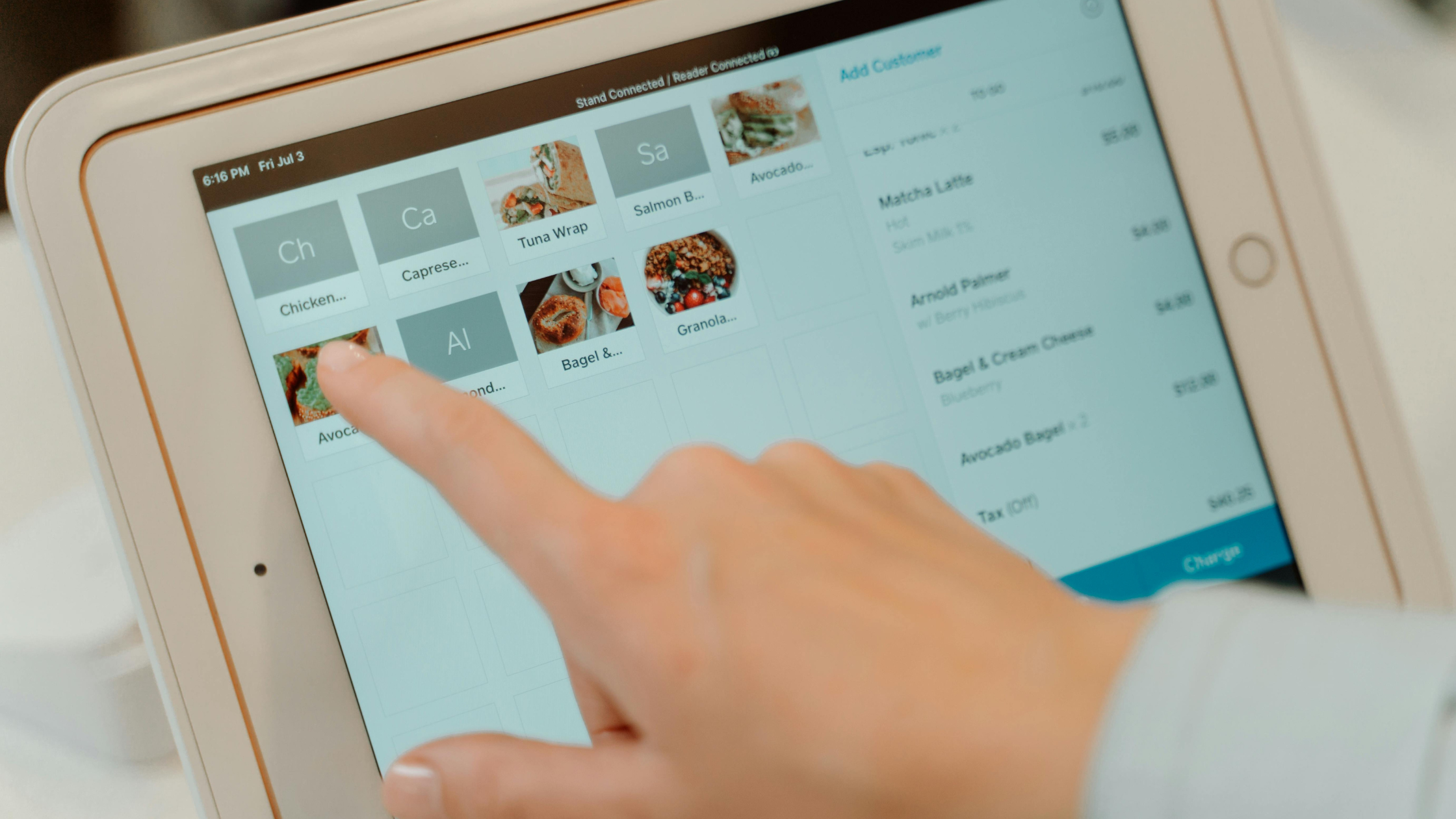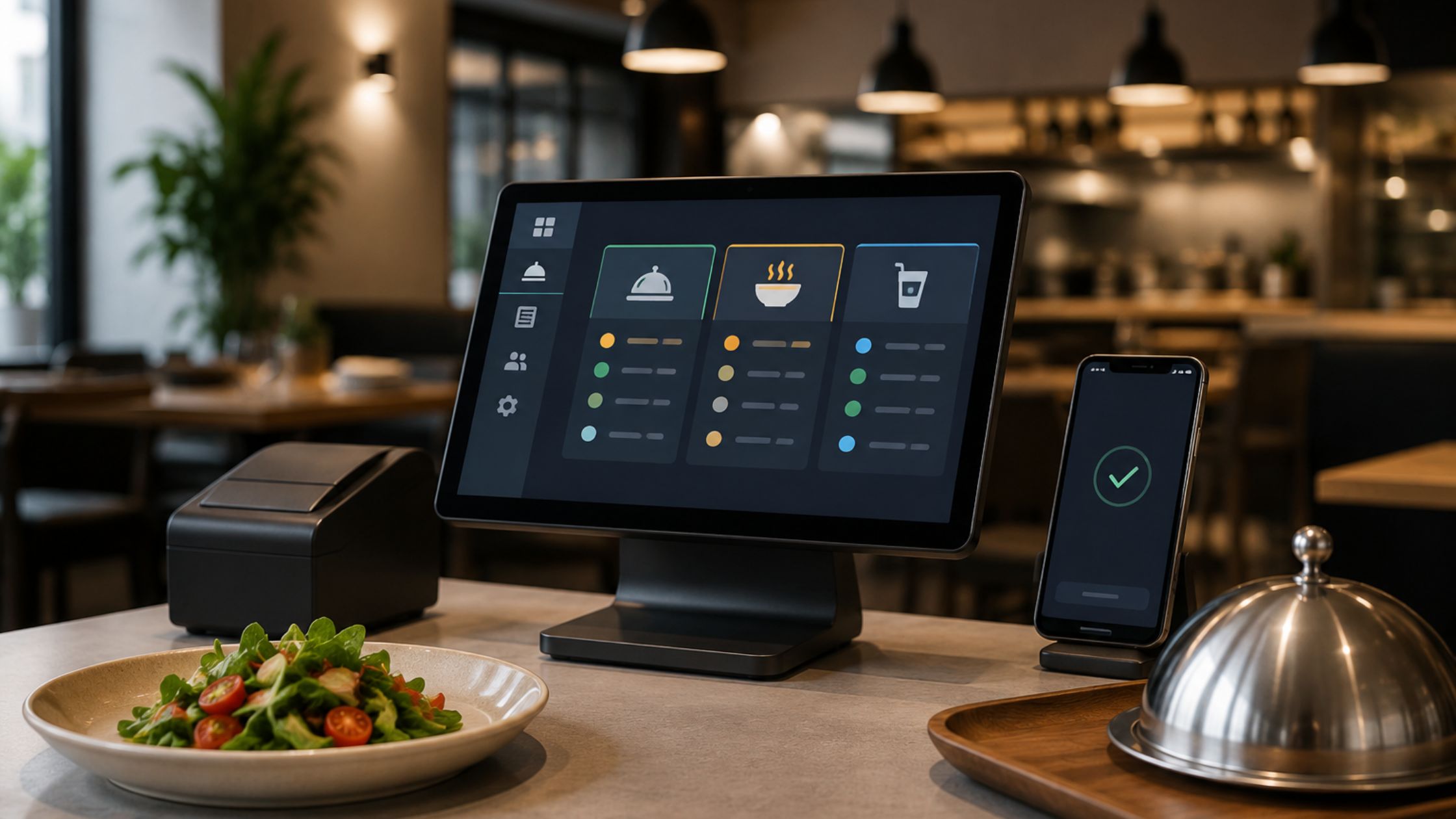
Restaurants move fast, and small delays turn into long lines, missed orders, and frustrated teams. Therefore, you need a POS setup that stays reliable during rush hours and still adapts when your menu, workflow, or hardware changes. When you choose an open source restaurant POS with source code access, you control the software, so you also control the process.
In this guide, you will learn what open source restaurant POS with source code access means in practice, why it matters for your daily operations, which components drive real performance, and how to choose the right provider. Additionally, you will learn best practices that will keep your system stable, scalable, and easy for staff to use.
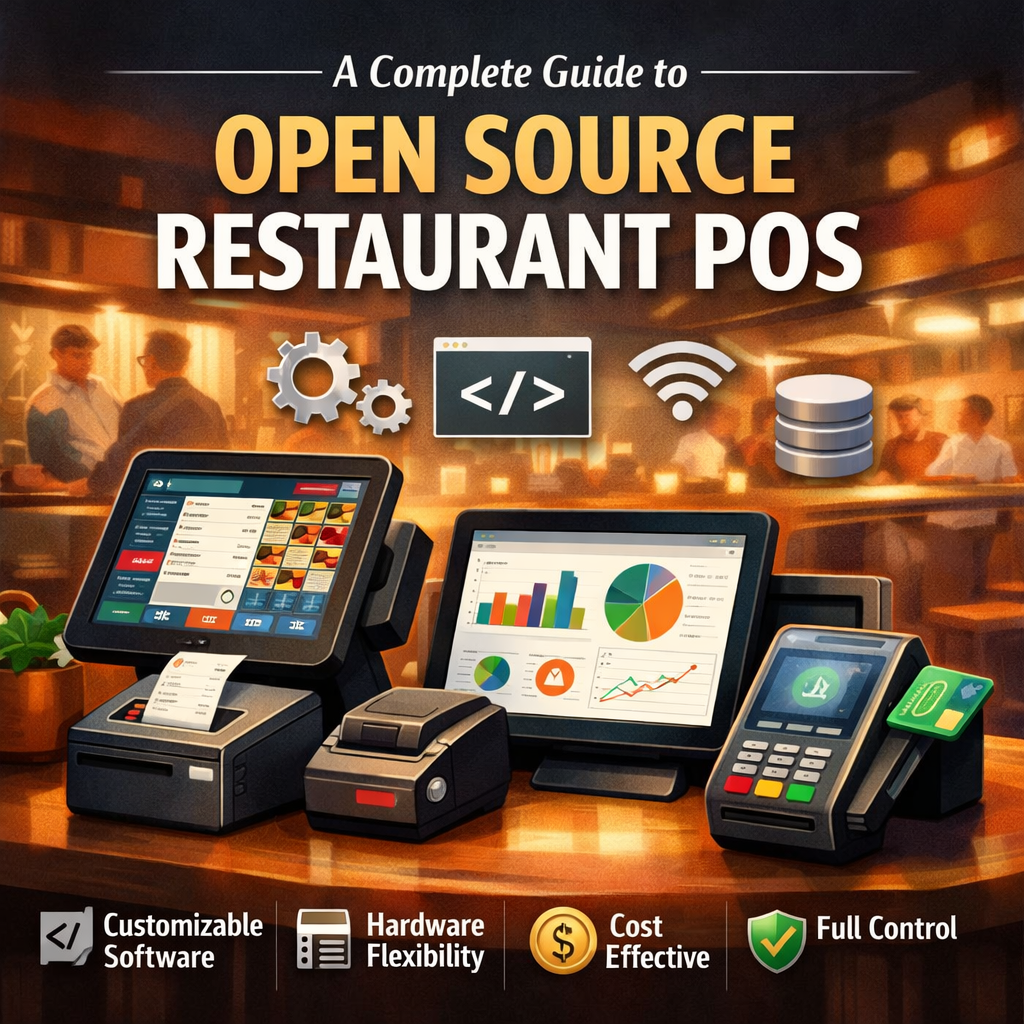
What Open Source Restaurant POS With Source Code Access Means
Open source restaurant POS with source code access that runs front- and back-of-house workflows with code access. As a result, you can extend features, integrate tools, and customize screens without waiting on a vendor roadmap. These systems typically include:
- Order entry for dine-in and takeout workflows.
- Menu programming with modifiers and categories.
- Multi-terminal support with a shared database.
- Kitchen routing via printers and kitchen display screens.
- Reports for sales, productivity, tips, and transaction summaries.
Moreover, many deployments run without cloud dependencies, which helps teams keep services steady even when connectivity becomes unreliable. Learn more about POS Software with Source Access.
Why Great POS Source Access Matters
When your POS slows, staff lose rhythm and guests lose patience. Therefore, treat system control as an operational advantage. An open source restaurant POS with source code access helps you:
- Shift Consistency: Standardize ordering flows across staff and shifts.
- Kitchen Alignment: Keep the kitchen aligned with accurate ticket routing.
- Offline Stability: Reduce downtime risk with a stable, offline-capable architecture.
- Clean Records: Maintain clean records for audits and reconciliation.
- Scalable Integrations: Integrate new tools as you add services or locations.
For example, dine-in requires table visibility, while takeout needs speed and a clean ticket flow. Consequently, source access lets you shape the software around your service model.
Key Components of Effective Restaurant POS Systems
To make open source pos truly useful, you should evaluate the system as a complete workflow engine, not just a checkout screen, across ordering, kitchen, payments, reporting, and team control.
1. Offline-Ready Core
Restaurants need stable performance during peak hours. Therefore, choose systems that run locally with dependable database handling, because this protects the service when networks fail. Additionally, flexible database options simplify setup and reduce friction.
2. Quick Menu Setup
A powerful menu builder supports categories, modifiers, and item groups with clean logic. Consequently, staff can ring orders faster, and managers can update menus easily. Moreover, structured menus cut mistakes and keep tickets clear during rush.
3. Kitchen Routing
Kitchen speed depends on clean ticket flow. Therefore, use printer routing and kitchen display support because each kitchen runs differently. Additionally, station-based routing reduces mix-ups, improves pacing, and keeps expo in control.
4. Dine-In + Takeout Flow
Every restaurant serves differently. Consequently, the POS should support table mapping, tips, dine-in pacing, and fast takeout flow. When one system handles both, managers standardize training and reduce variability.
5. Actionable Reports
Reports should drive decisions, not sit unused. Therefore, prioritize systems with sales summaries, hourly trends, productivity, tips, and card reporting. Additionally, better reporting helps you adjust staffing, cut waste, and spot patterns faster.
Therefore, when you choose a POS that covers all five areas together, you get a reliable system that runs smoothly in real service and scales with your restaurant’s needs.
Restaurant POS Tips That Keep Systems Scalable
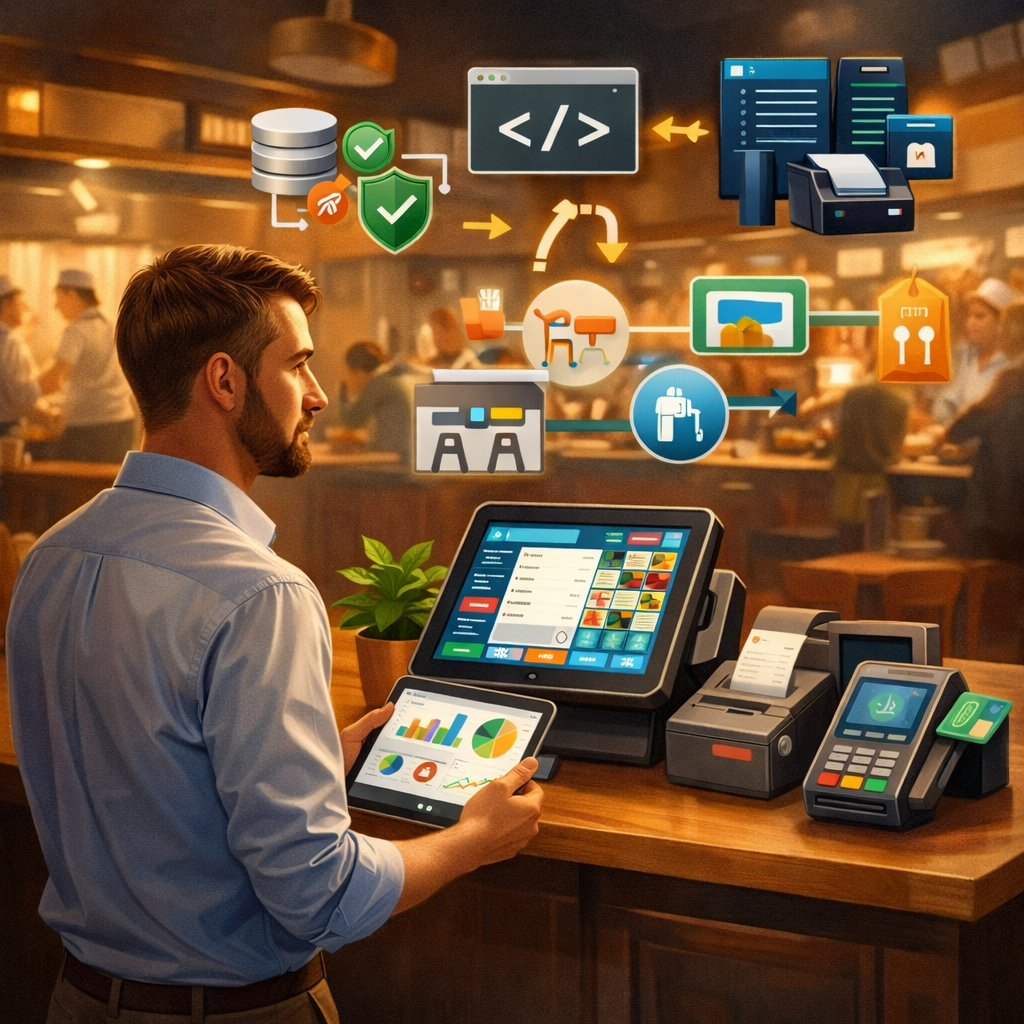
A strong open source restaurant POS setup needs more than features. These best practices keep it effective and scalable.
- Assess the workflow: Map the flow from guest to kitchen to payment. Then, place terminals, printers, and displays for real movement.
- Choose scalable, modular tech: As you add stations or service modes, pick a system that supports multi-terminal growth and clean config updates.
- Keep it fast and simple: If screens confuse staff, service slows. Therefore, simplify layouts, tighten modifiers, and standardize training.
- Govern source access: Document changes, control versions, and test updates before you deploy during service hours.
Together, these steps will keep your POS reliable during rush hours and scalable as your restaurant grows.
How It Improves Outcomes
Professional-grade open source restaurant POS supports measurable operational wins across speed, accuracy, uptime, training, and reporting during daily service.
- Faster ordering and fewer ticket errors through structured menus and modifiers.
- Better kitchen coordination through printer routing and kitchen display workflows.
- Stronger managerial control through detailed reports and operational visibility.
- Smoother expansion planning because you can adapt workflows as needs change.
Additionally, source access supports smarter long-term scaling. When you add services, locations, or new ordering channels, you can adapt the system to the business instead of rebuilding operations from scratch.
Common Challenges and Practical Solutions
Even strong systems face real-world friction. However, you can solve most issues with planning and structure. Common challenges include:
- Inconsistent setup across terminals and stations.
- Weak ticket routing that overloads one kitchen point.
- Complex screens that slow down staff during rush hour.
- Reporting gaps that hide margin and labor issues.
To fix these problems, teams standardize configuration, document roles, and validate routing in real service simulations. Moreover, they use controlled updates and structured testing to protect stability.

Conclusion
In summary, an open source restaurant POS with source code access gives restaurants real control over workflows, kitchen execution, and operational reporting while supporting scalable change over time. If you want a proven open-source platform that restaurants can tailor to their exact service model, Floreant POS delivers the core tools teams rely on every day—offline-capable performance, multi-terminal setup, smart kitchen routing through displays and printers, structured menu programming, and decision-ready reporting. Moreover, Floreant POS keeps you flexible because you can extend features, standardize operations across locations, and adapt the system as your concept evolves—without getting locked into rigid vendor limitations.