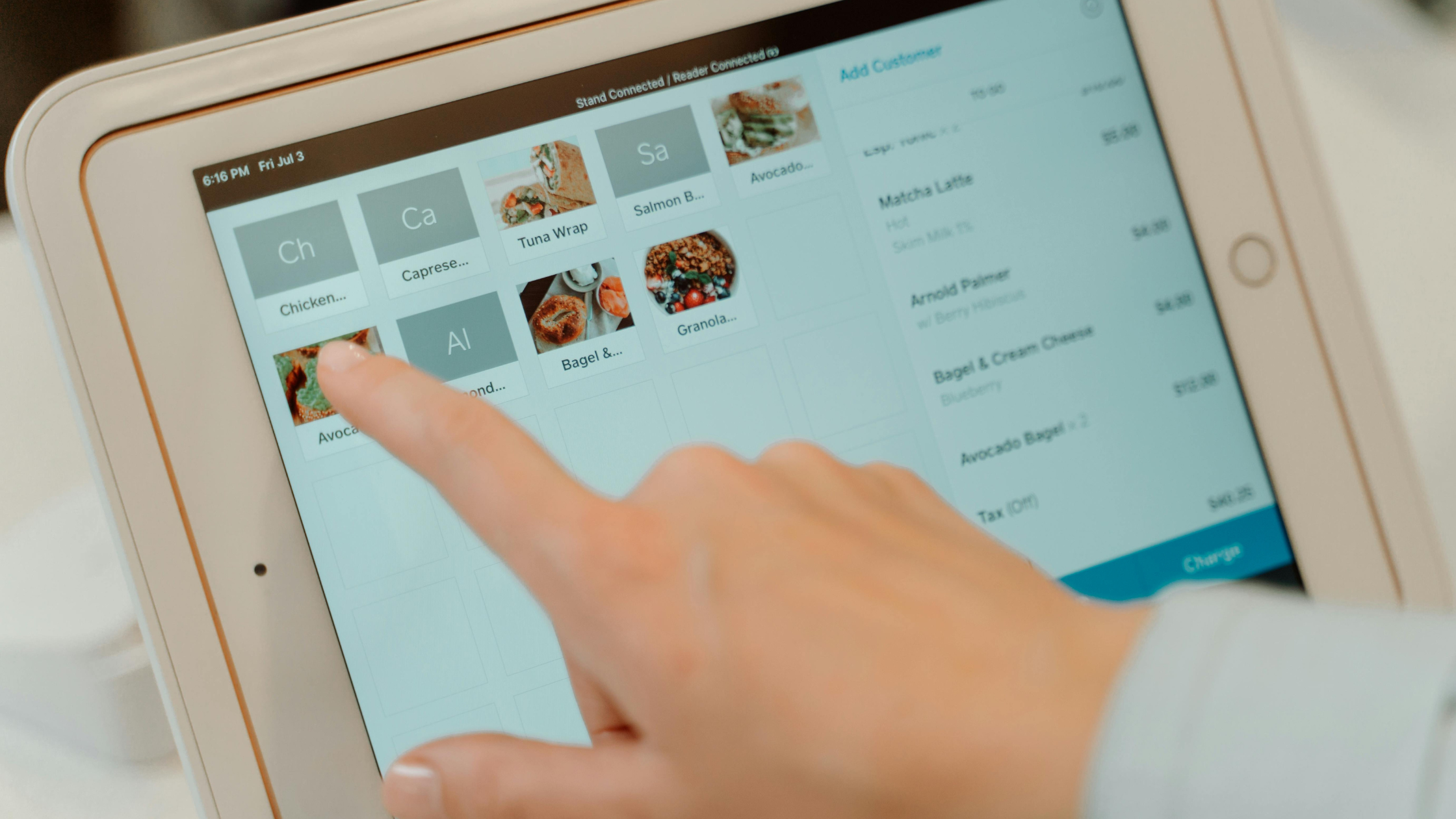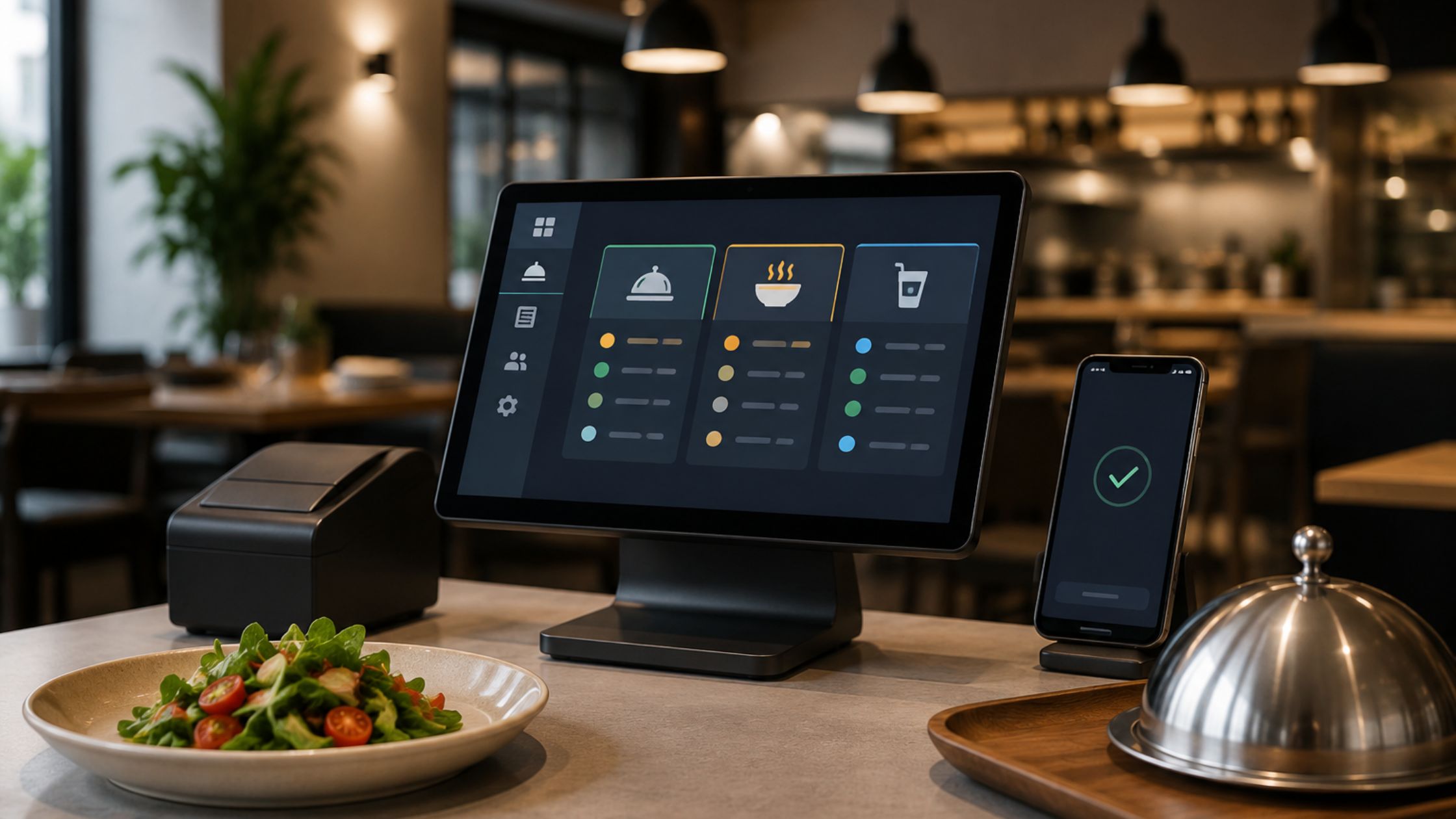
In today’s fast-paced business environment, especially within industries like restaurants and retail, ensuring a smooth and efficient check-out process is essential for maintaining customer satisfaction and business success. A point-of-sale system with simplified check-out features can significantly enhance the customer experience, streamline operations, and improve overall efficiency. These systems allow businesses to reduce wait times, minimize human error, and provide a seamless payment process. As customers increasingly expect quicker, more convenient transactions, businesses must adapt to stay competitive.
How Simplified POS Systems Meet Modern Business Needs
Simplified POS systems are designed to cater to a wide range of businesses, from high-volume retail stores to fine-dining restaurants and even mobile pop-up shops. Their adaptability makes them suitable for various industries, ensuring smooth operations no matter the business model. These systems integrate seamlessly with essential tools such as inventory management, customer relationship management software, and accounting platforms, which helps streamline business processes and reduces the need for multiple disconnected systems.
With advanced security features, these POS systems safeguard sensitive customer data by ensuring compliance with strict privacy regulations like PCI DSS and GDPR. This provides peace of mind to both businesses and customers by preventing data breaches and fraud. Furthermore, the mobile and cloud-based capabilities of modern POS systems enable businesses to process payments from anywhere—whether it’s in-store, at events, or even from remote locations. Learn more about Best POS Hardware 2026.
Core Elements of a Simplified POS System to Boost Checkout Efficiency
In a fast-paced business world, an efficient checkout process is vital for improving customer satisfaction and operations. A simplified POS system can make a significant difference in ensuring smooth transactions.
A) Quick and Easy Installation
A POS system with simplified check-out should have a user-friendly setup process, enabling businesses to get up and running quickly. Installation time should be minimal to avoid disruptions in daily operations.
B) Support for Multiple Payment Types
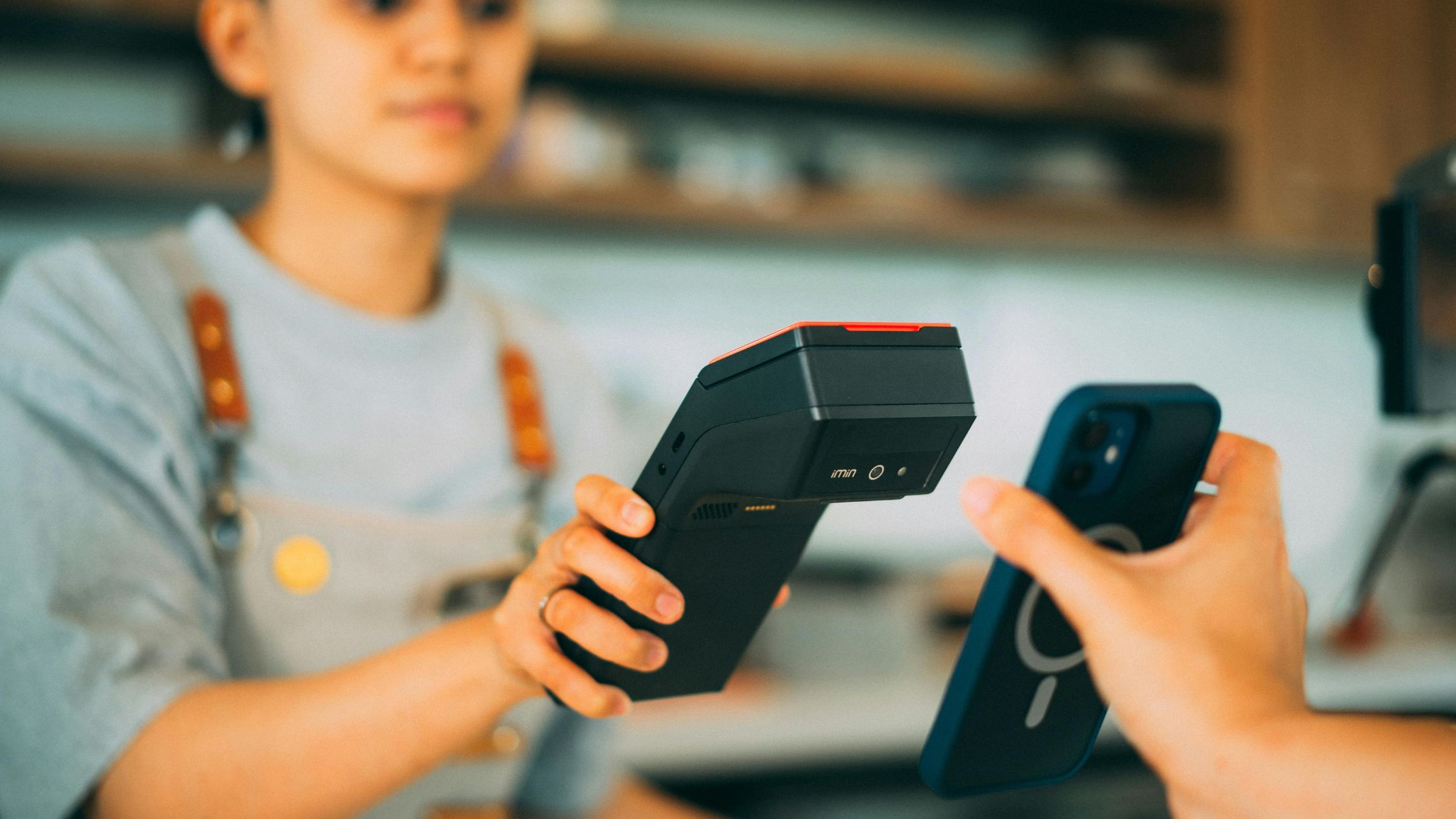
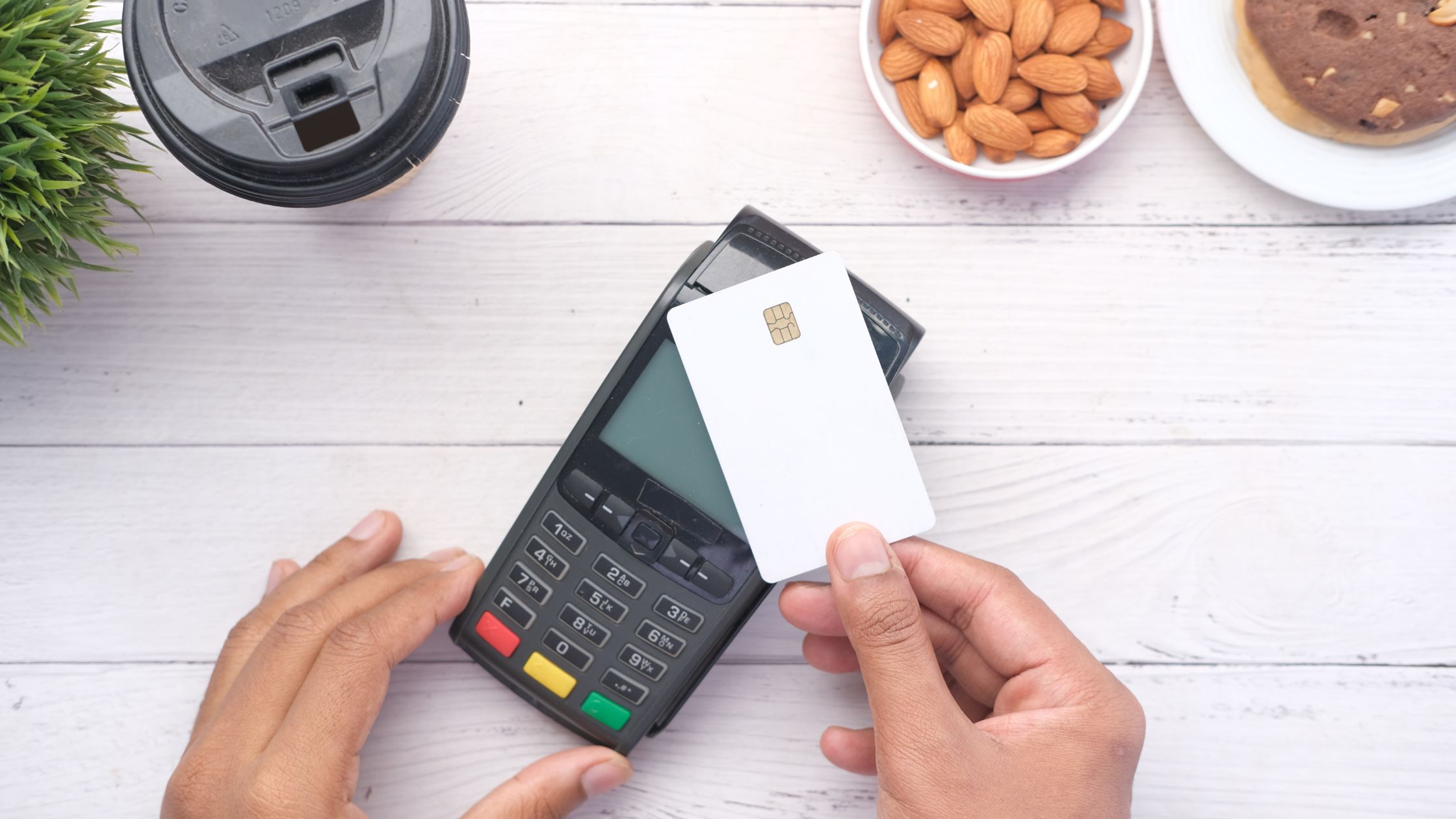
The system should accept various payment methods such as cash, credit/debit cards, mobile payments, and gift cards. This flexibility enhances the customer experience by providing a variety of convenient payment methods.
C) Table Service and Quick Order Handling
For restaurants, the POS system should handle different order types like dine-in, take-out, and delivery. It should facilitate smooth table service by allowing features like check splitting and applying discounts. This ensures faster service and better customer satisfaction.
D) Comprehensive Reporting
Detailed reporting features are crucial for tracking sales, cash flow, and transactions. The system should generate real-time data that aids inventory management and decision-making. These insights help improve operational efficiency and profitability.
E) Hardware Compatibility
A versatile POS system should be compatible with various devices like printers, cash drawers, and barcode scanners. It should support multiple operating systems, such as Windows, Mac, or Linux.
A simplified POS system with these essential features helps streamline checkouts, improve customer experience, and boost business efficiency.

How Does a POS with Simplified Check-Out Systems Work?
Implementing a POS system with simplified check-out can streamline business operations. Here’s how it works:
- Order Entry: The server or cashier enters the customer’s order into the POS system, which should be intuitive and quick to navigate.
- Order Processing: The system sends the order to the kitchen or service area, automatically applying any modifiers or discounts.
- Payment and Finalization: The cashier processes payments through cash, card, or mobile transactions using the same POS system.
- Receipt Generation: After payment, the system generates receipts, including multiple receipts for split payments if needed.
By simplifying these steps, a POS system ensures faster and more efficient transactions, enhancing overall customer experience and business productivity.
Why Choose a Simplified POS System for Your Business
A simplified POS system enhances efficiency, speeds up transactions, and improves customer satisfaction.
- Streamlined operations lead to quicker transactions, reducing wait times and improving customer satisfaction.
- Eliminating manual entry errors reduces mistakes in orders and payments, minimizing disputes and enhancing overall customer satisfaction.
- The system consolidates multiple functions, orders, payments, and reporting into one solution, reducing the need for additional tools and resources.
- As your business grows, the system can easily expand to handle more terminals, locations, and employees without compromising efficiency.
- The system generates real-time data and detailed reports, helping businesses track sales trends, monitor inventory levels, and make informed decisions to optimize operations and support growth.
It’s a smart investment for businesses aiming to streamline operations and support growth.
Conclusion
In today’s highly competitive business landscape, adopting a POS with simplified check-out systems is not just an option but a strategic move for businesses looking to enhance customer satisfaction and boost operational efficiency. These systems offer a seamless and intuitive user experience, enabling businesses to handle transactions quickly and accurately, ultimately saving time and reducing errors. By choosing a POS system that integrates ease of use, quick processing, and comprehensive features, businesses set themselves up for long-term growth and success. At Floreant POS, we are dedicated to helping businesses implement these powerful POS systems, designed to streamline your operations and improve the overall customer experience.
FAQs
Q1: What is a POS with simplified checkout systems?
A POS with simplified checkout systems is a point-of-sale system designed to make the payment process as quick and seamless as possible, reducing errors and improving customer satisfaction.
Q2: Can a simplified POS system work offline?
Yes, many modern POS systems, including those with simplified check-out features, can operate offline, ensuring that your business can continue processing transactions even without an internet connection.
Q3: How does a POS system improve customer service?
A POS system improves customer service by speeding up transactions, minimizing errors, and enabling fast payment processing, leading to quicker check-out times and a better overall customer experience.
Q4: Is it easy to set up a POS with simplified checkout systems?
Yes, a well-designed POS with simplified checkout systems should be easy to install, often requiring minimal setup and configuration to start processing orders and payments.