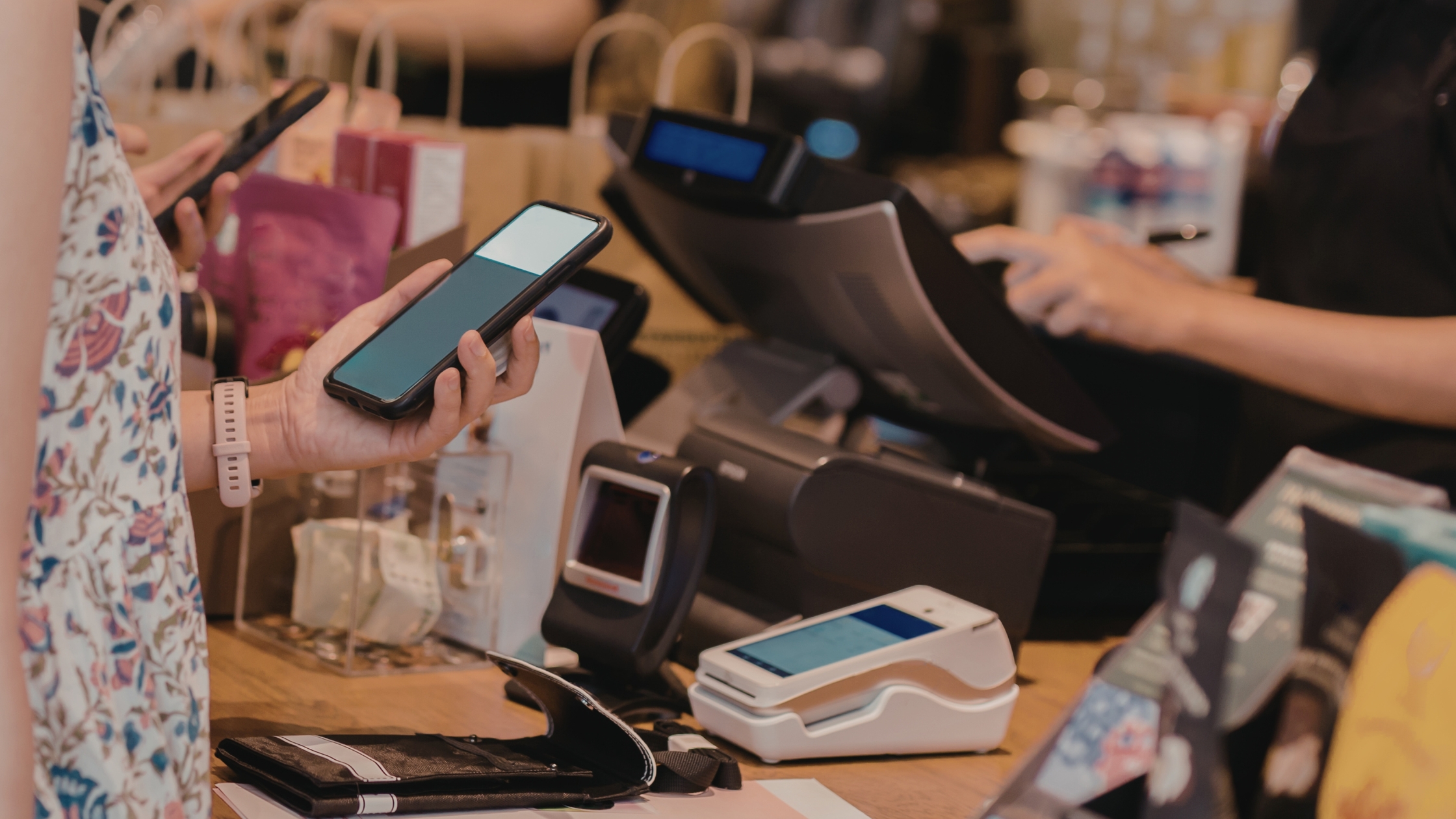
Running a restaurant already feels like a tightrope walk between rising costs and thin margins. Yet many owners lose even more money because of something they rarely see clearly on paper: POS hidden fees. These extra charges sit inside long contracts, vague bundles, and confusing invoices, and they quietly reduce your profit month after month. In this article, you’ll learn what POS hidden fees usually look like, how to read between the lines in POS proposals, and how an open, flexible solution like Floreant POS helps you avoid many of these surprise costs.

Why POS Hidden Fees Harm Restaurant Cash Flow
Every additional fee from your POS provider comes straight off your daily sales. You already manage expenses such as staff, rent, ingredients, and utilities. When the POS system adds unclear or variable charges, accurate budgeting becomes difficult. Many owners notice a problem only when:
- Bank deposits seem lower than expected
- Monthly statements show vague “service” or “gateway” lines
- Rates rise after an introductory period ends
By understanding how POS hidden fees work, you can ask better questions, compare offers properly, and make decisions with clearer numbers.
Common Types of POS Hidden Fees
Names and structures differ across providers, yet most hidden costs fall into a few categories.
1. Per-Terminal and Per-Location Licensing
Some providers charge per terminal, per register, or per location. The advertised base price often covers only one device. Costs rise when you:
- Add a bar or patio terminal.
- Use a separate tablet for takeout orders.
- Open an additional location.
Floreant POS provides a free, open-source system that allows operation on multiple terminals without mandatory fees, giving you full control over your restaurant’s devices.
2. Payment Processing Markups
Processing is a frequent source of hidden costs. Beyond the headline rate, contracts may include:
- Extra cents per transaction.
- Higher percentages on certain card types.
- “Non-qualified” or downgraded transactions with extra charges.
Some providers lock you into their gateway with higher card swipe fees. Floreant POS supports standard gateways, allowing you to negotiate better processing rates and avoid extra charges.
3. Add-On Modules and Feature Unlock Fees
Some features appear in demos but require separate subscriptions in real use, such as:
- Inventory and recipe management.
- Table layout and floor plans.
- Delivery and driver management.
- Loyalty programs and gift cards.
Floreant POS provides a free core platform with essential restaurant features, allowing you to add paid plugins as needed. This gives you control and helps avoid unexpected fees.
4. Support, Training, and “Priority” Charges
Support sometimes looks generous at first, then changes later. Typical patterns include:
- Per-incident support tickets.
- Mandatory support packages after the first year.
- Extra payment for “priority” or faster responses.
Floreant POS provides free community resources and documentation for user support. For professional services and customization, you can pay as needed without recurring fees.
5. Hardware Lock-In and Rental Agreements
Hardware can create long-term cost commitments. Watch for:
- Proprietary tablets or terminals that only work with one system.
- Long leases on equipment instead of a simple purchase.
- Penalties for ending the software contract before the hardware term ends.
Floreant POS is open source and compatible with standard hardware, enabling you to avoid proprietary traps. You can reuse devices or choose affordable hardware to save on costs.

How to Read Contracts and Catch Fees Early
Careful review before signing prevents most surprises. A practical approach includes:
- Requesting a detailed fee list: Ask for all recurring and one-time costs in writing, including processing, software, hardware, support, and add-ons.
- Checking contract length and renewals: Look for minimum terms, renewal dates, and early-termination conditions.
- Comparing processing options: Obtain at least one independent processing quote and compare it with the proposed rates and any extra categories or surcharges.
- Evaluating add-ons separately: Treat each feature—inventory, delivery, loyalty—as its own line item and confirm the exact monthly impact.
- Clarifying support coverage: Confirm response times, channels (phone, chat, email), and any conditions that trigger extra charges.
This type of review helps you understand the real long-term cost rather than focusing only on the starting monthly price. Learn more about Restaurant With Best POS Hardware 2026.
Open-Source and On-Premise Models as Smarter Alternatives
If you’re tired of hidden fees and rigid contracts, consider open-source and on-premise POS models like Floreant POS. You can install it locally on trusted hardware, choosing your server, terminals, and payment processor, which helps you avoid costly bundled deals. While it requires planning, the benefits are significant.
- You see every cost component clearly.
- Scale hardware and features at your own pace.
- You reduce long-term dependence on a single vendor.
For restaurants that want transparency, flexibility, and long-term savings, open-source and on-premise POS isn’t just an alternative – it’s a strategic upgrade.
Conclusion
POS hidden fees shouldn’t be a normal cost of doing business. By asking better questions and reading the fine print, you can protect your margins. Floreant POS offers an open-source, non-cloud-dependent solution with no hidden costs in the core product. You only pay for additional plugins, customization, or services that genuinely enhance your operations.
If you want help selecting the right setup, optimizing your restaurant workflows, and building a POS stack that avoids unnecessary fees, you can rely on Floreant POS for the software foundation, strategic implementation guidance, and digital growth support.
FAQs
1. What are POS hidden fees?
Pos hidden fees are extra charges that do not appear clearly in the advertised POS price, such as processing markups, add-on costs, and penalty fees.
2. How can I avoid POS hidden fees with a new POS system?
Ask for a full written breakdown of every fee, compare providers, and check how costs change when you add devices, locations, or new features.
3. Are open-source POS systems cheaper long term?
They can be, because they often remove mandatory software subscriptions and let you control hardware, plugins, and support spending.
4. What should I review in my current POS contract to find hidden costs?
Review processing rates, per-terminal charges, support plans, add-on fees, and any early-termination or hardware lease terms that might add extra cost.