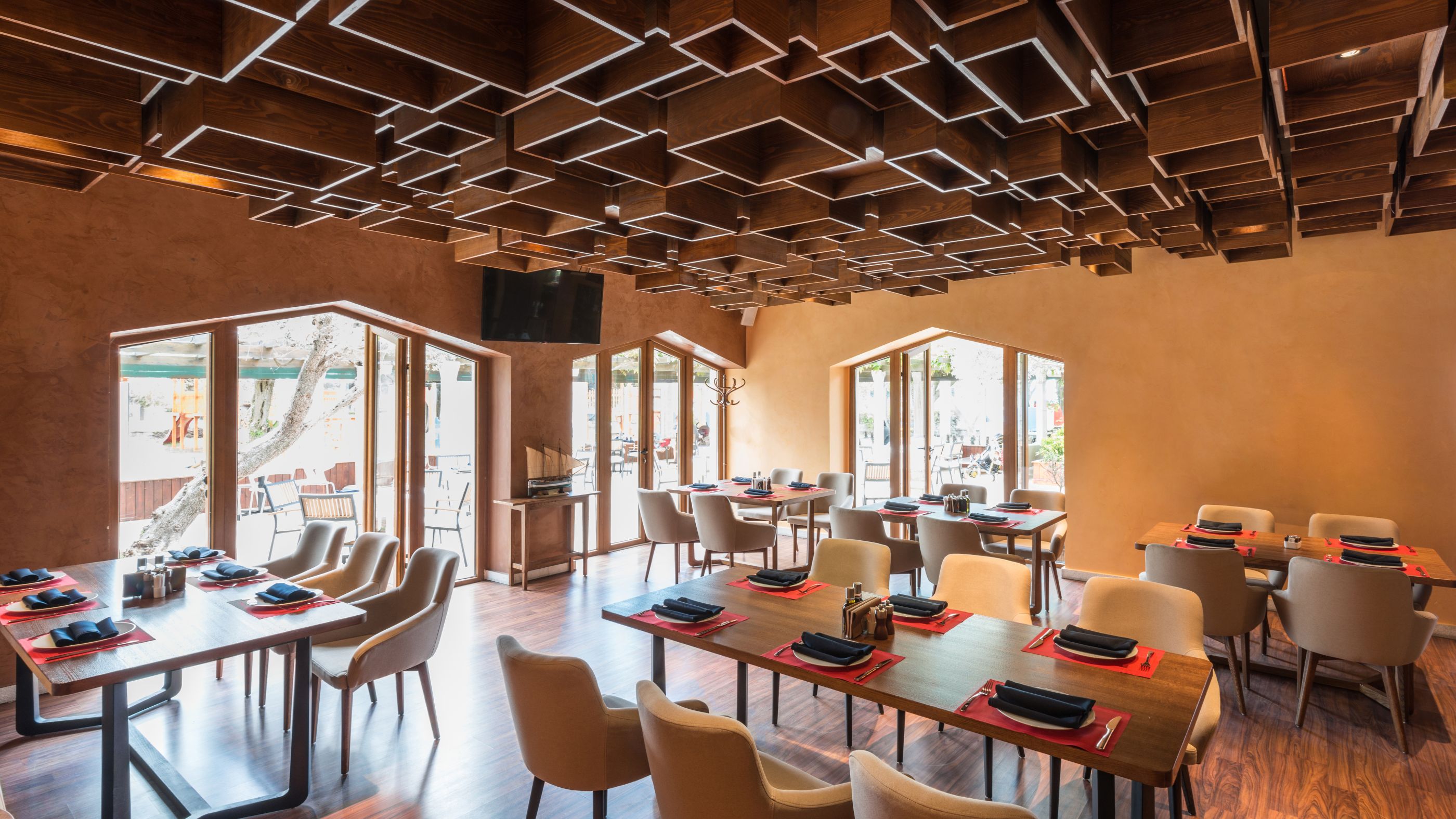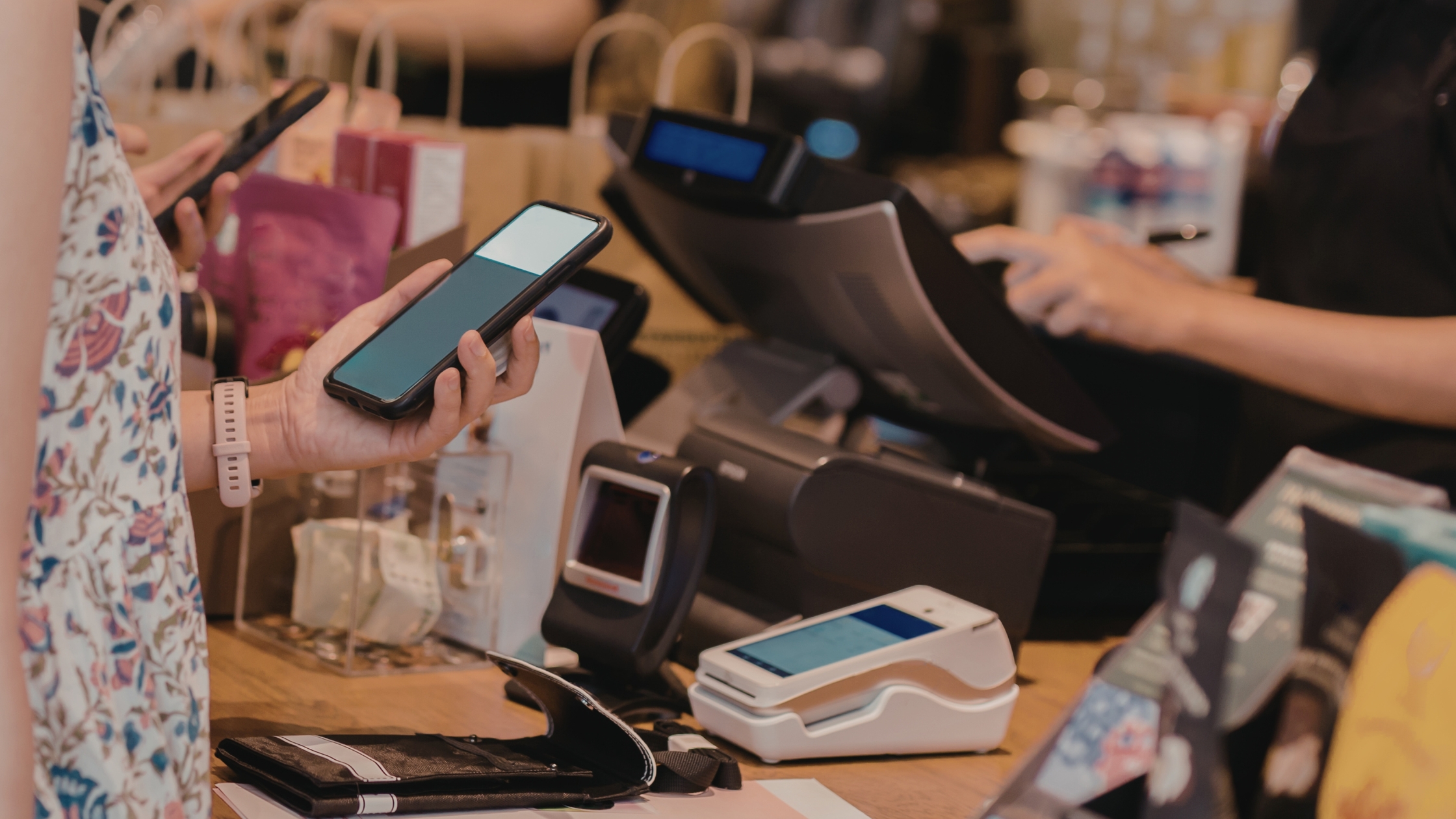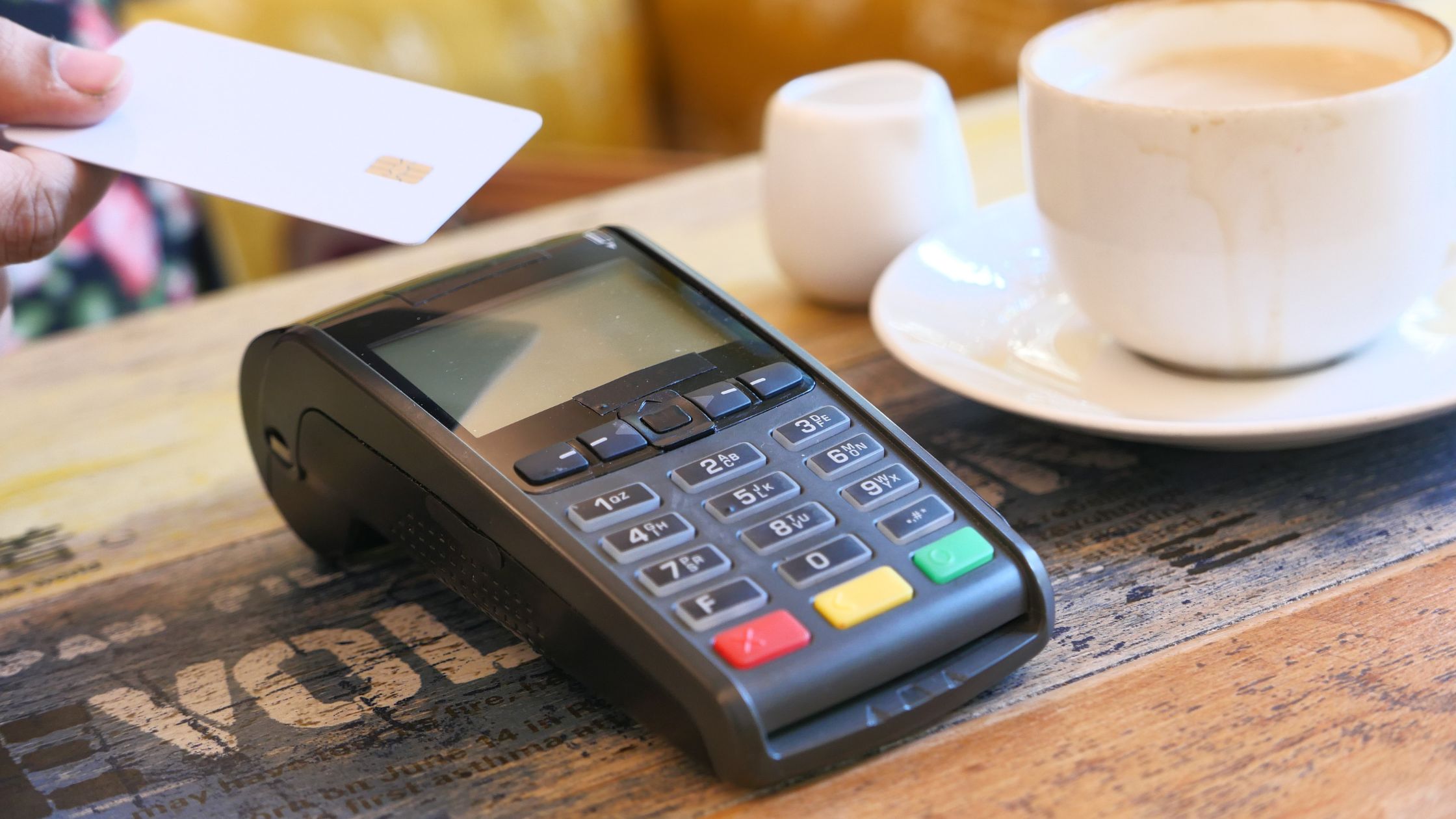
Restaurants depend on fast service, accurate billing, and smooth routines. However, when a POS system hides important features behind vendor approval, your work slows down. Restaurant pos software with source access fixes this because you stay in control of how the POS works, how it connects with other tools, and how it expands as your menu and team grow. Moreover, you lower daily risk because you can resolve problems quickly, add the features you need, and keep the same setup across all locations. Additionally, you avoid being stuck with one provider’s limits, so your restaurant can upgrade, adapt, and scale without breaking the workflows your staff relies on every day.
Why Source Access Changes POS Ownership
Most POS systems try to force every restaurant into the same setup. However, real operations change all the time. You update menus for seasons, create combos, adjust taxes, add new order types, and fine-tune kitchen prep rules. Therefore, restaurant pos software with source access helps you make those changes quickly, without waiting for a vendor to approve or release updates.
Source access also keeps your system stable as you grow. For example, if you replace a device, you can keep the same workflow and screens. Moreover, when you add more terminals or open another counter, you can set the same rules everywhere, so every cashier follows one smooth process.
Core POS Requirements
When you evaluate restaurant pos software with source access, do not judge it only by the “open source” label. Instead, check whether it can handle real restaurant operations. Specifically, focus on these must-haves:
A. Offline-First Reliability
Restaurants cannot stop billing when the internet drops. Therefore, a POS that runs locally keeps orders, payments, and kitchen flow steady during connection issues. Moreover, it reduces panic in peak hours because staff can continue service, print bills, and send tickets without waiting for signals to return.
B. Cross-Platform Support
A POS should work with your setup, not force hardware limits. Moreover, cross-platform compatibility helps you standardize operations across Windows, macOS, and Linux when needed. As a result, you can use the devices you already have, replace hardware easily, and still keep the same screens, rules, and workflows.
C. Service-Ready Order Management
Order entry must stay fast and organized. Therefore, the system should support dine-in and table service, plus quick-service and takeout workflows without confusion. Additionally, it should handle common needs like split bills, order notes, modifiers, and quick edits—so staff can work fast without breaking order accuracy.
D. Kitchen Automation That Stays Clear
When orders reach the kitchen cleanly, the team cooks faster and wastes less. Additionally, kitchen routing and display options improve visibility and reduce ticket mistakes during rush hours. Moreover, a clear kitchen flow helps coordinate stations (grill, fry, bar) so items go to the right place every time.
Overall, the right source-access POS keeps service reliable, workflows consistent, and pricing accurate—so your team stays fast even at peak time.
Daily Wins From Source Access
With restaurant pos software with source access, you notice real day-to-day improvements quickly:
- Faster training: Consistent screens and simple steps help new staff learn quickly, so managers spend less time fixing checkout mistakes.
- Cleaner orders, fewer remakes: Strong modifier rules prevent wrong tickets by enforcing required choices, limits, and correct add-on pricing.
- Workflows that match your service: Source access lets you adapt order types for catering, delivery, curbside, or events without relying on workarounds.
In short, source access turns your POS into a daily advantage—quick training, accurate orders, and workflows built for how your restaurant truly runs.
Safe Customization Roadmap
Source access gives you more control, so follow a disciplined process. Moreover, a structured approach prevents random changes that can disrupt service.
- Start with workflow mapping: List order types, payment steps, and kitchen routing. Then, align the POS screens to those steps.
- Configure before you code: Use settings, item-level taxes, modifier rules, and user roles first. Consequently, you reduce risky edits while improving operations.
- Ship changes in small modules: Release one improvement at a time. For example, fix modifier pricing, refine receipts, then update the kitchen view. Therefore, debugging stays simple.
- Test like a real restaurant: Run a rush simulation with staff. Moreover, test voids, refunds, split bills, discounts, and printer failures.
When you map, configure, ship in small steps, and test under rush, you upgrade safely without slowing service. Learn more about Complete POS Setup Guide for Restaurants.
Who Should Use It
Restaurant pos software with source access fits best when flexibility and operational control matter:
- Multi-outlet brands: You need the same menus, pricing rules, and workflows across every location. Source access helps you standardize once and roll it out everywhere.
- Complex ordering: If you run combos, add-ons, or custom pricing, source access keeps logic accurate and reduces billing errors during rush.
- Offline stability needs: The service cannot stop when the internet drops. Local control keeps billing and kitchen flow running smoothly.
- Open integrations: When kitchens, printers, and devices must work together, source access enables smoother integration without vendor limits.
If you need consistent control, complex order handling, offline reliability, and flexible integrations, source access gives you the strongest long-term POS advantage.
Conclusion
If you want full operational control, long-term flexibility, and the ability to tailor workflows to your exact service style, restaurant pos software with source access gives you true ownership. Therefore, Floreant POS stands out as a practical, restaurant-built open-source platform that supports fast billing, structured menu management, and reliable offline operation while still running smoothly across common setups. Moreover, because you can access and customize the source, you can shape screens, order flows, and kitchen routing to match your real service—so your POS grows with your restaurant instead of limiting it.