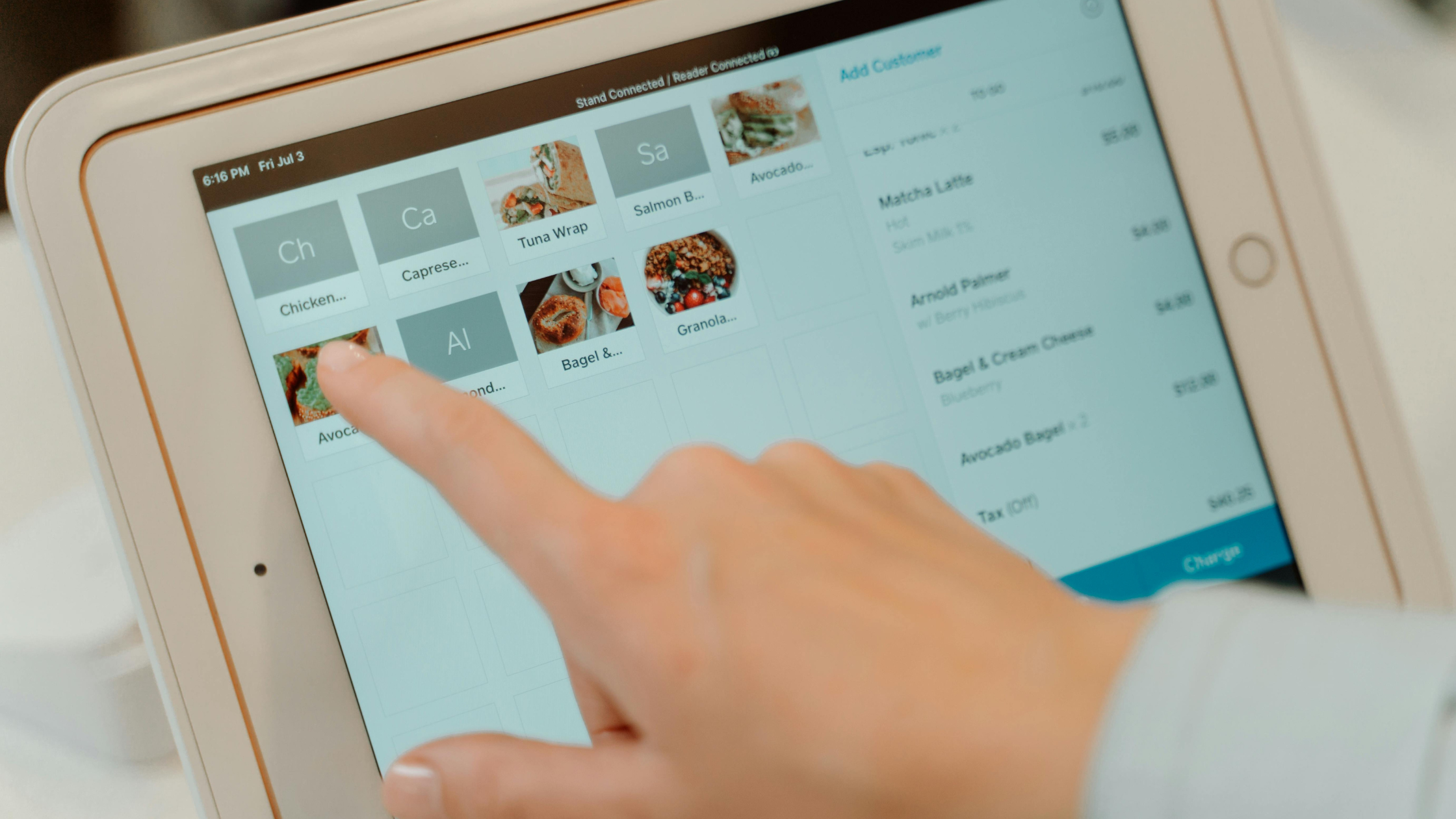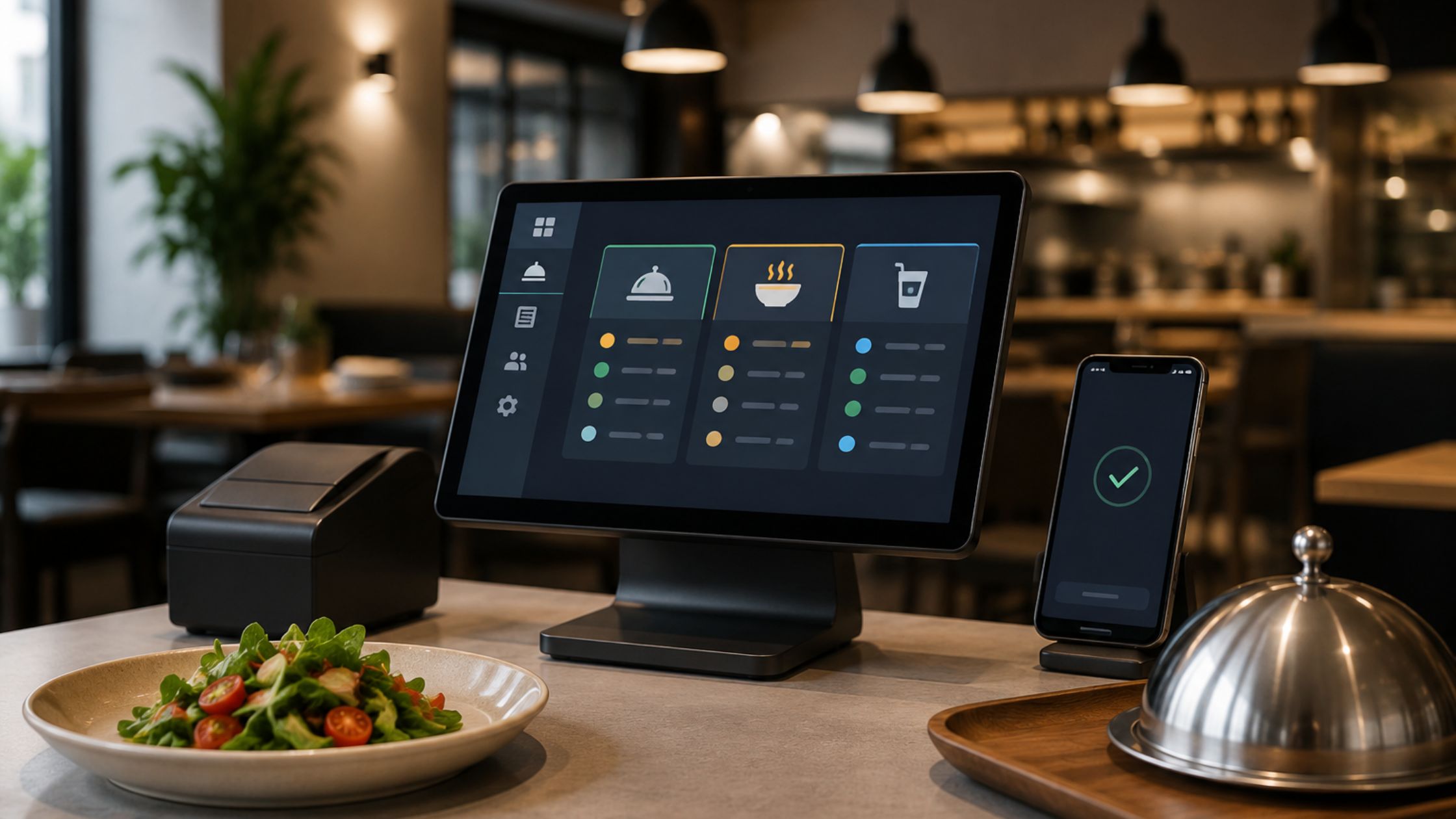
Bars and pubs run on timing. Therefore, your POS must match real service speed, not a generic checkout flow. Bartenders need quick tabs, fast drink modifiers, and clean splits. However, many systems force extra taps and confusing screens. Consequently, staff slow down, and mistakes rise when the room gets loud.
When you customize pos for bars and pubs, you protect speed, accuracy, and guest experience. Moreover, you reduce friction during peak hours because your screen mirrors your menu and your service style. Customization keeps bar service fast, predictable, and profitable.
Start With a Bar-First Workflow Map
You get better outcomes when you start with operations. First, map the path from order to pour to payment. Next, mark the moments that create delays, such as tab recall, modifier overload, and split confusion. Then, convert those pain points into simple POS rules. Use this checklist to stay practical:
- Define your “rush flow” from first tap to closed check.
- Standardize tab naming and tab transfer rules.
- Choose one split method that your team uses every time.
- Lock voids, comps, and refunds behind manager permissions.
Additionally, document each rule on one page. As a result, every shift follows the same playbook, and training stays easier. A workflow map turns chaos into repeatable steps.
Build a Button Layout That Serves Drinks in Seconds
Button design controls speed. Therefore, build category screens that match bartender thinking: Spirits, Beer, Wine, Cocktails, Shots, and Non-Alcoholic. Then, place your best sellers in the most visible positions because staff click those first during rush. Also, treat modifiers like a “bar language” system:
- Pour style: neat, rocks, single, double.
- Mixers: soda, tonic, cola, ginger.
- Garnish: lemon, lime, mint.
- Notes: less ice, no sugar, extra spicy.
When you run an open source pos, you can shape screens to match your menu logic and naming. Consequently, staff stop searching and start serving. Fewer taps create faster pours and fewer ticket errors.
Optimize Tabs, Splits, Tips
Tabs drive bar revenue. Therefore, you should make tab creation and tab recall instant. You should also keep closing steps consistent so staff never hesitate at the final screen. Set your operational defaults with intention:
- Use a clean “add item → confirm → return to tab” flow.
- Enable fast split patterns that match your bar style.
- Standardize tip steps so every receipt follows the same rhythm.
- Restrict comps and voids to managers to protect cash control.
Additionally, train staff with a short script that matches your configured screens. As a result, new hires learn faster, and your team stays consistent across shifts. Strong tab and tip logic protects revenue under pressure.

Stay Fast During Outages
Internet issues happen. However, your bar still needs to serve and collect payment without delays. Therefore, offline-first thinking protects service continuity. Apply these safeguards:
- Run core order entry locally to keep screens responsive.
- Store critical transaction data on-site to avoid service breaks.
- Test an “internet down” drill during a slow period each month.
If you want control and flexibility, you can also consider a free point of sale approach when your operations demand reliability and customization. Moreover, you avoid dependency on a constant connection when your bar relies on speed. Offline resilience protects the moment that matters most: closing checks.
Control Changes With Rules
Customization becomes risky when people change things casually. Therefore, treat source access like a controlled process. First, document every change. Next, test changes on a non-peak device. Then, deploy updates only after you confirm staff flow. Use this governance system:
- Keep one “standard setup” as your baseline.
- Log every change with a reason and approval.
- Train updates with a 5-minute shift huddle.
- Roll back fast when something breaks the service flow.
An open source pos gives you freedom. However, disciplined governance keeps that freedom profitable. Control prevents confusion while still supporting customization. Learn more about Restaurant Order Tracking.
Roll Out in One Week
To keep bar service fast and mistake-free, you should treat your drink setup like a production system, not a “menu list.” Use this quick checklist to tighten speed, reduce errors, and protect consistency during peak pressure:
- List your top 30 drink items and top modifiers.
- Rebuild categories around bartender intent and speed.
- Standardize tabs, transfers, and split rules.
- Lock permissions for comps, voids, and refunds.
- Run a short offline drill to validate continuity.
- Confirm receipt flow, tip flow, and end-of-night process.
- Document the final setup and retrain in one shift meeting.
When you follow this plan, you improve consistency quickly. Additionally, you reduce staff stress because the POS feels predictable. A structured rollout delivers speed without chaos.
Conclusion
If you want to customize pos for bars and pubs, start with workflow mapping, then optimize screens, tabs, splits, and tip flow for real bar nights. When you also use an open source pos, you gain control over layouts and operational rules, so your service stays fast and consistent. If you want a proven path that supports restaurant-style service workflows, review Floreant POS. Finally, strengthen your brand presence and content delivery with them so your bar experience feels clear, confident, and reliable from marketing to service.
FAQs
1) What does “customize pos for bars and pubs” include?
It includes faster drink buttons, smart modifiers, tab handling, split checks, tip workflow, and permission rules that match bar service.
2) Can an open source POS handle busy bar service?
Yes. You can configure screens for speed and enforce consistent tab and split logic, so staff move faster during rush.
3) Is a free point of sale a good option for bars?
It can work well when you prioritize control, consistent configuration, and service continuity, especially in fast-moving environments.
4) How do I keep POS customization from confusing staff?
You keep it simple with standardized layouts, documented rules, manager permissions, and short training refreshers after updates.