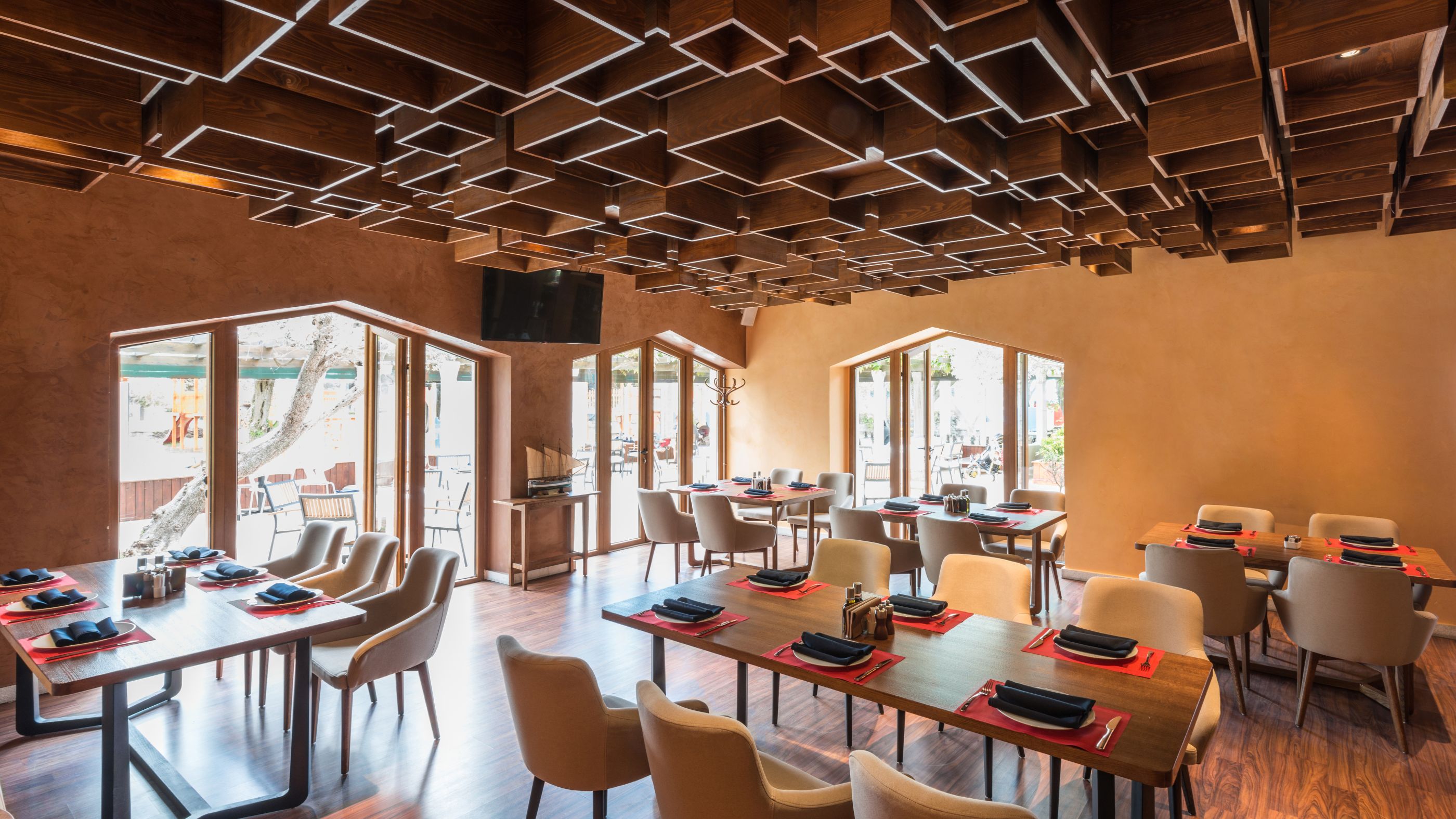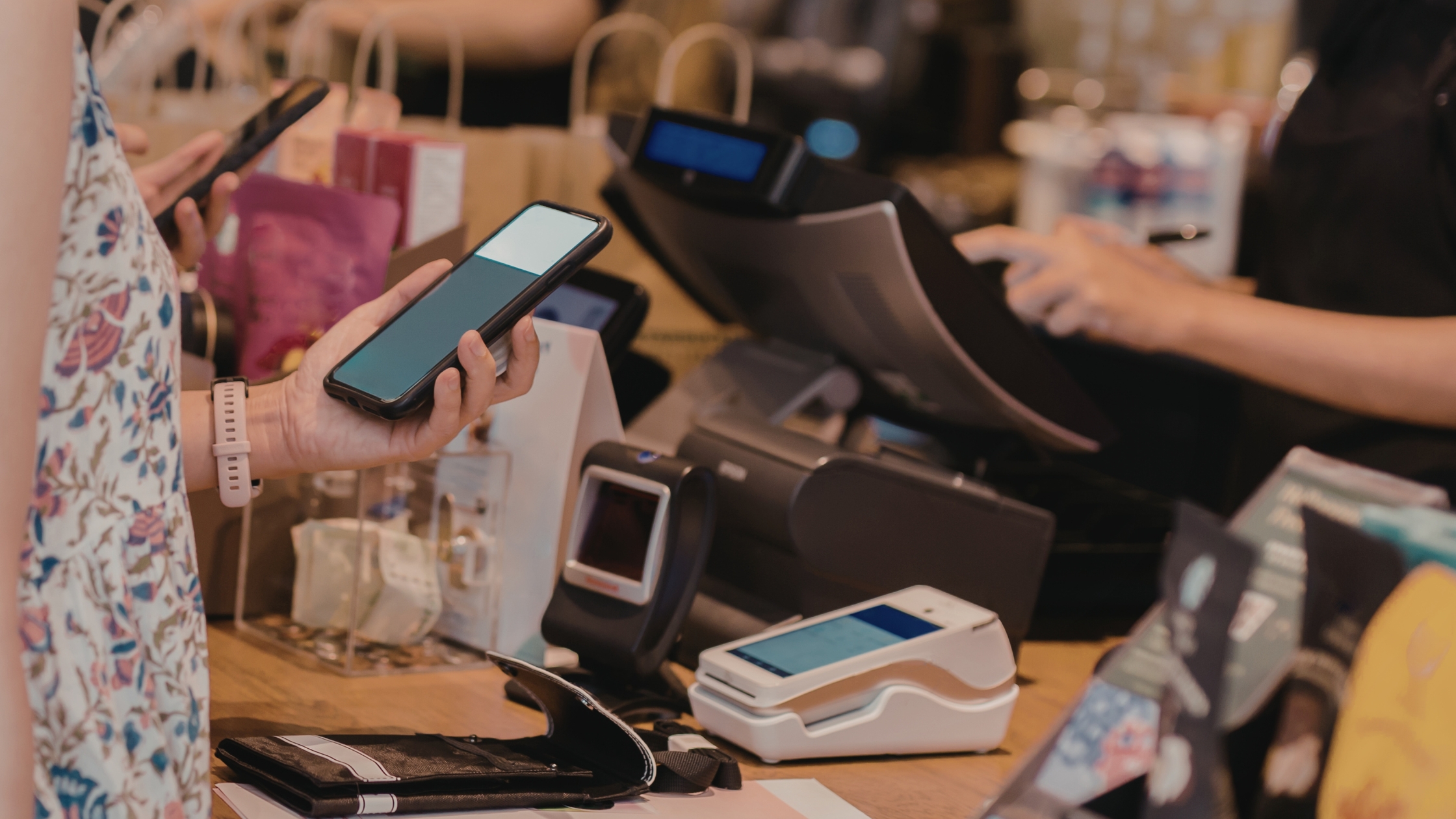
Restaurants lose money when the POS slows service, breaks workflows, or traps data behind a vendor wall. Therefore, many operators now want something they can actually control. An editable restaurant POS software codebase gives that control because you can change screens, rules, receipts, and integrations when operations evolve. Moreover, you keep your core workflow running even when the internet drops, because a locally capable setup keeps order entry and billing steady.
This guide explains what to check, how to plan your build, and how to keep edits safe—without turning your POS into a never-ending project that drains time, money, and team focus.
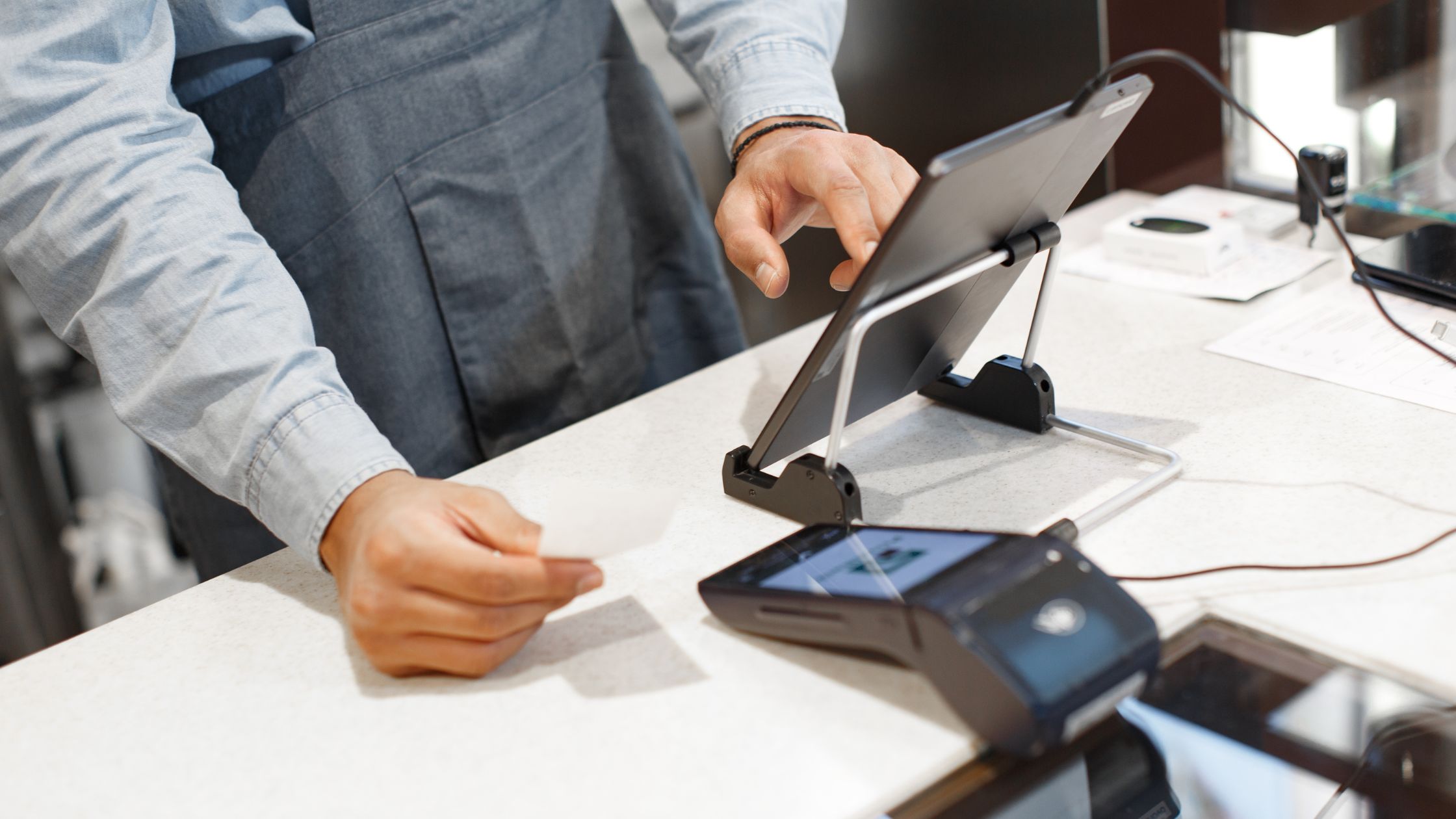
Why “Editable” Matters in Real Restaurant Operations
Your restaurant changes. You add combos, modifiers, tax updates, routing, and seasonal menus. Closed systems cause delays. Staff waste time; guests wait. With editable software, you can:
- Adjust menu logic to match how chefs actually prep items.
- Standardize button layouts for faster training and fewer order errors.
- Add or refine reports to match the numbers you review weekly.
- Integrate printers, cash drawers, and terminals based on your floor reality.
As a result, you build a POS that fits your service style instead of forcing your service to fit a generic POS.
What You Should Expect from an Open, Offline-Capable POS Foundation
A strong POS must keep service moving. Prioritize local speed, reliable hardware support, and clear configuration. Essentials include:
- Offline-friendly operations: You should complete key actions locally so staff can keep taking orders.
- Simple installation path: You should start fast with a clean setup flow and stable dependencies.
- Multi-terminal readiness: You should support multiple stations without fragile hacks or slowdowns.
- Kitchen workflow tools: You should route tickets cleanly to kitchen printers and prep areas.
- Tax and pricing controls: You should handle tax rules, tax-in pricing, and regional needs.
- Device flexibility: You should support touch screens and practical front-of-house hardware.
Also, you should confirm the project’s documentation quality, because docs reduce guesswork and cut risk during updates.
How to Evaluate the Codebase Before You Commit
You should treat codebase selection like equipment selection. Consequently, you should verify stability signals before you invest time. Use this checklist:
- Architecture clarity: You should find clear modules for UI, order flow, payments, reporting, and database logic.
- Database options: You should confirm whether the system supports embedded and server databases so you can scale cleanly.
- Configuration boundaries: You should separate configuration from code so you can change menus without rewriting core logic.
- License clarity: You should understand what the license allows, because it defines how you can modify and distribute your changes.
- Community signals: You should review issue discussions and forks, because they reveal common breakpoints and typical fixes.
If you cannot build it locally with confidence, you should not deploy it in production, because unstable builds create outages, errors, and costly service interruptions.
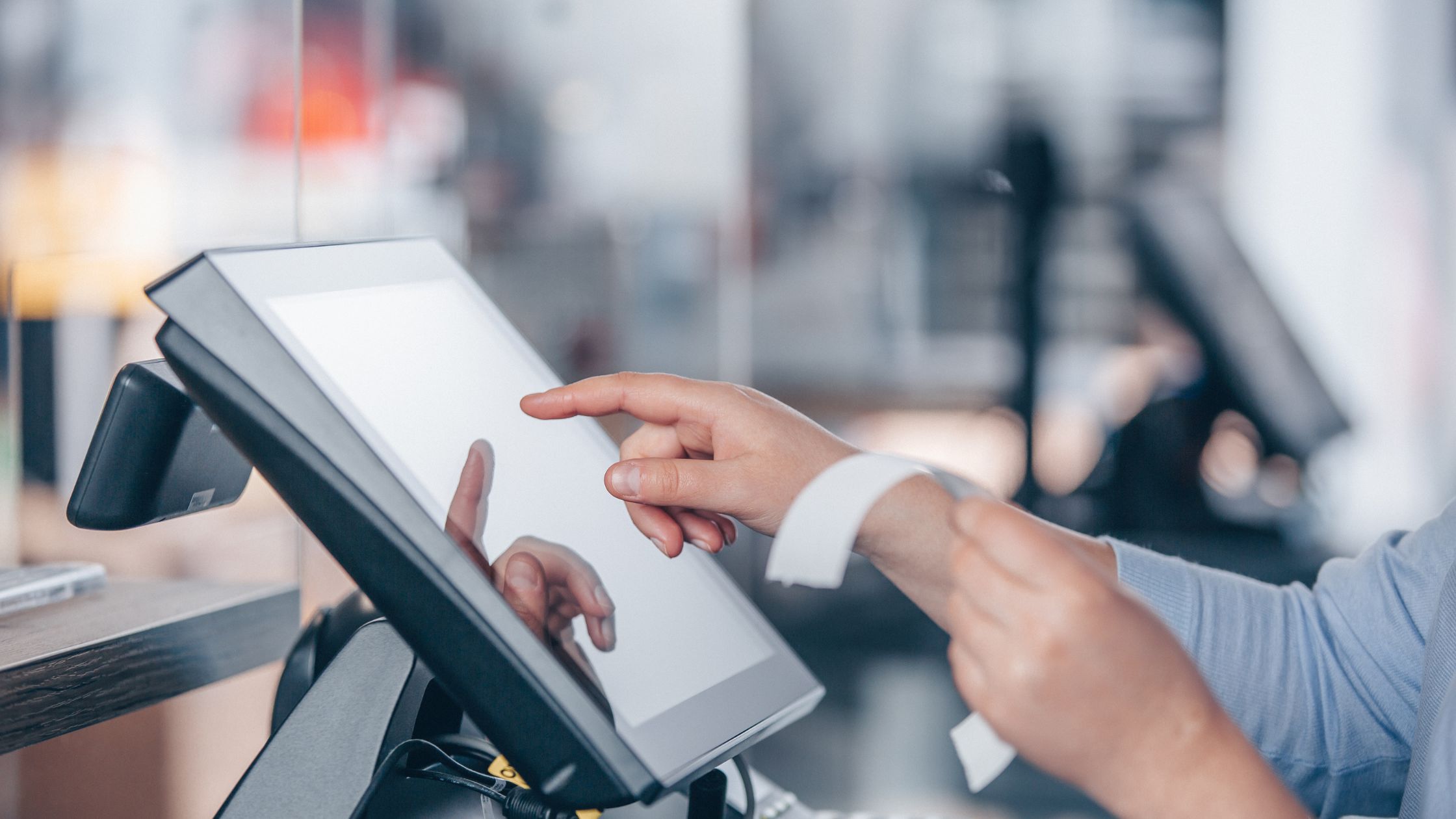
A Safe Customization Plan that Avoids Breaking Service
Many restaurants rush into edits and create chaos. Instead, you should customize in layers so you protect uptime, like:
A) Workflow Mapping (before code)
Map your service path: order → modifiers → routing → payment → receipts → reports. Write rules for voids, comps, split checks, and timed courses. Match screens to staff movement, because movement drives speed.
B) UI and Training Speed
You should optimize buttons, modifier groups, and screen transitions. Moreover, you should standardize layouts across terminals so any staff member can jump stations quickly with fewer mistakes during rush hour.
C) Kitchen Routing and Print Logic
You should define what prints where, when it prints, and how it reprints. Additionally, you should align ticket format with prep reality, because clear tickets reduce refires and keep kitchens calm nightly, even during peak weekend service.
D) Reports that Match Decisions
You should only build reports you will actually use. For example, you should track hourly sales, category mix, void reasons, and server performance if you review those weekly to improve scheduling and margins.
Layered customization gives you control without risking downtime, because you improve one operational area at a time, test safely, and keep stable fallbacks ready.
Governance Rules That Keep Your POS Stable
Edits create power, and power needs rules. Therefore, you should run a lightweight governance process. Use these practices:
- You should track who changed what and why.
- You should test new builds away from live service.
- You should restore the last stable build in minutes, not hours.
- You should deploy after service closes or on low-traffic days.
- You should keep a simple “why” log for taxes, printers, and routing.
If you follow governance, you protect your team from surprise failures during rush. Learn more about A Guide on Restaurant POS Software With Full Data Control.
When this Approach Fits Best—and When it Does Not
This approach fits best when you want long-term control, local reliability, and customization freedom. Moreover, it fits when you have access to basic technical support, either in-house or through a trusted partner. Additionally, it suits multi-location teams that need consistent screens, kitchen routing rules, and reporting across terminals while still adapting quickly to menu changes.
However, it does not fit if you want “set it once and never touch it” simplicity. Additionally, it does not fit if your team cannot maintain documentation, backups, and update discipline. Furthermore, it will frustrate teams that skip testing, ignore version control, or treat service hours like a launch window.
Conclusion
If you want full operational control, a stable open-source foundation, and the freedom to extend features, you should evaluate an editable restaurant POS software codebase with a governance-first mindset. Moreover, you should prioritize offline-capable workflows, clear documentation, and safe update practices, because restaurants win through consistency. Additionally, you should validate build stability, define rollback steps, and train staff, so every shift runs smoothly. To explore a proven open-source option with downloadable source access and restaurant-focused features, review Floreant POS.