Lightweight restaurant POS software keeps restaurants running on rhythm. Guests order quickly, kitchens fire tickets in sequence, and staff close checks without delays. So your POS should protect speed instead of adding friction. Many systems promise everything; however, bloated features often slow screens, confuse staff, and increase setup effort. A better approach focuses on essentials: fast order entry, stable local performance, clear routing to the kitchen, and reliable reporting.
A lightweight restaurant POS software setup does not mean “limited.” Instead, it means you run the core workflow with less overhead. Consequently, your team learns faster, clicks less, and serves more consistently during rush hours.
What “Lightweight” Really Means in a Restaurant POS
A lightweight POS supports daily actions, stays fast and predictable, and allows easy menu, tax, and order-type changes.
- Fast UI response during peak tickets and split checks.
- Simple station logic for dine-in, takeout, delivery, and retail.
- Local-first reliability so service continues when the internet drops.
- Clean configuration for menus, modifiers, taxes, and printers.
- Focused reporting that supports daily decisions, not data overload.
So a lightweight POS keeps service smooth, staff confident, and every order moving from screen to kitchen to payment.
Why Offline-First Performance Makes a POS Feel Lightweight
Internet dependency adds delay and risk. Moreover, a busy dining room cannot pause because a router fails. When a POS runs core operations locally, it keeps the screens responsive and the workflow stable. As a result, your cashier closes checks, your server prints tickets, and your kitchen stays in sync.
Floreant POS positions itself as a non-cloud system that works offline and includes an embedded database for straightforward installation. Consequently, teams can run the POS in locations with weak connectivity, including remote setups and food-truck style operations. Learn more about Restaurant POS Software.
Design the POS for Order Speed, Not Feature Lists
Restaurants do not win because a POS offers endless settings. They win because the order screen supports speed and accuracy. Therefore, you should evaluate how quickly staff can:
- Start a ticket: Start tickets quickly with clear order types, table numbers, and staff IDs.
- Add items and modifiers: Add items fast with consistent buttons and presets.
- Send items to the kitchen: Send instantly with correct routing, timing, and printer rules.
- Hold and recall tickets: Hold and recall smoothly using search, tabs, and shortcuts.
- Take payment and close: Close quickly with accurate totals, splits, and refunds.
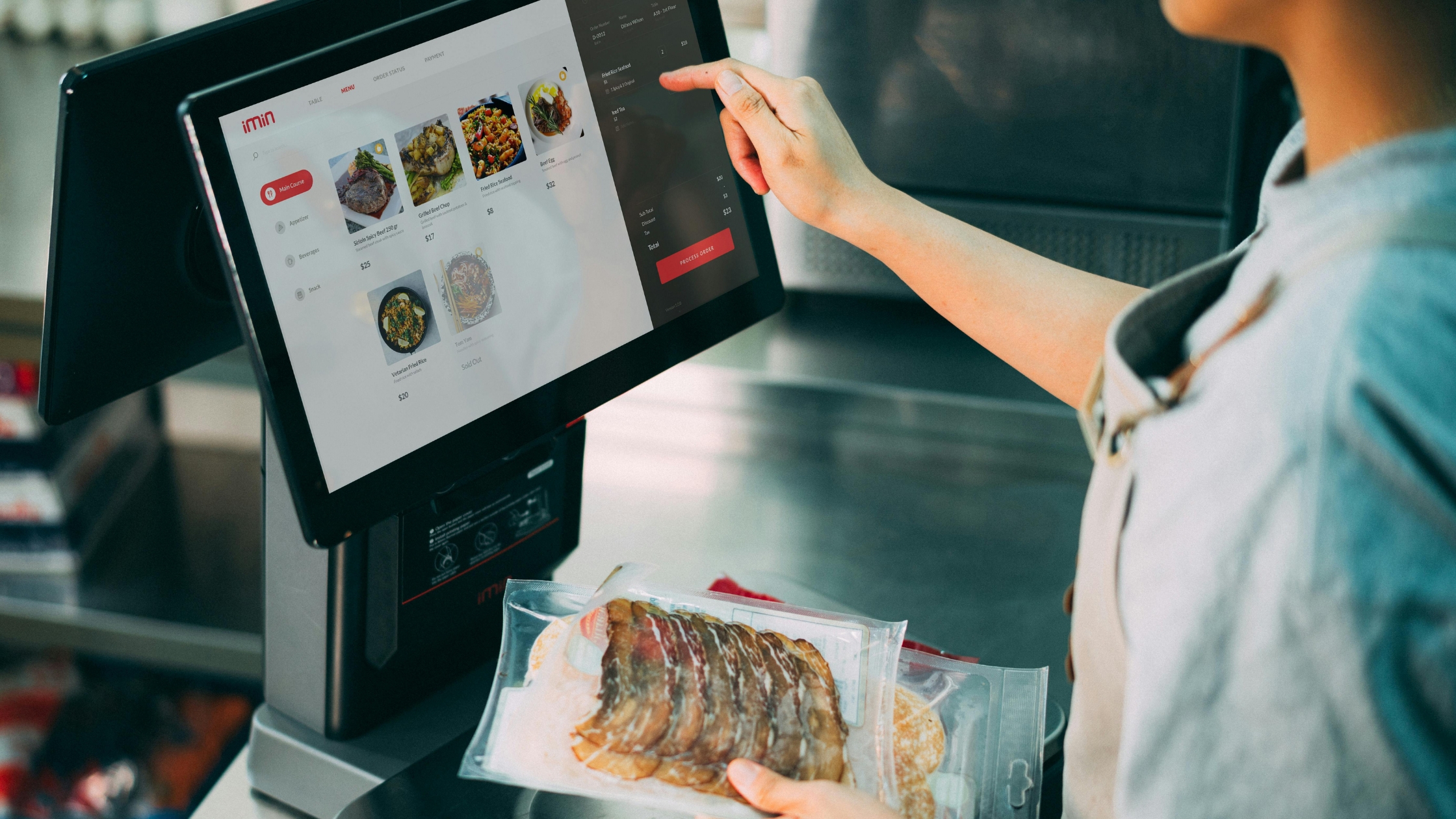
Floreant POS streamlines tickets, kitchen sends, and saved orders for consistent fast service.
Use Order Types to Match Real Service Models
Restaurants run different service flows even within one brand. For example, dine-in needs table tracking, while takeout needs quick customer identification and pickup timing. Therefore, your POS should support multiple order types and let you define custom order types when your operation needs them.
Floreant POS documentation references default order types such as DINE IN, TAKE OUT, RETAIL, and HOME DELIVERY. Moreover, it also notes that the system allows custom order types, which helps stores that run unique workflows or hybrid service models.
Keeping Hardware Support Practical and Reliable
Lightweight POS success depends on stable hardware integration. Consequently, you should confirm support for the tools you use:
- Touch screen terminals for speed.
- Kitchen printers for ticket routing.
- Cash drawers for predictable checkout.
Floreant POS highlights support for common restaurant hardware such as touch screens, kitchen printers, and cash drawers. Therefore, you can build a simple, reliable workflow from order entry to kitchen production to payment.
Configure Tax and Pricing Logic Once, Then Trust It
Tax mistakes create daily pain. Additionally, they damage reporting accuracy and end-of-day reconciliation. Therefore, you should confirm that the POS supports:
- Flexible Tax Pricing: Sales tax and tax-included pricing.
- Item-Level Tax Control: Item-level tax assignment.
- Advanced Tax Formats: VAT-style workflows when needed.
Floreant POS notes support for regular sales tax and tax-included pricing, and it allows tax assignment per item. Consequently, teams can keep pricing consistent across stations and receipts.
Choose a System With Real-World Longevity and Documentation
Restaurants need stability. Moreover, teams need documentation that helps them configure the system without guesswork. Floreant POS positions itself as a restaurant-focused open-source POS with a long history of use and a support/documentation area that covers installation and configuration.
This combination matters because it supports both daily operations as well as long-term maintainability. Additionally, open-source access often helps technical teams extend workflows as the business evolves.
Implementation Checklist for a Lightweight Setup
You can keep your rollout clean when you follow a simple sequence, reduce confusion, prevent rework, and keep every station consistent from day one.
1) Map the Service Flow First
Document dine-in, takeout, delivery, and retail steps with real shift scenarios. Then align screens, buttons, and shortcuts to staff movement.
2) Build a Tight Menu and Modifier Structure
Group items logically by category and station. Keep modifier sets consistent, limit options, and remove duplicate buttons across screens.
3) Assign Printers and Routing Early
Send the right items to the right station with clear rules. Then test ticket timing, reprints, and failures during a mock rush.
4) Lock Tax Rules and Naming Conventions
Standardize item names, receipt labels, and tax settings across all terminals. Then confirm totals match accounting expectations every time.
5) Train On Speed and Recovery
Teach holds, recalls, void rules, and split checks with timed drills. Then run a practice service and review mistakes immediately.
When you run this plan, your lightweight restaurant POS software choice stays fast because you design for clarity from day one.
Conclusion
If you want a restaurant-focused system that emphasizes offline operation, practical order flow, and modular expansion, choose Floreant POS and review the platform documentation. Additionally, evaluate how its ticket handling, hardware support, and configuration options match your exact service model. Therefore, you reduce implementation risk, protect speed during peak hours, and keep future customization possible.