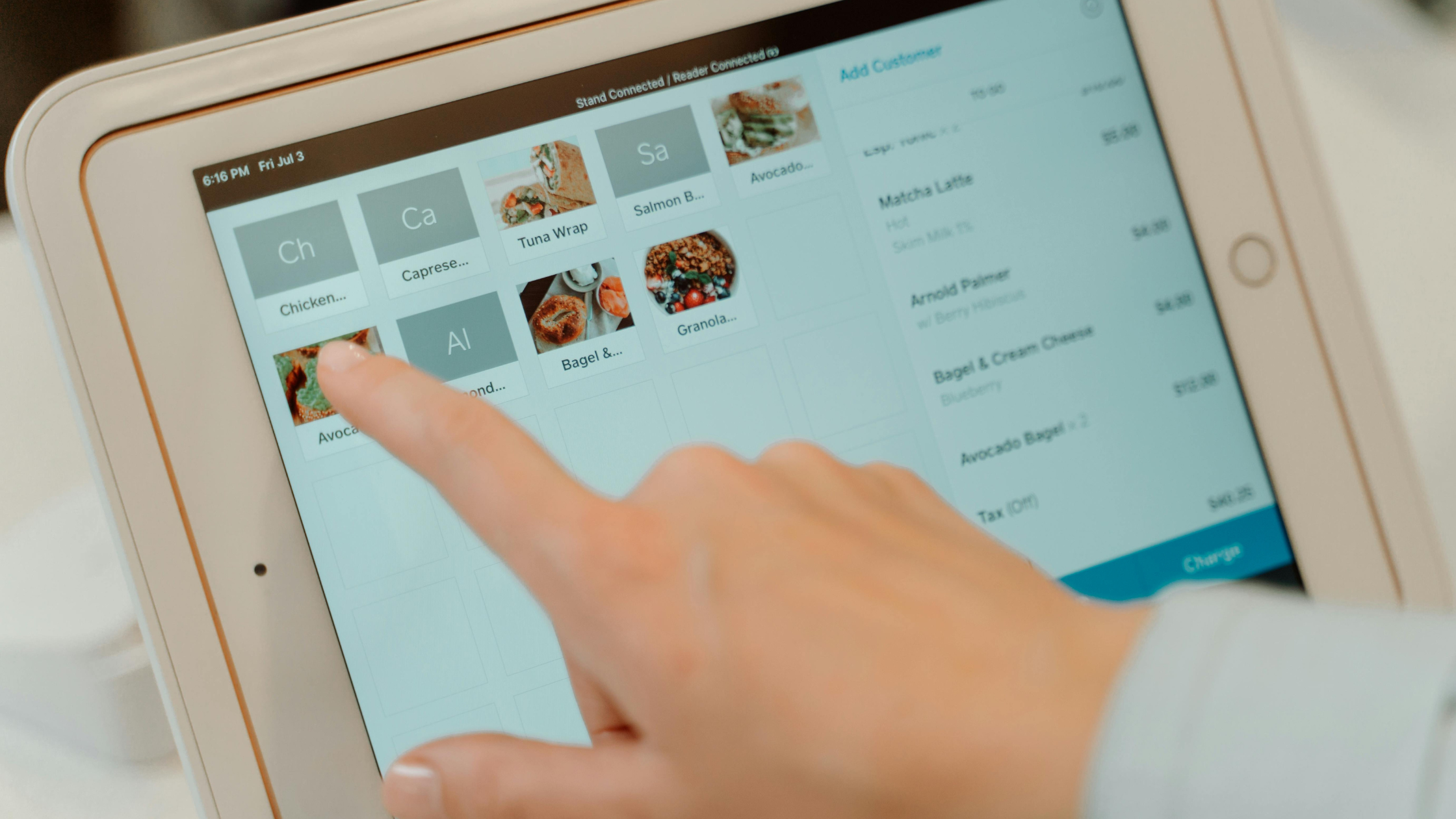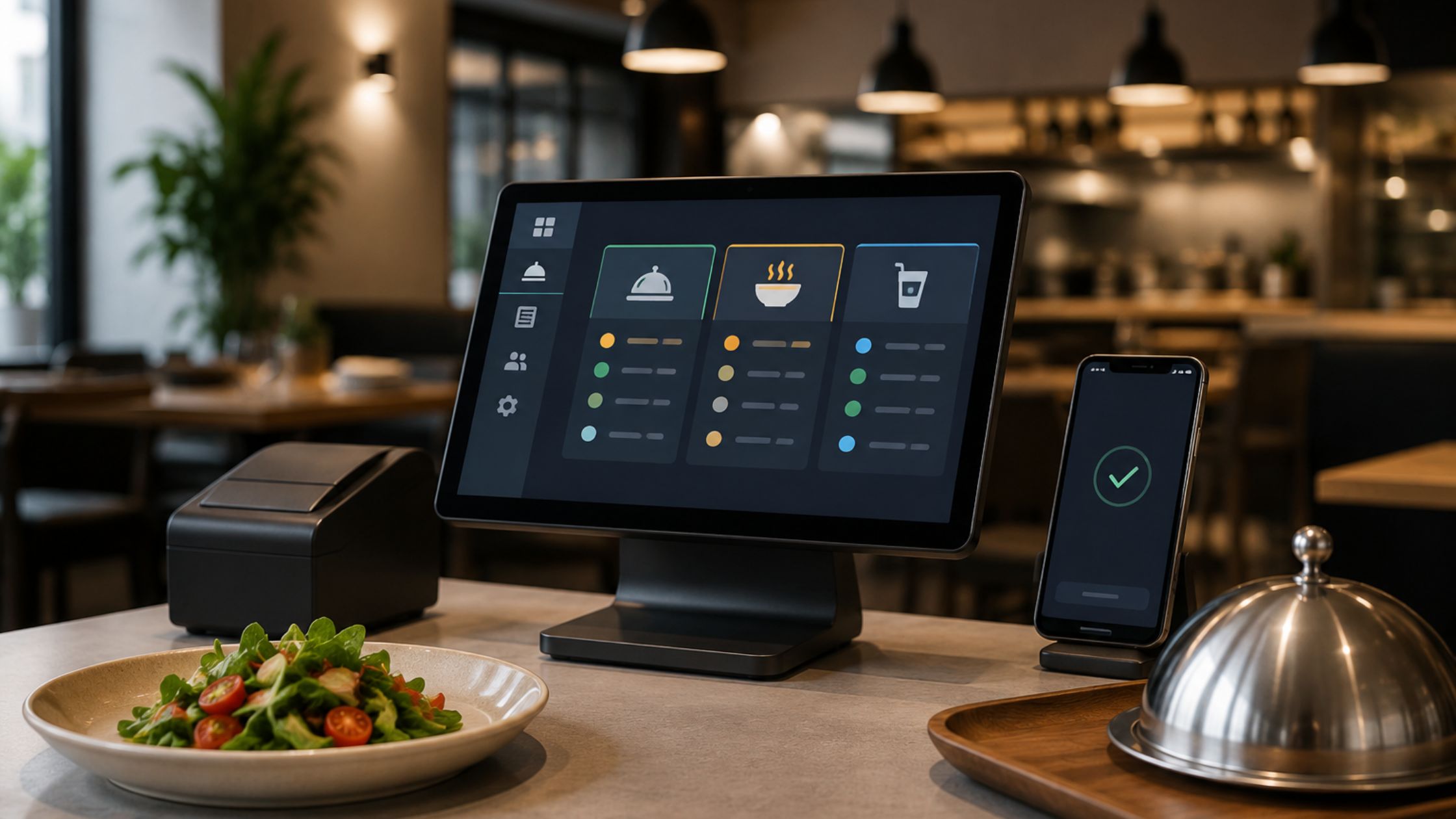
A reliable POS gives you operational control, not just billing. But many small restaurants rely on cloud systems that slow down or stop when the internet drops. Therefore, you should choose a system that keeps orders moving, tickets printing, and totals accurate during outages. Moreover, when your POS runs locally, your team stays focused on service.
Additionally, you should treat your POS as a daily operating system, not just a checkout. Consequently, you gain consistent order flow, cleaner reporting, and calmer peak shifts. An offline POS for small restaurants keeps core workflows running without external dependencies.
Build a Stable Operational Foundation First
You should design your workflow first, because software must follow service patterns. First, you should define order entry: dine-in, takeout, delivery, or mixed service. Next, you should confirm how items move from the counter to the kitchen. Then, you should decide how checks close, because split payments, tips, and taxes shape the setup.
Additionally, you should define who runs each terminal and closes shifts. Clear ownership reduces confusion and prevents inconsistent data. Consequently, you create a POS environment that mirrors real service instead of forcing staff to adapt mid-rush. Learn more about Stable Restaurant POS Software for Daily Operations.
Standardize Order Entry to Reduce Errors
You should standardize order entry for busy periods. Therefore, you should organize menus by frequency. High-volume items should stay one tap away, and modifiers should follow kitchen logic.
- Purpose-based categories: You should group items by how they are prepared, not just how they are sold.
- Clean modifier groups: You should separate spice, add-ons, and substitutions clearly for faster ticketing.
- Sensible defaults: You should preselect common options, because defaults reduce hesitation.
Consequently, staff move faster, tickets stay accurate, and kitchen confusion drops, so service stays smooth, and guests feel confident in every order.
Keep Kitchen Printing Predictable and Clear
You should standardize order entry for busy periods. Therefore, you should organize menus by frequency. High-volume items should stay one tap away, and modifiers should follow kitchen logic.
- Assign printers by category, not by terminal.
- Avoid long item names that wrap lines.
- Test rush scenarios with multiple simultaneous orders.
As a result, cooks receive clear instructions, and refills decrease, so they plate faster, waste less, and keep the line moving smoothly.
Close the Day With a Repeatable Checklist
You should close each day with consistency, because routine prevents drift. A repeatable checklist keeps operations clean even when staff rotate.
1) Order Volume Review
You should review total orders and average ticket size, because sudden changes signal pricing issues, menu friction, or service bottlenecks that require fast adjustment before peak hours expose bigger gaps.
2) Discount and Void Review
You should scan for discounts and voids daily, because misuse or mistakes distort revenue and hide operational problems early, while also revealing training gaps and approval misuse before they turn into repeat losses.
3) Cash and Card Confirmation
You should also confirm cash and card totals every night, because unresolved gaps compound and create larger reconciliation issues later that trigger stressful investigations and inaccurate reporting for management, too.
4) Daily Notes Summary
You should record one or two operational notes, because context explains numbers and supports better decisions tomorrow when you adjust staffing, prep levels, and service flow based on what happened today.
Consequently, you turn the daily closing into a control point instead of a rushed task, so you prevent small issues, protect cash discipline, and start tomorrow with clarity.
Stay Operational During Internet Failures
Internet outages happen without warning. Therefore, your POS should not depend on cloud access. An offline pos for small restaurants keeps transactions local.
- Orders continue without interruption.
- Kitchen tickets print normally.
- Sales data remains intact.
- Staff avoid manual backups or handwritten tickets.
As a result, guests never notice technical problems, and service quality stays consistent.
Add Simple Controls That Protect Operations
You should add light controls to prevent costly mistakes. These controls improve accuracy without slowing service. Key controls include:
A) Permission Limits
You should restrict voids and overrides by role because tighter access reduces abuse, mistakes, and inconsistent discount behavior across shifts, terminals, and new staff during training and supports cleaner audits and reporting.
B) Receipt Requirements
You should require reasons for refunds and comps, because written context improves accountability and speeds up end-of-day reviews while helping managers coach patterns and prevent repeat errors.
C) Menu Change Discipline
You should limit who can edit items and prices, because uncontrolled edits break reporting accuracy and confuse staff during rushes, especially when specials, taxes, and modifiers change unexpectedly.
D) Printer Testing Routines
You should restrict voids and overrides by role because tighter access reduces abuse, mistakes, and inconsistent discount behavior across shifts, terminals, and new staff during training and supports cleaner audits and reporting.
Consequently, your POS supports accountability while staying fast, so service stays smooth, cash stays protected, and reporting stays trustworthy without constant supervision.
Know When to Optimize or Expand Your Setup
As your restaurant grows, your POS must evolve. Revisit the configuration with new service types, stations, or locations. Review workflows when reporting feels unclear or staff improvises.
- Frequent order edits: You see constant changes after sending.
- Kitchen ticket confusion: Cooks question items, modifiers, or routing.
- Inconsistent closing reports: Totals vary by terminal or shift.
- Longer training times: New staff take longer to complete orders correctly.
Addressing these early keeps your system stable and scalable, so you protect speed, accuracy, and staff confidence as volume rises.
Conclusion
When you implement an offline POS for small restaurants, you protect service flow, simplify daily operations, and reduce dependency on unstable internet. Moreover, when you pair disciplined workflows with a locally running system, your team works with confidence during every shift, even on the busiest nights. Floreant POS supports small restaurants with an offline-first approach that prioritizes reliability, clarity, and operational control.