In the digital age, modern restaurants and cafes must choose a reliable point-of-sale system to run daily operations. It is no longer enough to have a basic cash register; instead, restaurateurs must weigh the options between cloud POS vs offline POS, consider offline POS for small restaurants, explore self hosted POS solutions, and understand the value of open source POS systems. This guide simplifies these choices and highlights the strengths of Floreant POS — a powerful open source POS used by thousands of eateries worldwide, especially for owners who want stability, full data control, and smooth service even when the internet fails.

What Is a POS System?
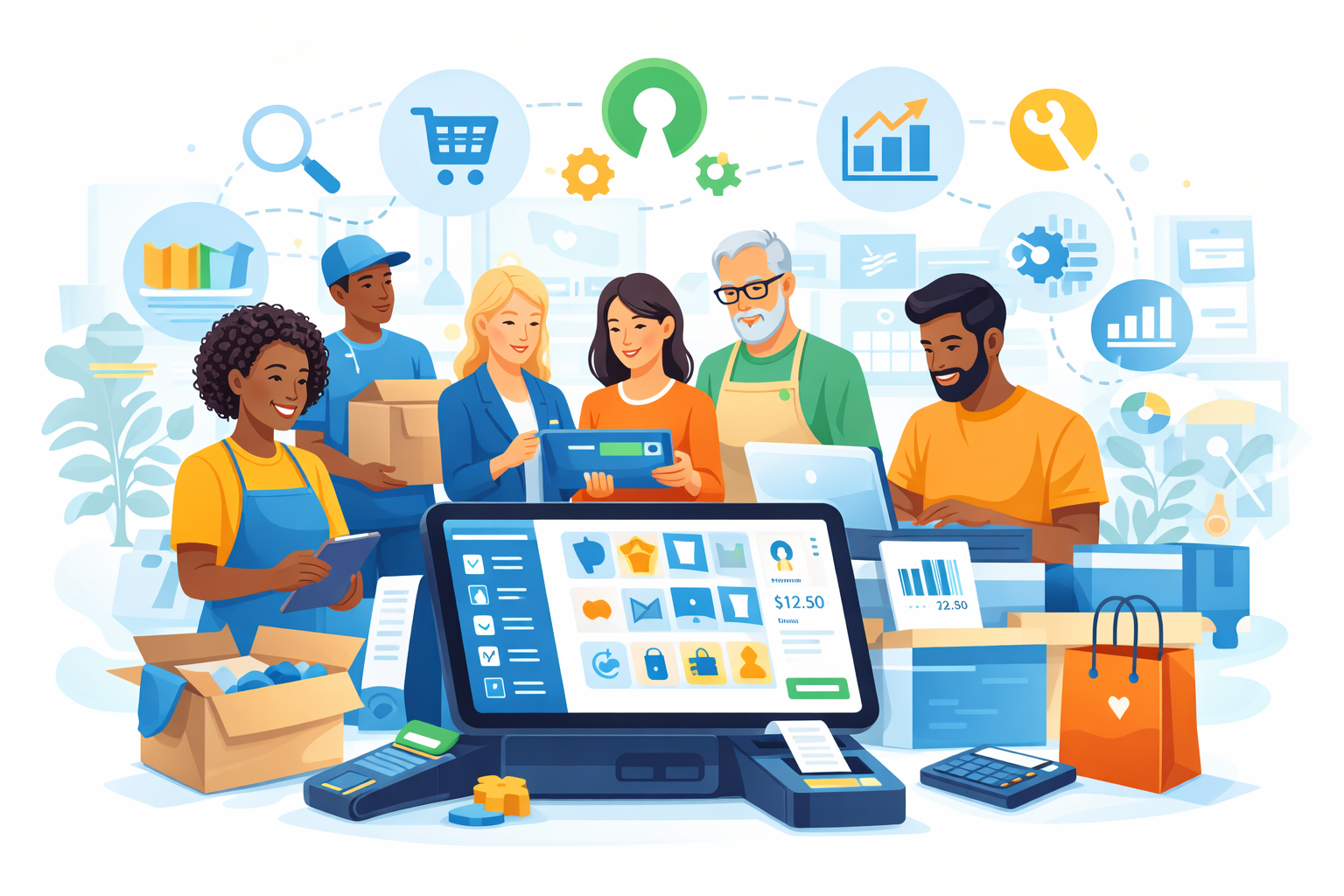
A Point of Sale (POS) system serves as the central hub for a business’s sales, orders, inventory, payments, and reports. It replaces manual cash registers with intelligent software that tracks transactions, manages orders, and displays key operational data in real time. POS systems have evolved from simple checkout terminals to comprehensive business platforms, supporting table service, staff roles, menu control, kitchen printing, discounts, taxes, and detailed performance reporting for smarter daily decisions.
Today, restaurateurs can choose between cloud-based POS systems or offline POS solutions depending on their unique business needs. Understanding the difference helps you make a decision that matches your goals, protects service speed, and ensures billing stays consistent during rush hours or unexpected connectivity problems.
Cloud POS vs Offline POS: Key Differences
Before choosing a POS system, restaurant owners must clearly understand how cloud-based and offline systems operate, because this decision directly affects daily operations, cost structure, and long-term flexibility.
Cloud POS: What It Is
A cloud POS stores all business data on remote servers managed by a POS provider. Restaurants access the system through the internet from anywhere. This setup keeps data synchronized across devices and locations.
Pros of cloud POS:
- Remote access from multiple devices.
- Real-time updates and reporting.
- Instant software upgrades.
- Easy integration with e-commerce & order platforms.
Cons of cloud POS:
- Requires constant internet connectivity.
- Can be costly due to subscription fees.
- Ongoing vendor dependency for support.
Cloud POS is often appealing to businesses that need centralized data access, multi-location syncing, and scalability. However, the reliance on internet connectivity can be a disadvantage for certain restaurants.
Offline POS (Traditional or Self Hosted POS)
In contrast, an offline POS runs locally on your systems without needing internet access. Data is stored on-site within your own servers, computers, or hardware. Offline POS systems provide resilience because operations do not halt if the network fails.
Pros of offline POS:
- Works without internet — ideal for remote areas or unstable connections.
- Fast and responsive performance.
- Lower ongoing costs.
- Higher control over data security.
Cons of offline POS:
- Limited remote access unless self configured.
- Manual backup processes may be required.
- Updates may require user action.
Ultimately, when comparing cloud POS vs offline POS, the right choice depends on whether your restaurant prioritizes remote accessibility and automation or reliability, control, and independence from internet disruptions. Learn more about Cloud POS vs Offline POS.

Why Offline POS for Small Restaurants Makes Sense
Small restaurants and cafes often need reliability, low cost, and ease of use. For these businesses, an offline POS for small restaurants offers significant advantages:
- Minimal monthly fees.
- No need for a constant internet connection.
- Reliable billing even during power or connectivity outages.
- Lower setup and operational complexity.
Small restaurant owners concentrate on speed and consistency during peak hours. An offline POS ensures that orders are taken, kitchen slips are printed, and receipts are issued without any lag due to online outages. This supports faster table turnover and enhanced customer satisfaction. Learn more about Offline POS for Small Restaurants.
What Is a Self Hosted POS?
A self hosted POS is installed and maintained by the business itself. With this model, software runs on local servers or your own machines, not on external company servers. Self hosted systems offer full control over your data and business workflows.
Benefits of self hosted POS:
- Complete ownership of data.
- Custom configurations based on your processes.
- No dependency on vendor hosting uptime.
- Full control over when and how the system updates.
Self hosted POS systems are especially valuable for restaurant owners who want full autonomy and data privacy without recurring cloud subscriptions, while keeping billing fast, backups secure, and upgrades fully under control. For more information visit the Guide to Self Hosted POS for Restaurants.
Open Source POS Systems Explained
An open source POS provides its source code freely, allowing businesses to modify and extend features according to their needs. These systems offer flexibility, transparency, and no licensing restrictions — ideal for businesses with custom workflows or unique operational requirements.
For instance, Floreant POS is a well-established open source POS designed specifically for restaurants and light retail stores. It has been serving the industry since 2008 and offers stable performance even without internet access.
Key Advantages of Open Source POS
- Cost-effective: No licensing fees or subscription charges.
- Customizable: Businesses can adjust workflows and features.
- Community-driven: Developers contribute to improvements and stability.
- Portable and flexible: Works on multiple platforms with wide hardware support.
Overall, an open source POS like Floreant POS gives restaurants more control, lower long-term costs, and the freedom to customize the system as their business grows, while keeping operations reliable, offline-ready, and fully owned without recurring vendor lock-in fees. Learn more about Open Source POS for Businesses.
Introducing Floreant POS – Best Offline & Open Source POS
Floreant POS stands out as a complete offline and open source POS solution crafted for restaurant environments. Its popularity stems from its intuitive design, robustness, and the freedom it offers to restaurant owners.
Here’s why Floreant POS is an excellent choice:
1. Offline Operation
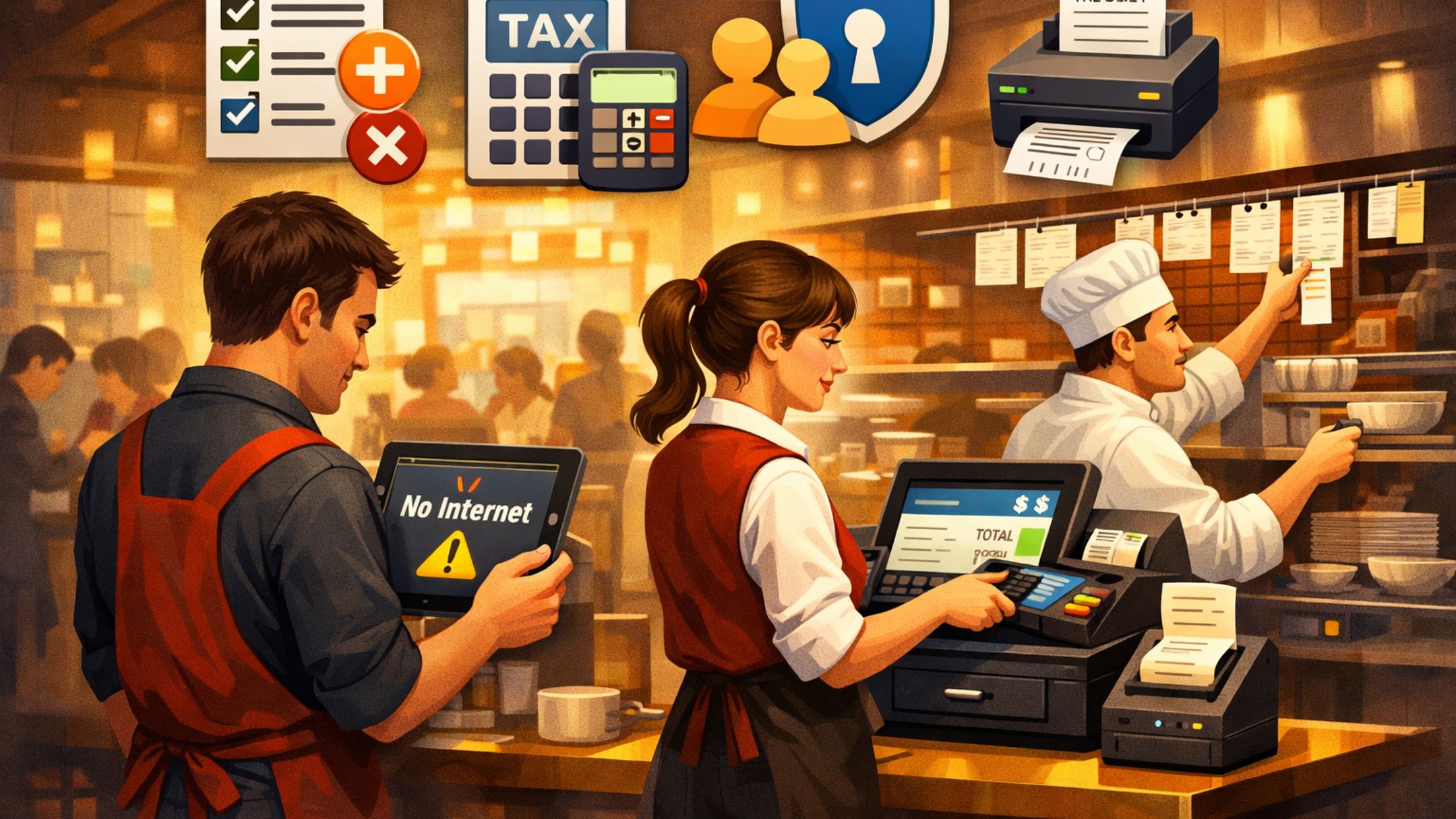
Floreant POS runs completely offline, eliminating disruptions caused by internet outages. It builds confidence that sales and order management won’t stop during connectivity failures, even during peak hours, power fluctuations, or unstable network conditions in busy locations.
2. Quick Installation and Setup
You can install Floreant POS in under 90 seconds. It includes an embedded database, reducing setup complexity and ensuring a smooth start for any small restaurant, so you begin billing fast without heavy technical support or a long onboarding process.
3. Powerful Restaurant Features
It offers functionalities like table management, kitchen display integration, order splitting, shift pricing, split checks, and comprehensive reporting — all tailored to restaurant workflows, helping staff move faster, reduce errors, and keep service consistent across shifts.
4. Cross-Platform Support
Floreant runs on Windows, Linux, Mac, and even Raspberry Pi devices. It supports touch screens, kitchen printers, cash drawers, and more — giving you flexibility on hardware, so you can reuse existing devices and scale affordably as you expand.
5. Freedom to Customize
Because it is open source, owners can modify Floreant POS’s source code, integrate plugins, and tailor the system to their exact needs. This is one of the most valuable benefits of open source POS systems.
Overall, Floreant POS delivers a dependable, offline-first foundation with open-source flexibility, helping restaurants stay in control, reduce ongoing costs, and scale operations confidently on their own terms.
Comparing Floreant POS with Cloud POS Solutions
| Feature | Cloud POS | Floreant POS (Offline/Open Source) |
| Internet Dependency | High | None |
| Monthly Subscription | Yes | No |
| Customization | Limited | Full Open Source |
| Data Control | Partial | Full Control |
| Remote Access | Easy | Possible via custom setup |
Cloud POS systems excel in real-time syncing and centralized access, while Floreant POS excels in reliability, cost control, and offline performance—especially for small restaurants and bars.
Total Cost, Control, and Risk: What Most Restaurants Miss
Many restaurant owners compare features first, but the smarter approach compares total cost, control, and operational risk, because these three factors decide long-term success more than any single feature list.
1) Total Cost of Ownership (TCO)
Cloud POS often starts cheaply, yet monthly fees, add-ons, and processing requirements can raise costs over time. Meanwhile, an offline, self hosted POS reduces recurring charges, so you control expenses and plan upgrades on your schedule.
2) Data Ownership and Privacy
Cloud systems store data on third-party servers, so you rely on vendor policies, access rules, and uptime. In contrast, self hosted POS keeps data inside your business, so you control customer details, sales history, and reports.
3) Downtime and Business Continuity
Internet issues can slow cloud POS billing, sync, and order processing. However, an offline POS keeps billing and kitchen workflows running, so operations stay stable even more reliably during outages and rush hours.
4) Customization vs Vendor Lock-In
Many cloud POS providers limit customization and charge for advanced integrations. However, an open source POS lets you customize workflows, add modules, and tailor the interface, so it grows with your restaurant.
When you evaluate cloud POS vs offline POS through the lens of cost, control, and risk, offline, self hosted, open source systems often deliver stronger long-term value for many small restaurants.
How to Choose Between Cloud POS and Offline POS
Here are a few tips to help you choose confidently, based on your restaurant size, internet reliability, budget goals, and how much control you want over data and customization, so your POS decision stays practical, scalable, and future-ready long term:
- Choose cloud POS if you need remote access across many branches.
- Choose offline POS like Floreant if internet reliability is uncertain.
- Pick self hosted POS if full data control and customization are priorities.
- Adopt open source POS if you want flexibility and no ongoing licensing costs.
Each type has strengths depending on your business goals, operational needs, and budget, so compare reliability, total costs, control, scalability, and daily workflow fit before making a final decision.
Conclusion
Choosing the right POS system can transform your restaurant’s efficiency, customer experience, and bottom line. When comparing cloud POS vs offline POS, understanding your environment and priorities is key. For small restaurants seeking stability, cost-efficiency, and self hosted, open source POS, Floreant POS stands out as a powerful solution built for the real needs of the hospitality industry. Whether you operate a café, bar, or dine-in restaurant, Floreant POS offers full control, offline resilience, and flexible customization for your business, helping you serve faster, reduce errors, and keep operations smooth during busy hours.
FAQs
1. What is the difference between cloud POS and offline POS?
Cloud POS stores data online and requires internet, while offline POS, like Floreant, stores data locally and operates without internet.
2. Can Floreant POS work without internet?
Yes, Floreant POS runs fully offline, allowing uninterrupted operations even with no connectivity, so billing and orders never stop.
3. Is Floreant POS suitable for small restaurants?
Absolutely — it is designed for small to medium restaurants with features like table service, order management, and reporting.
4. What benefits does open source POS offer?
Open source POS solutions are cost-effective, customizable, and give you full control over your data and software.