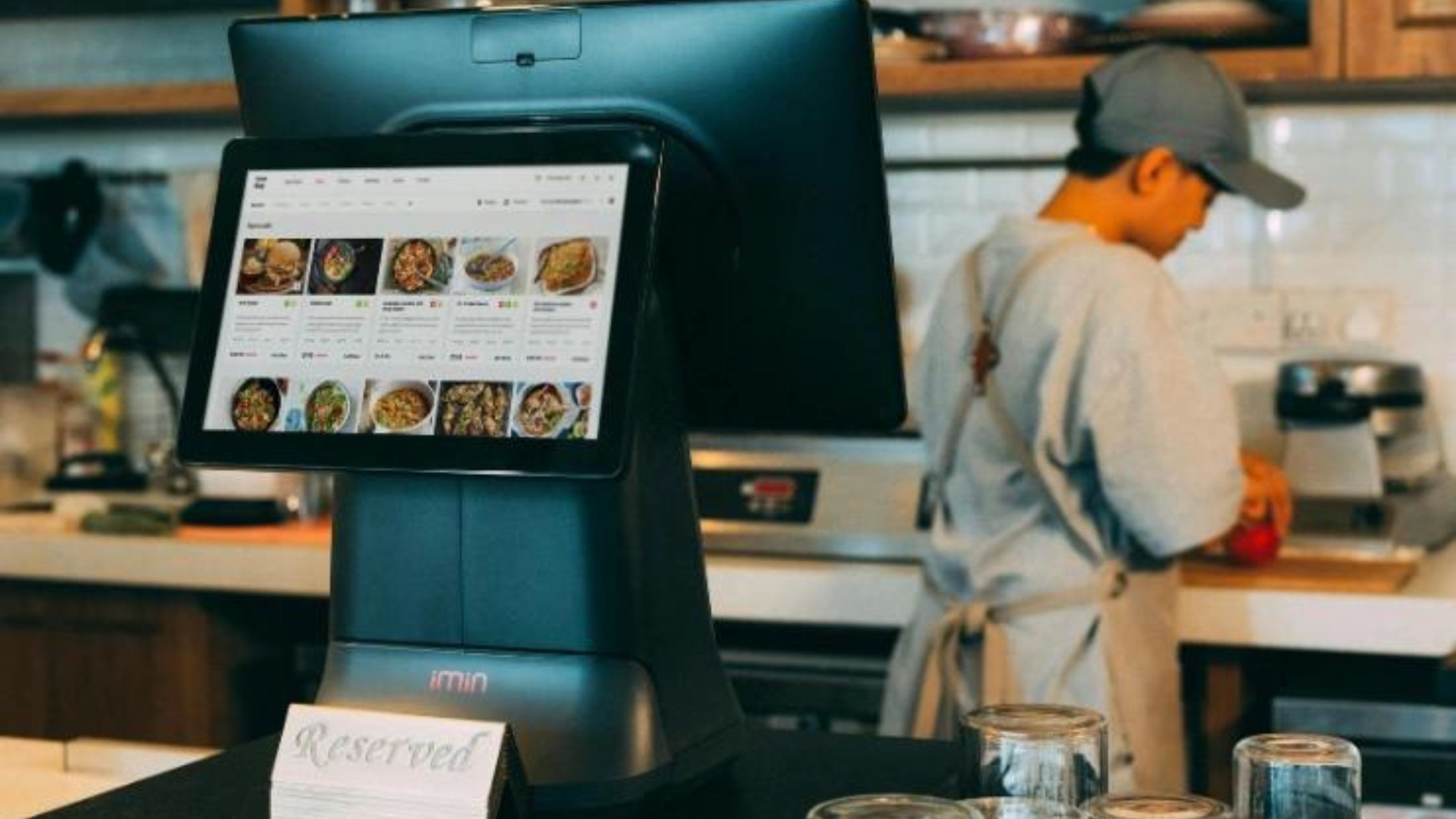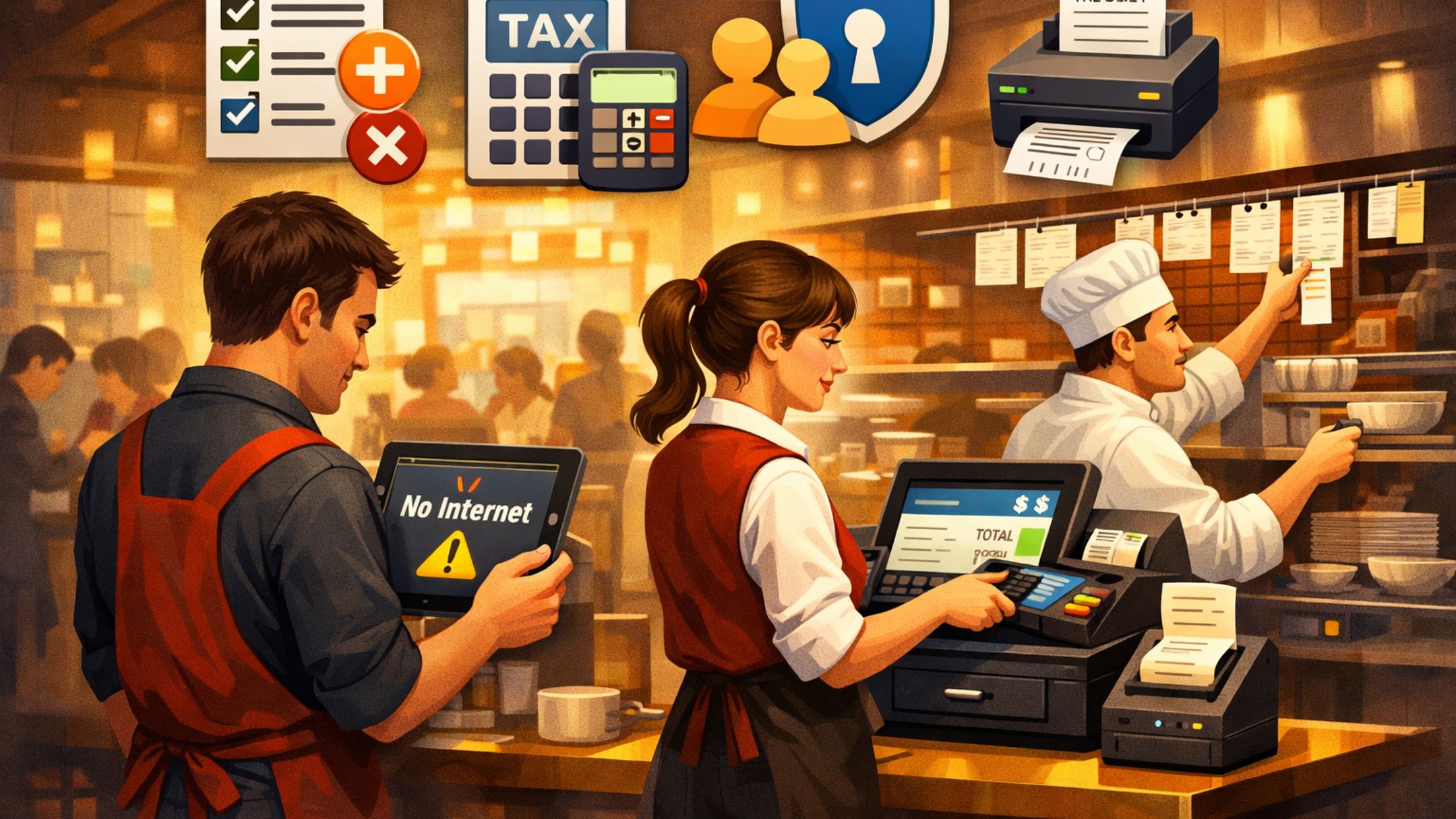
Many restaurants feel limited by POS systems that don’t give them full control. That’s why more owners choose an open source pos with plugin customization—so the system can match daily workflows while they keep real ownership. In this article, you’ll learn how source code access increases flexibility, how plugins add features as you grow, and what simple steps make setup smoother. By the end, you’ll see how open-source POS platforms help restaurants run operations with fewer limits and more control.

What Is an Open-Source POS and Why Does It Matter
An open-source POS is POS software with publicly available source code. Therefore, owners and developers can modify it to fit real restaurant operations, instead of being limited by vendor rules. This gives you more control over how the system runs, evolves, and improves over time.
When you choose an open source pos with plugin customization, you can extend features through modular plugins while keeping the core stable. You can review the software structure, refine workflows, and update functions as your restaurant grows, updates menus, or adds new service styles.
How Plugin Customization Extends Flexibility
Plugin customization means adding small, modular add-ons to your POS to extend features without changing the core system code. In a well-designed setup, you can install, remove, or update plugins independently, so you improve one function without destabilizing the full POS. When you adopt an open source pos with plugin customization, you usually get:
- Lower risk: Each plugin affects only its own feature area.
- Faster testing: You can trial new features before a full rollout.
- Better workflow fit: Dine-in, takeout, and delivery can be tailored separately.
- Simpler maintenance: Developers can update plugins without touching critical core functions.
Overall, this approach helps you shape a POS around real operations, instead of forcing staff to adjust to rigid software.
Handling Restaurant Workflows Effectively
A practical restaurant POS should handle dine-in, takeout, counter service, and small retail add-ons in one clear system, so staff stay consistent and confident.
1. Order Types and Workflow Support
A strong POS should detect whether an order is table service, carryout, or counter pickup and automatically show the right screens and prompts. As a result, staff work faster and make fewer mistakes, especially during peak hours.
2. Kitchen Communication and Accuracy
Kitchen coordination affects both speed and accuracy. Therefore, a reliable POS should send items, modifiers, and special instructions clearly to kitchen printers or kitchen display screens.
Overall, when your POS supports multiple order types and keeps kitchen communication clear, service runs faster, mistakes drop, and operations stay smooth—even during rush hours.
Offline Capability and Hardware Integration
A restaurant POS should keep working every day—especially during internet issues—and it should connect smoothly with the hardware your team already uses.
A. Offline Control for Reliable Service
Your service shouldn’t pause when the internet drops. With an offline-first POS, you can still take orders and process payments without constant cloud access. Therefore, operations stay steady, and staff confidence stays high during peak hours.
B. Works Smoothly With Standard Restaurant Hardware
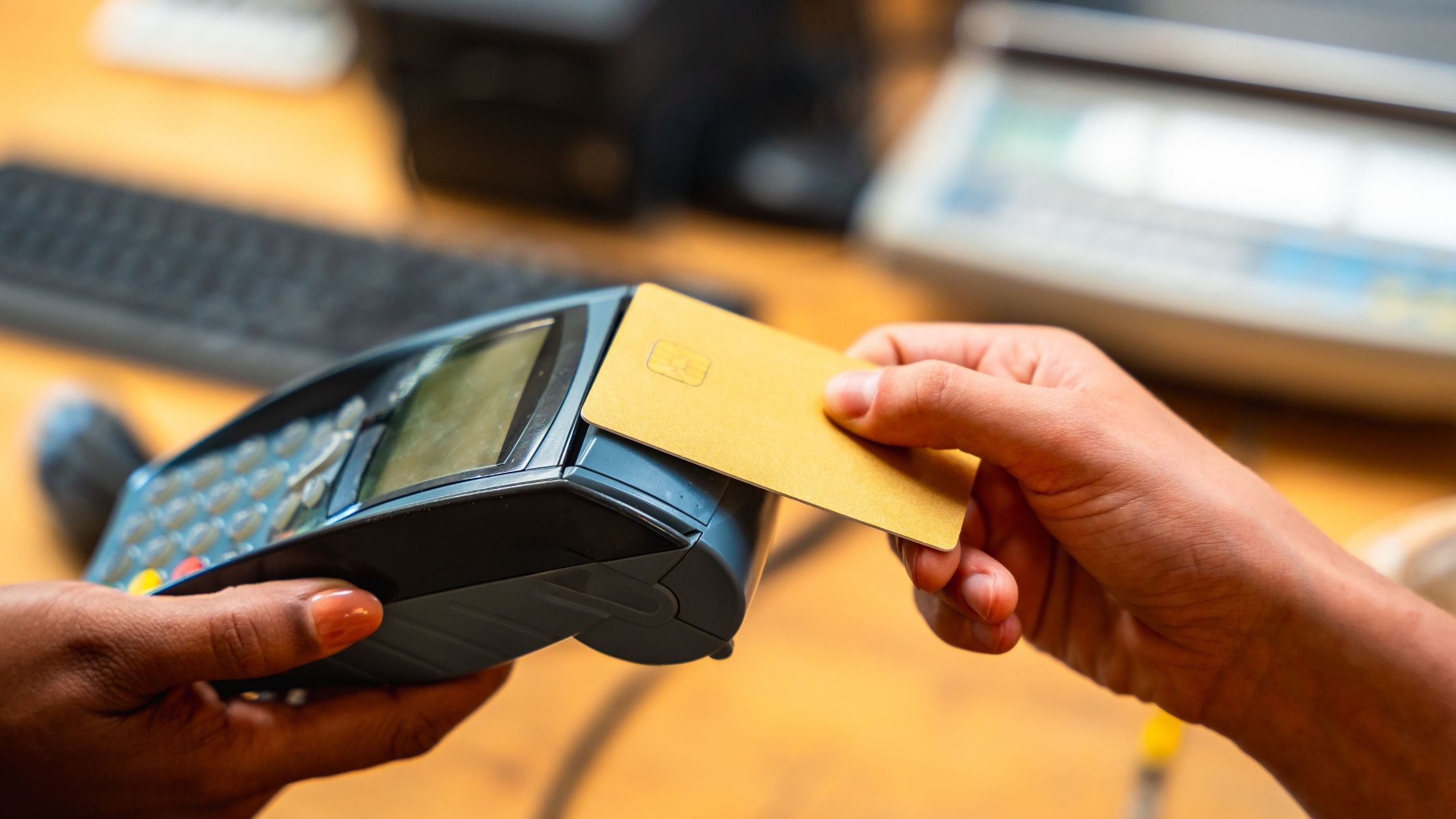
Restaurants depend on touchscreen terminals, kitchen printers, and cash drawers. A solid POS supports this standard restaurant hardware, so staff can work faster, training stays simple, and compatibility problems stay low.
When you combine strong hardware support with an open source pos with plugin customization, you get a setup that runs reliably in real conditions and can grow as your restaurant’s needs change.
Data Ownership, Databases, and Control Frameworks
Your POS data powers everything—menus, orders, staff permissions, and reports. In an open-source setup, your database and storage stay under your control, so you decide how backups, migrations, and access permissions are handled. This kind of data ownership also makes it easier to plan for scaling, retention, and long-term stability.
As your restaurant grows, you may add more terminals—or even expand to new locations. An open source pos with plugin customization supports this growth by allowing shared databases and role-based access for different staff members. That way, you can expand smoothly without getting trapped in vendor-controlled data systems or closed, proprietary rules.
A Practical Customization Roadmap
Roll out an open-source POS in steps to avoid disruption and keep operations stable.
i. Configure Core First: Set up menus, modifiers, taxes, and order types for a solid base.
ii. Add Plugins Gradually: Install plugins one at a time to fix specific needs like inventory, reporting, or kitchen flow.
iii. Customize Source Code if Needed: Fine-tune workflows and reports with source changes for open source POS with plugin growth.
By following this staged rollout, you protect daily service while building an open source pos with plugin customization that stays stable, scalable, and tailored to your restaurant. Learn more about Open Source POS for Restaurants.
Evaluating Fit Before You Choose
Before rolling out the system fully, it’s important to ask a few critical questions:
- Does the POS support your main service types, such as dine-in, takeout, or counter service?
- Do your staff find the workflows easy to understand and quick to use during busy hours?
- Does the system work smoothly with the hardware already in your restaurant?
- Do you have full control over your data, backups, and access permissions?
Choosing an open source pos with plugin customization using these practical criteria helps you avoid unexpected issues later and ensures your technology truly supports your day-to-day business needs.

Conclusion
Restaurant technology should help your team work better—not hold you back. If you want more flexibility, real control, and a POS you can grow with, an open source pos with plugin customization is a smart option. With access to source code and modular plugins, you can shape the system around your restaurant, adjust it as your needs change, and keep operations steady during real-world rush hours. To explore the platform, available modules, and documentation, visit Floreant POS.