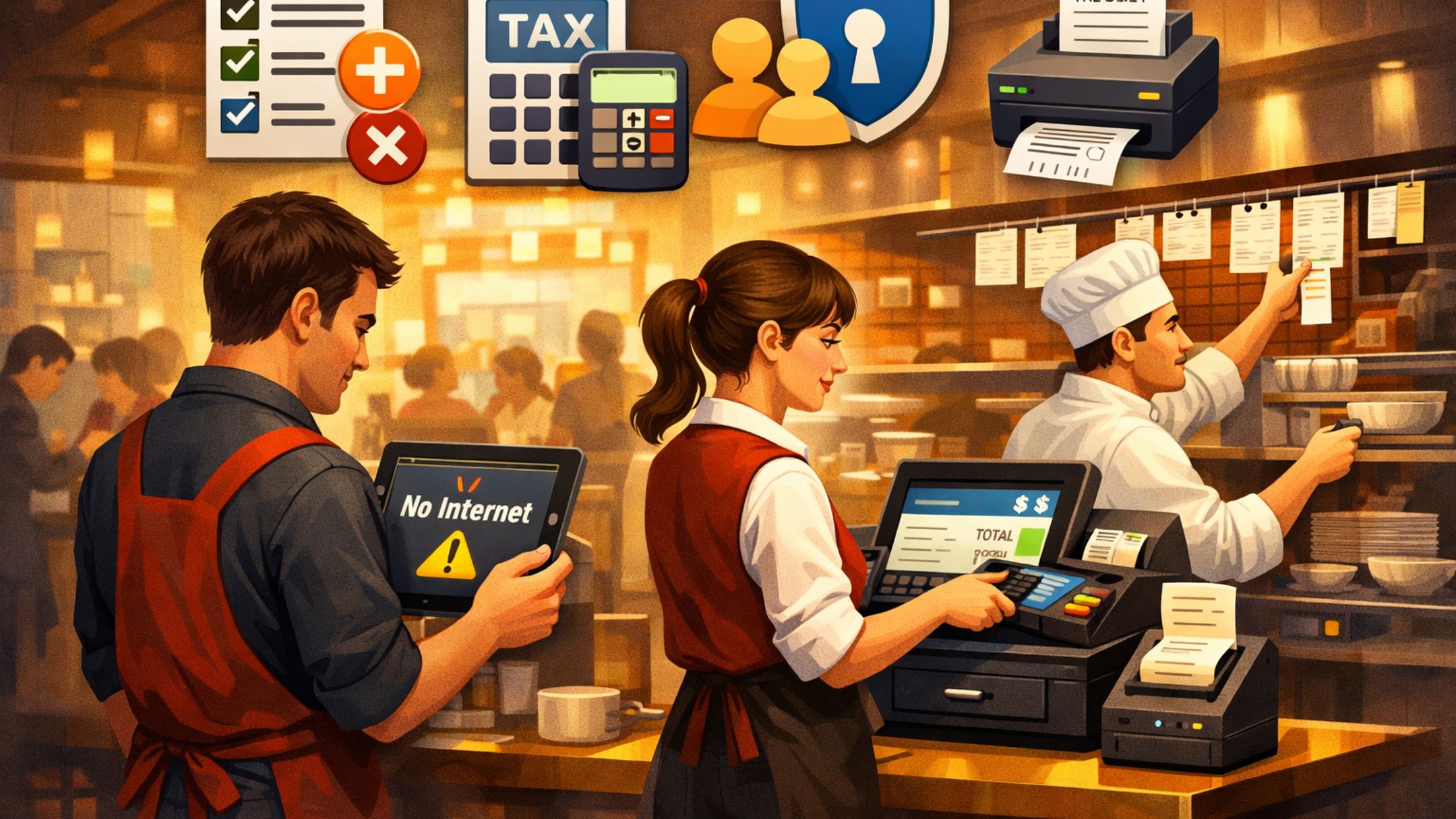
Unstable internet can slow down daily sales and service faster than most teams expect. Therefore, you need a POS setup that keeps working when the connection becomes weak, drops, or goes offline. In this situation, pos for regions with poor internet focuses on dependable local performance instead of relying fully on the cloud. Moreover, it helps you keep orders moving, staff working smoothly, and records accurate even with network limits. This guide shows how to set up and run a reliable POS workflow in low-connectivity areas without stress.

Why Connectivity Matters
Many businesses expect the internet to stay stable all day. However, that expectation breaks in rural areas, remote locations, and places with weak infrastructure. Therefore, cloud-first POS workflows can trigger slowdowns, duplicate tickets, and messy reports.A reliable setup should ensure:
- Orders process locally without lag.
- Printing continues during outages.
- Cash handling stays trackable.
- Data sync happens after service, not during it.
Consequently, pos for regions with poor internet works best when the system treats the internet as helpful, not required.
Offline-First POS Design
You should configure your POS to run without relying on the internet. Therefore, local processing becomes the key to stable service.
A proven offline-first setup includes:
- One local server or main terminal that stores the POS database.
- A local LAN that links terminals and printers inside the location.
- Receipt and kitchen printing that works offline.
- Syncing that happens only during stable connection windows.
Moreover, when the system supports local databases and flexible installation, teams can keep working smoothly on weak networks. As a result, pos for regions with poor internet stays operational even during long outages.

Core POS Features
Not every POS feature fits low-connectivity conditions. Therefore, you should choose features that keep service running without interruptions.
Key priorities include:
- Fast local order entry with minimal lag.
- Reliable kitchen ticket printing and routing.
- Simple staff login, roles, and permissions.
- Clear transaction logs for quick checks later.
Consequently, pos for regions with poor internet performs best when reliability comes before extra features.
Daily Stability Practices
Technology alone cannot prevent service issues. Therefore, strong daily habits keep the POS stable when the network acts up.
Teams should:
- Pause updates and report exports during rush hours.
- Keep only necessary devices on the POS network.
- Check printer connections before service starts.
- Keep terminals on a stable local network whenever possible.
Furthermore, managers should remind staff that the store’s internal network matters more than the outside internet during live service. As a result, pos for regions with poor internet stays steady under pressure.
Key POS Functions
These POS functions shape performance in low-connectivity areas, so you should set them up correctly and follow one consistent routine.
I. Local Order Processing
Local order processing saves each transaction instantly on the in-store system. Therefore, staff can take orders and close bills smoothly even when the internet drops, and you avoid relying on remote servers during rush hours.
II. Kitchen Ticket Management
Kitchen ticket management sends orders to the right prep station. Moreover, local printer mapping reduces missed tickets and duplicate prints, so the kitchen stays organized despite unstable connectivity.
III. Local Data Storage and Recovery
Local data storage keeps sales records on-site, so you reduce data loss risk during outages. Additionally, you speed up recovery because you can verify entries locally before syncing online.
IV. Scheduled Synchronization
Scheduled synchronization uploads backups and reports only in stable connection windows. Consequently, you protect accuracy without slowing live service, which supports pos for regions with poor internet.
Therefore, when you combine fast local processing, clean ticket flow, safe storage, and controlled syncing, you keep service stable even when the network fails.
Stable Hardware Choices
Hardware choices can make or break POS performance in tough environments. Therefore, you should buy equipment that stays stable even when the network struggles.
You should prioritize:
- Wired Ethernet where possible, because it stays more reliable than weak Wi-Fi.
- Commercial receipt and kitchen printers that handle heavy daily use.
- Fast touch terminals that respond quickly during rush hours.
- Power backup for key devices, so short power drops do not stop billing.
Additionally, a simpler setup creates fewer failure points. Consequently, pos for regions with poor internet works best when your hardware matches real conditions, not perfect assumptions.
Staff Training
Even a strong POS setup can fail if staff do not know what to do. Therefore, you should train your team with a simple, repeatable response plan.
A basic failure playbook should cover:
- How to check local network connections quickly.
- Also how to send orders to a backup printer if printing stops.
- How to keep taking orders and billing in offline mode.
- Again how to note the issue for later review and fixes.
Moreover, short practice drills help staff stay calm and act fast. As a result, pos for regions with poor internet feels manageable and routine, not stressful and disruptive.
Data Integrity
Connectivity problems often show up at the end of the day when teams run closeouts. Therefore, a consistent closing routine keeps records clean and prevents confusion.
Teams should:
- Follow the same close steps on every terminal.
- Check totals locally before any syncing starts.
- Keep daily backups for quick verification.
- Run exports and uploads during off-peak hours.
This structure protects financial accuracy and reduces reporting mistakes. Consequently, pos for regions with poor internet stays reliable over long periods.

Conclusion
Running a business in low-connectivity areas takes smart setup, steady workflows, and a team that knows exactly what to do. Therefore, you should use an offline-first approach that protects order flow, data accuracy, and customer experience. When you align the right software setup, reliable hardware, and daily discipline, pos for regions with poor internet becomes a strong operating system instead of a weakness.
For businesses that need a locally deployable, offline-capable restaurant POS built for real-world conditions, Floreant POS offers a practical foundation.