Running a restaurant is hectic—multiple payments, busy shifts, and constant pressure to keep service smooth. Your POS sits at the center of it all, handling every order, payment, discount, and report, which makes it a prime target if it isn’t secure. That’s why POS security best practices matter: a secure, locally run system like Floreant POS protects customer card data, inventory records, and sensitive information from internal and external threats, helping you prevent fraud, maintain trust, and stay confident no matter how busy your restaurant gets.

Why POS Security Best Practices Matter for Restaurants
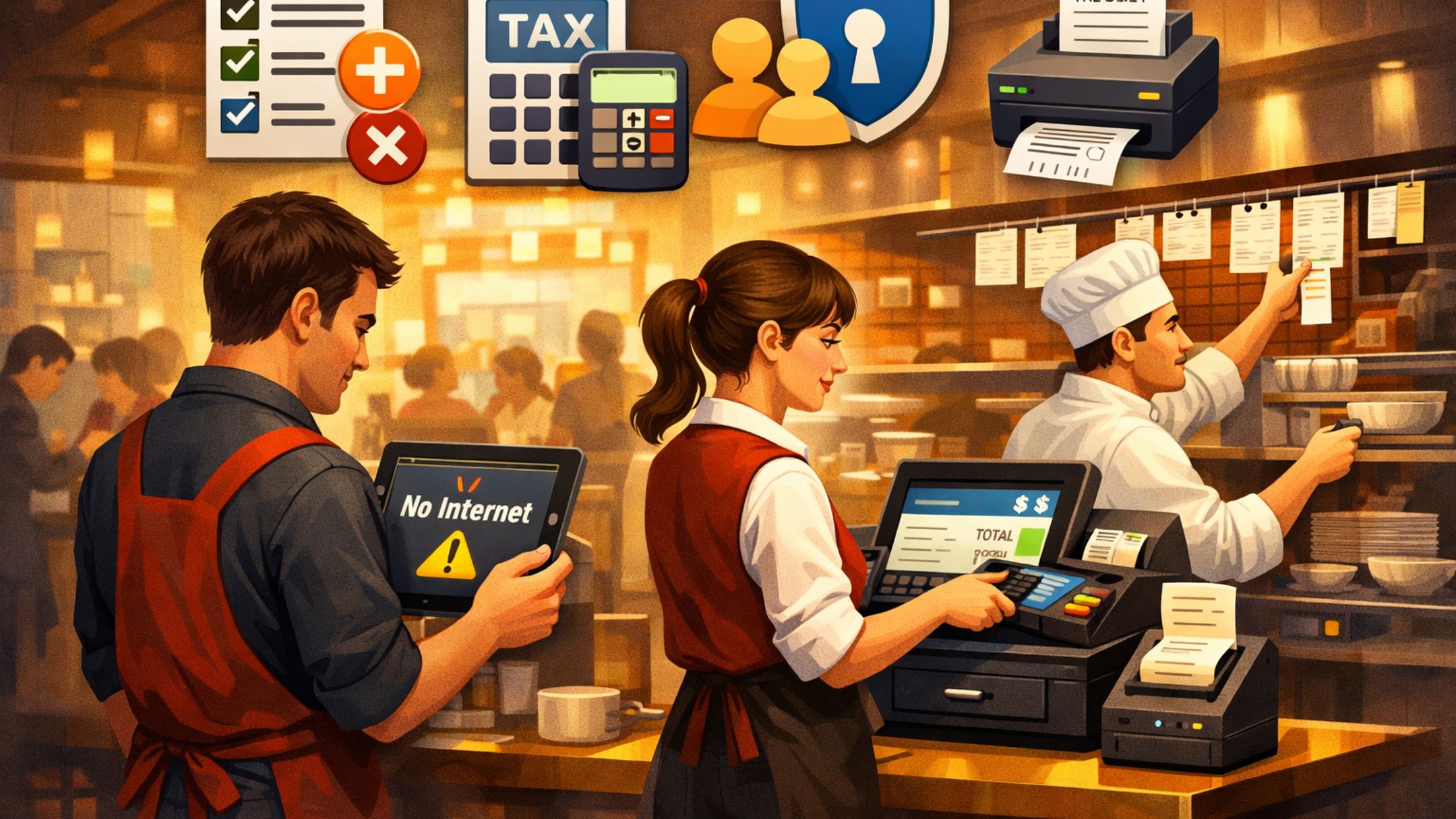
No matter your food business, POS security matters because your system handles customer data, payments, staff activity, menus, and reports. Without proper safeguards, you’re vulnerable to:
- Unauthorized price changes.
- Fake refunds and voids.
- Card skimming or digital theft.
- Staff misuse due to unrestricted access.
- Corrupted sales records.
- Data loss due to hardware failure.
Strong POS security prevents issues by using proper setup, staff training, and data protection. Key benefits include:
- Protecting sensitive customer payment data.
- Reducing fraud, theft, and unauthorized actions.
- Keeping operations running even during network outages.
- Maintaining clean and accurate business records.
- Building trust with guests and staff.
- Ensuring that only authorized users can perform sensitive actions.
Just like in seasonal businesses that must maximize efficiency, restaurants must maintain security throughout peak hours, staff changes, and high-pressure situations.
Key Benefits of POS Security Best Practices
Implementing strong POS security policies helps streamline operations and reduces the risks associated with daily restaurant activities.
1. Cost-Effective and Scalable Protection
You don’t need expensive systems to achieve strong security. With a free, open-source POS like Floreant, you get airtight control over your data and a secure offline environment without recurring fees. Security comes from smart configuration—role-based permissions, user management, and safe device practices.
2. Easy Setup and Clear Staff Responsibilities
Restaurants experience frequent staff turnover. Security best practices—such as individual logins and role-based restrictions—keep training simple and prevent misuse. Staff members only access the functions they need, while managers retain control over sensitive actions like voids, discounts, or shifts.
3. Offline Capability for Safer Operations
Cloud-dependent systems expose your data to the internet and stop functioning when the connection drops. A locally installed POS like Floreant provides stronger security because it runs offline. Transactions are protected from online threats, and your team keeps working even in low-network environments.
4. Secure Menu, Inventory, and Reporting Management
When user permissions are configured correctly, staff cannot change prices, delete menu items, or adjust past bills. Only authorized users can access sensitive financial reports. This ensures consistency, prevents manipulation, and keeps business data accurate across all shifts.
5. Secure Multi-Device Access
Many restaurants use multiple devices—front-counter terminals, bar stations, kitchen displays, or tablets. With proper configuration, all devices connect securely to the same database without exposing data. Controlled, role-based access across devices supports fast service without increasing security risks.
How to Strengthen POS Security in Your Restaurant
Keeping your POS secure isn’t just a tech task—it’s part of running a smooth, safe, and trustworthy operation. With a few smart habits and the right use of your POS features, you can protect your business without adding extra stress.
A) Give Your Team the Right Access
Everyone on your staff plays a different role, so their POS access should match what they actually need to do. For example:
- Servers: Take and send orders
- Cashiers: Handle payments
- Managers: Approve overrides, review reports, and handle exceptions
- Admins: Manage system settings and configurations
The most important thing: every person should have their own login. No shared accounts. It keeps things organized and makes it easy to trace actions when needed.
B) Make POS Backups Part of Your Routine
Think of backups as your “just in case” fallback. If something crashes or someone accidentally deletes important info, your backup saves the day. A simple routine works best:
- Back up your POS every day
- Store your backups somewhere safe
- Do a quick restore test once in a while to be sure everything works
Most self-hosted POS systems make this process pretty straightforward.
C) Keep Your Network and Devices Secure
Your POS is only as secure as the network behind it. A few small steps can make a huge difference:
- Set up a dedicated POS network separate from your guest Wi-Fi
- Change your router passwords regularly
- Keep routers, servers, and back-office computers locked or out of public reach
- Don’t plug unknown USB devices into POS terminals
These simple precautions drastically reduce the chances of someone accessing your system without permission.
D) Use Reports to Spot Problems Early
Your POS reports can reveal things you might not notice day to day. Keep an eye out for:
- Unusual numbers of voids or refunds
- Edits or changes happening late at night
- Cash drawer shortages
- Menu or price changes you didn’t approve
Catching these things early helps you address issues quickly and keep your operations running cleanly.
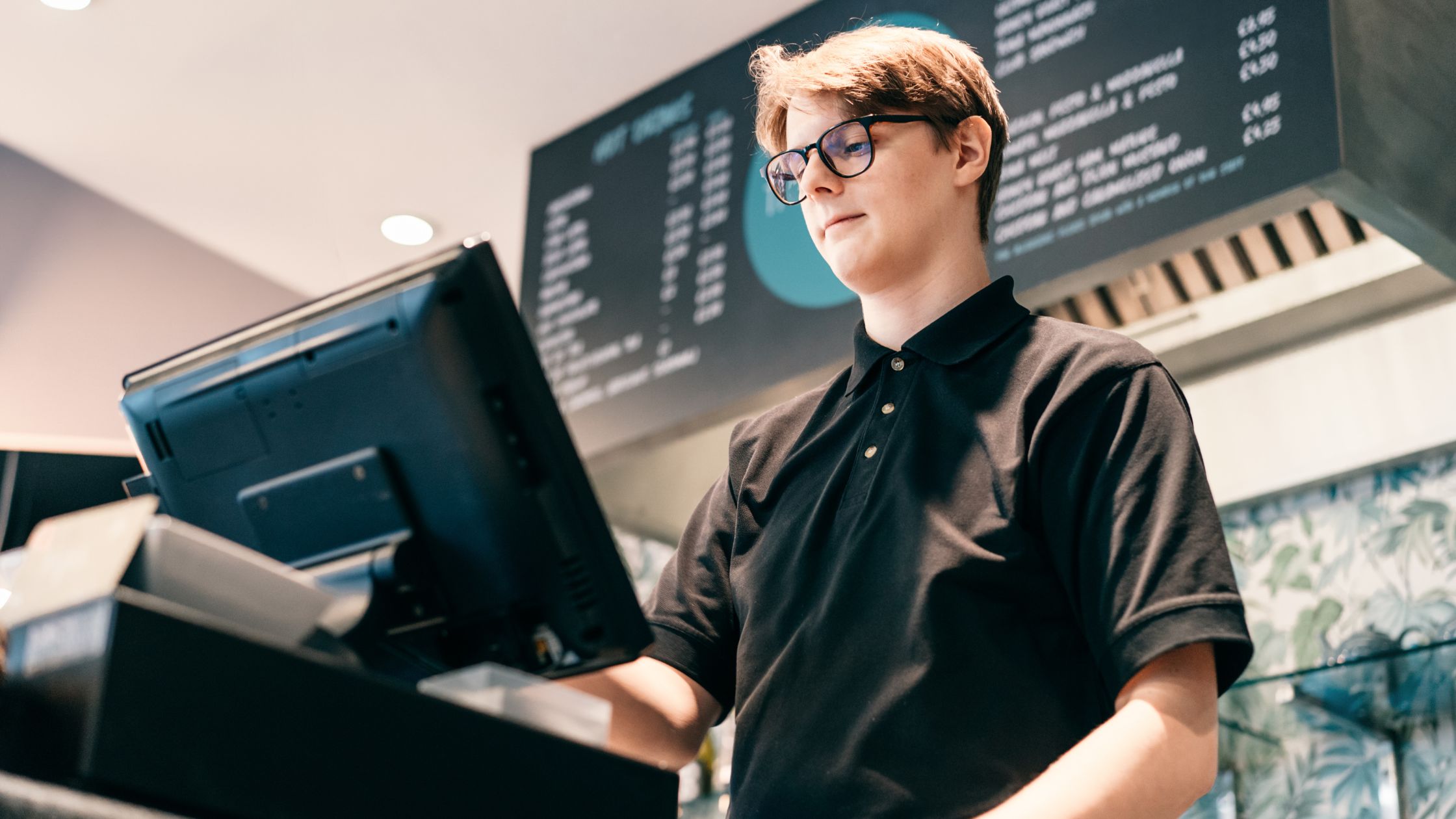
Common POS Security Mistakes Restaurants Should Avoid
A POS system can only do so much on its own—how you use it makes all the difference. Here are a few common mistakes restaurants run into, along with why they can cause trouble:
- Sharing logins makes accountability impossible.
- Unlocked terminals can expose sensitive payment data.
- Delayed updates leave security gaps.
- Reused passwords increase breach risk.
- Personal devices on the POS network invite malware/unauthorized access.
- Skipping end-of-day reconciliation lets small issues grow.
Steering clear of these habits goes a long way toward keeping your POS system secure and your business running smoothly. Learn more about Best Restaurant POS.
Conclusion
POS security best practices are not optional—they are essential to protect your restaurant’s finances, customer trust, and daily operations. By using a secure, self-hosted POS like Floreant and combining it with smart habits such as role-based access, regular backups, network protection, and active monitoring, you create a safe, reliable environment for every transaction. If you want your restaurant to operate smoothly, confidently, and securely, start implementing these POS security best practices today. To explore more insights on smarter restaurant technology and secure POS systems, visit Floreant POS.