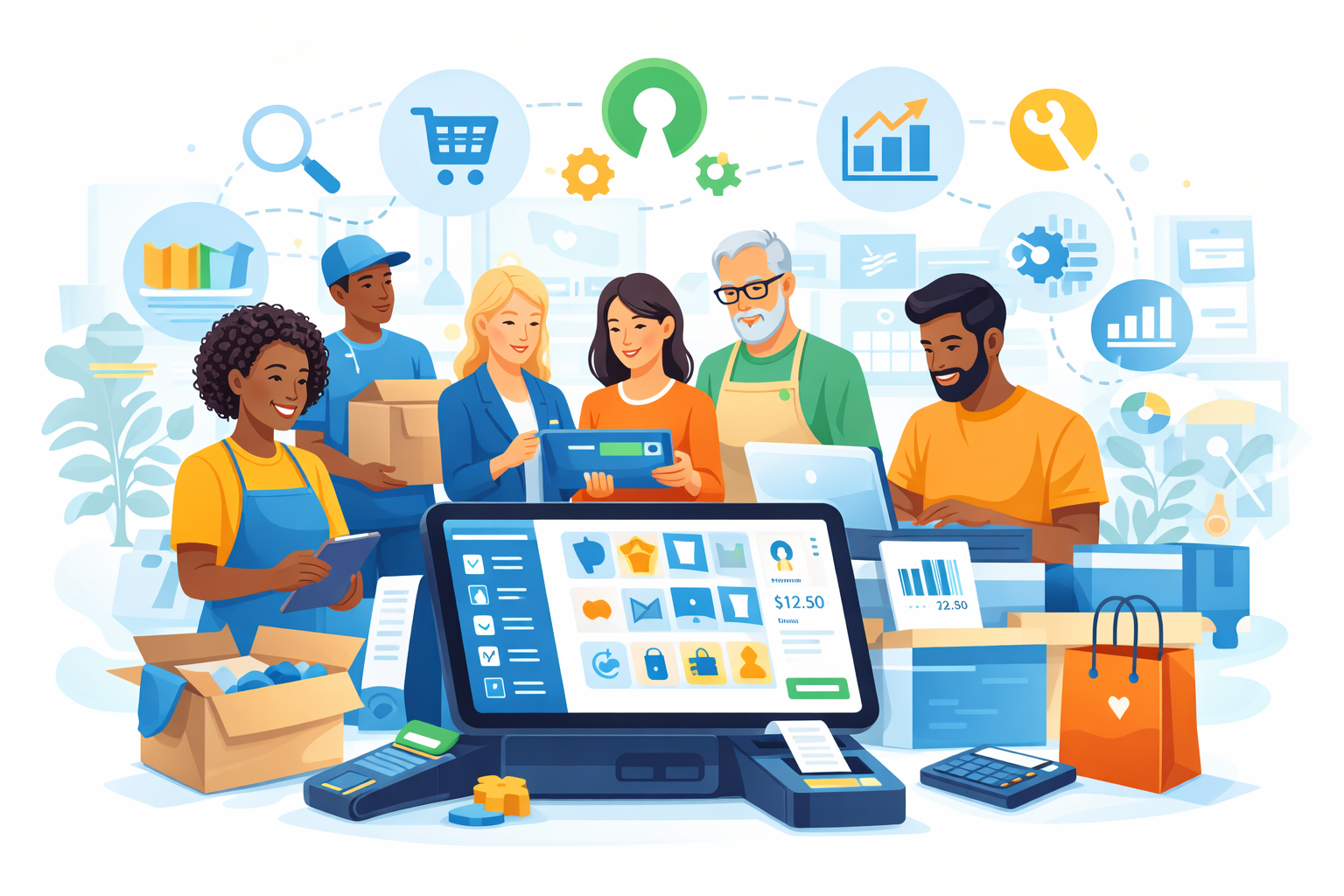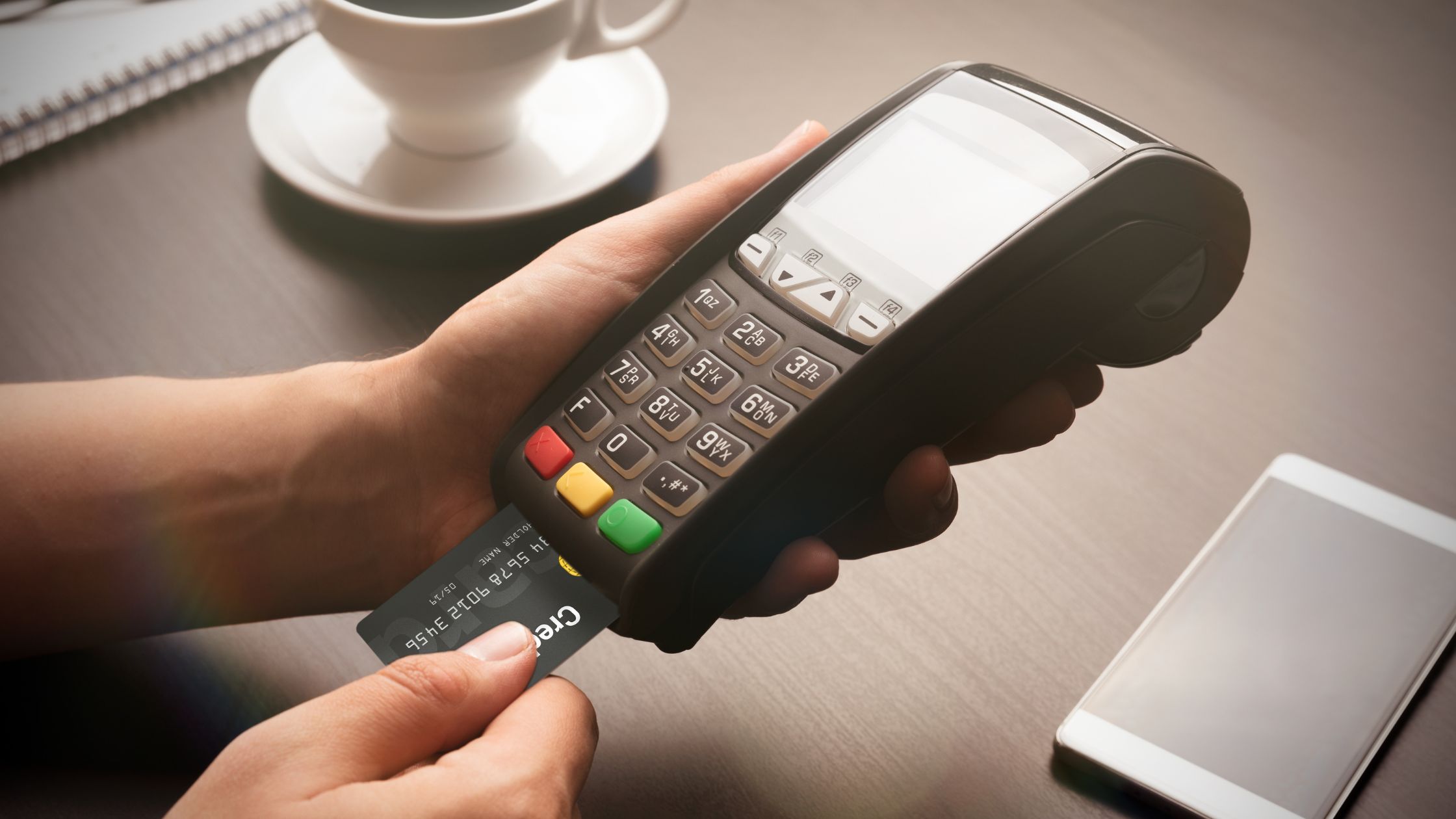
Modern guests place orders from many channels at once: dining rooms, phone calls, websites, and delivery apps. Restaurant teams manage all of this while they juggle kitchen timing, stock levels, and payments. When every channel runs on a separate device or system, the workflow slows down, and mistakes appear. A pos with food delivery apps integration brings these channels together in one place and turns a scattered routine into a more controlled process.

Why Restaurants Now See Integration as a Must-Have
Food delivery and pickup now form a stable and predictable part of everyday restaurant revenue, not just a side stream during busy weekends. Guests place orders through multiple apps and expect the same accuracy, portion quality, and timing from an online order that they receive when they sit at a table. At the same time, staff already manage in-house service, walk-ins, and phone orders, so their attention is split across several different tasks and screens throughout the shift.
When each delivery app sits on its own tablet, staff often re-enter every order into the POS by hand while they also answer questions, handle payments, and coordinate with the kitchen. This extra step takes time and increases the risk of wrong items, missing modifiers, or incorrect contact details, especially during rush hours. Managers then pull separate reports from each platform and from the POS and still struggle to see the real performance of the business as a whole. Learn more about A Professional Guide to Self-Hosted Restaurant POS Software.
Operational Benefits of POS and Delivery Integration
When a restaurant connects its POS to delivery channels, the change shows up most clearly in day-to-day work. The benefits appear not only in reports, but also in how staff handle orders, menus, and guest expectations.
1. Fewer Manual Steps and Clearer Tickets
Manual typing of each delivery order adds delay and naturally creates room for errors. When the POS receives orders automatically, staff skip re-entry and see tickets that match what the guest selected, including quantities, modifiers, and notes. This smoother flow reduces confusion, speeds up prep, and shortens driver wait times.
2. Consistent Menus and Prices Across Channels
Restaurants regularly adjust menus for seasons, ingredient costs, or stock changes. Without integration, someone must repeat every update on each delivery platform, which leads to mismatched items and prices. With a connected setup, staff update a single central menu and apply those changes to all linked channels at once.
3. Unified Data for Better Decisions
Accurate planning depends on seeing all orders in one place. When dine-in, takeaway, and delivery tickets flow into the same POS, managers no longer pull separate reports from multiple portals. They can review total sales, compare item performance by channel, and identify peak hours based on complete information.
4. More Predictable Guest Experience
Guests quickly notice late orders, missing items, or incorrect substitutions. Many of these problems appear when staff juggle several tablets and rush through manual entry during busy periods. Integration stabilizes ticket flow, keeps timing more predictable, and helps guests receive the food they actually ordered more consistently.
Taken together, these operational gains help restaurants run more stable shifts, respond faster to demand, and base decisions on clearer information rather than scattered data.

Checklist for Selecting a POS with Delivery Integration
When a restaurant evaluates POS options, it can look at several points that relate directly to integration:
a) Support for multiple order types: The POS should handle dine-in, counter, pickup, and delivery tickets in a clear structure.
b) Ability to connect with other systems: The POS should allow APIs, plugins, or database connections rather than locking all data inside a closed box.
c) Stable performance on existing hardware: The system should run reliably on the devices that the restaurant already uses or plans to buy.
d) Clear menu and modifier configuration: Menus should support categories, options, and pricing rules that map cleanly to online channels.
Steps to Implement an Integrated POS–Delivery Setup
Before integration goes live, it helps to follow a simple, structured rollout so the system fits smoothly into daily service.
- List all ordering channels and estimate volumes to see where integration will help most.
- Work with a technical partner to define how orders and data move between apps and the POS.
- Run small tests before peak times to check ticket speed, accuracy, and handling of changes.
- Train staff on the new workflow and monitor times, errors, and feedback to fine-tune the setup.
By taking these steps in order, a restaurant can introduce integration gradually, reduce disruption during busy periods, and confirm that the new setup supports both staff and guests effectively.
Conclusion
Delivery and pickup now sit alongside the dining room as core revenue streams rather than side services. A pos with food delivery apps integration connects these channels to the main system and reduces extra steps, scattered data, and repeated work. By treating the POS as the central point for orders and using integration to link external apps, restaurants gain clearer information and more stable workflows. In this broader process of choosing tools and structuring operations, Floreant POS helps entrepreneurs evaluate options through a financial and strategic lens so that technology supports long-term stability instead of adding hidden complexity.
FAQs
1. What does POS with food delivery apps integration mean?
It means orders from apps or websites flow directly into the POS as tickets, without manual entry, and appear in the same sales records as dine-in and takeaway.
2. Does integration remove the need for delivery tablets?
It reduces tablet use for typing orders, but staff may still use tablets for messages, driver coordination, or support.
3. How does integration help with menu and price changes?
The restaurant maintains one main menu in the POS or a central tool and syncs it to connected channels, which keeps items and prices consistent.
4. What should a restaurant check before starting integration?
It should confirm that the POS supports connections, that menus are clearly structured, and that technical help is available for setup and testing.