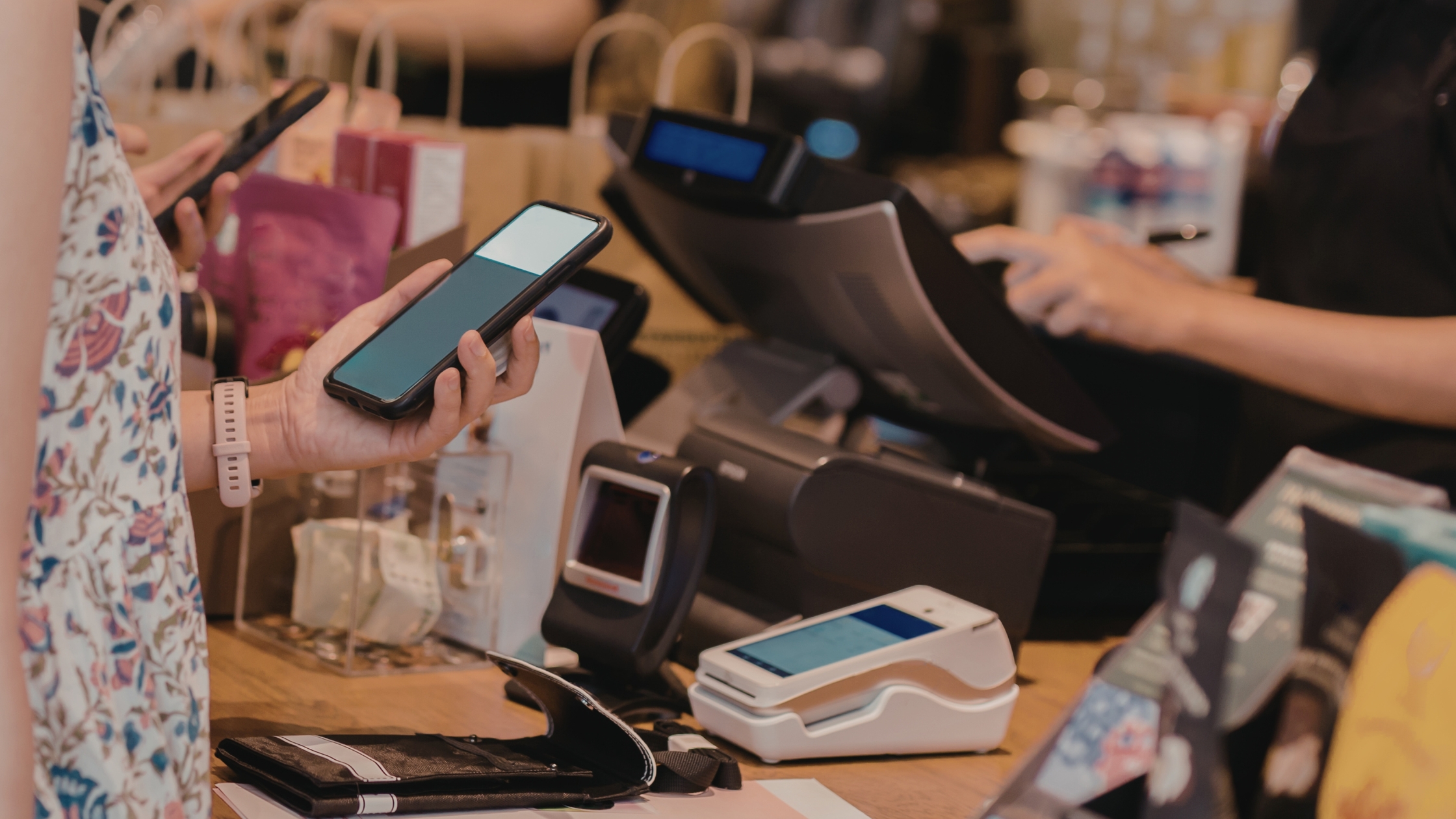
Restaurants move fast, yet data problems move faster. One stolen login, one cloud outage, or one messy export can break reporting, refunds, and inventory accuracy. That is why many operators now search for restaurant pos software with full data control—because ownership, access, and storage rules matter as much as speed. In this guide, you will learn what “full data control” really means, how to evaluate it, and how to set up governance so your POS stays stable, secure, and usable at scale. Moreover, you will see practical checkpoints that prevent lock-in, reduce disputes, and keep multi-location reporting clean during peak service hours.

What “Full Data Control” Actually Means
Full data control means you choose data location, access, retention, exports, backups, and restores. However, it is a real system design choice that covers:
- Data location: On-prem, private cloud, or your managed infrastructure.
- Access control: Roles, permissions, and audit logs.
- Export freedom: Clean exports without vendor lock-in.
- Retention rules: Keep what you need, delete what you do not.
- Resilience: Offline continuity, backups, and fast restores.
When you choose restaurant pos software with full data control, you buy clarity. Moreover, you reduce dependency on one vendor’s policies.
Restaurant POS Software With Full Data Control: Core Benefits
Full data control delivers daily reliability, stronger protection, and cleaner decision-making across every shift and every location. Here is how:
- Trusted reporting: Consistent sales, discounts, voids, comps everywhere.
- Stronger security: Tight access, approvals, and clear audit trails.
- Safer retention: Keep only what you need, reduce data exposure.
- Offline stability: Sell offline, sync cleanly, protect totals.
In short, full data control keeps operations stable, numbers accurate, and risk low—every day.
The 7-Point Checklist to Evaluate Full Data Control
Use this filter before you commit, so you avoid lock-in, reduce risk, and choose a POS that stays controllable long-term.
1) Do you own the Database, or Do You Rent It?
Ask where transactions, menus, and user logs live. If the vendor stores everything only on their side, you depend on their tooling and policies. Instead, prefer a setup where you can host the data or maintain a full replica.
2) Can you Export Everything in Usable Formats?
You need exports that work for accounting and audits. Therefore, confirm raw transactions, item lines, taxes, discounts, payment methods, and staff actions. Also, confirm scheduled exports, not “manual-only.”
3) Can you Control Access with Roles and Audit Trails?
Require clear roles for cashiers, supervisors, and admins. Moreover, demand an audit trail for refunds, voids, discounts, and permission changes across every device, location, and shift with timestamps and user IDs.
4) Can you set Retention and Deletion Rules?
You should keep only what you need. Consequently, confirm you can set retention windows for receipts, logs, and customer profiles, then delete safely with documented policies, secure deletion, and review-ready records for audits.
5) Does Offline Mode Protect Data Integrity?
Offline mode must queue sales and sync when connectivity returns. Additionally, it must prevent duplicates and inventory mismatches using conflict handling and sync verification for every device in service.
6) Can you Back Up and Restore Without Vendor Dependency?
Backups should run automatically and encrypt at rest. Furthermore, restores should be testable, so you know recovery works before a crisis hits, using restore drills, clean rollback steps, and verified integrity after recovery.
7) Can you Migrate Without Rebuilding Pain?
Migration matters. Therefore, confirm you can move data to new hardware, server, or analytics tool without losing history or structure, while keeping IDs, relationships, and reporting definitions consistent.
If a POS fails even one checkpoint, you lose control somewhere—data, access, recovery, or migration. Therefore, choose only what passes all seven.

Security and Governance That Make Control Real
Software alone does not create control. Processes create control because rules, reviews, and accountability keep systems consistent daily.
i) Build a Simple Governance Model
Keep ownership and decisions clear and predictable:
- Data owner: sets rules, approves changes, resolves conflicts.
- Finance lead: validates exports, reconciles reports, and keeps audits ready.
- System admin: manages hosting, backups, access, and retention.
Review these rules monthly. Therefore, full data control stays consistent as your restaurant scales.
ii) Set “Who Can Do What” Rules
Keep permissions tight and predictable:
- Cashiers: create checks, apply allowed discounts, and close payments.
- Supervisors: approve voids, refunds, and overrides.
- Admins: manage users, exports, integrations, and retention.
Log every action affecting money or access. Therefore, you gain accountability without slowing service. Learn more about Trustable POS for Restaurants.
A Practical Setup Plan for Restaurants
To get a fully functional restaurant pos software with full data control, follow this phased plan:
- Map your data flows: POS, delivery platforms, inventory, payroll, and loyalty; define what each system owns, so reports never conflict.
- hosting and backup rules: Choose on-prem, private cloud, or hybrid; set backups and restore tests, so recovery stays routine.
- Access control: Set roles, use strong passwords, enable MFA, and approve refunds, voids, and overrides for controlled access.
- Exports and reporting: Set an export schedule, strict file naming, and a reporting definition sheet, so everyone reads the same truth.
- Test recovery: Simulate internet drops, power interruptions, device swaps, and full restores, so peak hours stay protected.
In short, this phased setup keeps your POS data owned, protected, and consistently usable—so every shift runs smoothly, and every report stays trustworthy.

Conclusion
If your restaurant depends on accurate reporting, stable operations, and clear accountability, restaurant pos software with full data control becomes a strategic requirement, not a preference. It lets you choose storage, enforce access rules, set retention, and recover fast after disruptions. Most importantly, it keeps your data usable—today, next month, and years from now—so you feel protected and fully in control. Moreover, it strengthens multi-location consistency, reduces disputes during audits, and keeps decisions based on clean numbers. For reliable operations, choose Floreant POS.