Running a restaurant stays hectic, so a messy POS switch can break service at the worst time. Therefore, you need a clear restaurant POS system migration guide that protects daily flow while you move data and workflows. Your POS controls orders, payments, discounts, taxes, and reporting, so one bad cutover can create long lines and incorrect totals.
Floreant POS fits migration-focused teams because it runs locally, works offline, and ships with an embedded database for straightforward installation. Moreover, it provides source code access, so you can customize or extend the system as your operation grows. Additionally, its menu and modifier structure support clean rebuilding, which helps staff order faster with fewer mistakes. As a result, you can migrate with more control and keep operations stable during and after go-live.

Why a Restaurant POS System Migration Guide Matters
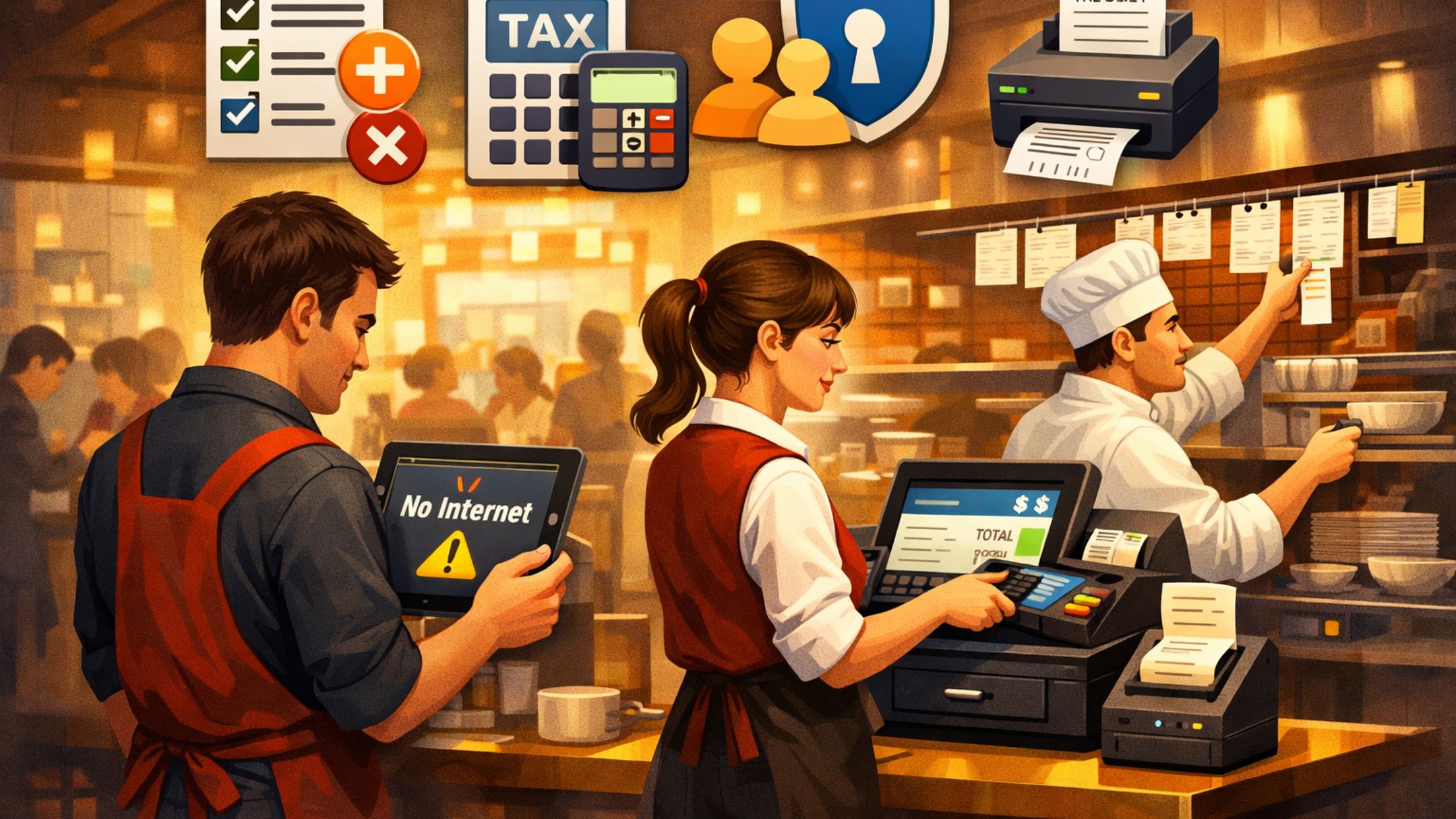
A migration guide reduces surprises because it forces you to map every operational detail before you switch. Consequently, you prevent rushed decisions during peak hours, and you protect your staff from confusion. Without a plan, restaurants often face:
- Menu setup errors: Wrong categories, modifiers, or prices after import.
- Tax rule issues: Incorrect taxes cause disputes and reporting mistakes.
- Access control gaps: Missing roles or shared logins reduce accountability.
- Terminal misconfiguration: Slow payments, printing, and cash drawer actions.
- Backup failures: Missed backups/exports and no test restore before cutover.
When you follow a structured restaurant POS system migration guide, you keep service stable, and you move with confidence instead of hope.
Key Benefits of a Restaurant POS System Migration Guide
A strong migration plan saves time during cutover and reduces rework after launch. Additionally, it gives you a repeatable process for future expansions, new terminals, or new locations.
1) Lower Downtime With an Offline-Ready Setup
Cloud dependency can block sales when the network drops, so you need a system that keeps processing locally. Floreant POS runs without internet, which helps you keep operations moving during unstable connectivity.
2) Cleaner Menu + Modifier Mapping
Menu structure drives speed at the terminal, so you must migrate it carefully. Floreant organizes menus in a tree structure with categories, groups, and modifier groups, which helps you logically rebuild the sales screen. Therefore, staff find items faster and make fewer ordering mistakes.
3) Reliable Multi-Terminal Growth
Many restaurants run multiple stations, so your migration must account for shared data and consistent behavior. Floreant supports a multi-terminal model with common database back ends, so you can scale while keeping configuration consistent across stations.
4) More Control With Source Code Access
Some restaurants need custom flows for kitchen routing, floor plans, or niche reporting. Floreant provides source code access, so you can extend the system when your process demands it. As a result, your POS can match the restaurant instead of forcing the restaurant to match the POS.
5) Faster Training With Clear Roles
Turnover happens, so you need role clarity during and after migration. Floreant configuration includes secret keys and terminal settings, and you can align permissions with staff responsibilities. Consequently, you reduce accidental overrides, and you keep accountability clear.
In summary, a smooth POS migration depends on offline stability, clean menu mapping, consistent multi-terminal setup, and clear user roles. When you combine these with source code flexibility, you reduce downtime, cut ordering errors, and keep operations scalable as your restaurant grows.

How to Run a Restaurant POS System Migration
Migration succeeds when you treat it like a controlled rollout, not a last-minute switch. Therefore, use this sequence.
- Audit Before Export: List taxes, payments, discounts, void rules, and end-of-day steps. Export what you can, document what you must rebuild, and save key screenshots.
- Rebuild Menu in Order: Create categories → groups → items → modifiers. Keep naming consistent for clear kitchen tickets.
- Set Taxes and Pricing Early: Configure tax rules before training so totals stay consistent, and go-live has no surprises.
- Create Roles and Configure Terminals: Use individual logins, limit manager actions, and set each terminal’s drawer and station behavior.
- Test With a Parallel Week: Run test orders in the new POS while using the old one live, then compare totals and fix gaps daily.
- Cut Over With a Simple Checklist: Launch during a low-risk time, freeze edits, take a final backup, and assign one manager to handle issues fast.
When you follow these steps in order, your migration stays predictable and low-risk. As a result, you reduce downtime, protect billing accuracy, and help your team switch systems with confidence. Learn more about POS Data Ownership.
Common Restaurant POS Migration Mistakes to Avoid
These mistakes create chaos because they compound during live service:
- You skip parallel testing, so you discover tax or menu errors during a rush.
- You migrate the menu without modifier logic, so the staff wastes time on every order.
- You ignore terminal configuration, so cash drawers or payments fail at checkout.
- You keep shared logins, so you lose accountability for overrides and edits.
- You forget a rollback plan, so you panic instead of responding.
These mistakes hit hardest during rush hours. So test in parallel, set modifiers and terminals correctly, use individual logins, and keep a rollback plan ready.

Conclusion
A restaurant POS system migration guide protects speed, accuracy, and staff confidence because it forces clear steps from audit to cutover. Therefore, you should plan exports, rebuild menus and taxes in the right order, test in parallel, and launch with a checklist. If you want a locally installed, offline-capable restaurant POS with an embedded database and source code access, Floreant POS gives you that foundation for controlled migration and long-term flexibility. Moreover, this structure reduces costly go-live surprises and keeps service smooth during peak hours. As a result, your team adapts faster, and your reporting stays consistent from day one.