Lines move fast in a bakery, and small mistakes repeat all day. Therefore, a sales system for bakeries must support quick billing, consistent item selection, and accurate totals under pressure. In this guide, you will learn how to design a practical workflow: menu structure, modifiers, taxes, discounts, printing, offline continuity, and daily reporting. As a result, you can reduce confusion at the counter and improve operational control.

What a Bakery Needs From a Checkout Workflow
A bakery sells many small items with frequent add-ons. Consequently, a sales system for bakeries must reduce taps and remove guesswork. Moreover, it must keep pricing consistent, because inconsistency creates disputes and slows service. A functional setup should support:
- Quick category navigation for repeat items.
- Clear modifier prompts for custom orders.
- Predictable receipt totals with correct tax behavior.
- Clean production tickets that list choices clearly.
- End-of-day closeout and readable reports
Therefore, you should design the system around repeated actions, not edge cases. Additionally, you should standardize these steps across shifts, because consistency improves speed and reduces training time. Learn more about POS Setup Guide Floreant.
Menu Design That Improves Speed
A menu layout controls counter speed more than visual styling. Therefore, a sales system for bakeries should group items by how customers order, not by how you stock shelves. Moreover, a clean structure reduces mis-rings, because staff stop hunting for items during rush hours. Here’s how:
1) Build Categories by Customer Intent
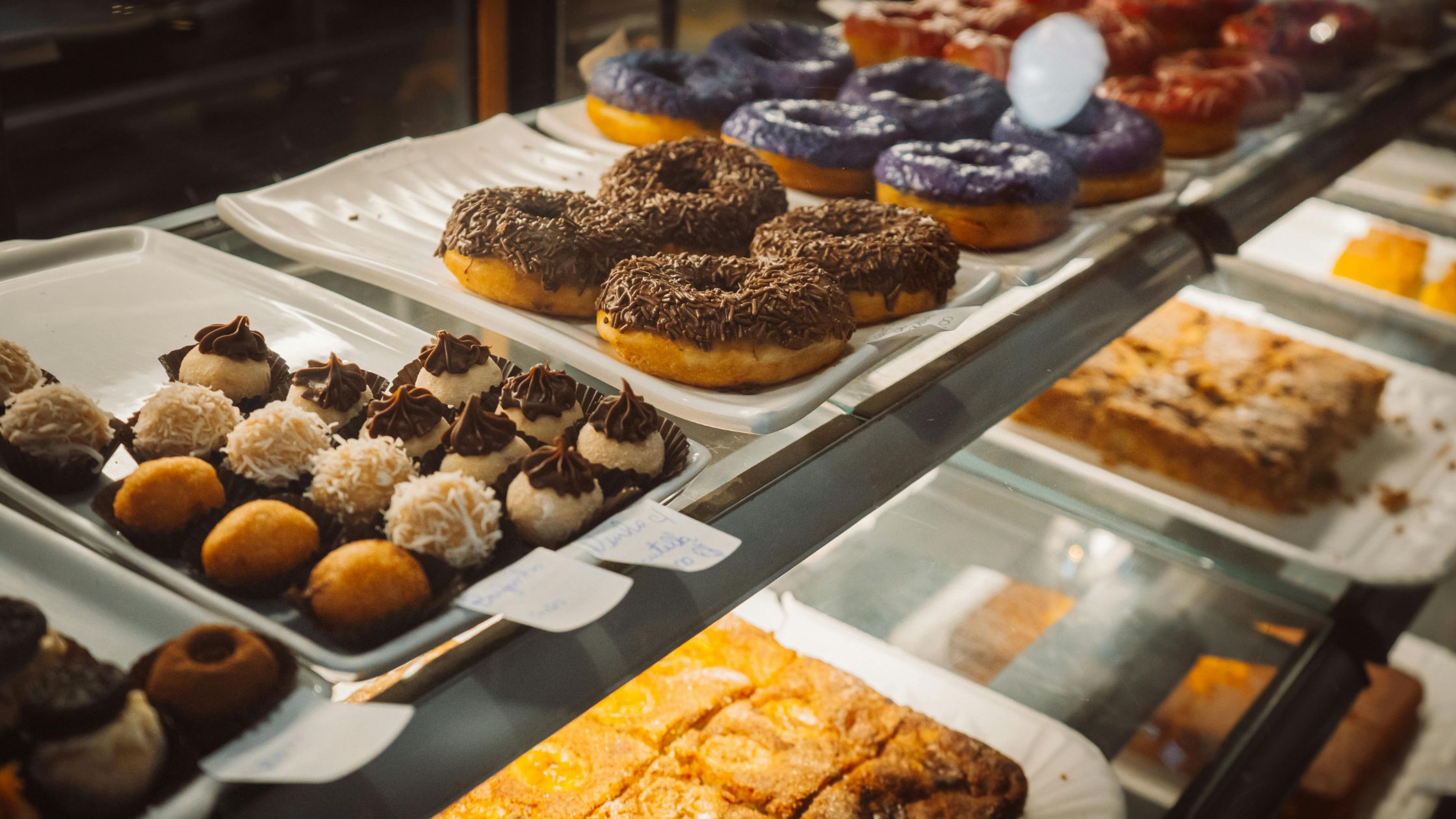
Create categories that mirror real counter behavior. Consequently, staff find items fast and ring orders with fewer taps. Use practical bakery categories:
- Breads & Buns.
- Pastries & Croissants.
- Cookies & Snacks.
- Cakes (Whole).
- Cake Slices.
- Beverages.
Additionally, keep categories short and obvious, because long category lists slow down every sale. As a result, the sales system for bakeries remains easy to learn.
2) Create a “Top Sellers” Section for Rush Hours
Bakeries sell a small set of items repeatedly. Therefore, add one quick-access section that holds your top 10–20 items. Moreover, update it weekly, because demand shifts with seasons and weekends. Suggested “Top Sellers” items:
- Butter croissant.
- Chocolate pastry.
- Plain bread loaf.
- Eggless cake base.
- Coffee/tea bestsellers.
Consequently, staff members repeat orders in seconds, and the sales system for bakeries stays consistent under pressure.
3) Standardize Item Naming Rules to Prevent Confusion
Names should match what the staff says out loud. Therefore, keep names short, consistent, and searchable. Moreover, keep the format uniform so that new staff learns faster.
- Product + Variant (Butter Croissant).
- Size/Weight only when the price changes (Chocolate Slice).
- Avoid internal words like “SKU” or “Batch” in item titles (Cake Base 1 kg).
Additionally, avoid duplicate names across categories, because duplicates create wrong selections. Consequently, the sales system for bakeries reduces disputes and rework.
4) Use Modifiers for Variations Instead of Creating Too Many Items
Too many items slow the screen and confuse staff. Therefore, keep your base items clean and push variations into modifiers when possible. Moreover, modifiers reduce training time because staff follow the same steps every time.
- Eggless option.
- Extra cream.
- Premium box.
- Candle pack.
- “Add message” workflow
As a result, the sales system for bakeries stays uncluttered while still handling customization.
Therefore, you should treat menu design as an operational system, not a design exercise. Moreover, when you align categories, top sellers, naming rules, and modifiers, you reduce taps and prevent mis-rings.
Set Taxes and Discounts With Clear Rules
Taxes and discounts affect both accuracy and trust. Therefore, a sales system for bakeries should apply rules consistently across items, like:
I) Align Tax Behavior with How You Price Items
Some bakeries use tax-included pricing for simplicity, while others apply tax at billing. Therefore, define your approach first and test receipts with common orders. Additionally, apply item-level tax logic where rules differ between packaged items and dine-in items (when applicable). Consequently, receipts stay consistent.
II) Control Discounts with Permissions
Bakeries often run clearance offers and bundles. They also run seasonal promotions. Therefore, define a small set of discount types and restrict who can apply them. Moreover, review discount totals daily, because small leaks add up.
This approach keeps the sales system for bakeries auditable and stable during busy periods. Additionally, it helps you track discounts and tax impact clearly, so you can correct leaks before they become routine.
Plan for Offline Continuity and Peak-Hour Stability
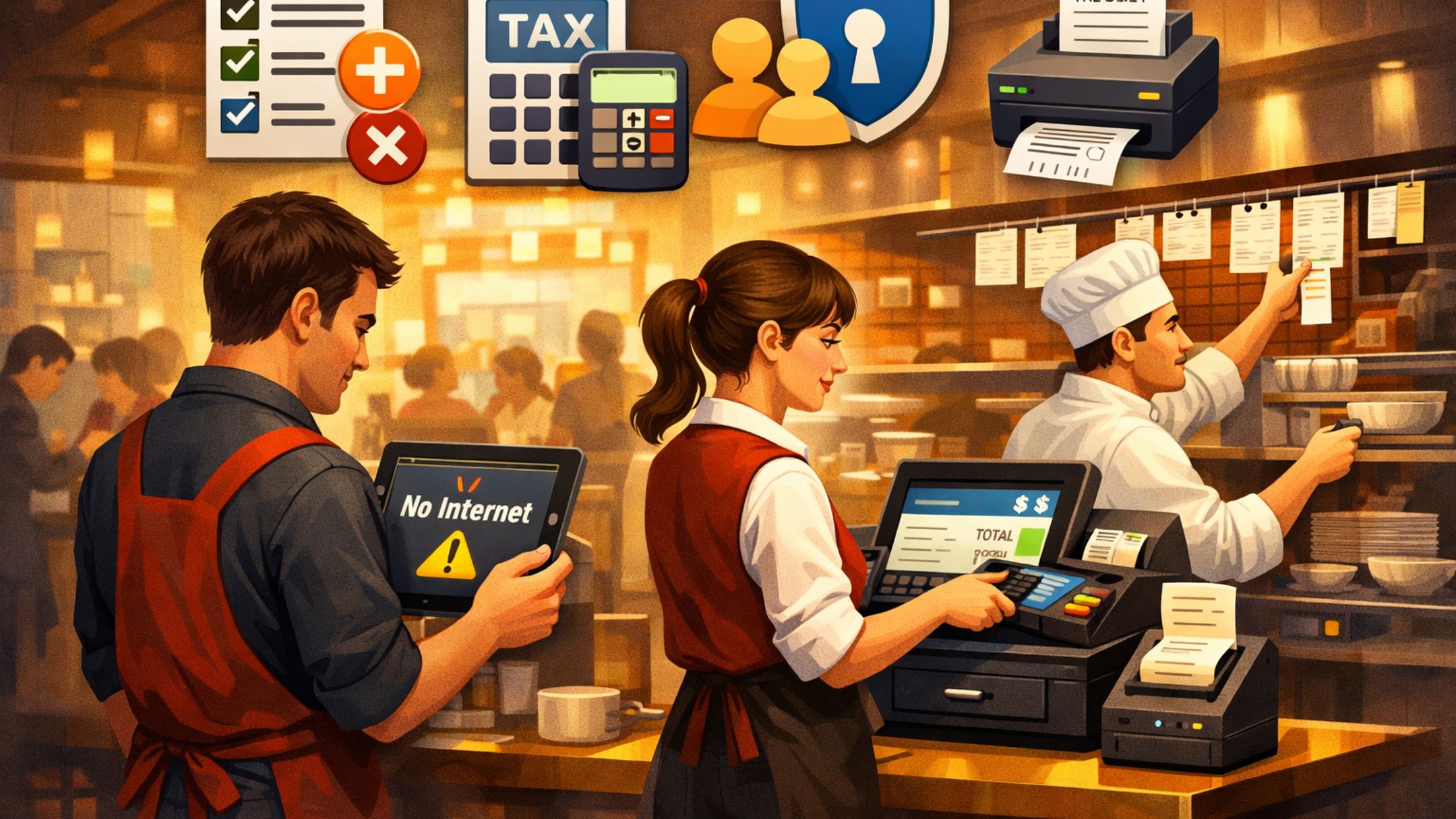
Therefore, you should rehearse offline checkout early, so peak-hour service stays stable:
a) Ring Orders: Ring ten sample orders to confirm menu flow and modifier prompts.
b) Print Tickets: Print tickets for each order to verify routing and readability today.
c) Close Out: Perform a closeout to confirm cash, card totals, and accuracy.
d) Check Reports: Check reports to validate totals, discounts, and tax behavior daily.
Consequently, the team builds muscle memory, and the sales system for bakeries stays reliable under real pressure.
Use Reports for Daily Bakery Decisions
Reporting should answer daily questions quickly. Therefore, a sales system for bakeries should support clear summaries you can review every day. Track practical signals:
- Top-selling items by quantity.
- Rush-hour patterns by time block.
- Discount totals by day.
- Cash and card totals at closeout.
Additionally, use reporting trends to plan production volumes. Consequently, you reduce waste and improve consistency.
Quick Setup Checklist for a Bakery Counter
Use this checklist to finalize the sales system for bakeries setup:
- Create categories and add the top bestsellers first.
- Add cake items with required modifiers.
- Add optional add-ons with clear prices.
- Define tax rules and test sample receipts.
- Define discount types and restrict permissions.
- Configure ticket printing for production stations.
- Run a 30-order test and verify totals.
- Perform a closeout and review reports.
As a result, the counter workflow stays consistent across shifts.
Conclusion
If you want a stable sales system for bakeries with offline continuity, structured modifiers, clear tax handling, production ticket routing, and daily reporting discipline, you can implement this workflow using Floreant POS. Moreover, you can standardize counter steps across shifts, so every cashier follows the same flow. Additionally, you can review daily reports to spot pricing leaks early and improve batch planning.