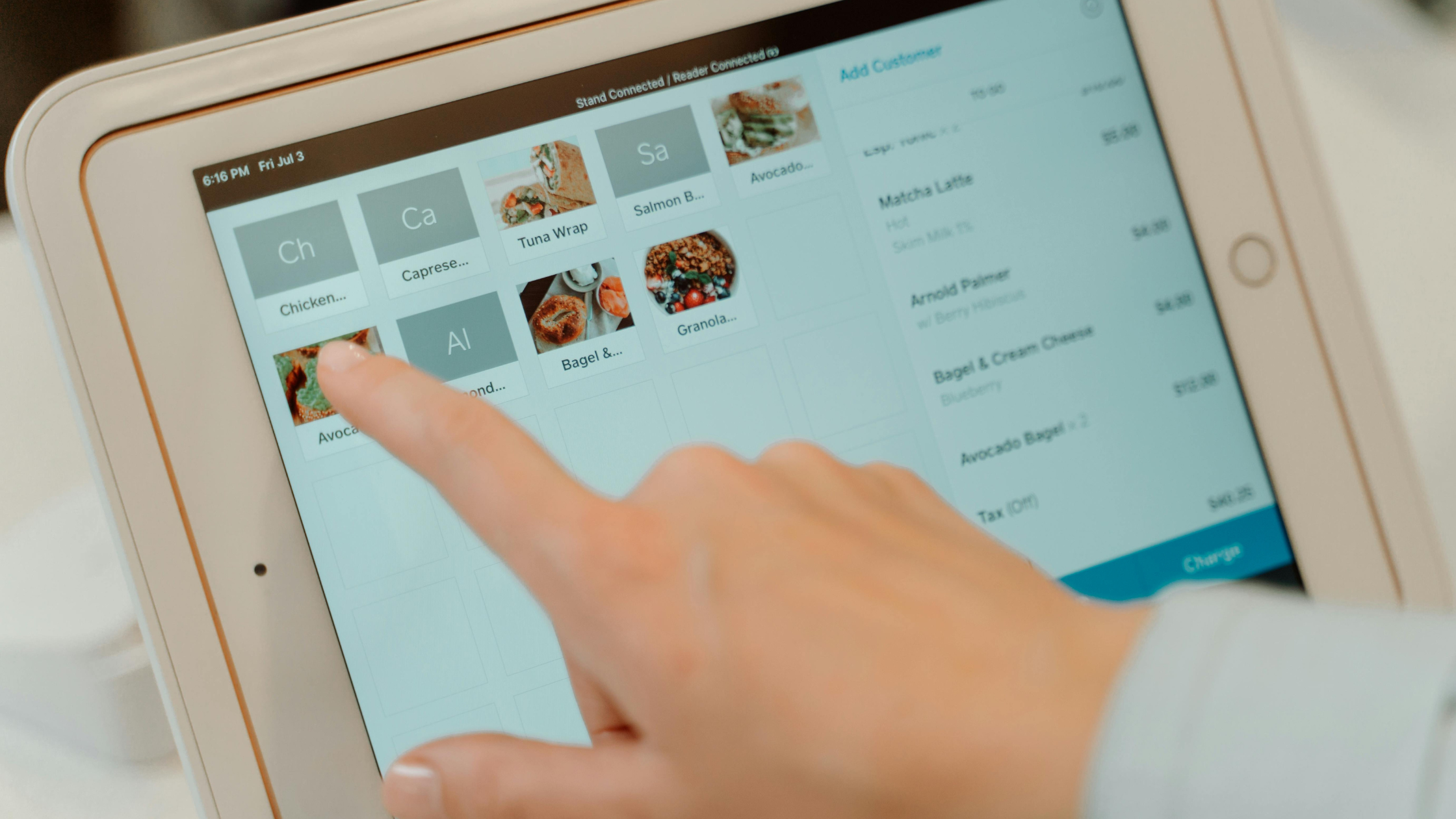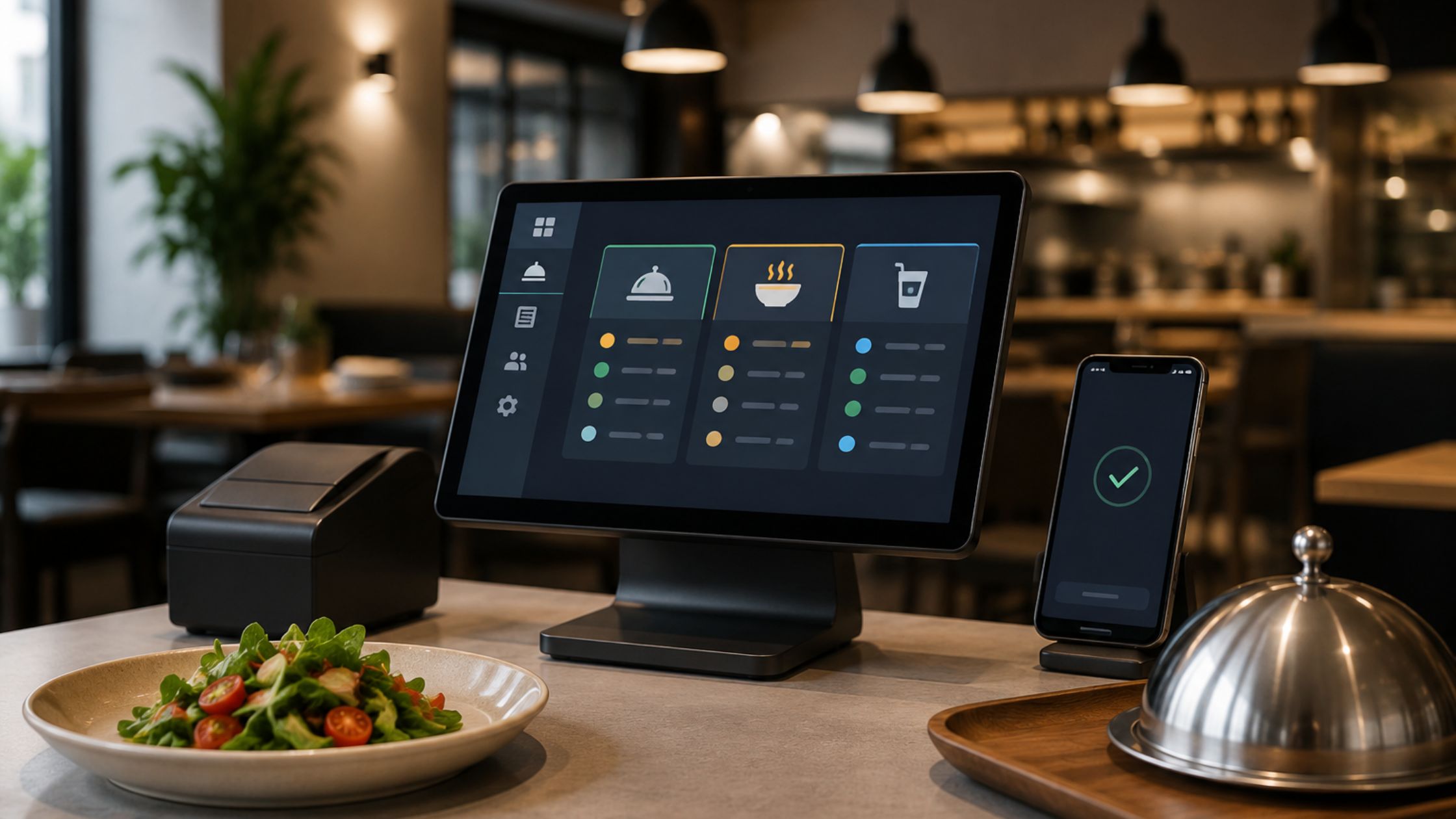
Restaurant operations move fast, and customers expect quick, seamless service at every touchpoint. However, many restaurants still rely on bulky, hardware-heavy POS systems that cannot keep up with modern service demands. These older setups may appear reliable, yet the hardware limitations of heavy POS systems quietly slow down order flow, increase wait times, and limit how quickly your team can respond during peak hours. Because today’s restaurants need agility, flexible layouts, and consistent performance, it’s important to understand how outdated hardware affects service — and how lighter, more adaptable POS architectures help teams perform better every day.

Operational Problems Caused by Hardware-Heavy POS Systems
Heavy POS systems may appear reliable, yet their outdated hardware often slows service and disrupts daily operations. These limitations affect both staff efficiency and customer experience, especially during peak hours.
1. Slow Terminals During Peak Hours
Old POS terminals respond slowly as menus grow and orders spike. Staff wait for screens and printers, so lines grow, stress rises. Guests feel the lag instantly, even when your team works hard. Over time, this constant delay turns busy periods into stressful bottlenecks instead of smooth, profitable rushes.
2. Centralized Hardware Increases Downtime
One overloaded server can suddenly slow or stop every POS terminal. Small power faults or heat issues quickly disrupt ongoing restaurant service. Repairs need proprietary parts and specialists, so downtime often lasts longer. As a result, even minor technical issues turn into full operational emergencies.
3. Rigid Hardware Limits Service Layouts
Fixed vendor hardware cannot move easily with patios, curbside, or pop-ups. Staff walk back to static terminals instead of serving tables directly. This rigid layout slows orders and weakens your overall guest experience. In the end, guests experience slower service and less attention, even when you schedule enough staff.
4. Old Devices Block Modern POS Features
Modern POS features need more power than outdated hardware can deliver. Teams avoid helpful tools because they fear crashes and long delays. Old devices keep your POS from fully supporting daily operations smoothly. As a result, your restaurant pays for features it cannot comfortably use in real life.
5. Rising Maintenance and Replacement Costs
Aging POS hardware needs frequent repairs and increasingly hard-to-find parts to stay functional. Vendors phase out older models, so each replacement becomes more expensive, complex, and disruptive. Your team spends more time scheduling fixes and workarounds instead of focusing on guests.
These challenges show how hardware-heavy POS systems create bottlenecks that slow service, reduce flexibility, and limit growth. When restaurants modernize their POS hardware strategy, they improve speed, reliability, and overall guest satisfaction.
Why Lightweight POS Architectures Perform Better
Lightweight, hardware-flexible POS systems support multiple operating systems and run smoothly on modern, affordable devices. They reduce dependence on bulky terminals and single-point failures. They also offer:
- Faster performance on common hardware
- Better reliability during peak hours
- Smooth integrations with printers, scanners, and cash drawers
- Easier scaling when adding new service stations
Because of this, restaurants maintain service speed even as demand grows. They upgrade or replace devices without rebuilding the entire POS stack. They also adjust layouts, add new revenue channels, and support changing guest expectations with far less friction.
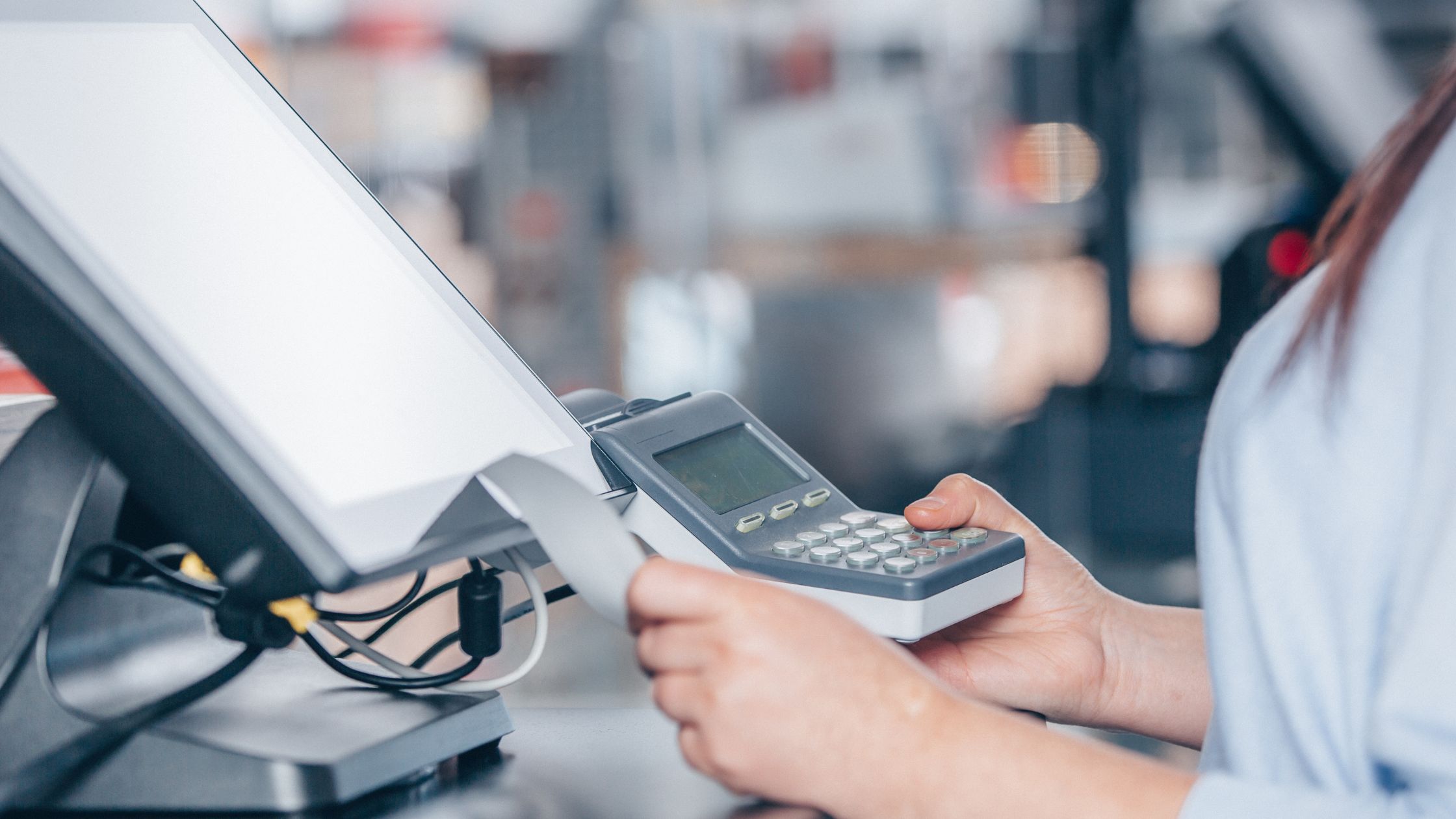
How to Transition Away from Heavy POS Hardware
You can shift from heavy systems to flexible architectures with a step-by-step approach:
i. Audit Current Hardware: Identify weak terminals, outdated servers, and peripherals that fail frequently.
ii. Replace the Worst Bottlenecks First: Start with the slowest devices in the busiest service areas.
iii. Pilot a Lightweight POS Setup: Test a modern POS system on standard hardware during off-hours.
iv. Train Staff Gradually: Introduce new workflows in stages, so the team adapts comfortably.
v. Roll Out in Phases: Move one station or section at a time to reduce downtime risk.
This controlled approach helps restaurants avoid disruption while improving daily service. Learn more about Right POS with Low-End Hardware Support.
The Long-Term Impact of the Hardware Limitations of Heavy POS Systems
The hardware limitations of heavy POS systems affect far more than daily operations. Over time, restaurants face rising maintenance costs, slower expansion, and growing security risks. Outdated terminals cannot support new POS features, and aging servers reduce stability during high-volume hours. As these limitations compound, restaurants lose efficiency, struggle to scale, and experience preventable downtime that disrupts both staff and guests.
In the long run, these systems also inflate total ownership costs. Managers spend more on repairs, replacement parts, and specialist technicians, while still dealing with slow performance and recurring failures. Because the hardware ages quickly and vendors phase out legacy models, restaurants feel constant pressure to invest in large, disruptive upgrades instead of smaller, planned improvements. Therefore, the hardware limitations of heavy POS systems gradually erode profit margins and make technology planning much harder.
Conclusion
Heavy POS systems once felt dependable, but today the hardware limitations of heavy pos systems slow order processing, increase downtime risks, and limit restaurant flexibility. When restaurants shift to hardware-light, adaptable POS architectures, they unlock faster service, smoother workflows, and better guest experiences. Floreant POS helps restaurants evaluate their current POS setup, remove performance bottlenecks, and adopt technology that supports modern, efficient, and scalable service operations.
FAQs
1. How do I know my POS hardware is slowing service?
If your staff waits for screens to load, printers hesitate, or checks take longer to process during rush hours, your POS hardware is likely limiting performance.
2. Do I need to replace all POS hardware at once?
No. You can replace only the slowest or oldest devices first, then move to a flexible POS system that works with standard hardware.
3. Can I keep my existing printers and cash drawers with a modern POS?
Many lightweight POS platforms support common peripherals, so you can often reuse printers, cash drawers, and scanners without replacing everything.
4. Does a hardware-light POS system reduce downtime?
Yes. When your POS software runs on modern, widely available hardware, you reduce single points of failure and shorten recovery time if a device stops working.