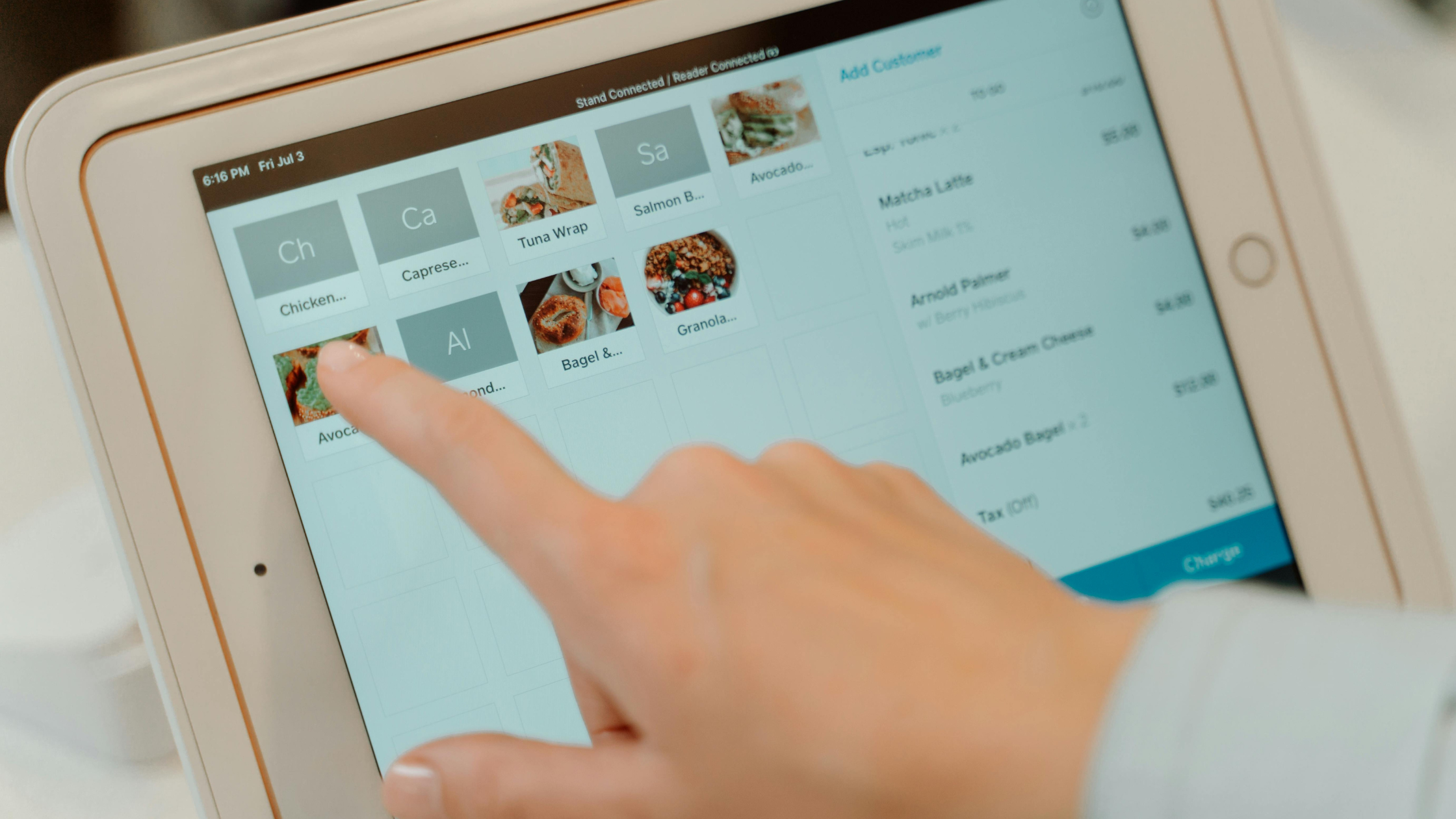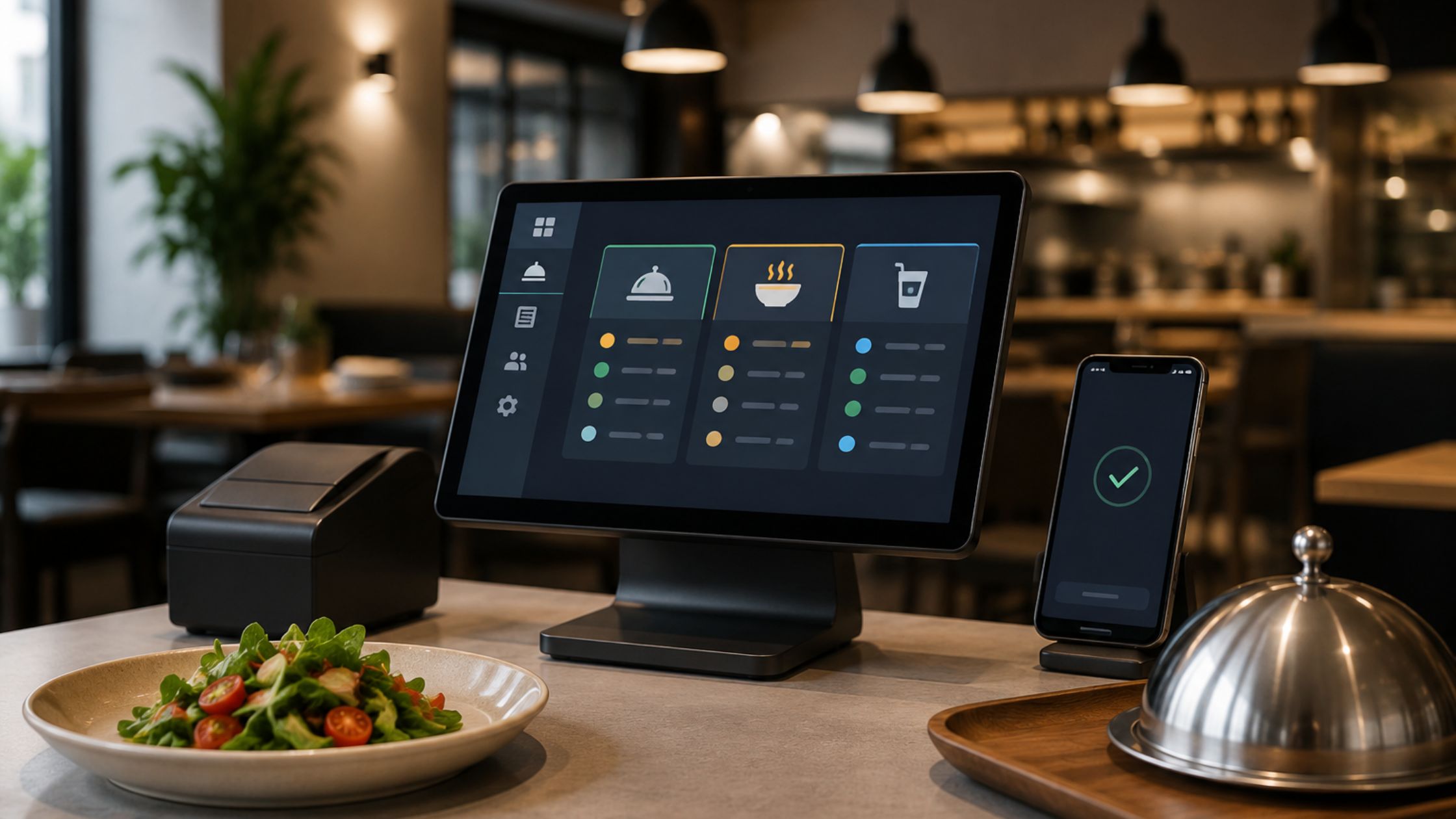
Internet issues should never freeze your checkout line. Therefore, restaurants and small retailers increasingly choose offline open source POS software to keep orders, receipts, and shift close moving during outages. Moreover, open source POS gives you deeper control over your workflow because you can configure, extend, and maintain the system on your terms, with better long-term stability and flexibility for growing teams and changing menus. This guide explains what “offline-first” really means, which capabilities matter in daily service, and how to deploy open source POS software with fewer surprises.
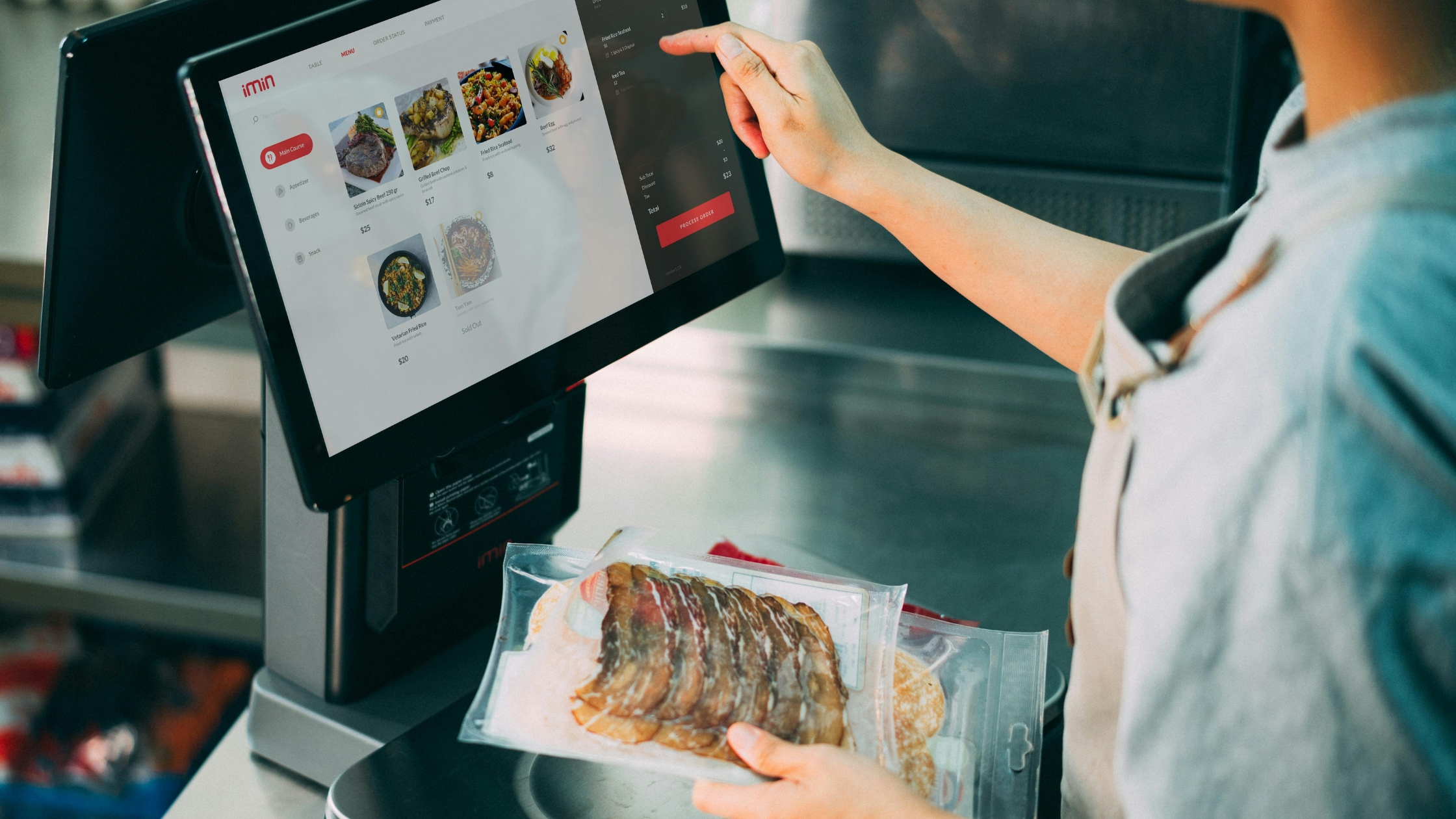
Why Offline-First Matters More Than Ever
Cloud tools feel modern; however, the service runs on every single shift. Consequently, an offline-first POS proves its value when your internet drops or weakens unexpectedly during rush hour. Additionally, local processing keeps screens responsive without waiting on the internet. Also, your team avoids manual notes and delayed receipts, so lines move and kitchens receive tickets. When you run offline open source POS software, you protect the most critical moment: taking money quickly and accurately while guests wait.
What “Offline + Open Source” Means in Practice
A true offline POS runs the core order entry and billing locally, and stores the data on-site so the workflow continues during an outage. Therefore, your team can still take orders, print tickets, and close checks without waiting for internet recovery.
Open source POS adds another advantage: you can access the source code and adjust the system under its license terms. Consequently, you can tailor buttons, receipts, and key rules to match your menu and service flow, instead of forcing staff to fit a fixed template. Learn more about Offline POS for Small Restaurants.
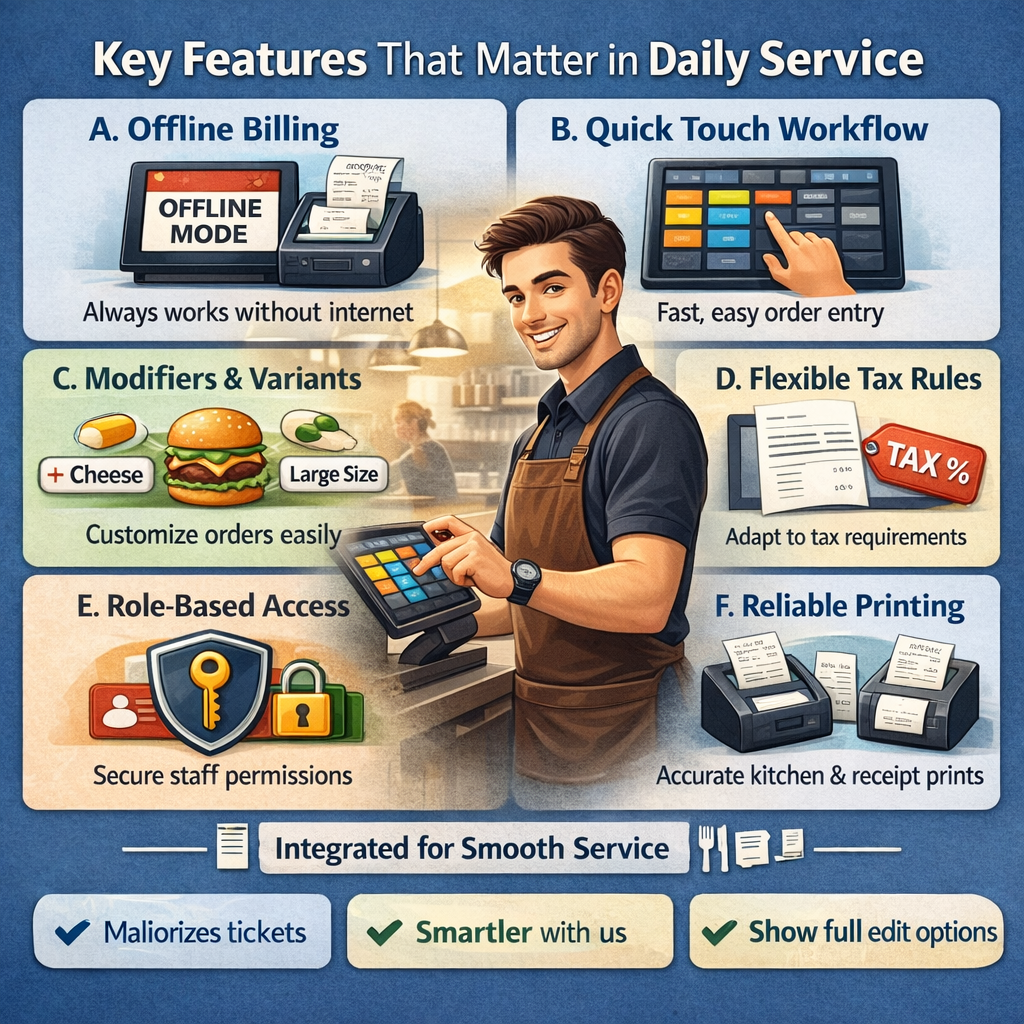
Key Features That Matter in Daily Service
Offline stability matters most when the POS supports the entire workflow from “take order” to “close ticket.” Therefore, evaluate features as one connected system, and then test them with a real shift simulation.
A. Offline Billing That Never Pauses
Offline open source POS software keeps order entry and checkout running when the internet fails. Therefore, staff keep service moving without paper notes or delayed payments. Additionally, this continuity protects the guest experience because your team completes transactions with the same workflow.
B. Quick Touch Workflow
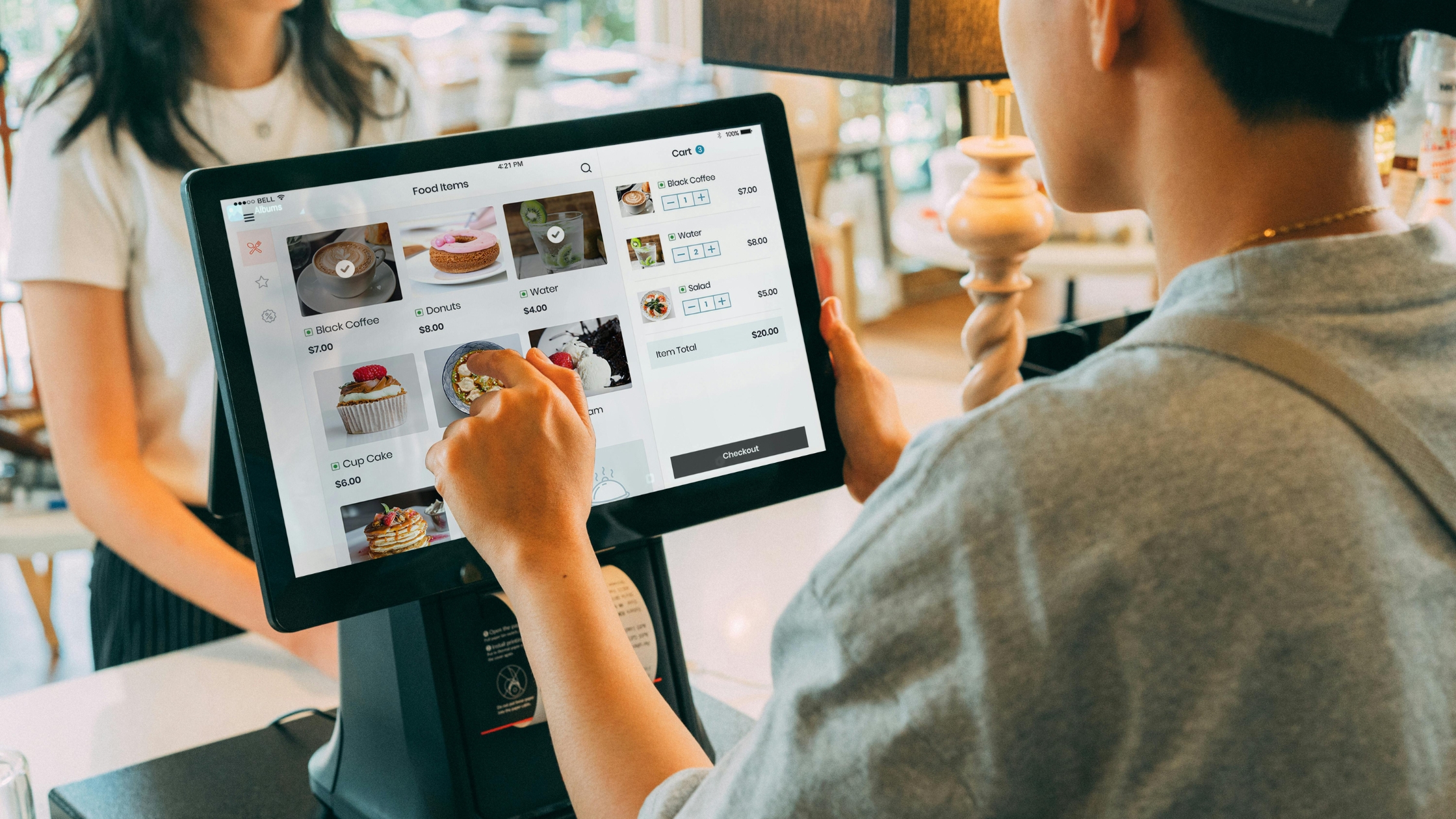
A reliable open source POS software setup keeps screens responsive during peak hours. Also, clear category navigation reduces taps per order, which lowers mistakes when queues build. Furthermore, a clean touch layout shortens training time, so new staff reach speed faster without constant supervision.
C. Modifiers and Variants
Restaurants handle add-ons, substitutions, and size changes daily. Consequently, open source POS software must support modifier groups and kitchen-visible instructions so tickets stay accurate. Additionally, consistent modifier rules reduce kitchen back-and-forth, which improves timing and prevents remake waste.
D. Flexible Tax and Pricing Rules
Tax rules vary by region and item type. Additionally, you should confirm that the POS supports tax configuration in its back office and keeps tax behavior consistent across terminals. Moreover, predictable tax and pricing behavior helps you close shifts faster because totals align cleanly with reports and drawer counts.
E. Role-Based Access
You need controls for voids, comps, and manager approvals. Therefore, you should configure permissions early, and you should train staff on the approval flow before you go live. Furthermore, role-based access controls protect margins because it limits risky actions to authorized users while still keeping the service fast.
F. Reliable Printing Flow
Kitchen tickets and customer receipts must print reliably. Moreover, printer settings should route items to the right kitchen groups and support fallback when a device fails. Additionally, stable printing keeps operations synchronized, because kitchens receive clear tickets and guests receive receipts without delays.
When these features work together, your open source POS stays fast, accurate, and dependable—even when the internet does not cooperate during peak hours and busy weekends.
Order Types, Service Models, and Menu Structure
A stable POS must match your service flows. Configure order types, tickets, and payments, then rehearse splits. Group items logically, standardize modifiers, and keep instructions consistent for fast offline service.
- Workflow Mapping: Map dine-in, takeout, and delivery workflows clearly.
- Order Configuration: Set prompts, ticket formats, and payment flow.
- Menu Logic: Group menu items the way staff think.
- Modifier Standards: Standardize modifier names for kitchen speed.
- Rush-Time Consistency: Keep special instructions consistent during rush.
Therefore, when you lock down these basics early, your POS stays fast during peak hours, the kitchen stays synced, and your team serves confidently without last-minute confusion.
Deployment Steps that Reduce Failures
You can avoid most launch-day problems with a simple sequence that standardizes setup, reduces errors, and builds staff confidence before your first real rush.
- Build your menu and modifiers first, and then test kitchen print for every category without exception.
- Configure taxes, order types, and permissions next, and then rehearse refunds and void approvals.
- Run a “busy shift” simulation, and then disconnect the internet to verify true offline behavior.
- Train staff with scenarios, and then keep a one-page “how we run the POS” checklist at the terminal.
- Schedule backups and update Windows, and then log the changes so you can roll back quickly.
When you follow this routine, you protect speed, accuracy, and staff confidence. Moreover, you can turn offline open source POS software into a dependable operations tool instead of a daily troubleshooting project.
Conclusion
Offline-first systems protect the moment that matters most: collecting payments and keeping the service moving. Therefore, offline open source pos software fits teams that value continuity, control, and customization through open source pos. If you want a proven, restaurant-ready option built for real service flow, Floreant POS stands out because it focuses on practical POS fundamentals—fast order entry, flexible menus, reliable printing, and offline stability. Consequently, you gain an offline-first open source POS software foundation that you can keep, control, and adapt as your business evolves.