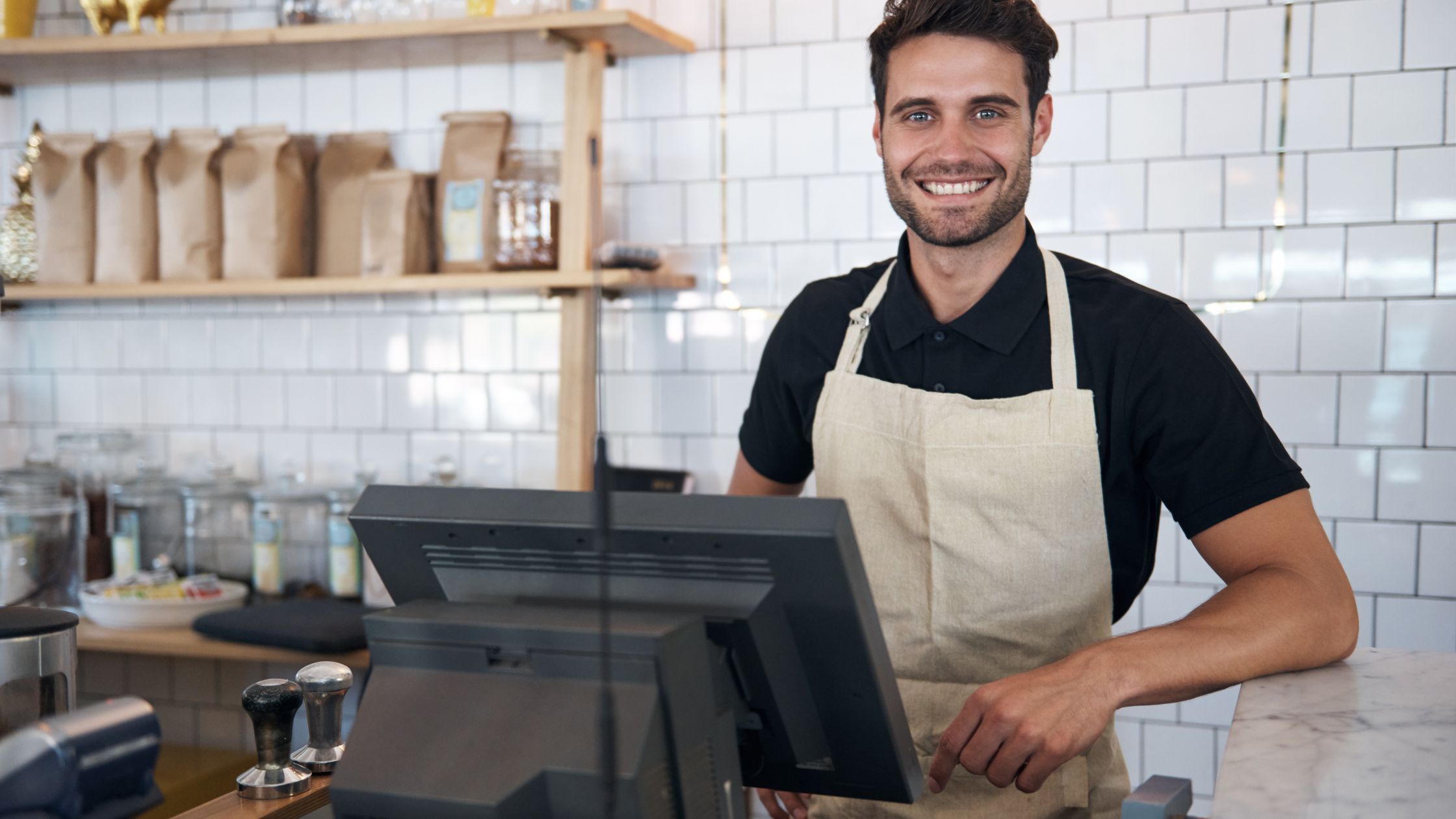
Running a restaurant in 2026 demands reliable, fast, and flexible POS hardware. Every order, payment, and refund moves through that system, so any slowdown hits both guest experience and revenue. Because of that, you cannot treat hardware as an afterthought. You need a clear plan that matches your POS software, supports offline operation, and adapts as your business grows. When you design around the best POS hardware 2026, you protect your restaurant from surprises and keep your team focused on service, not technical issues. Many modern restaurant POS platforms run on multiple operating systems, handle table service and takeout, and continue working without a constant internet connection.
What Truly Makes POS Hardware Future-Proof
Future-proof POS hardware does more than boot and print a receipt. It supports your current menu, your service style, and your possible expansions. You may add delivery, open a food truck, or launch a second location. Your hardware should still support all those moves. Future-ready POS hardware usually:
- Works with more than one operating system
- Runs your POS software locally, even when the internet drops
- Connects to standard printers, cash drawers, and customer displays
- Scales from one terminal to several locations without a full redesign
Because you build on open and flexible components, you avoid lock-in and keep control over when and how you upgrade. You can replace terminals, add printers, or update payment devices without tearing apart your entire setup.
Essential POS Hardware Elements for Reliable Restaurant Operations
A reliable POS setup depends on more than just good software. You also need hardware that supports fast order entry, clear kitchen communication, and smooth payment handling during every shift.
A) POS Terminals and Operating Systems
POS terminals act as the brain of your system and run the main application, store local data, and connect with printers, drawers, and displays. Modern restaurant POS platforms often run on Windows, Linux, or macOS and sometimes support compact boards like Raspberry Pi.
B) Touch-Screen Displays
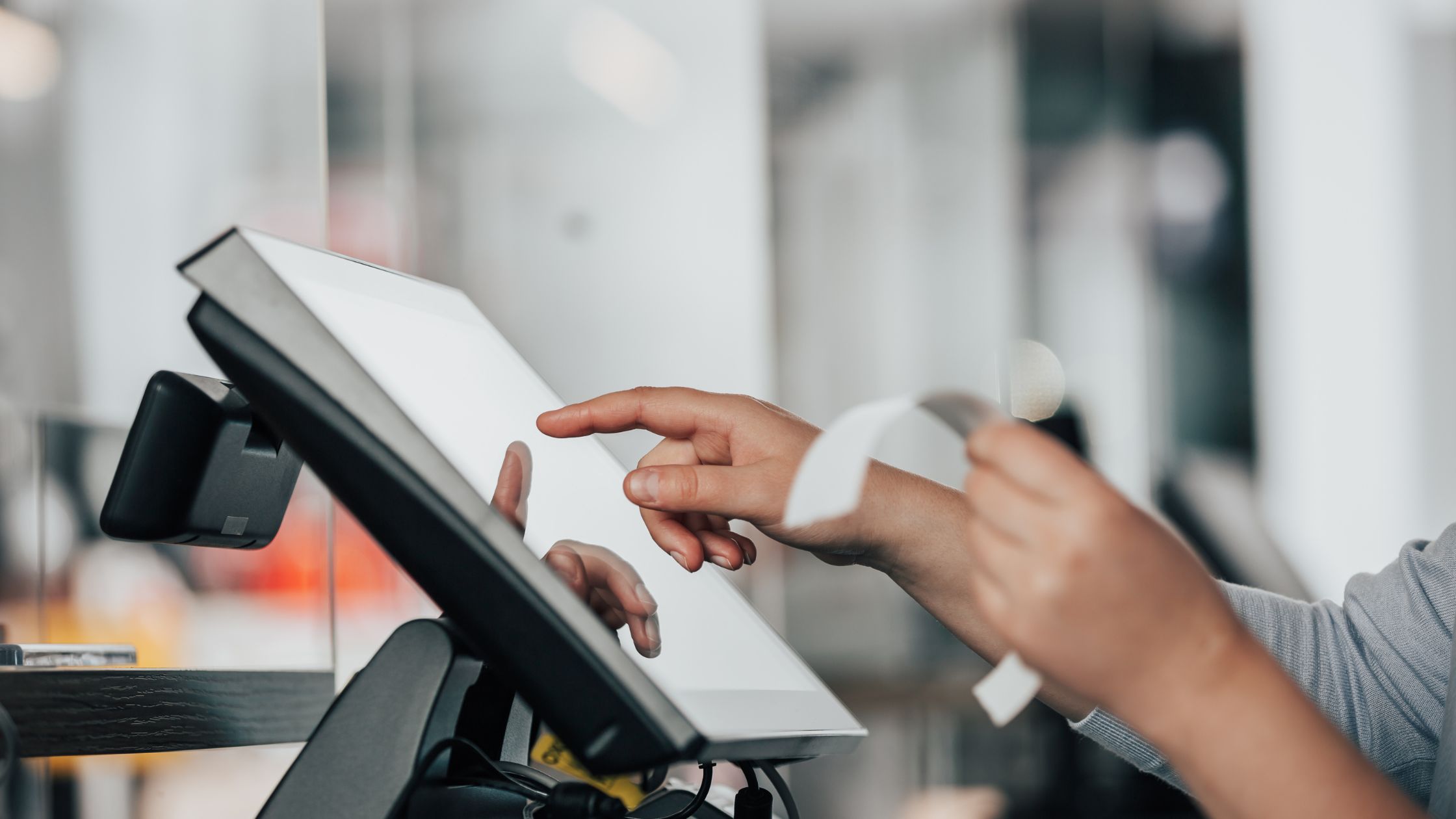
Servers and cashiers rely on touch screens throughout every shift, so display quality directly affects speed and accuracy. You improve service when you use 15–17 inch screens with strong brightness, capacitive touch that responds to light taps, and stable stands that do not wobble.
C) Kitchen Printers and Displays
The kitchen needs clear and timely tickets, so printers and displays play a critical role in smooth service. Most restaurants combine impact printers for hot or humid stations, thermal printers for expo or dessert areas, and kitchen displays to show and bump live orders.
D) Cash Drawers and Payment Devices
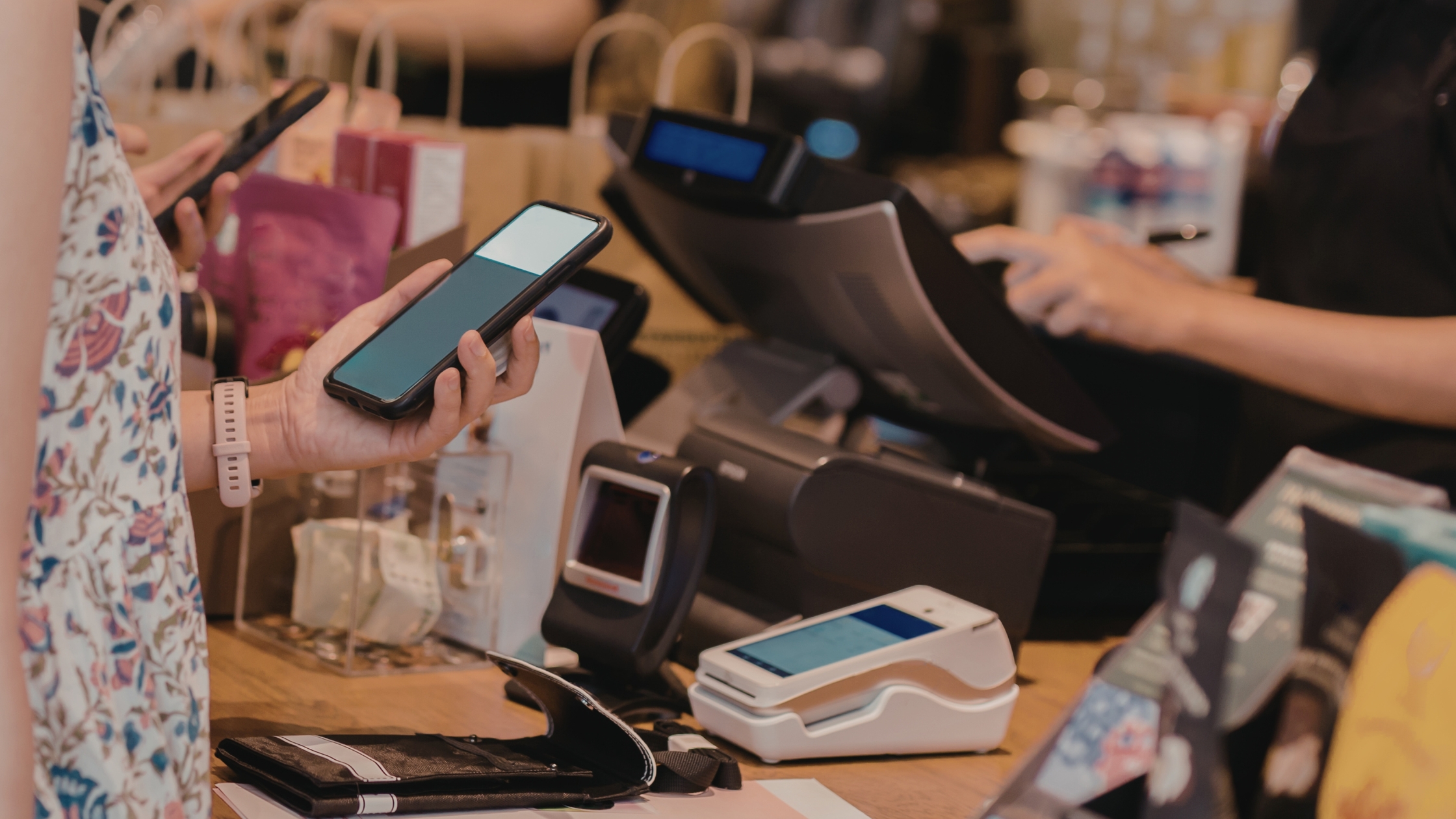
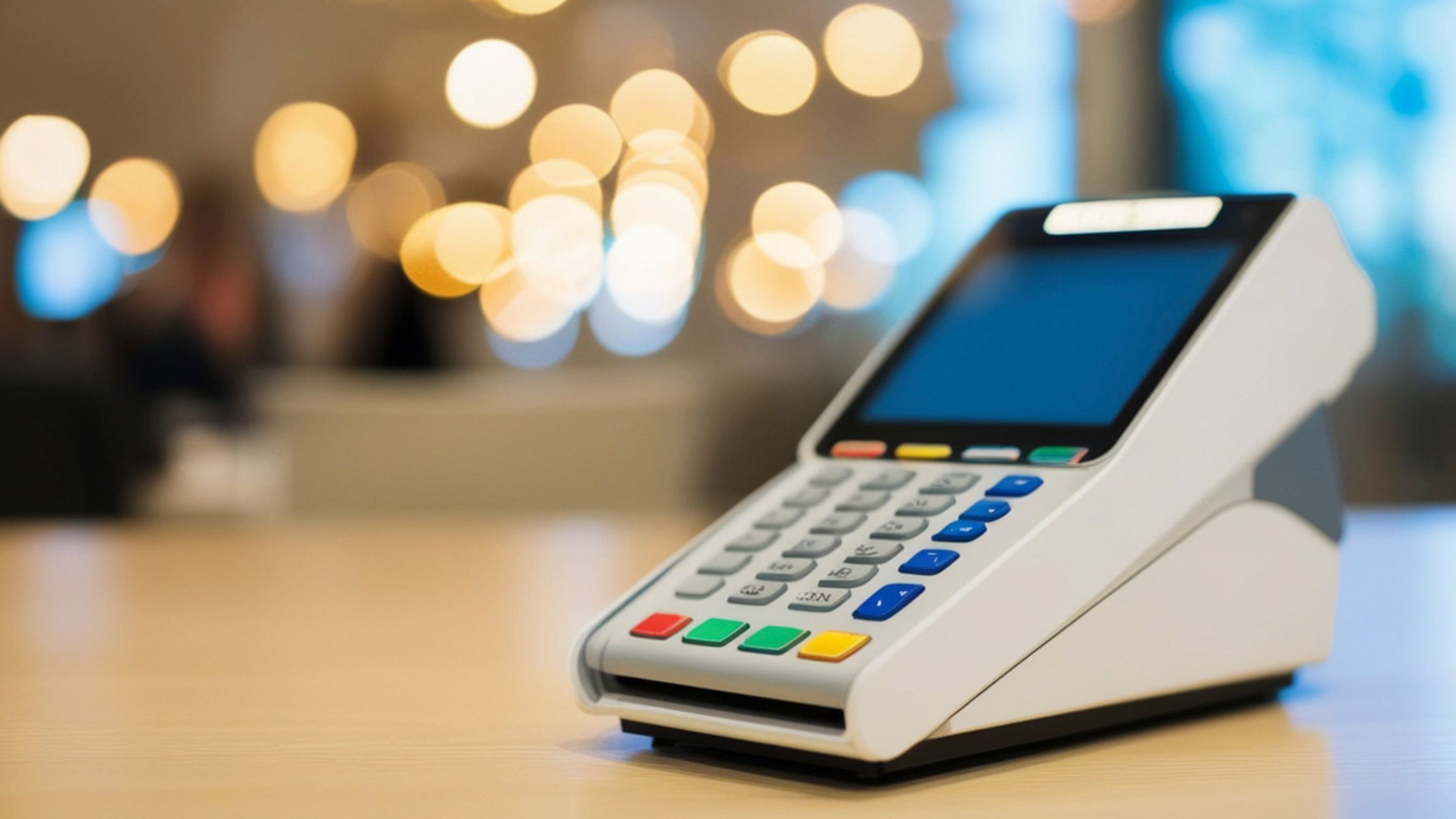
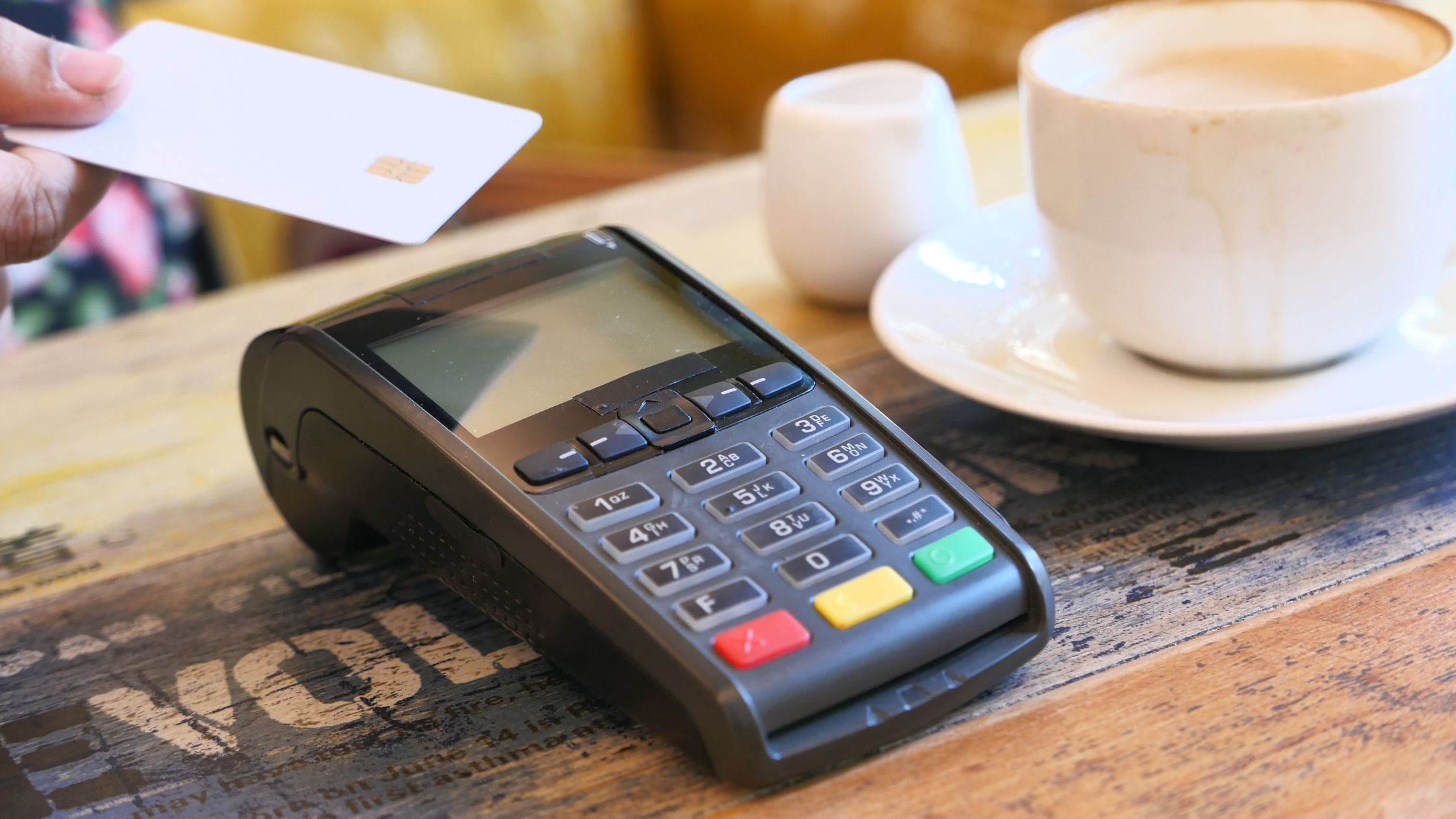
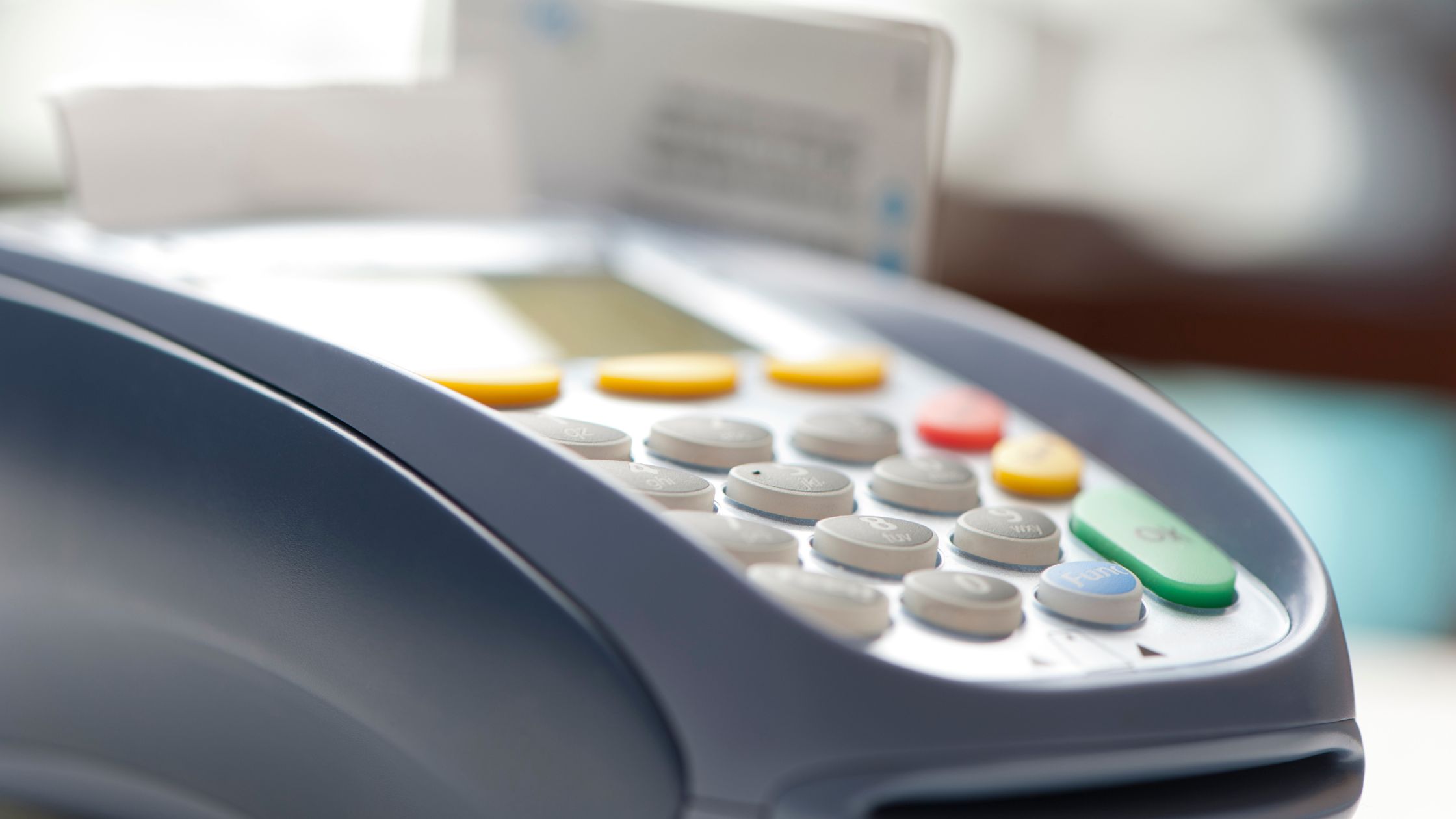
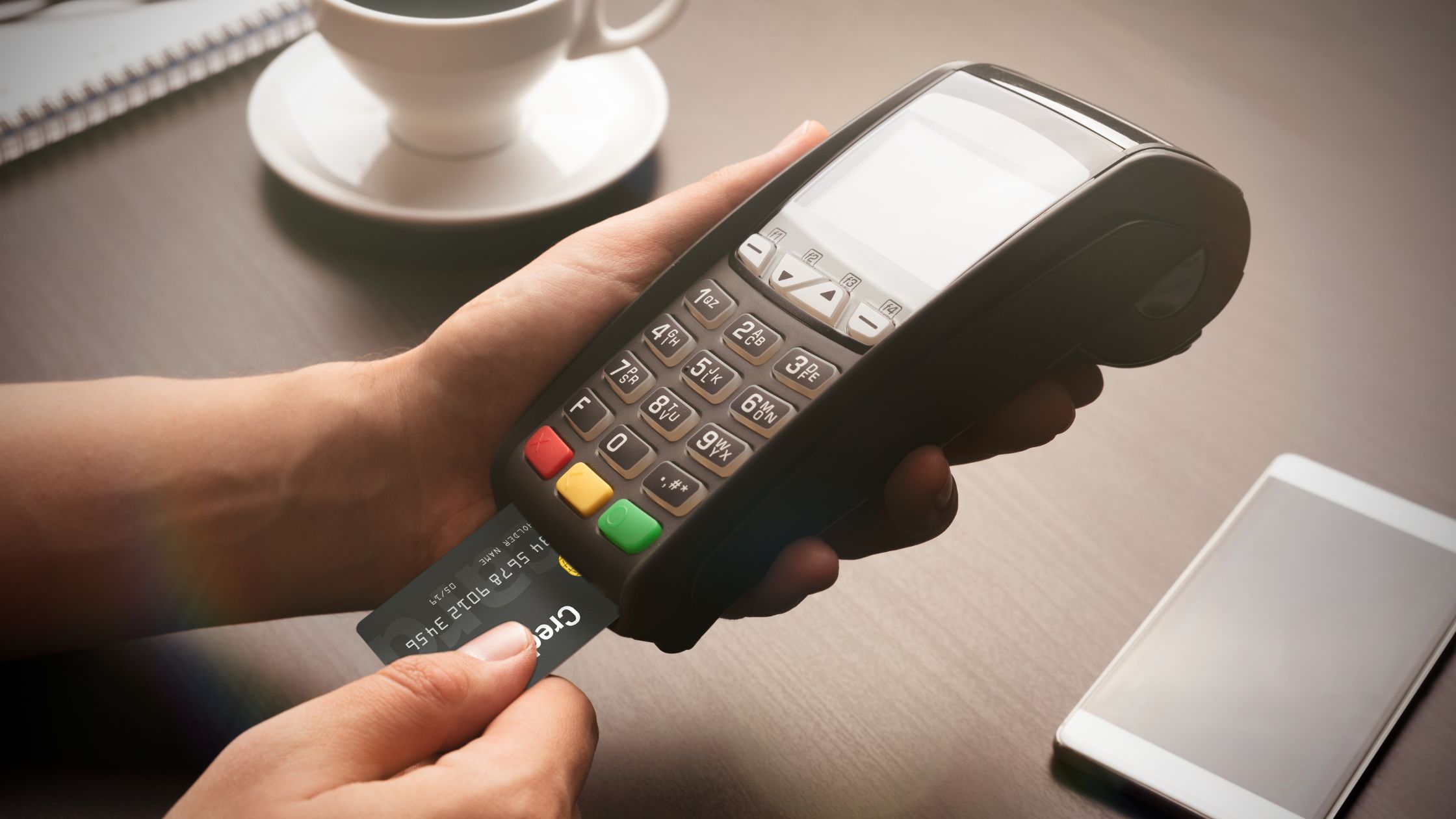
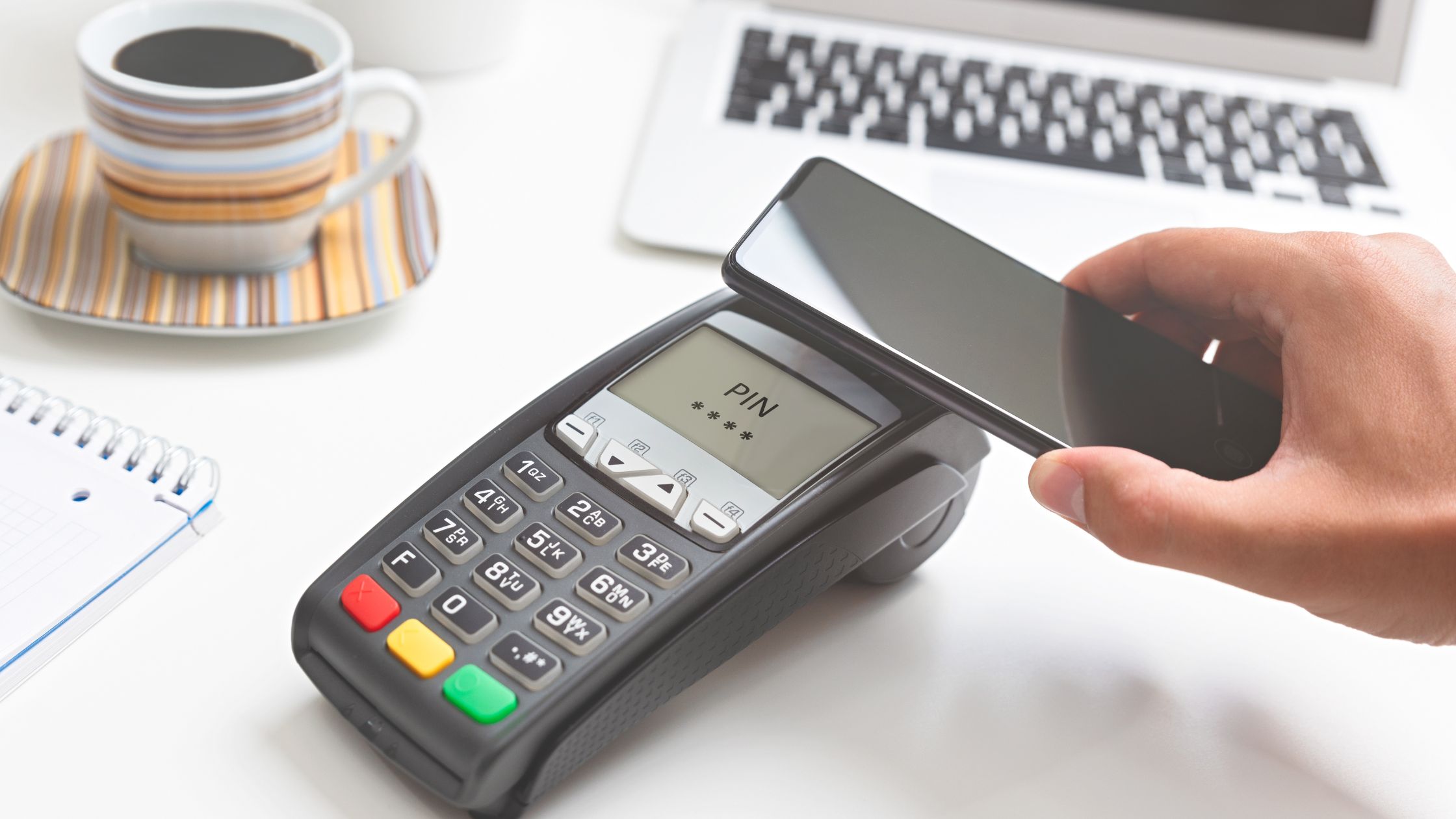
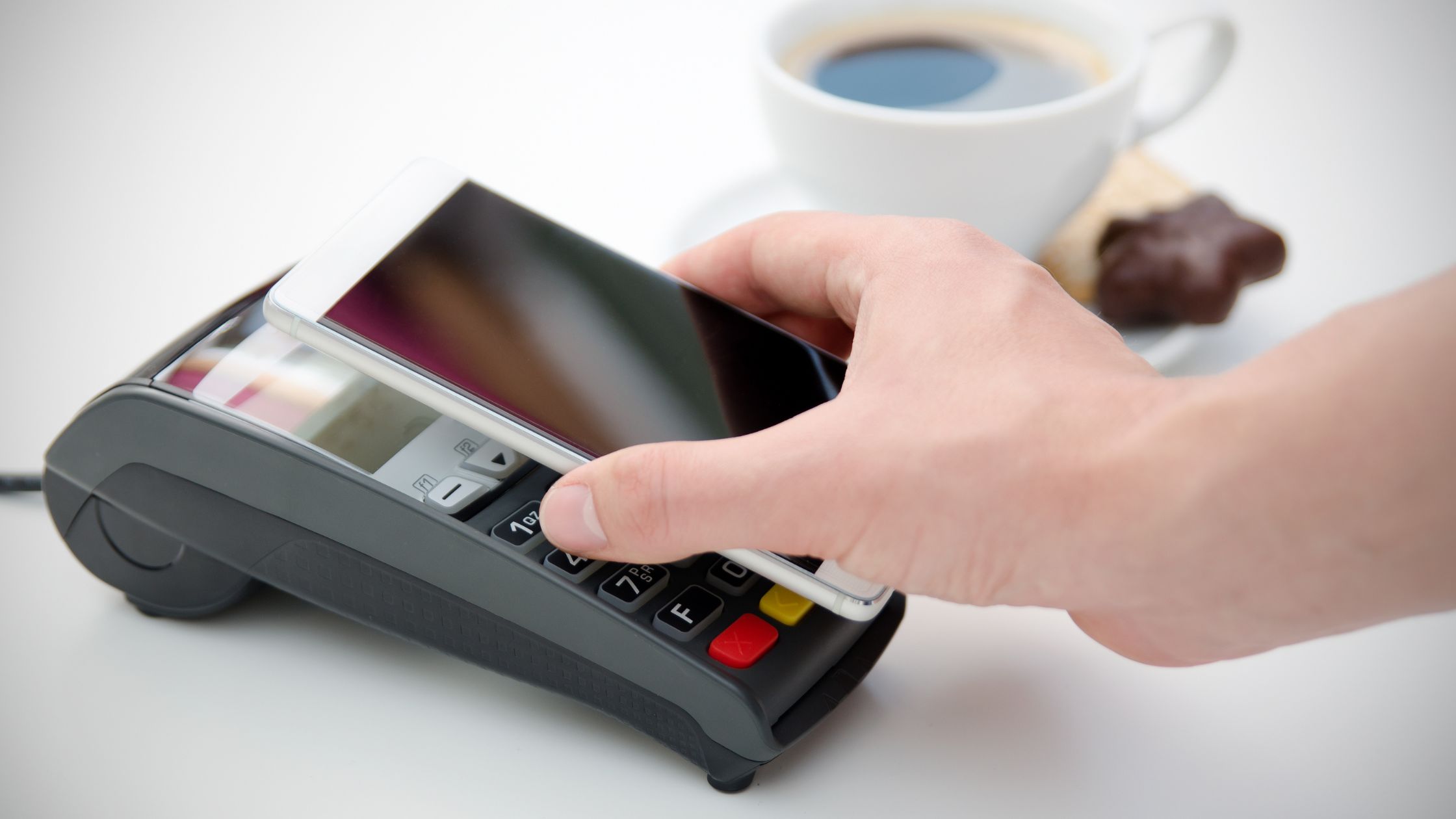
Restaurants still handle a mix of cash, cards, and digital wallets, so payment hardware must integrate cleanly with the POS. You usually attach durable cash drawers to receipt printers, use card readers that support chip, tap, and mobile wallets, and add customer-facing displays for totals and tips.
E) Network, Storage, and Power
The network, storage, and power layer often decides whether your POS feels stable or fragile, even though guests never see it. You strengthen reliability when you use a dedicated router and switch for POS traffic, label all cables and ports clearly, and place UPS units under key devices.
When you align these hardware elements with your POS software, you create a system that supports your staff instead of slowing them down.
A Simple Framework to Choose the Best POS Hardware in 2026
You can now apply a practical checklist that helps you choose the best POS hardware 2026 for your restaurant, instead of copying someone else’s layout.
- Map Your Service Flow: You walk through a busy shift from open to close. You note where staff greet guests, take orders, send tickets, and collect payments.
- Count Present and Future Stations: You review your floor plan and current service patterns. You decide how many terminals, kitchen printers, and displays each area truly needs.
- Pick Your Main Platform: You choose one primary operating system for most terminals. You still allow exceptions when needed, yet a main standard simplifies support.
- Match Peripherals Carefully: You list every printer, drawer, and payment device in your setup. You confirm each one uses connection types your POS already supports.
- Plan for Spares and Maintenance: You prepare for failures before they happen. You keep spare printers, extra readers, and labeled cables on-site so swaps stay quick.
When you follow this framework, you align your hardware choices with the way your restaurant actually works, instead of relying on guesswork. Learn more about Choose the Right POS with Low-End Hardware Support.
Conclusion
When you future-proof your restaurant with the best POS hardware in 2026, you protect your operations from downtime and keep your team focused on guests instead of glitches. You choose open, flexible components, you support an offline-capable POS design, and you document everything so upgrades feel manageable. As you refine that plan and connect your POS hardware with the rest of your technology, Floreant POS can help you turn those decisions into a clear, long-term roadmap that supports both daily service and future growth.
FAQs
1. How many POS terminals should my restaurant install?
You start with one terminal for each point where staff regularly take orders or close checks, such as the main counter, bar, or service station.
2. Does offline capability still matter in 2026?
Offline capability still matters because even short outages can disrupt service during peak hours. When your POS runs locally on your own hardware, you continue to send tickets and collect payments while you fix internet problems in the background.
3. What hardware should I use in the kitchen?
You normally combine impact or thermal printers with at least one kitchen display. Printers give you a physical record at each station, while displays help staff track open tickets and bump items in real time.
4. How often should I refresh my POS hardware?
You review your POS hardware every year and replace devices when they slow down, wear out, or lose operating system support.