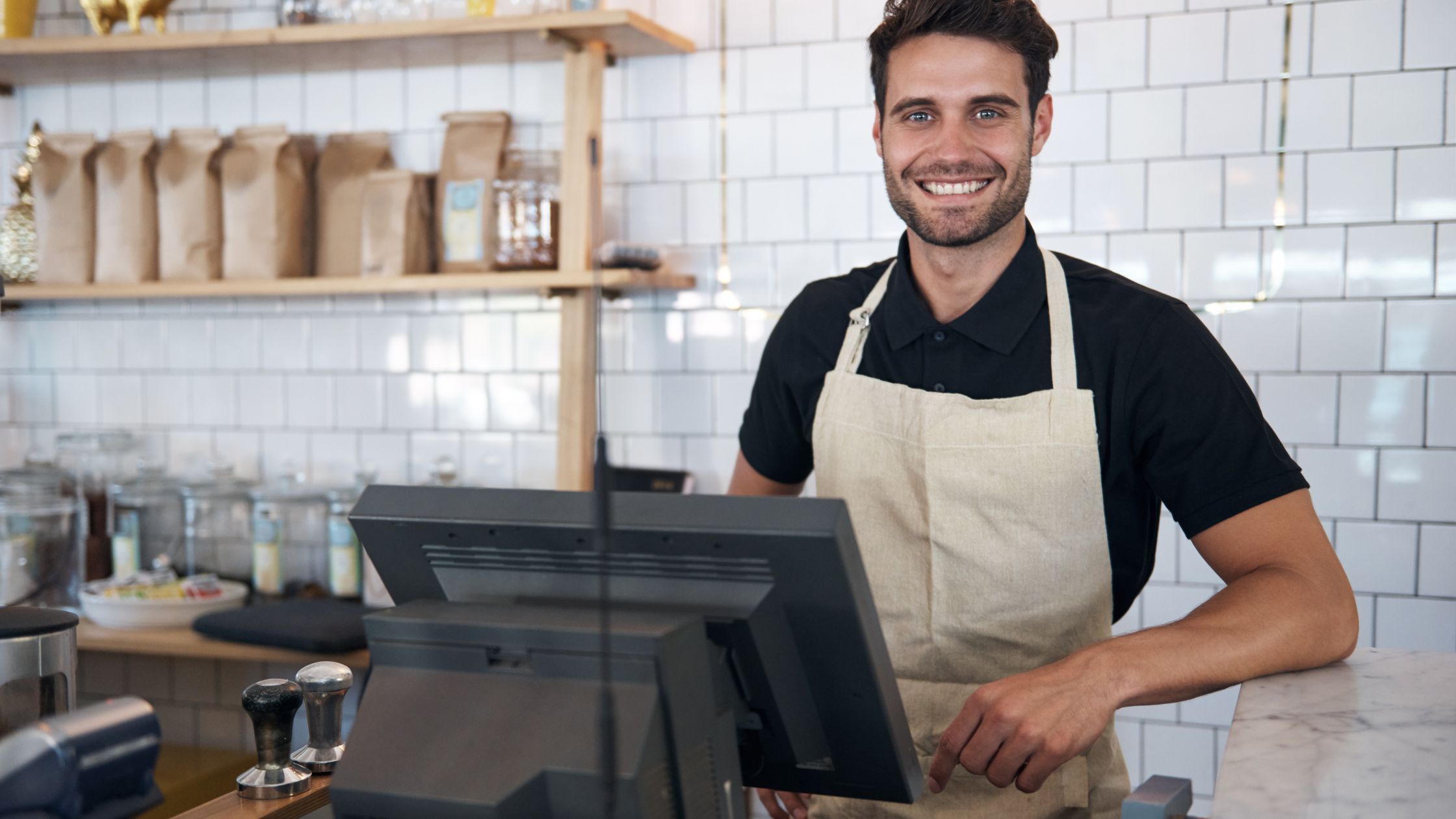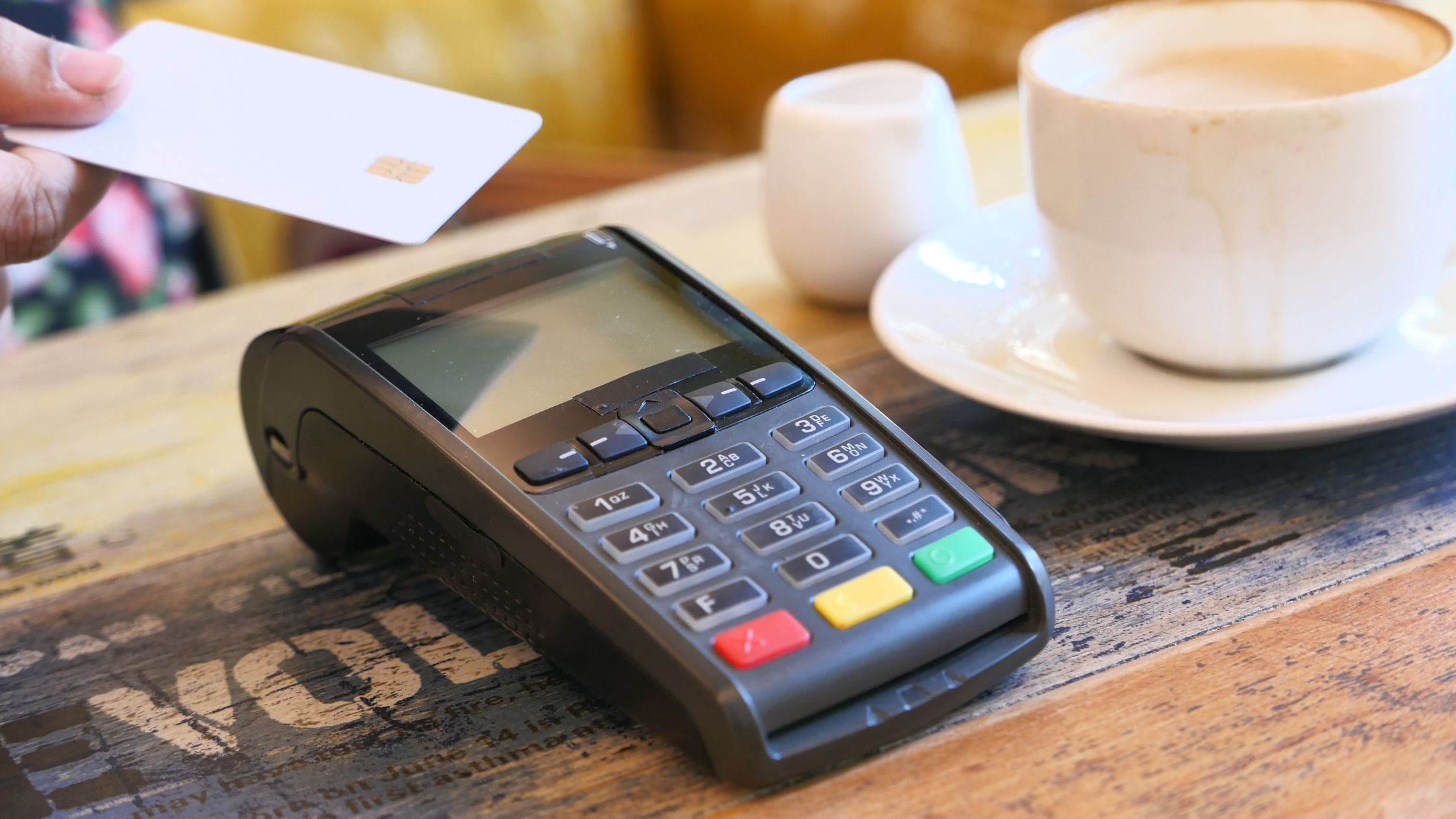
Speed defines restaurant success because guests expect quick ordering, accurate service, and smooth checkout. Moreover, service slows down when systems add friction instead of removing it. Therefore, a restaurant POS must support real-world workflows that help staff move faster while maintaining accuracy and control. This guide explains that the restaurant pos must have features that directly improve service speed, reduce errors, and keep operations steady during peak hours. Additionally, it focuses on features that matter in daily operations, not features that only look impressive in a demo.
Why POS Design Controls Service Speed
POS design shapes every step from order entry to checkout, so a smooth workflow keeps service fast and predictable. Here is how:
- Fewer taps, faster orders: A clean screen flow reduces time per ticket, so lines move faster during rush hours.
- Clear handoff to the kitchen: A structured ticket layout prevents confusion, so the kitchen cooks right the first time.
- Instant control for table service: Table status visibility speeds up seating and closing, so servers waste less time checking manually.
- Faster checkout with fewer errors: Simple payment steps reduce mistakes, so guests pay quickly and tables reset sooner.
When the POS workflow stays simple and reliable, your team serves more guests with less stress.
Offline Reliability That Prevents Service Stoppage
Offline stability keeps service moving, even when the internet drops, like:
- Offline order capture: The POS takes orders without a connection. It saves every ticket instantly.
- Continuous kitchen printing: The POS prints tickets during outages. It keeps routing clear and consistent.
- Protected local sales storage: The POS stores sales data locally. It prevents manual notes and errors.
- Smooth recovery after outages: The POS restores normal flow quickly. It keeps data intact and usable.
When the POS workflow stays simple and reliable, your team serves more guests with less stress.
Touch-First Order Entry that Reduces Time Per Ticket
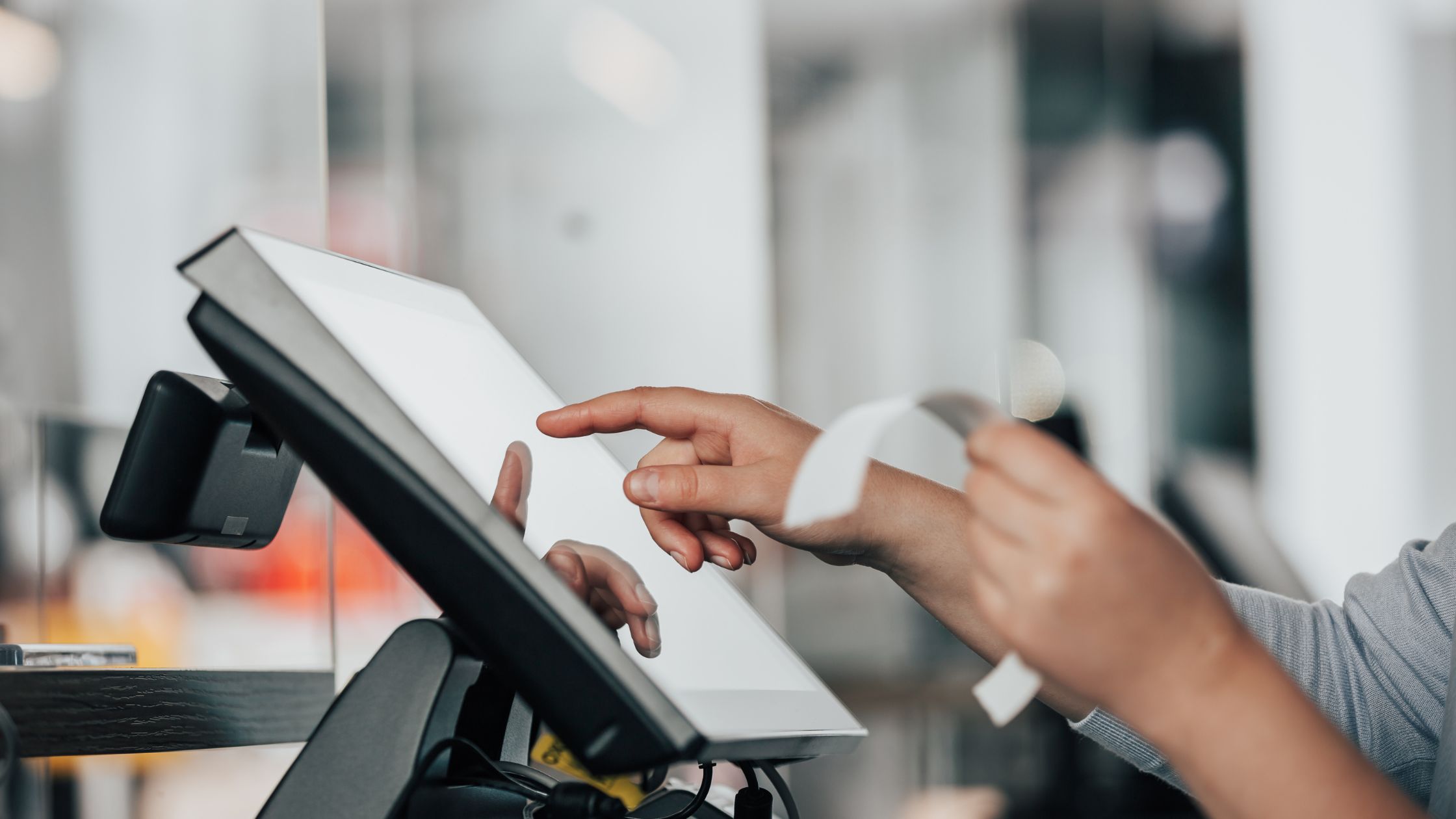
Touch-first order entry keeps service fast because the POS should let staff build an order in seconds, even when the counter stays crowded, and the dining room stays loud. Moreover, the screen must feel predictable, so staff find items without thinking and avoid wrong taps under pressure. Therefore, the layout should use clear categories, large, readable buttons, and a consistent modifier pattern that never changes between shifts.
Additionally, the POS should reduce scrolling and reduce back-and-forth screens, because extra steps add seconds to every ticket. Order entry sets the pace for the entire shift, so small delays at the start multiply into longer lines, slower kitchen pacing, and stressed servers. Furthermore, fast entry reduces staff fatigue because teams stop fighting the screen and start focusing on guests and accuracy. Consequently, the POS should keep the path from selecting items to sending the ticket short and clear, so staff can complete orders without hesitation.
Order Types That Match Real Service Patterns
Restaurants handle dine-in, takeout, and counter orders daily, so the POS must let staff choose the right order type instantly. Moreover, correct classification keeps tickets clean, improves kitchen pacing, and prevents end-of-shift confusion.
A) Instant Order-Type Selection
The POS should show order types upfront on the first screen for quick choice. Staff should choose the type before adding items, so the ticket stays structured from the start. This flow keeps ordering fast and prevents rework later during rush hours.
B) Clean Channel Separation in Reporting
The POS should separate dine-in, takeout, and counter sales clearly in daily reports. Managers should read channel totals without manual sorting, filtering, or guesswork. This clarity speeds up decisions, improves forecasting, and makes shifts closer smoother.
C) Consistent Rules Per Order Type
The POS should apply the right tax and charges by order type automatically every time. The system should keep pricing logic stable and predictable across terminals and shifts. This consistency reduces edits, avoids disputes, and speeds up checkout.
D) Clear Ticket Labeling for the Kitchen
The POS should label tickets by channel in a visible way on every print. The kitchen should recognize pacing needs immediately, so they prioritize correctly without asking questions. This labeling reduces confusion, improves coordination, and increases throughput.
When order types stay clean from the start, service moves faster, the kitchen stays aligned, and checkout stays smooth.
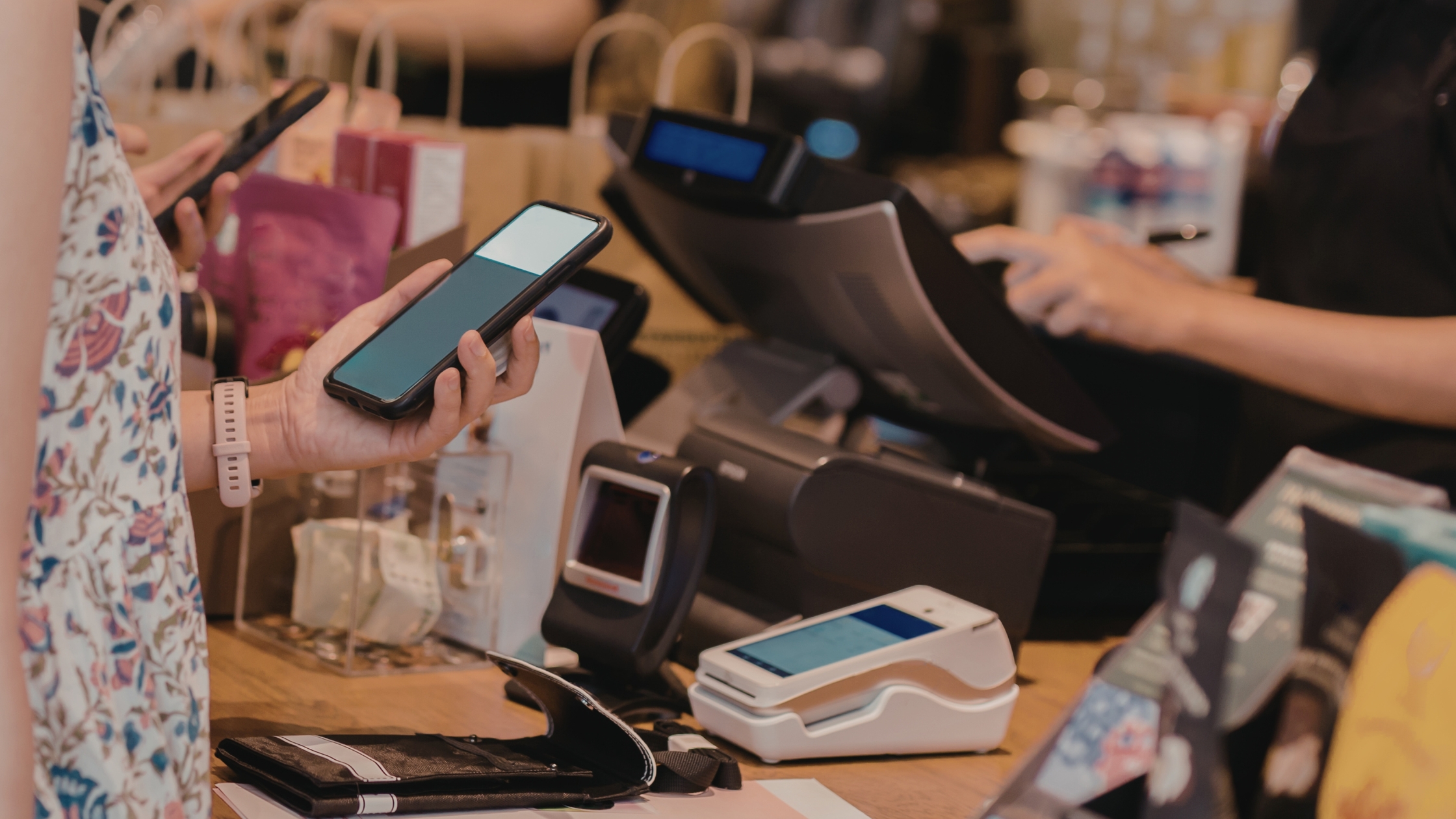
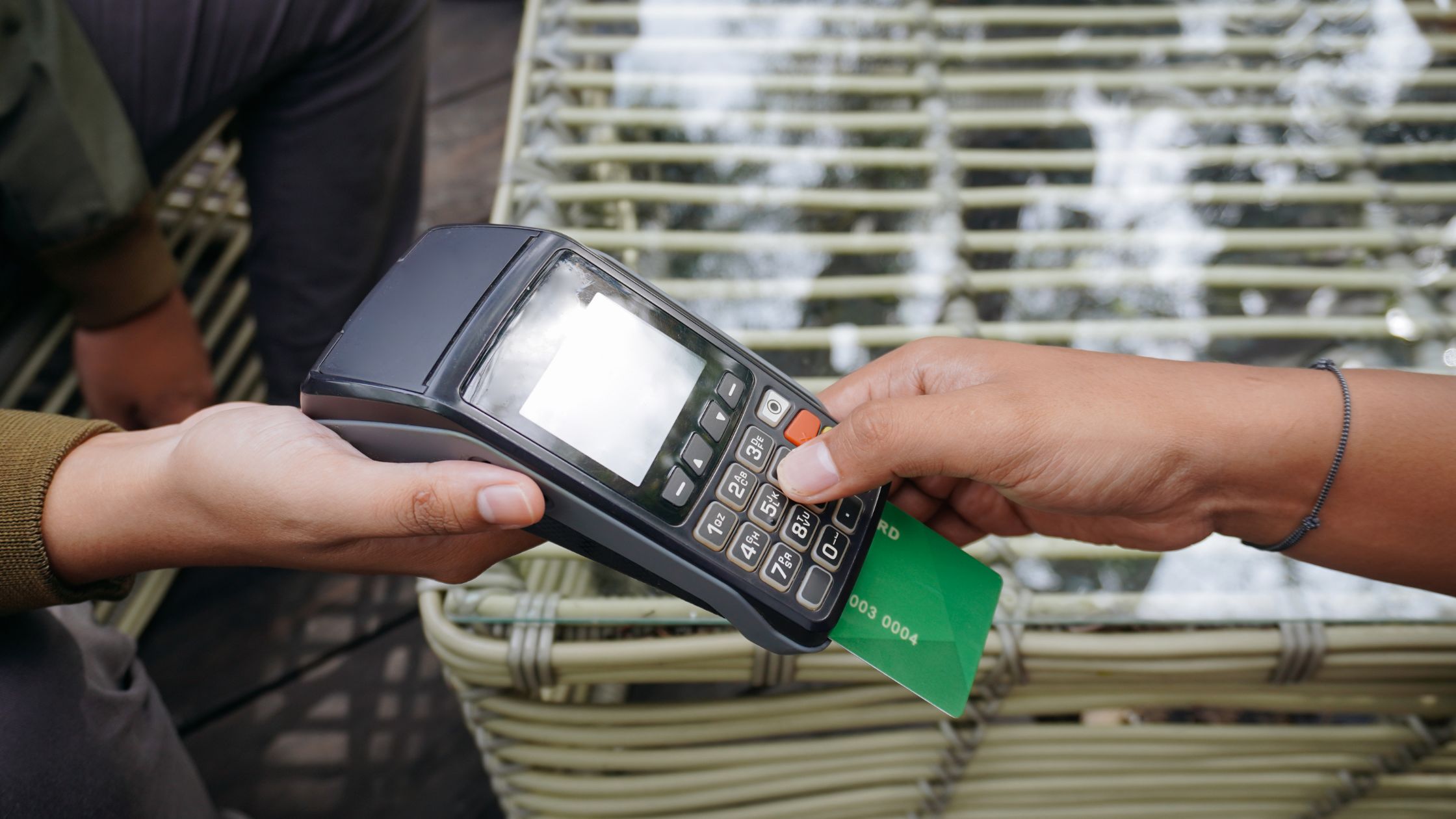
Payments and Tips That Close Checks Quickly
Fast checkout keeps guests happy and frees tables sooner, so payment flow must stay simple and reliable.
i. Split and partial payments: The POS handles split bills and split tenders smoothly, so checkout finishes without delays.
ii. Tip handling that stays clear: The POS applies tips quickly and correctly, so staff avoid confusion at close.
iii Clean receipts and summaries: The POS prints clear receipts and payment summaries, so guests confirm and move on.
iv. Controlled reopen and adjustments: The POS limits reopening with approvals, so fixes stay quick, and errors stay low.
When payments stay fast and accurate, service ends strongly, and the next table starts sooner. Learn more about Restaurant POS in 2026.
Security and Access Control that Prevents Costly Mistakes
Security controls reduce errors without slowing service, so the POS must protect critical actions while keeping daily tasks quick. Moreover, clear access rules keep teams confident during rush hours, because everyone knows what they can do and when a manager must step in.
- The POS should set role-based access.
- The POS should require approval for voids.
- The POS should log key actions clearly.
- The POS should allow fast user switching.
Strong controls prevent costly mistakes while keeping the workflow efficient. Additionally, clear accountability protects team trust and keeps operations steady every day.
Conclusion
Faster service comes from POS workflows that stay reliable, simple, and consistent from the first tap to the final payment. Moreover, when you combine offline stability, quick touch ordering, clean order-type handling, and smooth checkout, your team reduces delays, avoids rework, and turns tables with confidence. Floreant POS helps restaurants build structured digital systems and automation that keep operations smoother and customer experience stronger, so your growth stays steady without adding chaos.