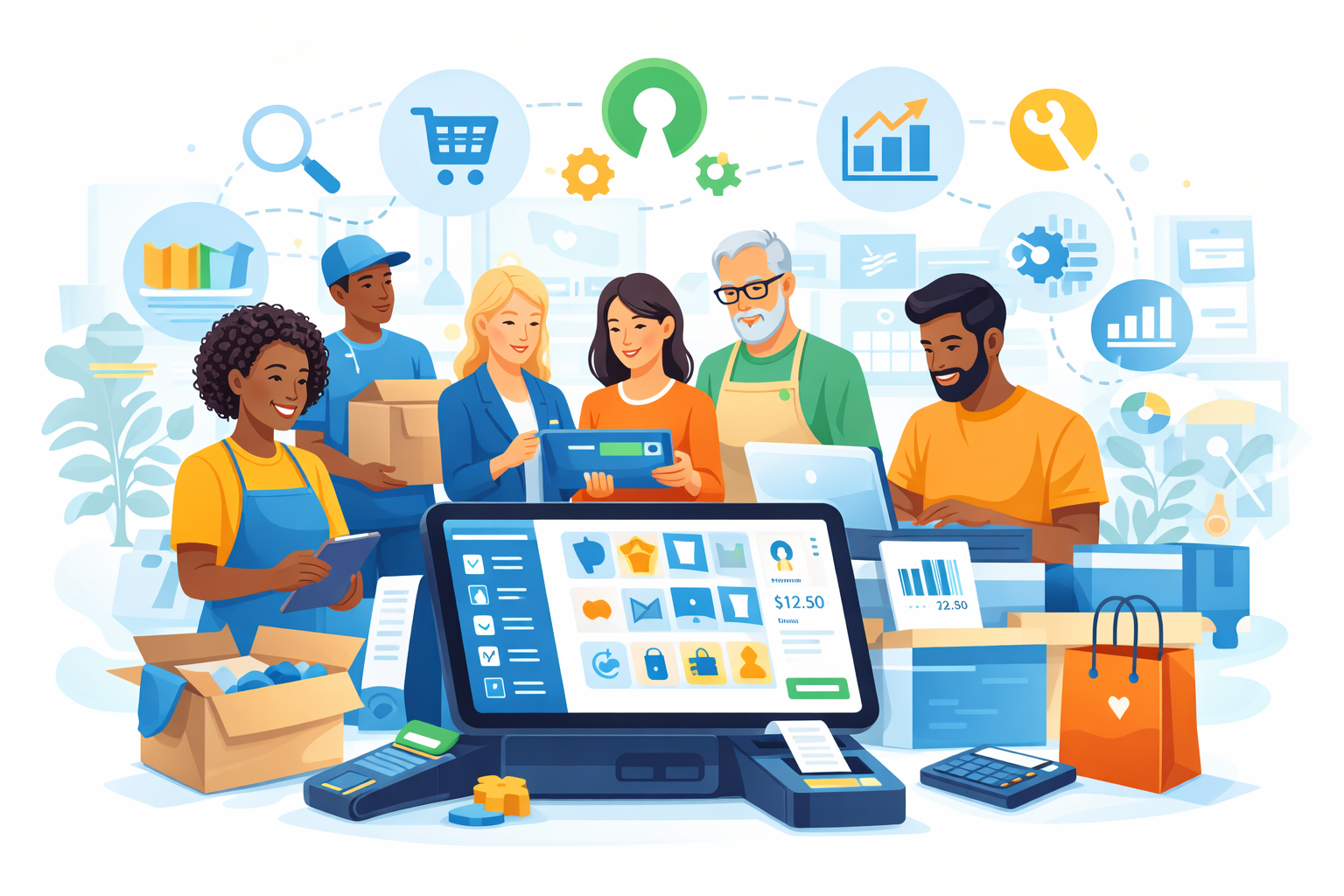
In today’s food-service world, customers order from everywhere—dine-in, takeaway, your website, delivery apps, phone, kiosks, and even social media. When each channel runs separately, you get double entry, missing orders, confused staff, and unhappy guests. A POS with multi-channel syncing connects every channel to one central system, so orders follow the same workflow, menus and prices stay consistent, and reports stay accurate in real time. This article explains why it matters, key features, setup tips, and how Floreant POS supports it.
Why You Need a POS with Multi-Channel Syncing
A POS with multi-channel syncing keeps all your order sources connected to a single source of truth. Whether it’s a dine-in ticket, a phone order, or an online delivery request, everything flows into the same system. Key benefits include:
- Single menu, multiple channels – One master menu and pricing structure that syncs across dine-in, take-out, delivery, and online ordering.
- Less manual entry – No more retyping third-party orders into the POS, which reduces errors and speeds up service.
- Real-time visibility – You can see total orders by channel, hour, and location, helping you plan staff and stock properly.
- Consistent guest experience – Customers get the same items, prices, and promises whether they order at the counter, by phone, or online.
- Better cost and performance insights – You can analyze which channels bring the most revenue and profit, and which are draining your time.
In short, a POS with multi-channel syncing turns a messy mix of systems into one unified operation that you can understand, optimize, and scale.
Core Features to Look for in a System
When evaluating POS options, don’t just look at basic billing. Choose a system that makes multi-channel operations simple today and scalable tomorrow.
I. Centralised Order Hub
All orders—dine-in, take-out, retail, and delivery—should land in one unified order screen. With built-in order types like DINE IN, TAKE OUT, RETAIL, and HOME DELIVERY, Floreant POS keeps every channel organized in a single system.
II. Real-Time Menu and Price Sync
Manage menus, categories, sizes, variants, and channel-specific prices from one back office. The POS then syncs these settings across all channels so guests always see accurate menus and pricing.
III. Unified Inventory and Reporting
Look for shared stock deduction across all order sources and clear sales/tax reports by channel. Floreant POS offers core MIS reports and can use an Inventory plugin to track stock alongside sales.
IV. Order Routing and Kitchen Workflows
Your POS should support kitchen printers or KDS, separate stations (grill, fryer, bar), and routing rules by item or category. Floreant POS can route tickets to the right printer to keep the kitchen calm during rush hours.
V. Order Types & Service Modes
The system must handle dine-in, take-out, delivery, and quick retail sales in one environment. Floreant POS supports these modes out of the box, so you can manage all channels without extra systems.
VI. Customization, Plugins, and Scalability
As you add delivery partners, online ordering, or kiosks, an open, modular POS makes growth easier. Floreant supports plugins like Inventory, Floor Plan, and Delivery, plus cross-platform deployment (Windows, macOS, Linux), so your multi-channel syncing can grow with your business instead of limiting it.
Implementation Tips for Food-Service Operations
To get real value from a POS with multi-channel syncing, set it up right and build good habits.
- Map Channels: Set each source to a POS order type with a clear kitchen/cashier flow.
- Standardise Menus: Keep item names, modifiers, and categories consistent across channels.
- Set Taxes & Fees: Configure taxes, discounts, and charges once, and apply them consistently.
- Train by Scenarios: Rehearse rush orders and modified tickets for FOH and kitchen.
- Review Performance: Track revenue by channel, peak hours, ticket size, and voids.
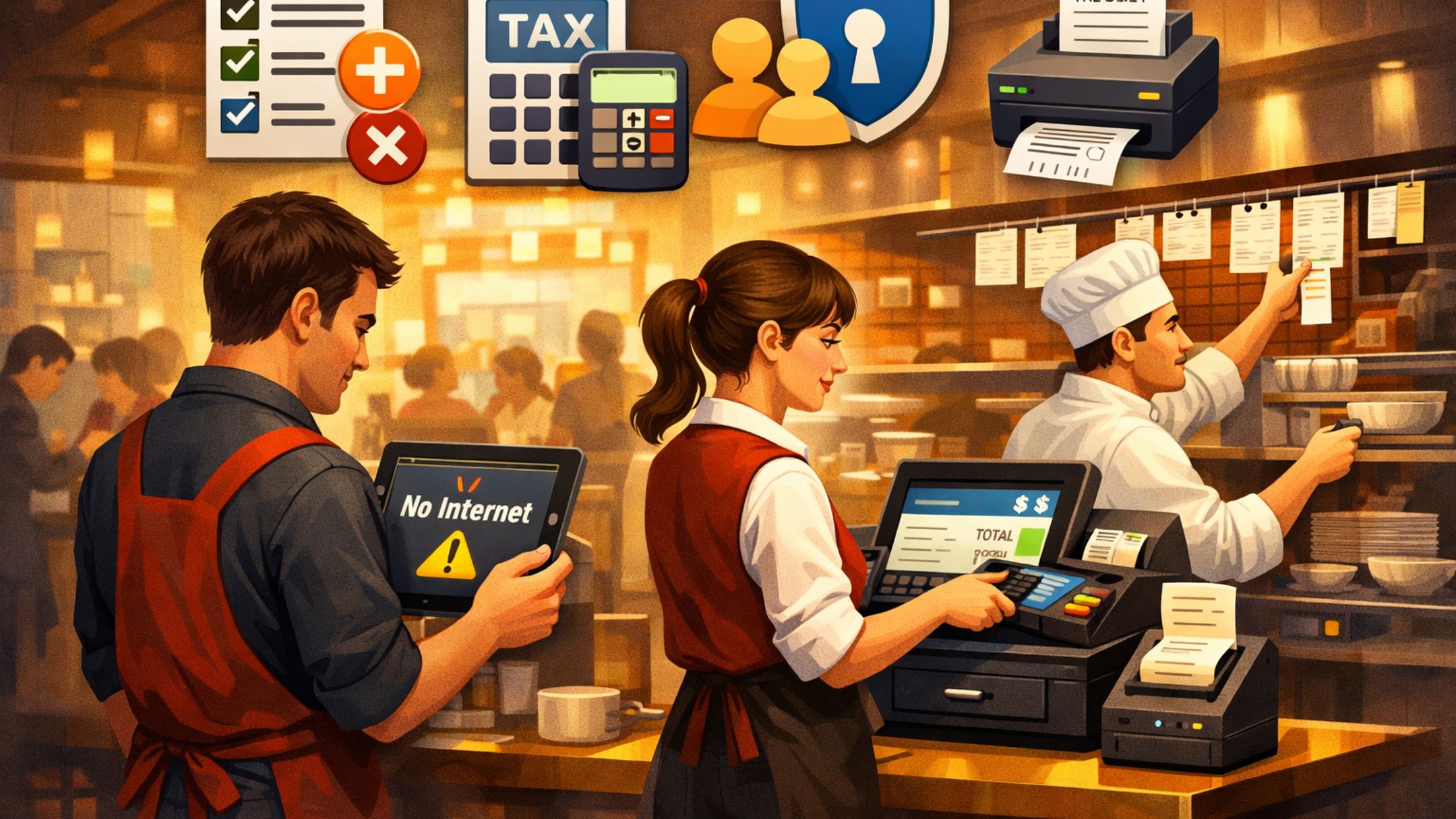
- Offline Backup: Confirm outage workflow and sync online orders later.
- Scale Smart: Keep new terminals/locations on one central POS database.
In the end, a clean multi-channel POS setup keeps orders accurate, staff confident, and reporting reliable. When every channel follows one system, operations stay faster, smoother, and easier to scale. Learn more about Floreant POS.
How Floreant POS Supports Multi-Channel Workflows
Floreant POS is an open-source restaurant POS designed to simplify order management while giving you full control over your system. Here’s how it fits into a multi-channel strategy:
1) Multiple Order Types Built In
Dine-in, Take-Out, Retail, and Home Delivery are supported by default, so every channel maps to a clear workflow without extra software. This keeps tickets, taxes, and reports separated by service mode.
2) Flexible Menu And Back Office
Menus, pricing, modifiers, and offers stay manageable from one back-office screen, so all service modes remain consistent and easy to update. This reduces staff confusion and reporting mismatches.
3) Kitchen Automation
Orders from any channel route to kitchen printers or stations, so the team handles high volume without lost tickets or slowdowns. This improves speed during rush periods and keeps production organized.
4) Plugin Ecosystem And Extensibility
Plugins like Inventory, Floor Plan, and Delivery, plus open-source flexibility, support integrations with online ordering, aggregators, or in-house apps. This makes it easier to expand features without rebuilding the POS.
Because it’s self-hosted and open-source, you’re not locked into one vendor. You can design and extend your own POS with multi-channel syncing on top of a stable, proven restaurant engine.
Conclusion
If you run a café, QSR, bar, or full-service restaurant, multi-channel is now standard—and ignoring it leads to chaos. A POS with multi-channel syncing unifies orders, inventory, reporting, and kitchen workflows so your POS becomes the operational brain of your restaurant, not just a billing tool. For full control and flexibility, Floreant POS is a powerful open-source choice for building a synchronized, multi-channel setup from front counter to back office. As a result, every channel stays aligned, and service stays smooth even during peak rush hours.