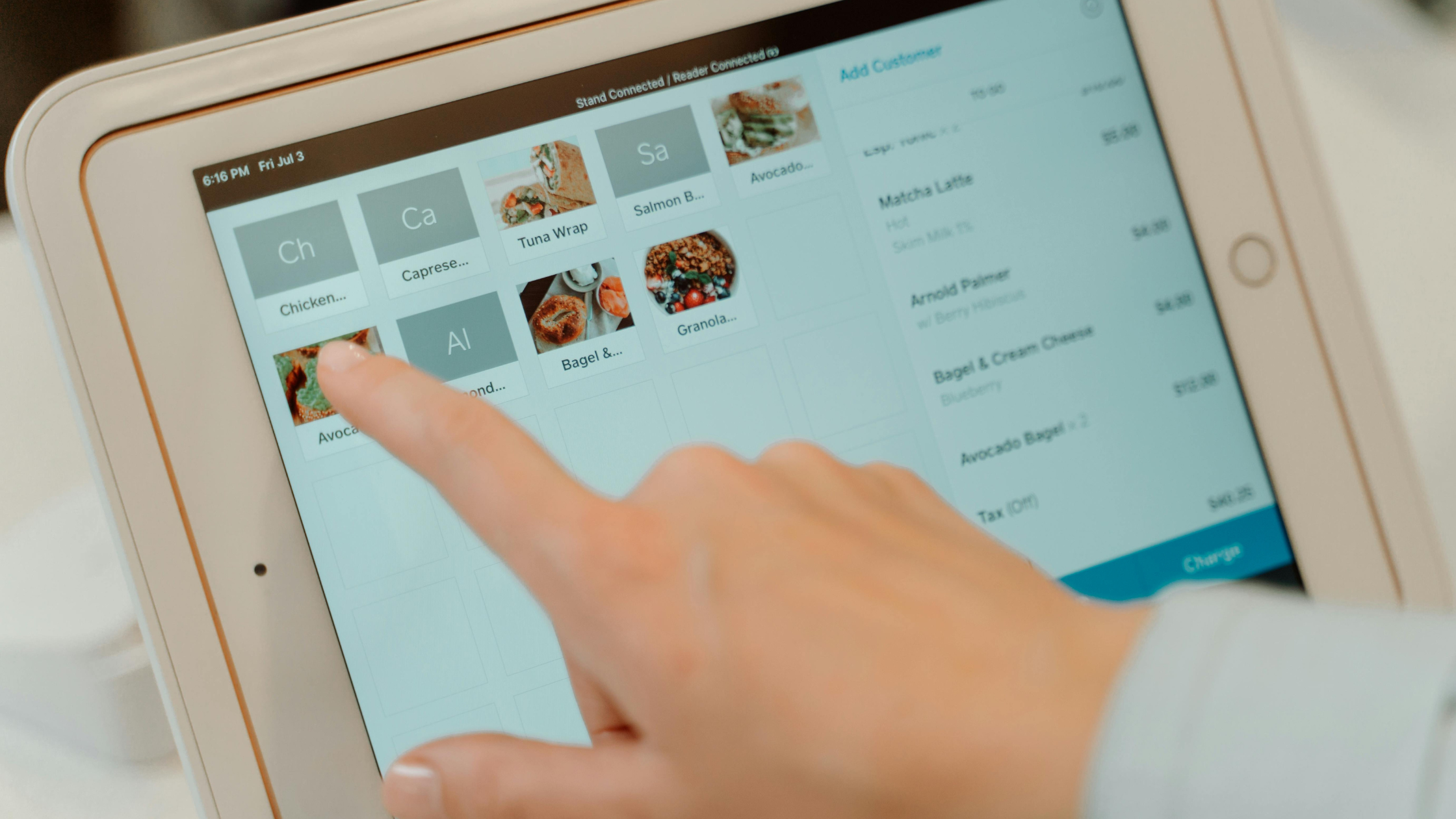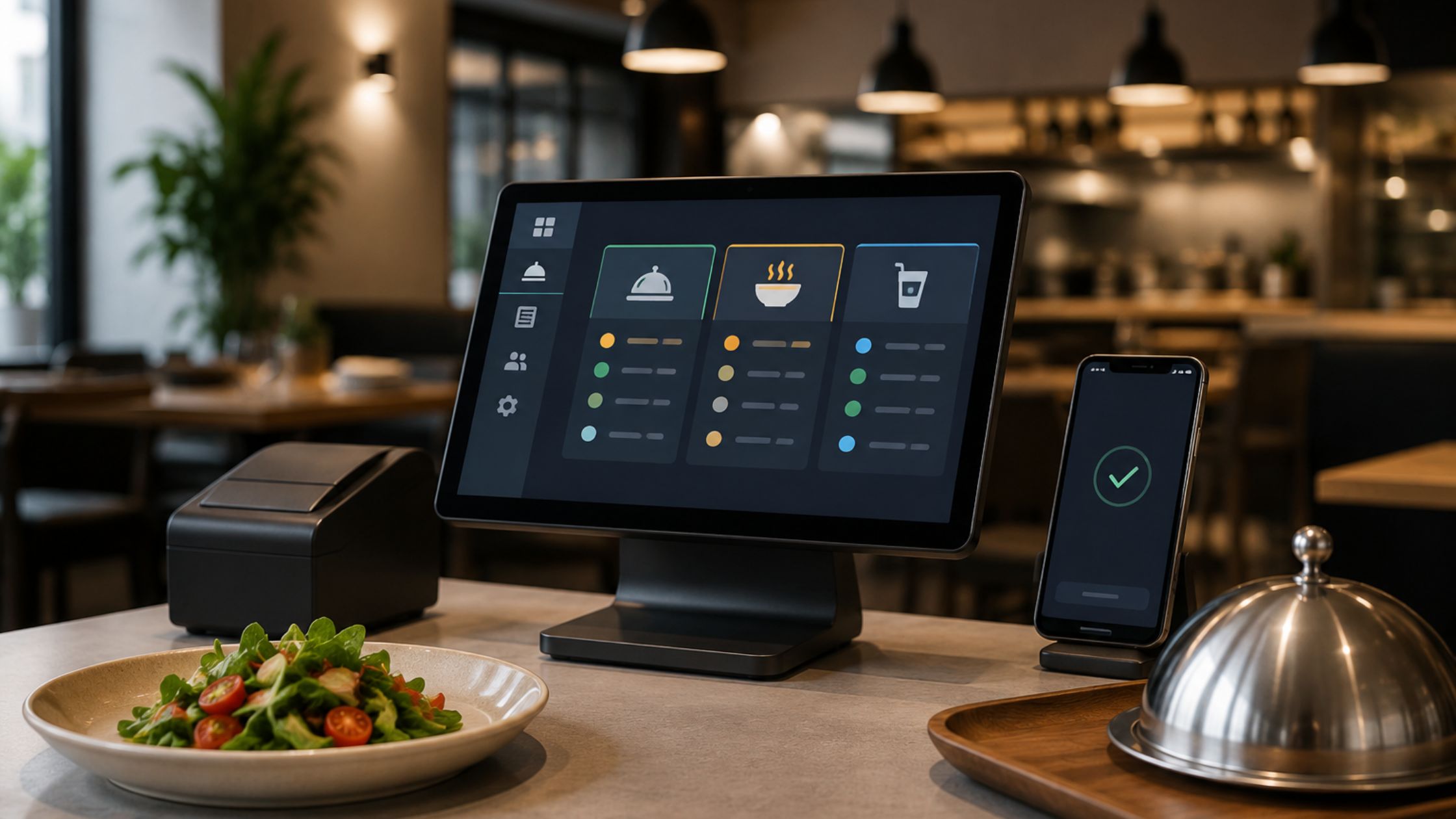
Choosing the right tablet for your restaurant POS is crucial, alongside the software. Floreant POS offers flexibility by running on multiple platforms, working offline, and coming with its own portable database. To ensure smooth order processing during busy periods, it’s important to select the right tablet. This guide will help you pick the best tablets for Floreant POS, highlight key specs to consider, and help you avoid common hardware mistakes that can slow service.

Why Tablet Choice Matters for Floreant POS
Floreant POS supports Windows, Mac, Linux, and Raspberry Pi, functioning fully offline with an embedded database. This reduces dependency on costly cloud hardware, although your tablet still requires:
- Run Java 8 reliably.
- Handle a local database or client connection without freezing.
- Stay responsive with multiple tickets open.
- Survive a full shift of constant tapping and movement.
Floreant POS supports tablets like Microsoft Surface and Dell business tablets running Java 8, with a minimum of 16 GB storage, 2 GB RAM, and a dual-core processor.
Core Hardware Requirements You Should Not Compromise On
Before you compare brands, you should lock in some minimum specs. You can use Floreant’s typical configuration for tablet devices as your starting point.
1. Processor and RAM
Your POS tablet should have:
- At least a dual-core processor
- 2 GB RAM or more
This keeps screens loading fast, lets staff switch tasks smoothly, and avoids delays when they tap Pay or Print Guest Check.
2. Storage
Floreant POS is lightweight, but you should still plan for:
- Minimum 16 GB storage for the system, database, Java runtime, and backups
- Extra space if you store logs, reports, or other tools on the same device
A bit more storage helps you grow without slowdowns as data builds up.
3. Operating System and Java Support
Since Floreant runs on Java, your tablet should:
- Support Java 8
- Run a supported OS (often Windows on Surface-style tablets)
Even if you use Floreant in a browser, you still need a decent CPU and RAM so every session feels smooth.

Recommended Tablet Types for Floreant POS
Instead of chasing one brand, you should think in categories and match them to your business model.
A. Windows Business Tablets (Ideal for Direct Java Install)
Windows tablets such as the Microsoft Surface line or Dell business tablets align closely with typical Floreant deployments. They usually offer:
- Native Java 8 support
- Keyboard and dock options for back-office use
- Strong performance for running reports and configuration
These devices suit:
- Full-service restaurants that need rich table-service features
- Managers who want to run reports and configuration on the same device
- Setups where each terminal doubles as a workstation
B. Compact Tablets for Food Trucks and Kiosks
Floreant POS is perfect for food trucks and remote locations with unstable internet due to its offline capabilities. When selecting tablets for these settings, consider:
- Remain lightweight and easy to mount
- Offer bright screens for outdoor visibility
- Provide reliable Wi-Fi or Ethernet via a dock for local printers
You might pair a single tablet terminal with a kitchen printer or kitchen display so tickets move quickly from counter to kitchen.
C. Multi-Terminal Setups with Kitchen Display Systems
If you run several terminals and a kitchen display, you should pick tablets that:
- Share the same OS and Java version across all units
- Connect easily to your local network for shared database access
- Sit securely in stands near service stations
Floreant POS already supports multiple terminals, visual table management, kitchen printers, and kitchen displays, so you simply need tablets that keep up with that workload. Learn more about POS with Multi-Device Support for Flexible Restaurant Workflows.
Checklist to Find the Best Tablets for Floreant POS
Now let’s pull this together into a practical selection checklist. As you compare devices, you can ask these questions:
- Does this tablet support Java 8 and a supported OS? – If not, you should move on immediately.
- Does it meet or exceed 2 GB RAM and 16 GB storage? – If you expect heavy reporting or multiple terminals, you should prefer higher specs.
- Can staff comfortably use the screen size? – A small tablet leads to mis-taps, while a large one may feel bulky.
- How will it connect to printers, cash drawers, and the network? – Ensure docks, hubs, and cables are compatible with your model.
- Does the battery hold up during long shifts? – A strong battery is helpful during power fluctuations and layout changes, even if you mostly dock the tablet.
When a device checks these boxes, you can confidently treat it as one of the best tablets for floreant pos for your specific type of restaurant.

Avoid These Common Tablet Mistakes
Many venues purchase tablets quickly and later regret the decision. You can avoid extra costs and frustration if you watch out for these mistakes:
- Choosing consumer-grade tablets only by price: You save a little at purchase, but you lose more in downtime and replacements.
- Ignoring OS and Java compatibility: If the device cannot run Java 8 or connect to your Floreant deployment, you end up rebuilding your setup.
- Underestimating peripheral needs: Your tablet must work smoothly with receipt printers, kitchen printers, cash drawers, and card terminals.
- Skipping stress tests before go-live: Always run test days with simulated rush hours so you can confirm that your tablets handle busy service without freezing.
Avoiding these shortcuts turns your tablets into reliable tools, not disposable gadgets. The right hardware saves more in uptime and durability than any low-cost option ever will.
Conclusion
The right tablet turns Floreant into a fast, reliable, and portable point-of-sale system tailored to your restaurant. Following guidance on Java 8 support and hardware requirements ensures your staff has smooth and dependable performance during every shift.
Floreant POS offers an open-source, offline restaurant platform that supports multiple terminals and necessary hardware. They assist in planning and optimizing your deployment, ensuring your tablets, printers, and network work seamlessly together. With Floreant POS, you can serve guests quickly, manage cash efficiently, and confidently grow your business by selecting the best tablets for your setup.