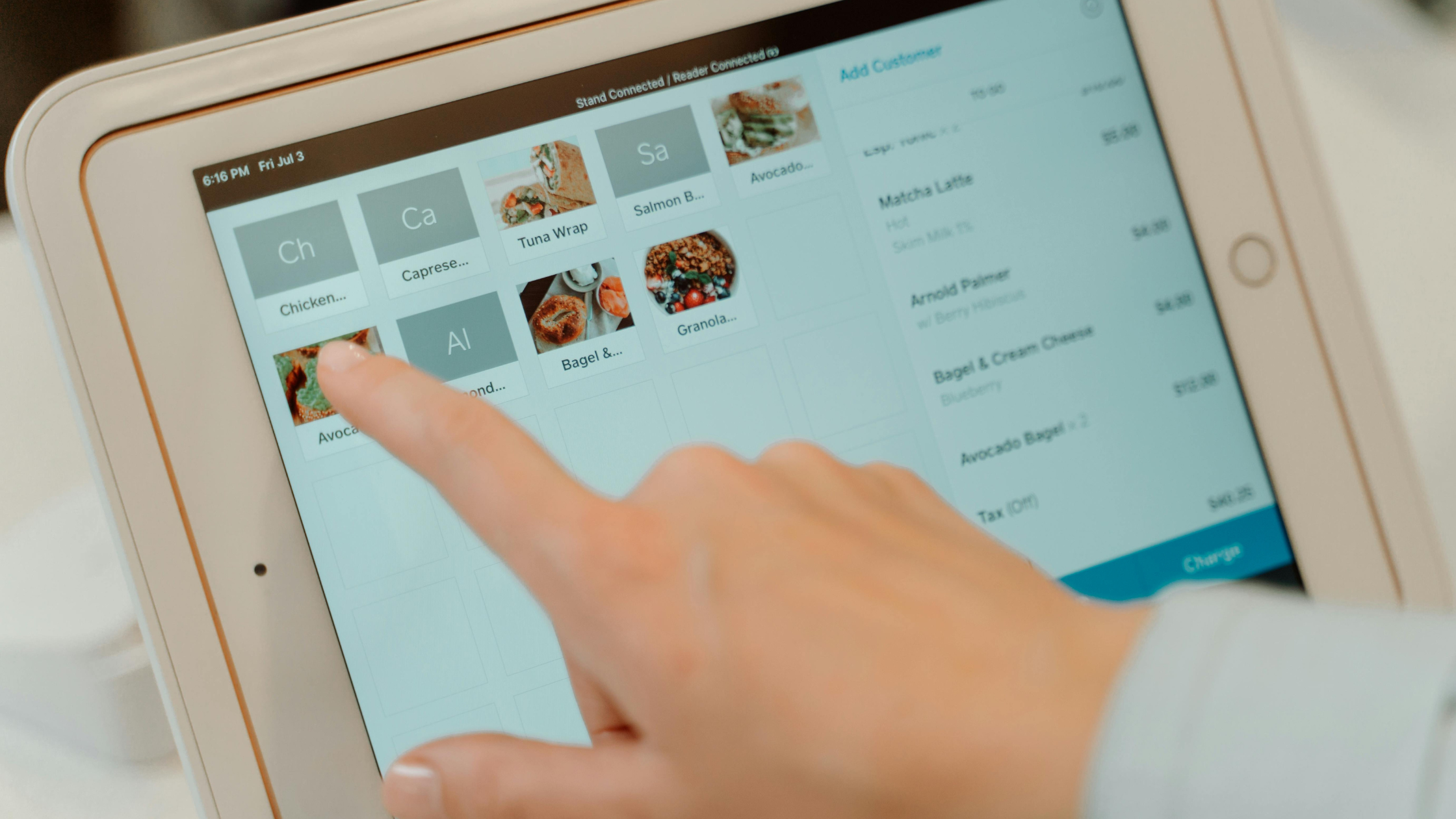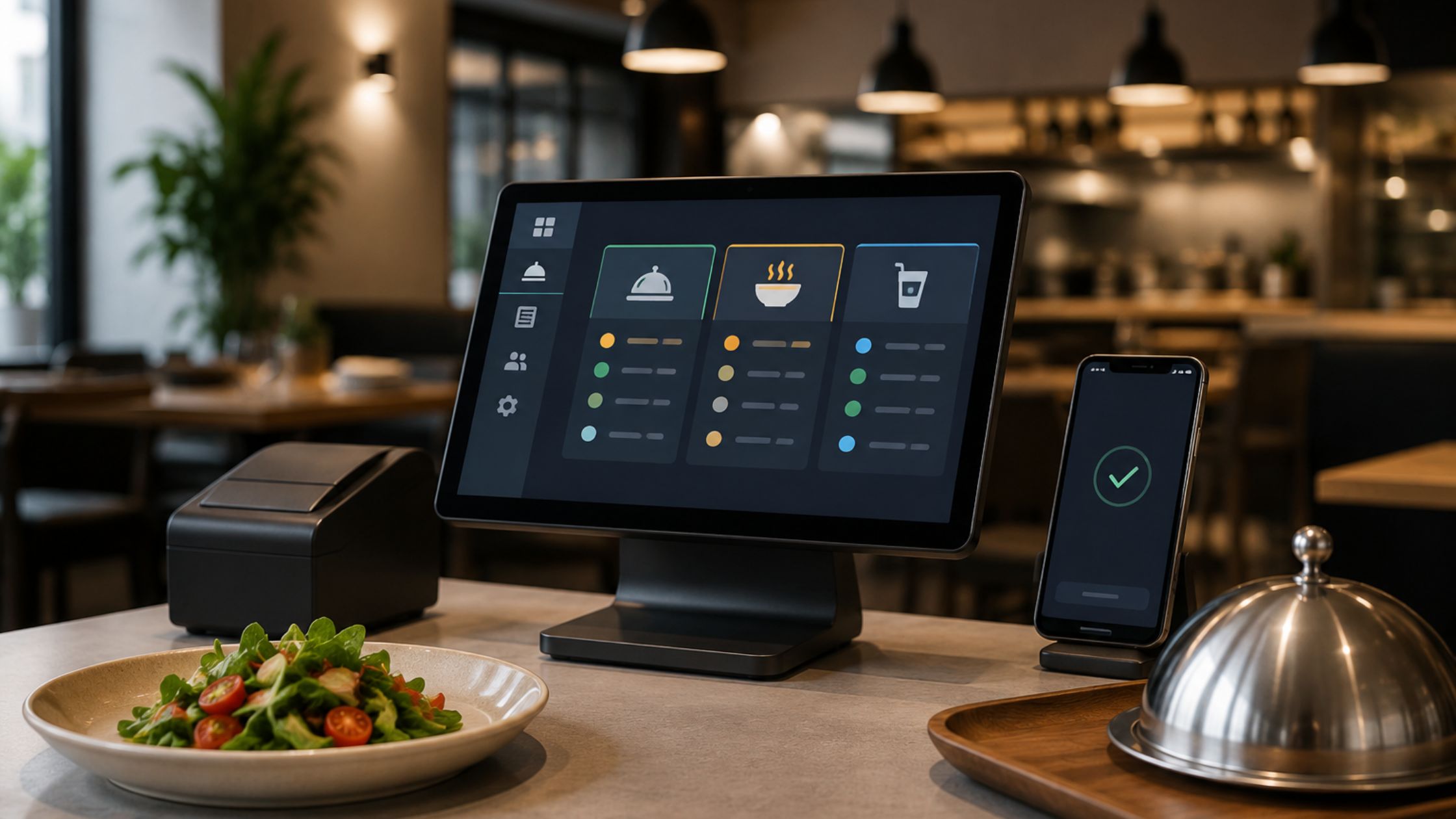
In today’s competitive restaurant and retail landscape, choosing the right point-of-sale solution matters more than ever. Therefore, picking a system that fits your workflow and budget is critical. An open source POS system gives businesses full control over their sales processes without locking them into expensive proprietary licenses. Among the best choices available, Floreant POS stands out for its simplicity, flexibility, and robust set of features designed specifically for restaurants, cafes, bars, and light retail stores. In addition, it also helps teams work faster during peak hours, reduces billing errors, and keeps operations consistent across shifts, while allowing owners to tailor the system as their business grows.
What Is Floreant POS?
Floreant POS is a free, enterprise-grade open source point-of-sale system that restaurants and retail stores can install, customize, and use without licensing fees. Since its public release in 2009, it has been widely adopted by over 30,000 businesses in more than 25 countries. In addition, the platform supports a variety of operational needs right out of the box, and because it’s open source, developers can modify its functionalities to meet unique business requirements.
As a result, Floreant POS fits both single-location shops and growing chains, because it supports daily billing, menu control, reporting, and hardware setup while remaining flexible for custom workflows and integrations.
Why Businesses Choose an Open Source POS
Moreover, using an open source POS like Floreant POS delivers several advantages over traditional closed software systems, especially for restaurants that need flexibility, reliability, and long-term cost control.
Instead of proprietary systems, open source POS platforms allow business owners to access and modify the source code. This means businesses can tailor the software to fit specific workflows and integrate with other tools seamlessly.
1. Full Customization and Freedom
Unlike proprietary systems, open source POS platforms allow business owners to access and modify the source code. This means businesses can tailor the software to fit specific workflows or integrate with other tools seamlessly.
2. Cost-Effective and No Licensing Fees
Therefore, users avoid recurring licensing costs and long-term contractual obligations. Businesses can run it on any compatible hardware without paying for monthly subscriptions, upgrade fees, or hidden charges.
3. Offline Reliability
Floreant POS functions fully offline thanks to its embedded database setup. Therefore, it continues to process orders, handle payments, and print receipts even when internet connectivity fails.
4. Cross-Platform Support
You can install Floreant POS on Windows, Linux, Mac, and even devices like Raspberry Pi with minimal setup effort. This flexibility lets businesses use low-cost hardware while maintaining powerful POS operations.
Overall, Floreant POS combines freedom, savings, reliability, and cross-platform flexibility, so restaurants and retailers keep full control of operations while improving speed, accuracy, and long-term scalability. Learn more about Comercial Grade Open Source POS.

Core Features That Enhance Business Operations
Floreant POS includes a suite of capabilities that help streamline sales and customer service across front counter, dine-in, takeout, and back-office workflows for faster daily operations.
- Order and Table Management: Staff can track orders, split bills, and manage tables easily from a touchscreen interface.
- Cash Control and Tax Handling: The system supports detailed cash drawer control, tax settings, and sales tracking.
- Advanced Reporting: Businesses can generate analytics and financial reports that help improve decision-making and operational insight.
- Hardware Compatibility: Kitchen printers, touch displays, and barcode scanners all work seamlessly for a smooth workflow.
Floreant POS helps businesses improve speed, accuracy, and efficiency from the front counter to the back office.
Who Can Benefit from Floreant POS?
Floreant POS fits a broad range of business types, such as:
- Quick service and fine dining restaurants.
- Coffee shops and bars.
- Food trucks and kiosks.
- Light retail stores and bakeries.
Even small business owners with limited technical resources can adopt Floreant POS thanks to its intuitive setup and minimal hardware requirements.
How Easy Is It to Start with Floreant POS?
Floreant POS gives you tighter control over daily operations because your core data stays closer to how your business actually runs. As a result, you can organize backups more consistently, protect your sales history, and lower the risk of disruption when unexpected downtime happens. Moreover, this kind of control helps your team stay ready during peak hours, staff changes, and even sudden hardware problems.
To keep your setup stable and secure, use these practical habits:
- Schedule automatic backups every day, especially after high-volume shifts, so nothing important gets missed.
- Save a second backup copy on an external drive or a secure folder; that way, you’re protected if one location fails.
- Restrict admin access to managers, since limiting permissions reduces mistakes and prevents unauthorized changes.
- Use strong passwords and update them regularly, and then rotate them every few months to maintain better security over time.
- Test receipt printers and cash drawer settings weekly, because quick checks help you catch issues before they slow down service.
- Maintain a simple “recovery checklist,” so if something breaks, your team can restore operations faster and with less confusion.
Overall, these steps create a smoother safety net. Therefore, you improve continuity, protect reporting accuracy, and keep your POS environment reliable as your restaurant continues to grow.
Community and Support
However, Floreant POS is free and open source; it has a vibrant community of developers and users who contribute improvements, plugins, and feature enhancements. This collaborative ecosystem keeps the platform up to date and responsive to real business needs.
Additional community discussions, shared guides, and troubleshooting resources help new users resolve issues faster and optimize their daily workflows. In addition, optional paid modules and plugins are also available to extend the POS system further, including advanced features, integrations, and prioritized assistance.

Data Control, Backup, and Business Continuity
As a result, Floreant POS gives you stronger control over daily operations because you keep core data closer to your business workflow. You can plan backups, protect sales history, and reduce risk from unexpected downtime. Therefore, as a result, your team stays prepared during peak hours, staff changes, or hardware issues.
To keep your setup stable and safe, follow these practical steps:
- First, schedule automatic backups daily, especially after busy shifts.
- Store a copy of backups on an external drive or secure folder.
- Limit admin access to managers, not every cashier terminal.
- Use strong passwords and rotate them every few months.
- Test receipt printers and cash drawer settings weekly.
- Keep a basic “recovery checklist” for faster system restoration.
This simple process improves continuity, protects reporting accuracy, and ensures your POS environment stays reliable as your business grows.
Conclusion
An open source POS solution like Floreant POS offers unmatched freedom, cost savings, and adaptability for businesses looking to streamline their operations and retain control over their technology. Ultimately, whether you run a restaurant, café, or retail store, Floreant POS delivers reliability and flexibility without the burden of licensing fees. With its strong feature set and active community, Floreant POS continues to be a top choice for businesses seeking accessible and fully customizable POS software. Therefore, Floreant POS embodies a powerful open source point-of-sale system that meets diverse business needs while empowering owners with complete control.