POS menu modifiers play a critical role in managing modern restaurant operations. Many restaurants struggle with order errors, slow service, and miscommunication, especially when handling complex orders. However, the right system can eliminate these issues. In this guide, you will learn how POS menu modifiers streamline workflows, improve accuracy, and support better customer experiences. By effectively categorizing customizations and ensuring kitchen staff receive precise instructions, modifiers reduce expensive waste and prevent frustrating delays. Ultimately, implementing a robust modifier strategy empowers your team to handle high volumes with total confidence, leading to increased profitability, smoother daily shifts, and much happier repeat guests.
Unlocking Order Precision: The Power of POS Modifiers
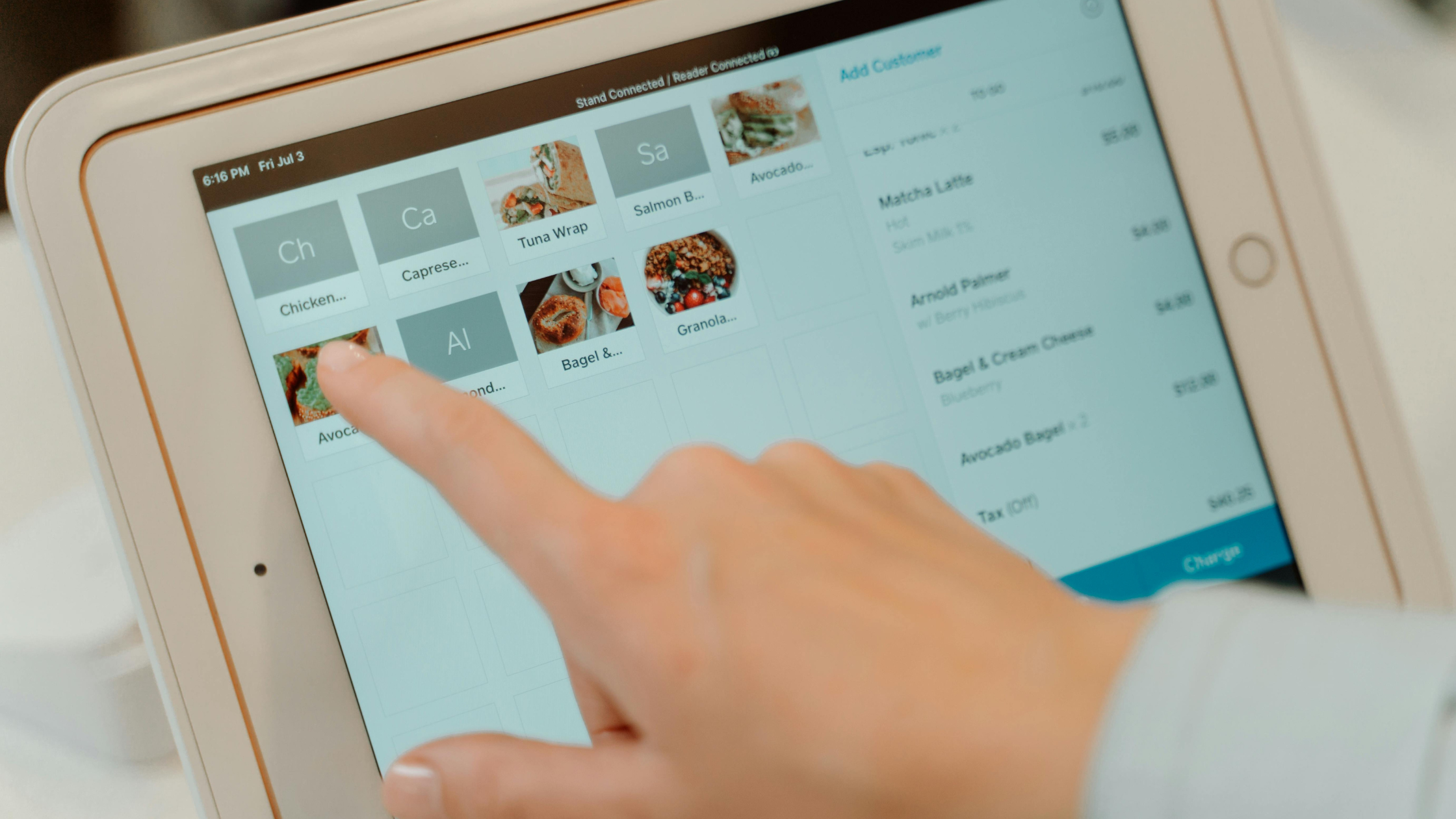
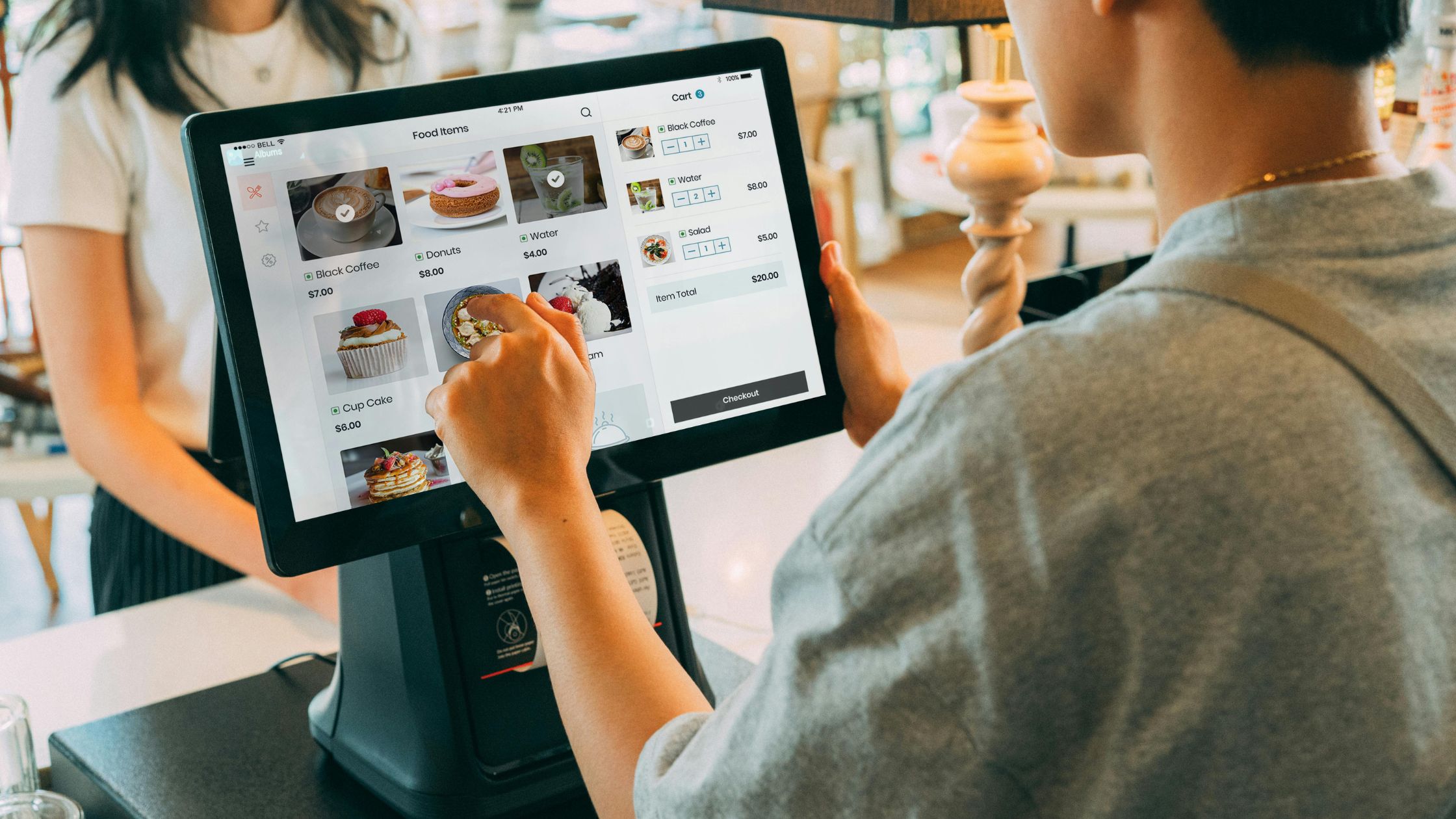
POS menu modifiers are built-in options that let restaurant staff customize menu items directly inside the POS system. Instead of typing long notes or explaining changes verbally, servers can quickly select choices like extra cheese, no onions, gluten-free crust, spicy level, cooking preference, or add-on toppings.
This feature becomes especially useful when restaurants handle complex orders during busy hours. For example, a customer may order a burger with no pickles, extra sauce, and a side upgrade. With clear modifiers, the kitchen receives every detail accurately and prepares the order without confusion.
Additionally, POS menu modifiers help restaurants build a more flexible custom menu. As a result, customers get more control over their orders, staff work faster, and the kitchen reduces mistakes. Therefore, restaurants can improve order accuracy, speed up service, and deliver a smoother dining experience.
Why Precision Customization is the Secret to Restaurant Success
Modern restaurants need speed, accuracy, and flexibility. However, customer requests often make ordering more complex. POS menu modifiers help restaurants manage those requests without slowing service.
Key Reasons They Matter:
- Faster Order Entry: Staff can select add-ons, substitutions, and cooking preferences quickly.
- Better Order Accuracy: Clear modifier options reduce mistakes between servers and kitchen teams.
- Easier Complex Orders: Restaurants can handle custom meals, allergies, and special instructions more smoothly.
- Smarter Menu Control: Owners can track popular add-ons and improve pricing decisions.
- Consistent Customer Experience: Every order stays consistent across dine-in, takeout, and online channels.
In short, POS menu modifiers help restaurants serve customized orders faster, cleaner, and with fewer errors. Learn more about Open Source Restaurant POS.
Simplifying Custom Orders and Flexible Pricing
Customers love flexibility, but too many special requests can slow down service. POS menu modifiers help restaurants manage custom orders, add-ons, and pricing rules without confusion.
1. Clear Customization
Staff can instantly select options like premium toppings, dietary substitutions, or specific preparation notes. Consequently, the kitchen receives standardized instructions every time, eliminating the ambiguity that leads to expensive errors.
2. Easier Complex Orders
Intricate orders become effortless to manage because every modification follows a structured, mandatory digital workflow. Therefore, servers avoid messy manual notes, and the kitchen never misses a crucial detail.
3. Smarter Half-and-Half Pricing
Managing split items like pizzas often leads to billing discrepancies and guest frustration. However, modern POS modifiers automatically calculate charges based on specific toppings, ensuring every transaction remains perfectly accurate.
4. Better Customer Experience
When the customization process feels seamless, guests feel truly heard and valued. Meanwhile, staff operate faster, billing stays transparent, and the restaurant delivers personalized meals without compromising operational speed.
With clear modifiers and automated pricing, restaurants can handle custom orders confidently, reduce mistakes, and deliver a smoother ordering experience.
Creating a Custom Menu with POS Modifiers
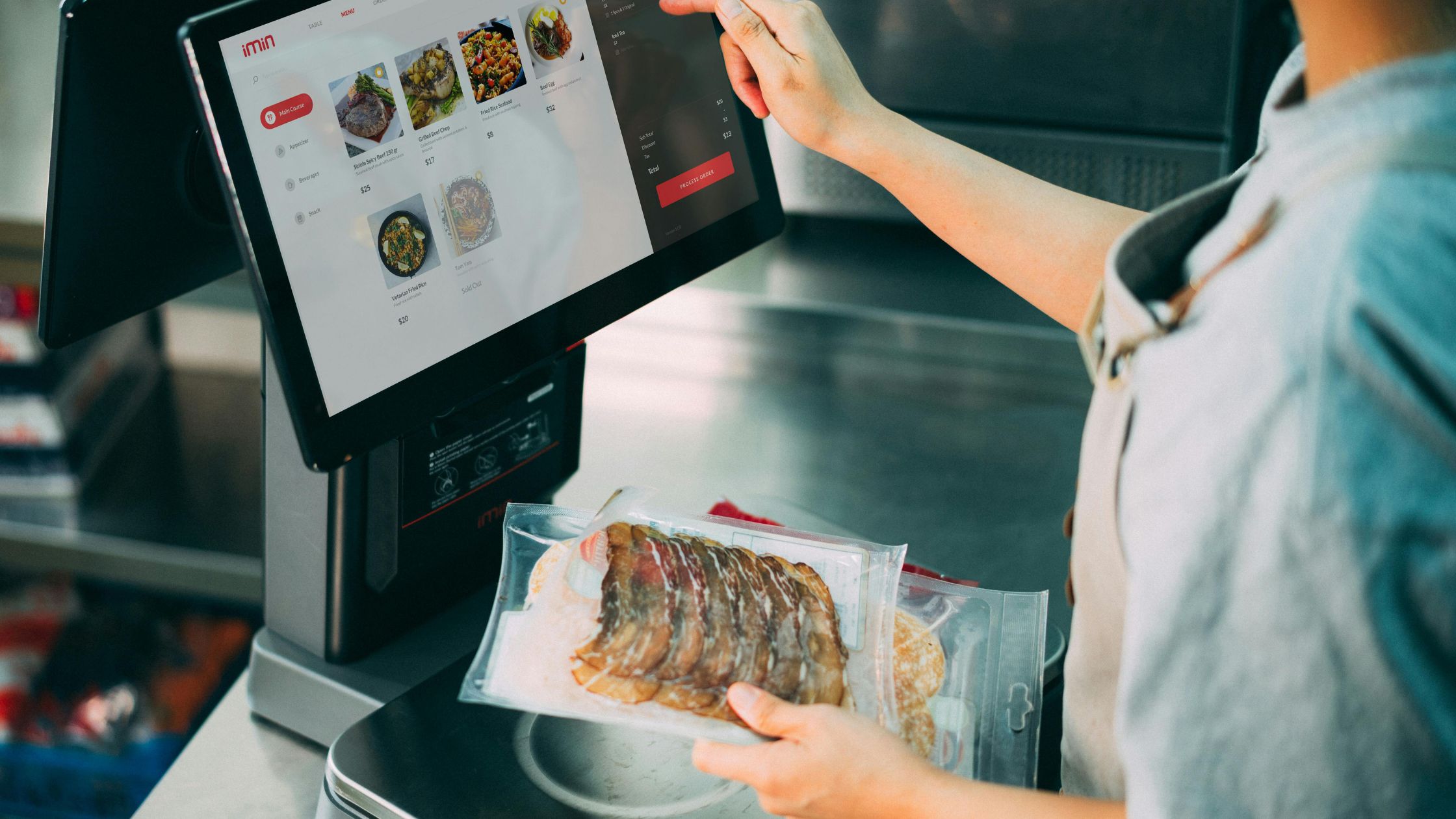
A. Building a Flexible Custom Menu
A custom menu allows restaurants to offer personalized dining experiences. However, managing customization manually can overwhelm staff.
POS menu modifiers make customization simple by organizing options into categories such as:
- Add-ons for toppings and sides.
- Substitutions for item swaps.
- Cooking preferences for special instructions.
- Portion adjustments for serving sizes .
Consequently, staff can quickly select options instead of remembering every variation.
B. Enhancing Customer Experience
Customers expect flexibility when ordering. Therefore, offering customization improves satisfaction and loyalty.
Additionally, POS menu modifiers ensure that every customization reaches the kitchen accurately. As a result, customers receive exactly what they ordered.
Optimizing Kitchen Throughput and Operational Flow
POS menu modifiers do far more than simplify data entry—they serve as the backbone of a high-performance kitchen.
A. Synchronized Kitchen Production
When modifiers are properly utilized, tickets arrive at the line with granular, standardized instructions. This eliminates the need for chefs to interpret handwritten scribbles or pause for verbal clarifications. By removing these “friction points,” the kitchen can maintain a steady rhythm, directly translating to faster table turns and lower ticket times.
B. Seamless Cross-Team Communication
A robust modifier system acts as a digital bridge between front-of-house and back-of-house staff. By standardizing how requests—like allergy alerts or specific sear temperatures—are communicated, you eliminate the guesswork that leads to costly “re-fires.” Consequently, the entire team operates with greater synergy, ensuring every dish meets the guest’s exact expectations on the first try.
Integration with Advanced POS Systems
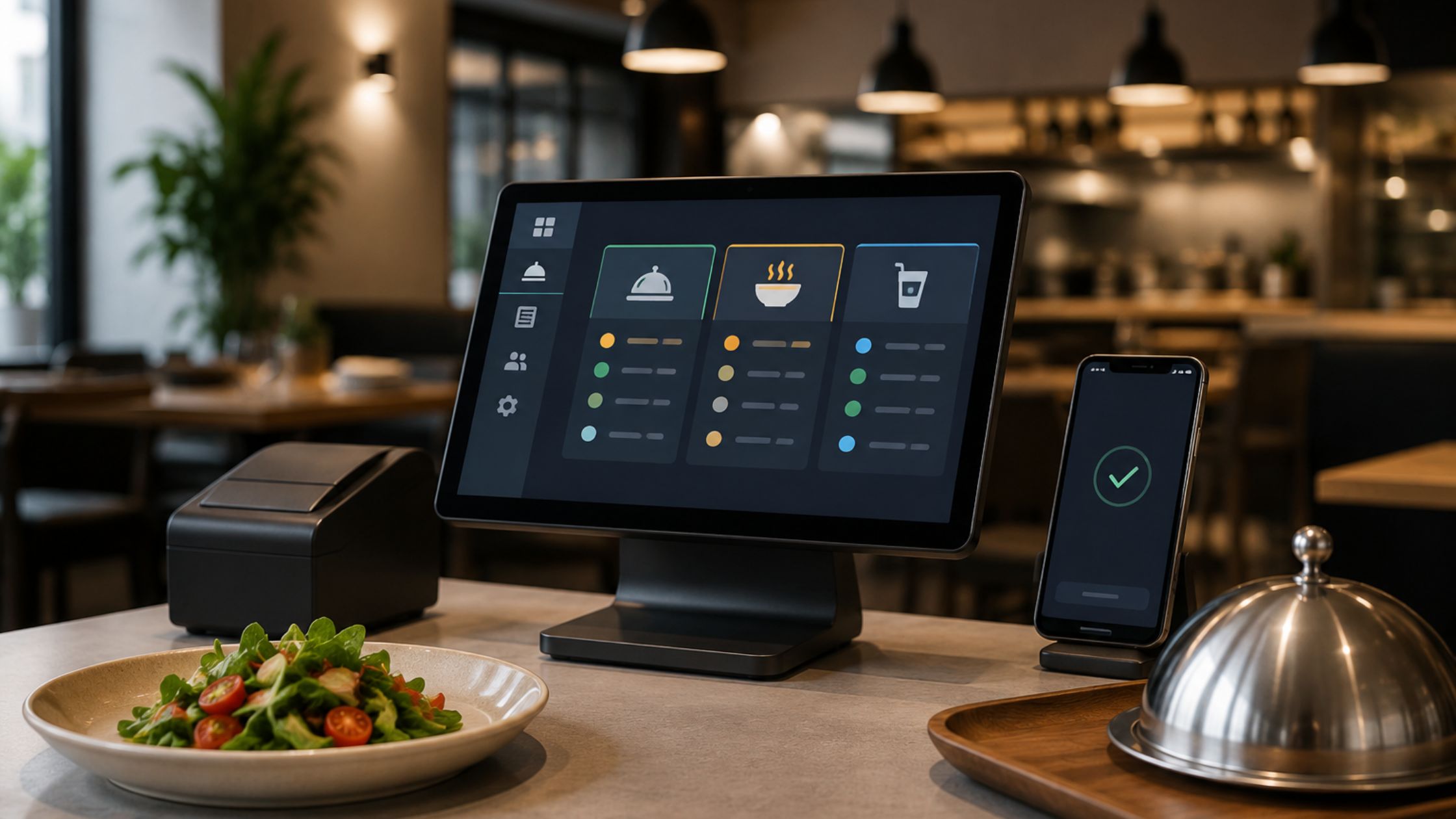
Modern POS solutions like Floreant POS offer powerful menu modifier features. These systems support:
- Real-time order updates.
- Modifier grouping.
- Automated pricing rules.
- Seamless kitchen display integration.
Such platforms give restaurants flexibility to adapt as they grow. For more context, explore how point-of-sale systems manage transactions.
Mastering the Art of Customization: Pro-Tips for Modifier Success
A well-planned modifier setup keeps ordering fast, clear, and accurate. Therefore, restaurants should build modifiers with staff usability and kitchen efficiency in mind.
- Keep Modifiers Simple: Group options clearly so staff can find choices quickly.
- Use Clear Labels: Name each modifier in simple terms to avoid confusion.
- Test Before Launch: Run trial orders to catch pricing or workflow issues early.
- Train Your Staff: Show teams how to use modifiers during real service situations.
With the right setup, POS menu modifiers reduce mistakes, speed up service, and support a smoother restaurant workflow.
Conclusion
POS menu modifiers transform how restaurants handle orders, especially when dealing with complex orders, flexible pricing, and custom menu requests. They reduce errors, improve speed, and enhance customer satisfaction.
Moreover, they create a structured system that supports growth and scalability. Therefore, restaurants can deliver consistent service even during peak hours.Platforms like Floreant POS provide robust modifier features that help businesses streamline operations effectively. By implementing the right strategy, restaurants can move from confusion to control with confidence.